
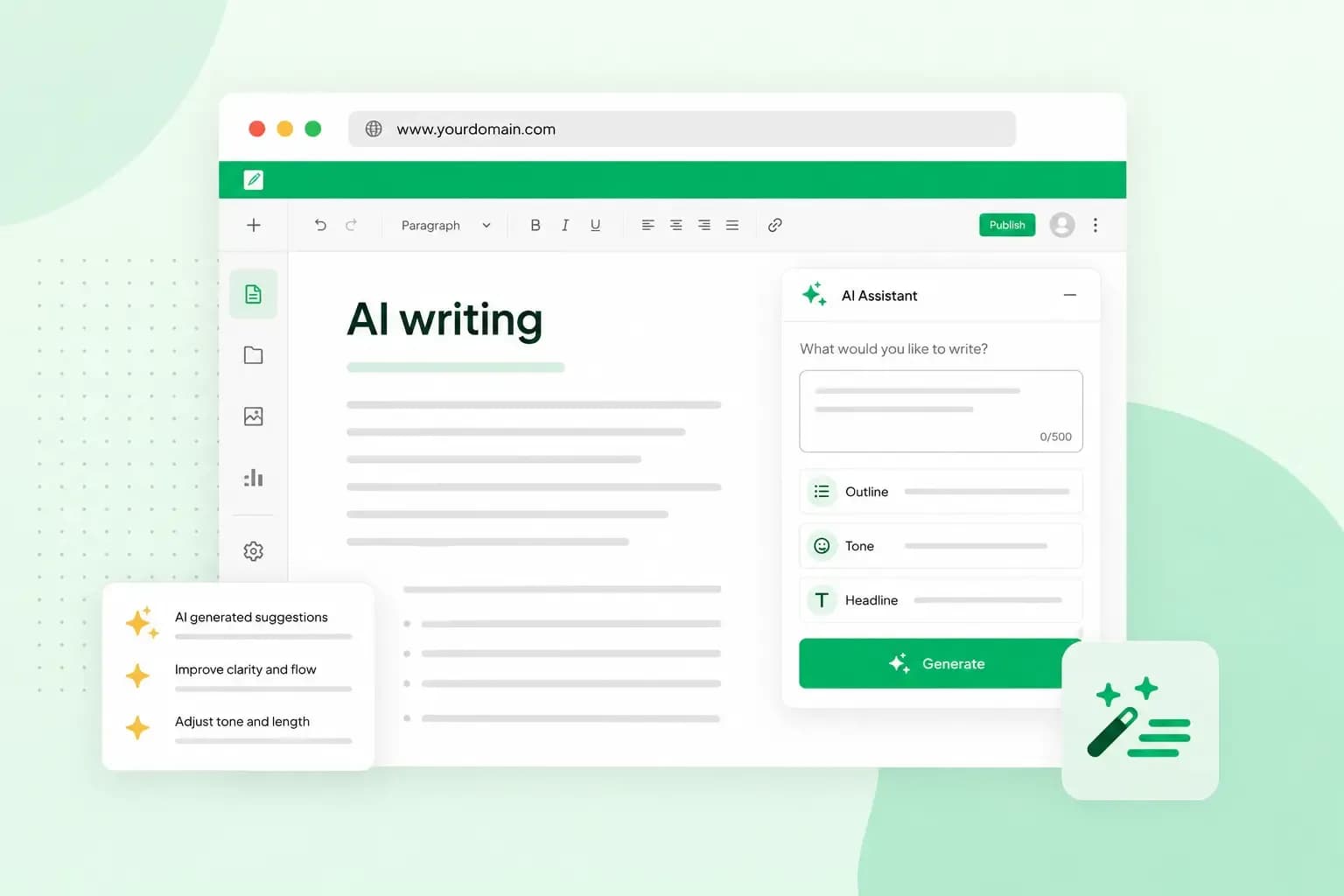
AI writing is text that an AI tool, often called an AI writer, creates for you from a short instruction called a prompt. You describe what you need, such as a product description or a reply to a customer, and the tool writes a first version for you to review. That saves time when you're getting started, but treat the result as a draft: check the facts and edit it before you use it. Businesses use AI writing for web pages, posts for a company blog, product descriptions and emails.
How does AI write text?
AI writes text by predicting a likely sequence of words, based on what it learned in training. Behind an AI writing tool is a large language model, a program trained on a massive amount of text. It doesn't look facts up, so the text reads well but can also be wrong, or out of date, depending on when its training data was collected.
Your prompt is what the model works from. It can be as basic as "write a short article about local marketing" or "create a to-do list for a content audit". There's more on what happens inside the model in our article on how AI works.
Where you'll find AI writing tools
You don't need special software to try AI writing, because it's built into chat tools and office programs you may already use:
- In chat tools such as ChatGPT and Google's Gemini, you type a request and get text back.
- Copilot in Microsoft Word can draft new content, rewrite and refine your writing, and summarise a document. You can use it if your Microsoft 365 subscription or Copilot licence includes it.
- In Google Docs, you can write and edit with Gemini if you have an eligible Google Workspace or Google AI plan.
- With our Aida AI Website Builder, you describe your business in a chat and Aida creates the pages, text and images of your website. You can then change any of it yourself.
If you're new to AI writing, start with a chat tool, because all you do is type what you want. Use the AI in your word processor when you already write your documents there, and a website builder when you need a whole website rather than single texts.
What can you use AI writing for?
AI writing tools help with everyday jobs like drafting, rewriting and polishing text. You can read more about the benefits of AI writing assistants.
- First drafts and outlines. Use it for a blog post outline or a first draft of a product description, so you edit instead of starting from a blank page.
- Emails. An AI writing assistant can improve professional emails, for example by making the tone more formal or more relaxed. For marketing emails to your customers, it gives you a first version to work from.
- Ideas when you're stuck. If you have writer's block, ask for ten headline ideas or three ways to open a paragraph. Then pick the best and rework it.
- Rewriting and summarising. You can shorten a long text, summarise a document or rewrite a paragraph in a different tone.
- Titles and descriptions for search. A tool can suggest a title tag and a meta description for a page. These are the page title and the short summary that can appear in search results.
Don't expect it to know your business, though. Add the details only you know, such as your prices and the questions your customers ask you.
What are the risks of AI writing?
The main risks are wrong facts, what happens to what you type, and text that doesn't sound like you. Copying is worth a check too. If a passage reads as if it came from somewhere else, run it through a plagiarism checker or rewrite it in your own words before you use it.
Mistakes and made-up facts
Because an AI tool predicts words rather than checking facts, it can state something wrong with full confidence. These mistakes are known as hallucinations: a figure, a quote or a source that looks real but isn't.
It happens in serious work too. A US judge fined two lawyers and their law firm after fake cases invented by ChatGPT were submitted as part of a legal filing. Check names, figures, dates and quotes before you publish, especially where a mistake could cost someone money, affect their health or have legal consequences.
Privacy
Be careful with what you type into an AI tool. Google, for example, uses Gemini chats to improve its services and its machine-learning technology, and human reviewers read some of them. To stop your future chats being reviewed to improve Google's services, turn off the Keep activity setting in Gemini. Google can still have some chats reviewed to protect its users and the public. If you use another chat tool, look at its privacy settings before you start.
Even with those settings off, keep personal details about your customers and confidential business information out of your prompts. If the text needs a name or a figure, add it yourself afterwards.
A voice that isn't yours
AI text can read smoothly and still say very little about you. It doesn't have your experience, your opinions or your way of talking to customers. Put them in yourself, with a real example from your work, a view you hold or the words you'd use with a customer.
Does AI writing hurt your SEO?
Not if the content is useful. Google says generative AI can be useful when you research a topic or add structure to original content. What it treats as spam is content made mainly to manipulate search rankings, such as many pages generated without adding value for users. Google calls this scaled content abuse.
Google's guidance on AI-generated content also asks you to fact-check and review the content before it goes online. That includes the title and meta description that can appear in search results. For good search engine optimisation, make sure each page answers your visitors' questions well. Our article on AI and SEO goes further.
Can people tell if a text was written by AI?
Not always: AI detection tools can be wrong. OpenAI, the company behind ChatGPT, took down its own AI text classifier in July 2023. It couldn't tell accurately whether a text came from AI or a person. So an AI writing detector's score is no proof either way.
Rather than worry about detectors, make the text specific. A draft that stays vague and could be about any business reads as machine-made, whoever wrote it.
Should you use AI writing for your business?
Yes, for the right jobs. Use AI writing tools for drafts, ideas and routine text, and stay in control of what's true and how it sounds by doing three things:
- In your prompt, say who the text is for, what it should achieve, the tone and the length, as in "Write a 120-word welcome email for new newsletter subscribers in a friendly tone, and mention our weekly offers". Our guide shows how to write a good prompt.
- Read the draft through, cut what doesn't fit and rewrite anything vague in your own words.
- Make one person who knows the subject responsible for the final text, and have them read it before it goes out.
If you also need a website, the same habits work when AI writes it for you. Build your website with our Aida AI Website Builder, then check and edit its text before the site goes live.
Start with a short chat about your business and get a first version of your website to work on. Change anything you like, then publish.
Build my website