
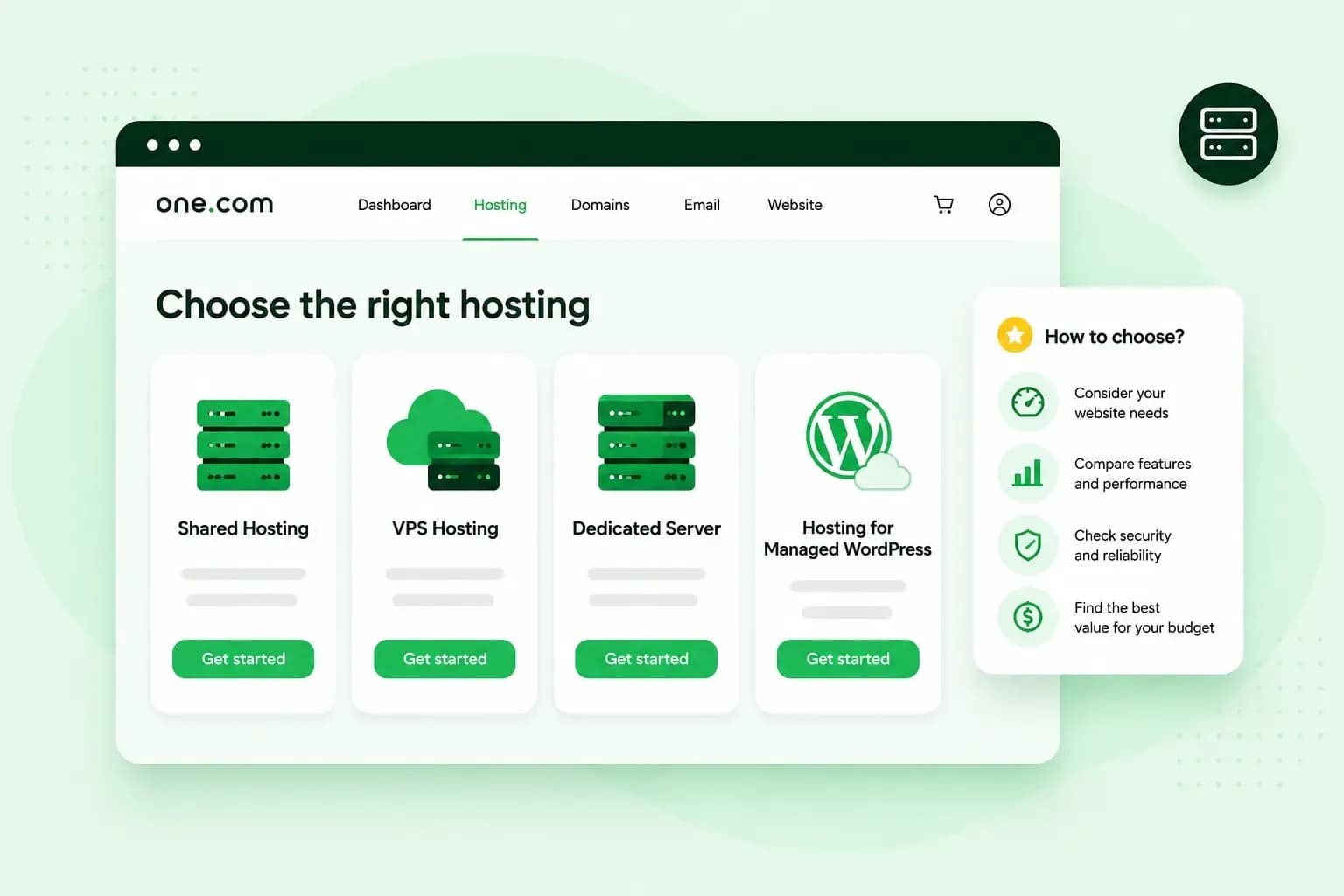
Start with shared hosting if you need web hosting for a small business website or a blog. Your site sits on a server we run and look after, which it shares with other websites. For simple websites, that's usually all they need. Choose a server of your own only when your site needs resources reserved for it or software that shared hosting can't run.
The main types of hosting
The types of hosting differ mainly in who looks after the server and how much technical knowledge that takes.
| Type of hosting | Who looks after the server | Technical skills needed | Good for |
|---|---|---|---|
| Shared hosting | We do | None to get started | Small business websites, blogs and portfolios |
| Managed Hosting for WordPress | We do, including the WordPress updates | None to get started | WordPress sites whose owners would rather not do the upkeep |
| VPS | You do | Yes | Developers and technical teams |
| Managed VPS | We do | None to get started | Business owners and agencies who need their own server |
With our Aida AI Website Builder, you don't choose hosting at all. Hosting and email are part of every plan, and you build the site in the builder itself.
Shared hosting for small business sites
In most cases, shared hosting is the best web hosting for small business sites with small to medium traffic. Because the server and its resources are shared, it's also usually the most affordable type of hosting. Here's how shared hosting works in more detail.
You don't need technical skills to get started. Our web hosting plans include web space, professional email accounts on your domain and an SSL certificate. We also monitor the servers around the clock.
What a WordPress site needs
You can use WordPress with any of our hosting plans. Once you install WordPress in one click, you build your WordPress website from there. On our standard web hosting, you keep WordPress, your theme and your plugins up to date yourself.
Our standard hosting is a good fit if you're comfortable with those updates and with fixing problems yourself. With Managed Hosting for WordPress, we do those updates for you, test each one and roll it back if something breaks. You also get a staging site to test changes before they go live.
When a VPS makes sense
A VPS, or virtual private server, gives your site its own share of processor cores, memory and storage that other customers can't use. You also get root access, which gives you full control of the server. You pick the operating system and install the software you need. You've usually outgrown shared hosting when your site stays slow at busy times even on a higher plan, or when you need software that shared hosting can't run. A VPS then makes sense for a busy site, an app or several projects on one server.
Our VPS is unmanaged, so you look after the setup, updates and security yourself. If you need a server but would rather we did that work, choose Managed VPS, where we maintain, monitor and secure the server for you. Our guide helps you compare a VPS with web hosting point by point.
How to choose the right hosting plan
Our shared hosting comes in four plans: Starter, Professional, Business and Max. To choose web hosting of the right size, count the websites and email accounts you need. A higher plan gives you room for more websites, along with more storage and better performance.
All our plans come with an SSL certificate and daily backups. On Starter you can see your backups, but you need to upgrade to restore one.
Our advice: for a typical small business site, start with Professional. It gives you room for a few email addresses, and from Professional up you can restore a daily backup yourself if something breaks. Choose Starter only for a simple first site, where restoring backups yourself matters less.
A VPS or Managed VPS costs more than shared hosting, because the server's resources are reserved for you. The plans page shows the current prices. You can upgrade your plan with us at any time as your website grows, so start with what you need today.
Each plan comes with a free domain for the first year on selected extensions, professional email and an SSL certificate.
See hosting plansQuestions people ask
Do I need a domain name as well?
Yes. A domain name is the address people type to find your website. Each of our hosting plans includes a free domain for the first year on selected extensions. If you already have a domain elsewhere, you can transfer your domain to us or connect it to your hosting plan.
Can I move my existing website?
Yes, you can move your current website and your email accounts to us with our migration tools. Before you start, back up your site. If you get stuck, our support team can guide you. For a WordPress site, Managed Hosting for WordPress includes a free migration by our experts, with no downtime.
Once you've picked the type of hosting, choose your hosting plan and put your site online with your own domain and email.
Recommended reading
 Hosting4 Aug 2026
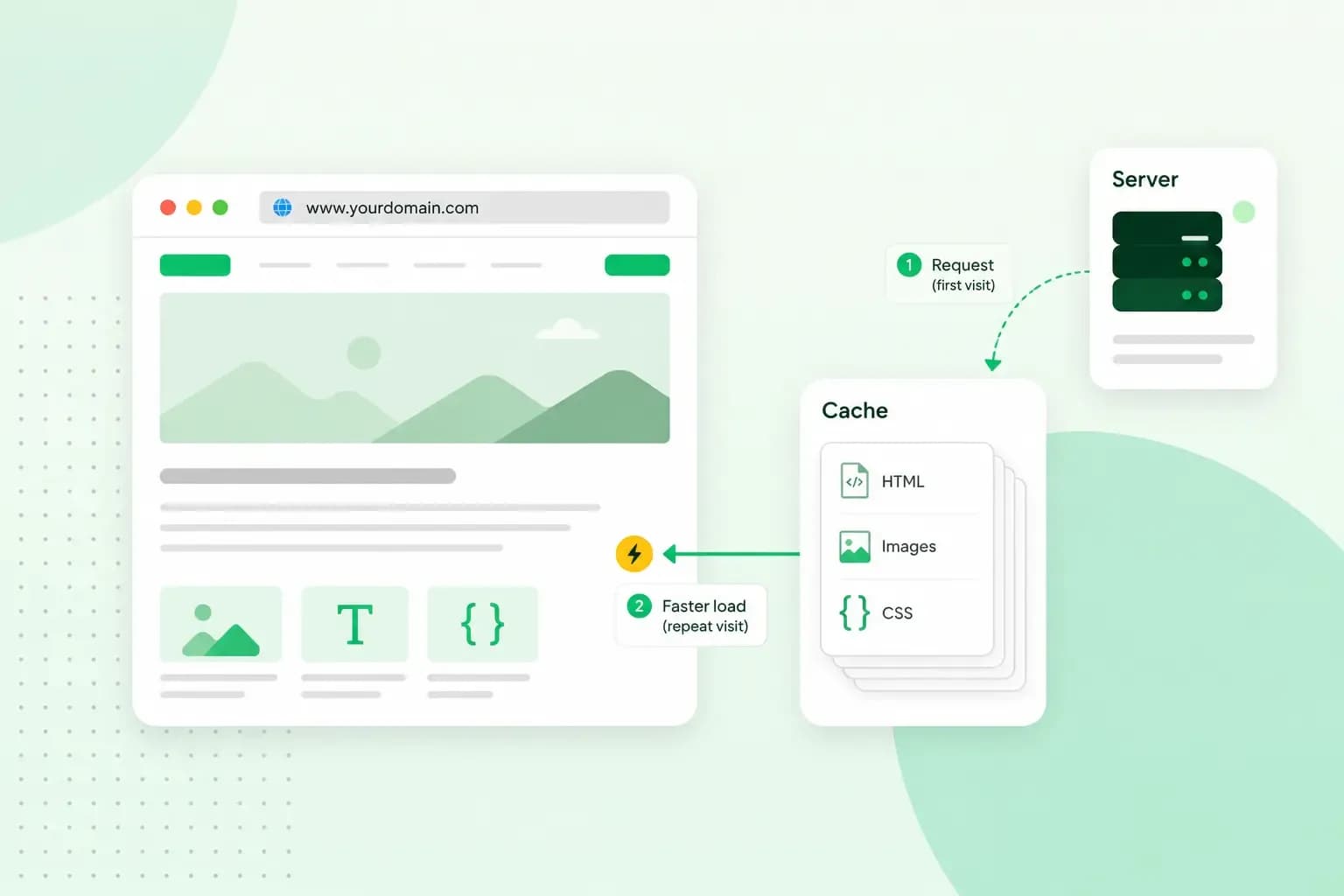
What is website cache?
What does cache mean? And how to clear your cache? Read the importance of cache and why it's necessary to clear your cache once in a while.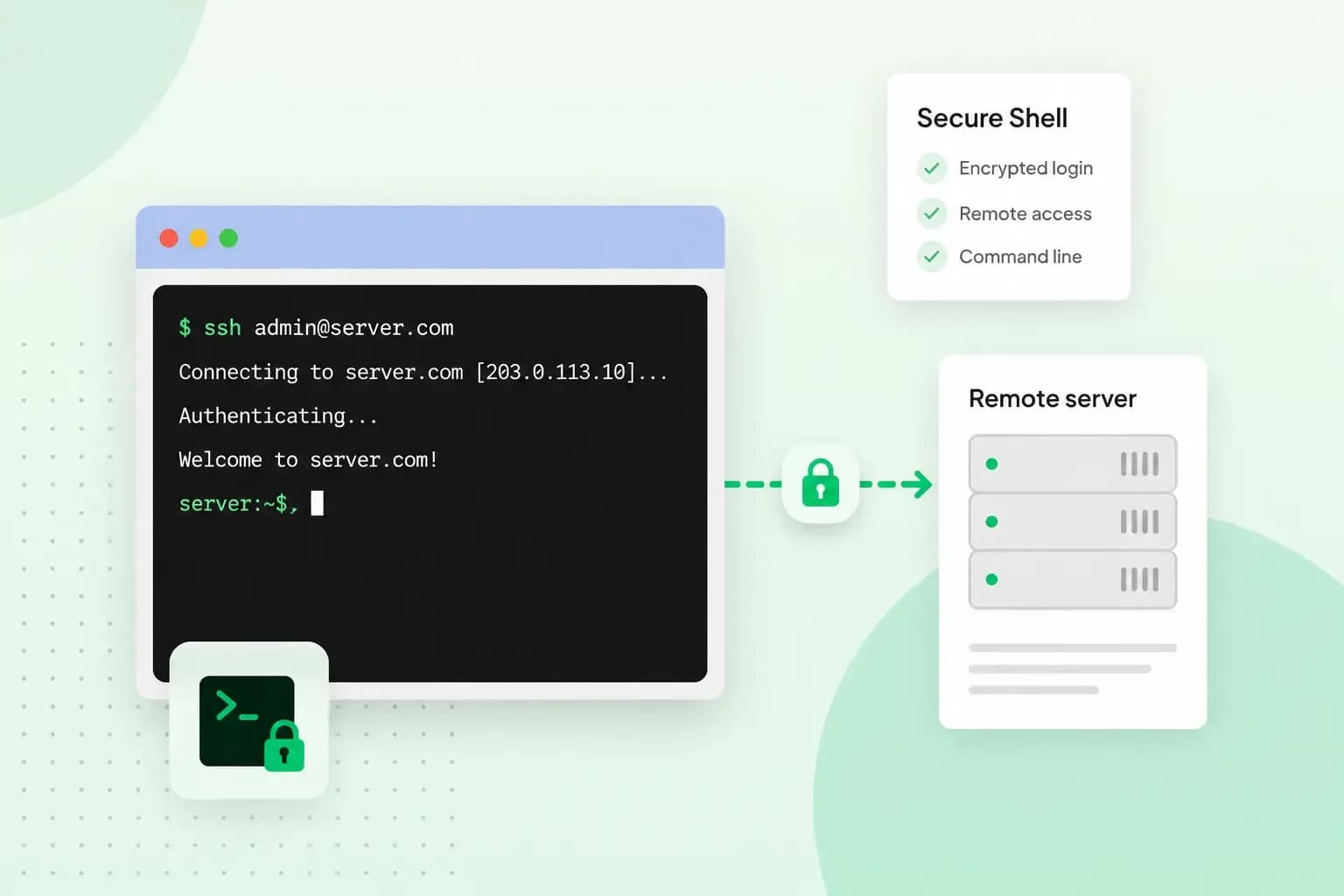 Hosting4 Aug 2026
What is SSH?
How does SSH work & what does it do? Learn about the history of Secure Shell's predecessor Telnet and how SSH improved our internet security in this article.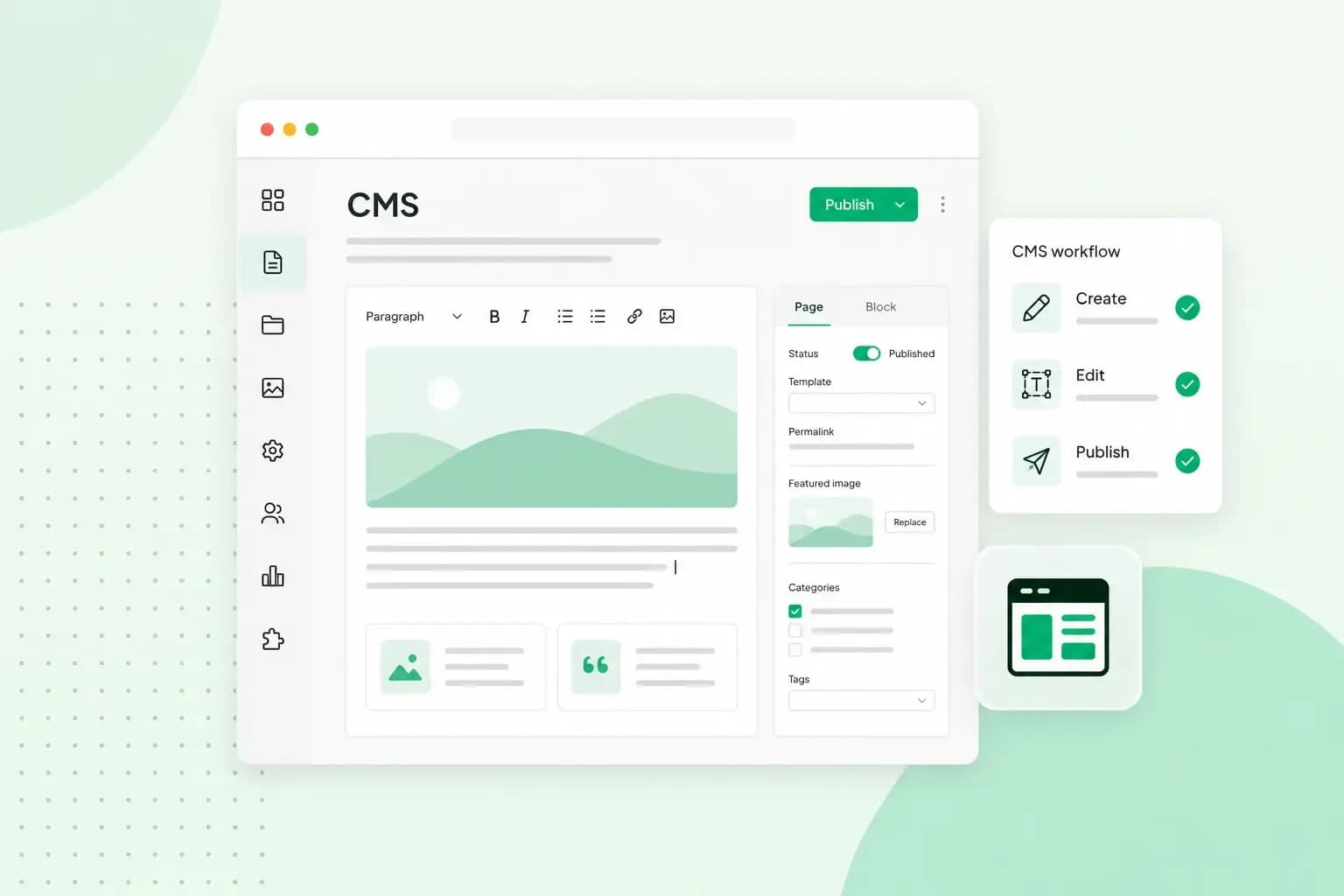 Hosting4 Aug 2026
What is a CMS (content management system)?
You can easily create and manage your website with a content management system (CMS). Want to know more? Learn all about CMS in this complete guide!