
Microsoft 365, your way

Professional email and productivity tools with full control — set up and manage your Microsoft 365 environment directly.

Microsoft365

Choose your Microsoft 365 plan

Microsoft 365 Business BasicEmail + Microsoft 365 online apps
.../mo.
  • 50 GB Mail, 1 TB OneDrive
  • Exchange Online email
  • Professional calendar
  • Online and mobile apps
  • Microsoft Teams
Microsoft 365 Business Basic benefits
  • Outlook, Word, Excel, PowerPoint online & mobile apps
  • SharePoint for team collaboration
  • Video meetings and chat
Most popular
Microsoft 365 Business StandardEmail + online + desktop Microsoft 365 apps
.../mo.
  • 50 GB Mail, 1 TB OneDrive
  • Exchange Online email
  • Professional calendar
  • Microsoft Teams
  • Desktop apps – Install and use in up to 5 devices
Everything in Microsoft 365 Business Basic, plus:
  • Full desktop apps: Word, Excel, PowerPoint, OneNote, etc.
  • Outlook desktop
Microsoft 365 Apps for BusinessDesktop + mobile Office apps - No email
.../mo.
  • 1 TB OneDrive cloud storage
  • Desktop apps – Install and use in up to 5 devices
  • Full desktop apps: Word, Excel, PowerPoint, OneNote, etc.

Please note that this is an advanced, self-service Microsoft product that requires technical skills to configure domains and email routing. If you prefer a simpler solution, consider our Mail plans.
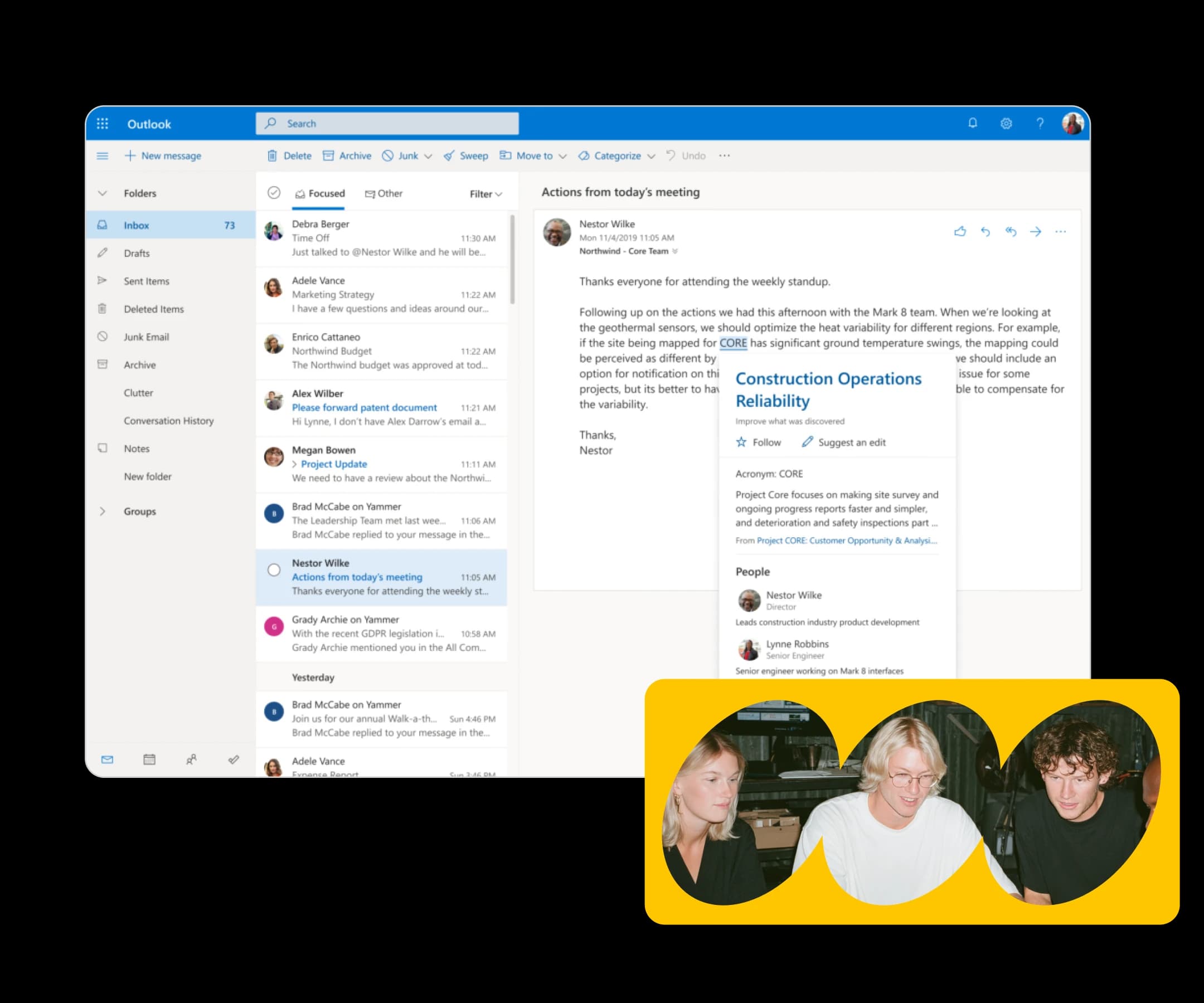

Everything your business runs on

Professional email, on your domain

Send and receive as @yourbusiness.com from day one. Outlook gives your team a credible presence, and the tools to stay organized.

Work from anywhere, on any device

Your files, apps, and email follow you. Whether you're at your desk or on the go, everything stays in sync across desktop, tablet, and mobile.

The full Microsoft 365 suite, included

Outlook, Teams, Word, Excel, PowerPoint, and OneDrive. Every tool your team needs to communicate, collaborate, and get work done.

Built-in security. Real human support

Exchange backup keeps your data safe, and our 24/7 support team is always on hand. So you're never left to figure it out alone.

Get started in a few simple steps

Setting up Microsoft 365 for your business is easier than you think. From choosing your plan to your team's first email, most customers are up and running the same day, and we're with you at every step.

1.Choose your Microsoft 365 plan
Compare what is included across each tier, from email and OneDrive to the full suite with Teams and advanced security.
2.Complete your purchase
Add your billing information and check out securely in just a few clicks.
3.Sign the Microsoft agreement
Accept Microsoft standard terms directly in your control panel. It only takes a minute.
4.Connect your domain
Already have a domain? You will need to update your DNS records. Don't have a domain yet? We can help you.
5.Configure your email delivery
Set up your email routing so Microsoft 365 can send and receive email for your domain.
6.Create your users and get to work
Add your team, assign licences, and start using Outlook, Teams, Word, and the rest of the Microsoft 365 suite.

Flexible setup, full control

Whether you're launching a new business or moving an existing team to Microsoft 365, your setup starts exactly where you are.

Already have a domain? Bring it with you. Starting fresh? We can help you register one and connect it to your Microsoft 365 account as part of the setup. Either way, you're covered.

Once you're set up, you're in full control. Add users, assign licences, adjust services, and manage your team's access directly inside the Microsoft admin centre. No middleman, no support ticket required.

Start with the number of users you need today. As your team expands, adding new licences takes minutes. There's no need to change plans, renegotiate contracts, or start from scratch. Your setup grows with you.

Your business needs will change. When they do, moving to a higher plan or adding new services is straightforward. Your team keeps working without interruption while you make changes in the background.

Next level commnication

Designed for your needs

Whatever stage your business is at, there's a Microsoft 365 plan built for it. Start simple, grow into more, or take full control from day one.

Freelancer using OpenClaw

Small businesses

Get a professional presence from the start. Business email on your own domain, access to the core Microsoft 365 apps, and everything you need to run your day-to-day, without overcomplicating things.

Before you start

A few important things to be aware of before setting up Microsoft 365.

You are responsible for setting up and managing your Microsoft 365 environment, including DNS configuration, user management, and services.

To connect Microsoft 365 to your domain, you'll need to update your DNS records.

Microsoft 365 cannot run alongside a Basic Mail account. If you currently use Basic Mail, you'll need to migrate away from it before activating Microsoft 365 on the same domain.

If you already have Basic Mail or a standalone Exchange setup on your domain, switching to Microsoft 365 may require changes to your email configuration. We recommend reviewing your current setup before purchasing to avoid any disruption to incoming or outgoing mail.

Microsoft 365 does not include automatic backup or restore as part of the standard subscription.

If your Microsoft 365 subscription is cancelled or suspended, Microsoft may delete your data after a grace period. Make sure billing is kept up to date, and export or back up any critical data if you plan to cancel.

Designed for teams and businesses of up to 300 employees.

Microsoft365

Frequently Asked Questions

No, you can purchase it without a domain. However, to use a professional email, you need to connect a domain.


Yes, you can connect your existing domain by updating your DNS settings during setup.


No, this is a self-managed solution. You will need to configure your Microsoft 365 environment, including domain connection and user setup.


You are responsible for setting up and managing your Microsoft 365 environment, including DNS configuration, user management, and services. This gives you full control and flexibility.


Yes, you can upgrade your plan or add new licenses at any time as your business grows.


Yes, you can access your email, files, and apps across desktop, tablet, and mobile devices.


If your subscription is cancelled or suspended, access to your services will stop and your data may be deleted.