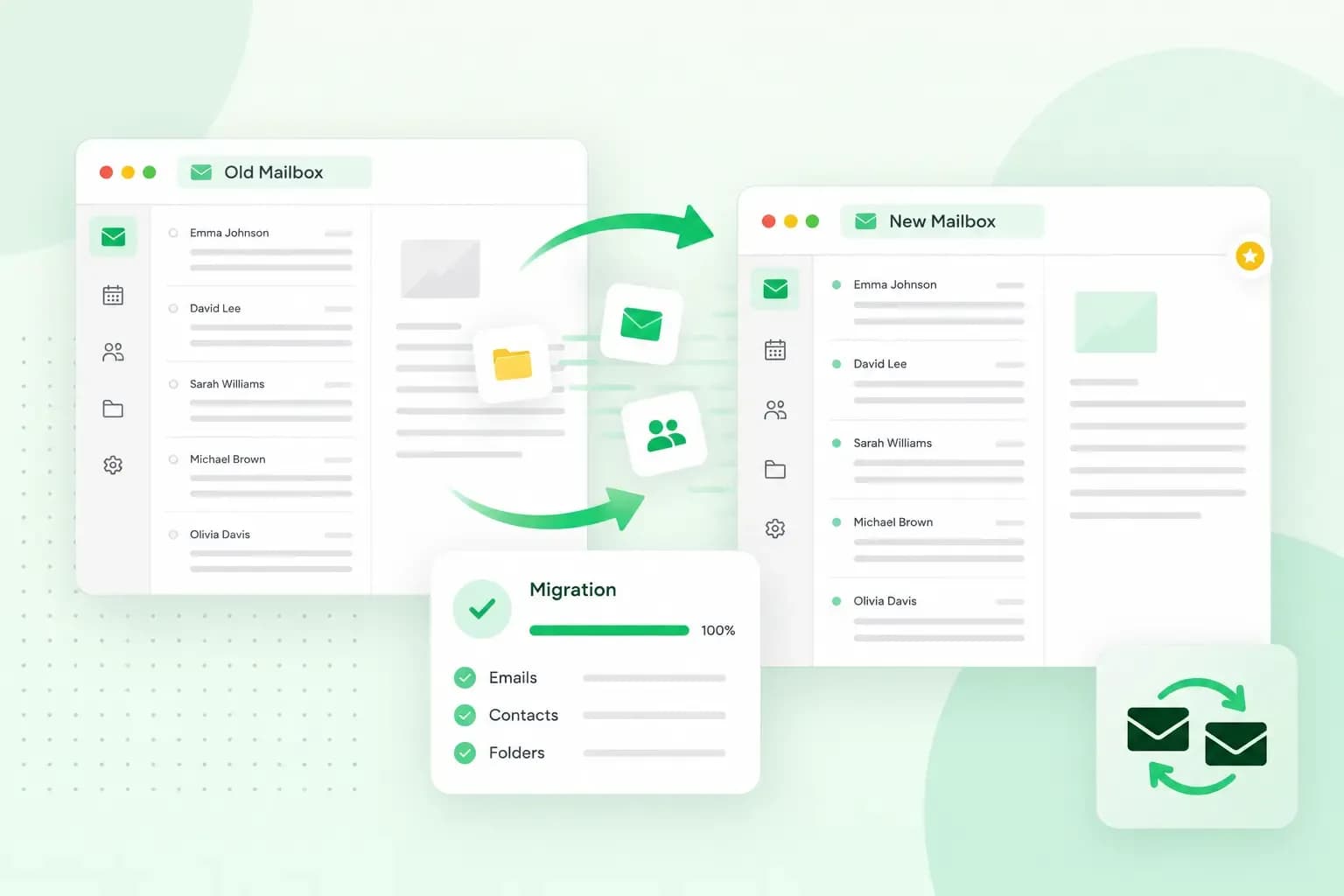
Email migration that is easy and that can be done effortlessly.
At one.com, all the web hosting packages we offer include your own personal email on your domain. You can create an unlimited amount of email accounts to realise all the different business dreams you have.
The benefits of an easy email migration at one.com are:
- Owning a personal email looks more trustworthy and professional.
- You have complete control over your content as it’s stored on your own webspace.
- Access your email everywhere in Webmail or through a client with IMAP, POP or Mobile Sync.
Now that you have an idea of why you should start using your own personal email on your domain, let’s guide you on how to migrate from your old email address to a brand new email address.
What is email migration?
Email migration allows you to migrate your emails to a new address, a new host. It migrates all the various things that come with your email account, such as your calendar, contacts, attachments etc. Significantly, email migration allows you the option to keep the same email address. So if you currently have your dream domain name, don’t worry; you can keep it and still migrate to us at one.com.
If you’re wondering how long an email migration takes, it takes only a few days. You’ll be up and running in no time.
Why should I migrate my emails?
You should think about migrating your emails, for example, to us at one.com if you feel that you’re not happy with your current email hosting provider. Perhaps you want more than they can offer? You should look at all the alternatives you have as there are multiple options available and then choose the most fitting hosting provider based on your needs.
At one.com, it’s incredibly beneficial to own your email with us. Some of the benefits are:
- Ad-free
No more ads that can ruin your reading.
- Limitless
Don’t worry about running out of space; you have all the space you can imagine using.
- Protected
No more spams and viruses to ruin our lives; we have built-in spam and virus protection.
- Integrated
You can choose any type of plan you want; all our plans include email hosting.
Email migration tool
At one.com, we’ve added the email migration tool (the tool that enables you to migrate) in Webmail. The easy email migration tool allows you to migrate your emails from other accounts to an account on your own domain.
You can also migrate emails from other accounts that are hosted at one.com as well as from third-party services like Gmail and Outlook. It’s an easy email migration, and the only thing you need to do is enter a working email address that you’d like to migrate as well as the corresponding password. Everything else, such as the actual migration, will happen automatically.
One significant point is that all your emails will be placed in the same folder structure, once the migration is complete, as they currently are on the account you’re moving away from. Thus, it will be super easy and hassle-free for you to find all your emails again.
Once the email migration is complete, you can rearrange and move your emails to other folders on your account.
If you want to read a step by step guide on how to migrate your email with one.com, read this excellent guide.
You own your emails
At one.com, we believe that you should have complete control over your own content, including your emails. Thus, if you want to take your emails somewhere else, for any reason, you should be able to do so. For this reason, we’ve always kept it easy to set up an account on other devices.
Also, you can forward emails to other accounts, create as many email addresses as you want, and delete them again. The easy email migration tool in our Webmail fits perfectly with this philosophy, and we hope you’ll find it just as valuable as we do.
Recommended reading
 Email10 Nov 2025
How to create a free email address for a business (with examples)
A step by step guide on how to create a business email for free, that boosts trust. Pick a domain, use webmail, and follow UK compliance with one.com.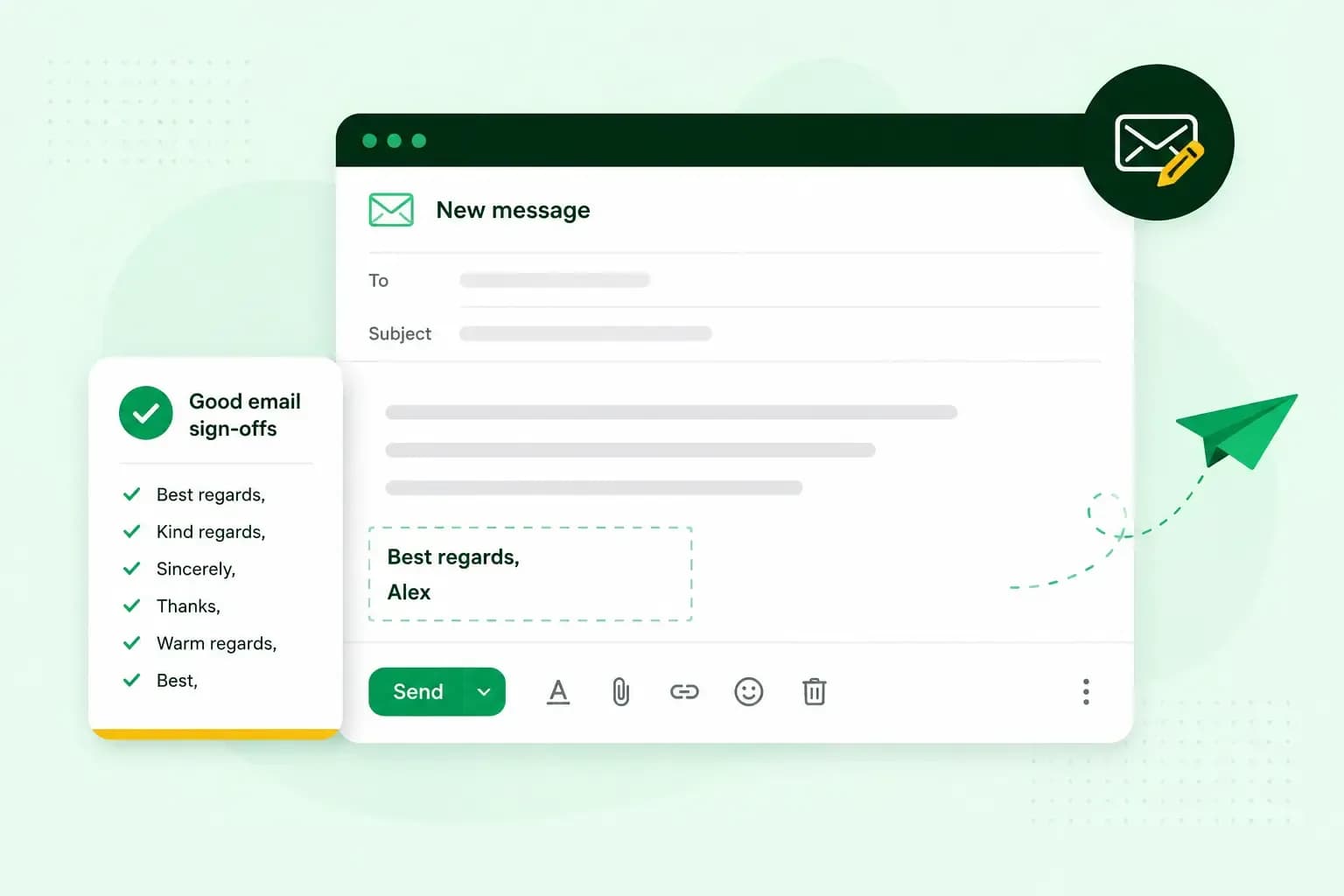 Email10 Nov 2025
How To End An Email
How you end an email impacts how it is perceived. We have collected the best ways to sign off emails in English.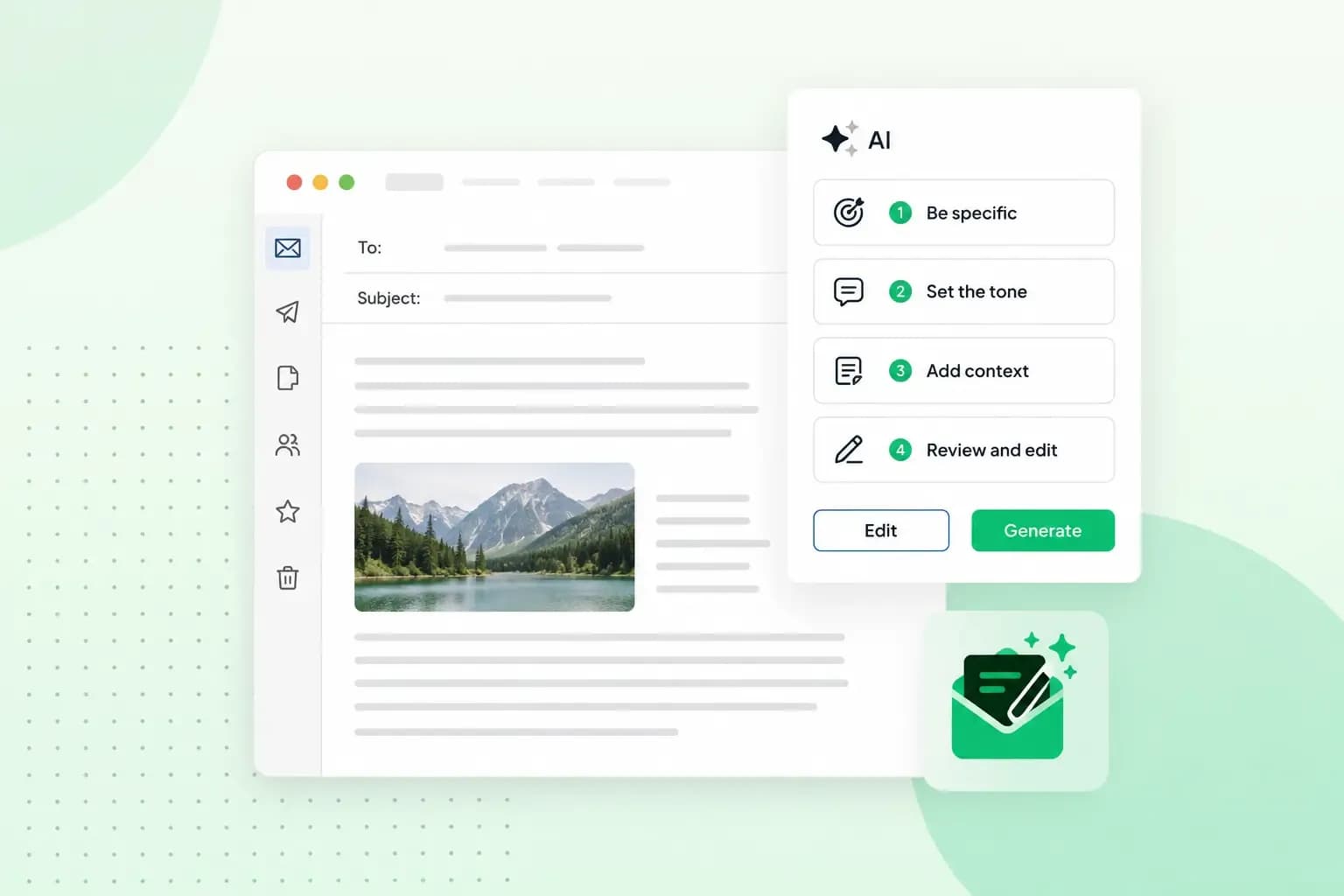 Email23 Oct 2025
4 tips for better results with AI email writing
Save time without sacrificing quality: learn how to use AI for email writing and create personalised emails effectively. Tips for crafting clear and compelling prompts.