
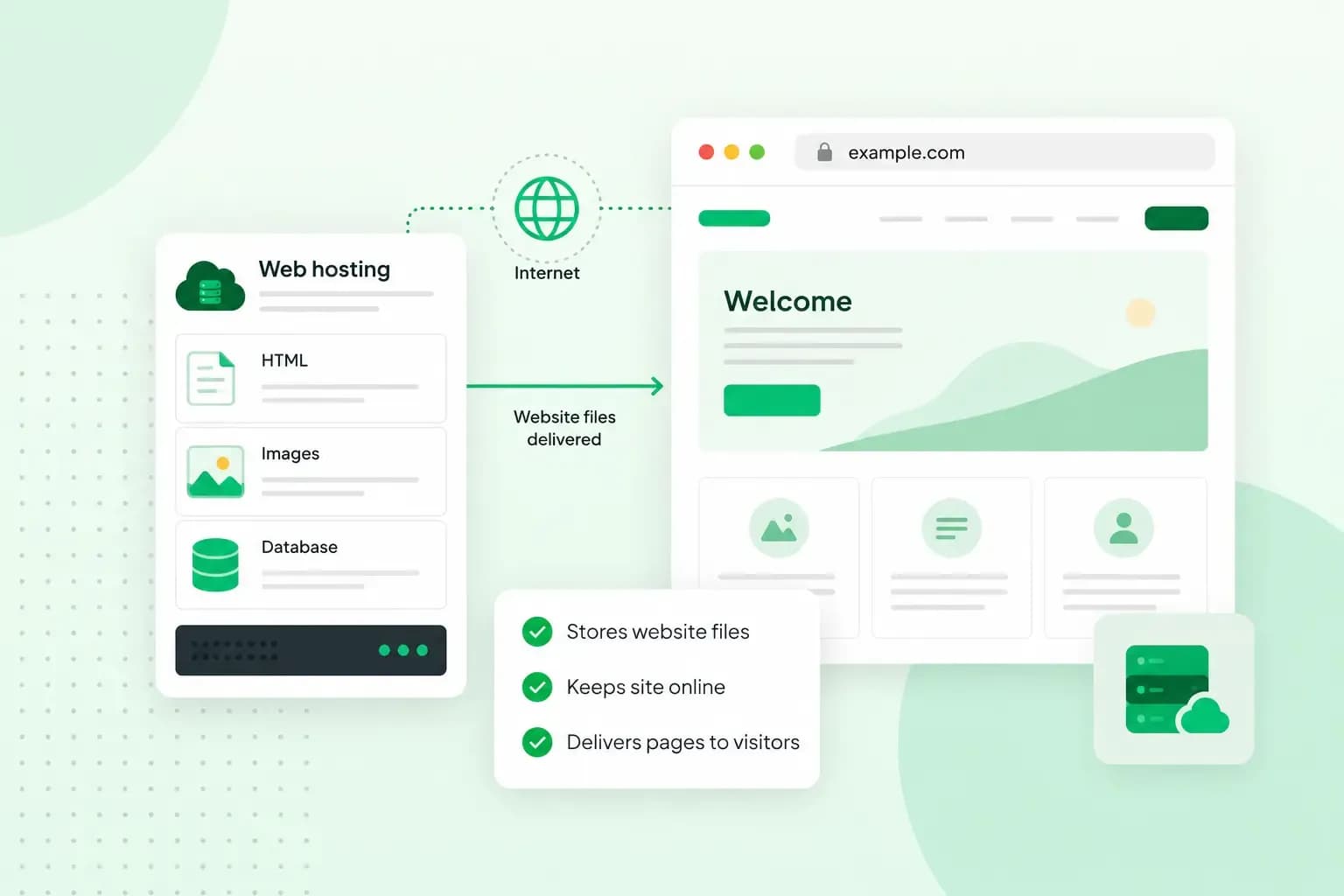
Web hosting is the service that keeps your website online. Your site's pages, images and other files are stored on a server, a computer that stays connected to the internet day and night, and the host sends those files to anyone who visits your address. If you run a garden design business at yourgardendesign.co.uk, web hosting is what makes your pages and photos of past gardens appear when a customer types that address.
How does web hosting work?
Web hosting works by keeping your website's files on a server, ready to go out to every visitor who asks for them. A hosting provider runs web servers and shares their memory, processing power and storage between its customers' websites, and with a hosting plan you rent your share.
When a customer types yourgardendesign.co.uk into their browser, the browser first looks up which server the domain points to. It does that through DNS, which works like the internet's address book. The browser then asks that server for your homepage and gets back the text, the layout and the photos, which it puts together into the page your customer sees.
Do you need web hosting for your website?
Yes. A website people can visit sits on a server, so you need hosting of some kind.
You could host your website yourself, on a server you run, as some larger companies do. For most people the cost of running a server is too high, so renting space from a hosting provider is usually the better option. On shared hosting, the host then looks after the server and you look after the website itself: its pages, its pictures and the software you install on it.
What types of web hosting are there?
The types of web hosting differ in how much of a server your website gets to itself. The bigger your share, the more power and control you have, and the more you pay. Shared hosting is among the most popular types, and usually the most affordable.
The main types of web hosting compared
| Type | How the server is shared | Who looks after the server | Good for |
|---|---|---|---|
| Shared hosting | Many websites share one server and its memory, processing power and storage | The host | Small business websites, blogs and personal sites |
| Hosting for WordPress | Hosting set up for WordPress sites | The host looks after the server and you look after WordPress, unless you choose Managed hosting for WordPress | Websites built with WordPress |
| VPS hosting | Your site shares a physical server but gets its own virtual part of it, with resources set aside for you | You, unless you choose Managed VPS | Medium-sized websites that need more power or their own settings |
| Dedicated hosting | A whole physical dedicated server for your site alone | You: maintenance, updates and security | Large websites with heavy traffic |
| Cloud hosting | Your site runs on several connected servers, which makes it more reliable and easier to scale, so it can take on more visitors as it grows | It depends on the plan | Medium to large online shops and websites |
Choosing the type of hosting for your website
Our advice: start with shared hosting. For a small business website, a blog or a portfolio it gives you what you need, usually at the lowest cost, and the host takes care of the server for you. If you build your site with WordPress, you can install it on our hosting plans with one click, and our guide to which hosting you need compares shared hosting, hosting for WordPress and a VPS.
Move up to a VPS when your site outgrows shared hosting, for example when heavy traffic slows it down or you need to run your own software on the server, the kind of work a VPS is used for. Our VPS is unmanaged, which gives you full control but leaves its setup, security and updates to you. If you'd rather not, choose Managed VPS, where we take care of your server's maintenance, security and software.
Dedicated hosting is for large websites with heavy traffic. Cloud hosting suits medium to large online shops and websites. When your growing site could fit either a VPS or the cloud, our guide on how a VPS compares with cloud hosting helps you choose.
What to look for in a hosting plan
Once you know the type, compare plans on what your website will actually use:
- Storage: there should be room for your pages, images and videos. A site with lots of photos, such as a portfolio of finished gardens, needs more of it.
- Number of websites: if you plan a second site later, see how many websites the plan hosts.
- Traffic: find out whether the plan limits your site's traffic and what happens if you go over.
- SSL certificate: check that one is included, so your visitors get a secure connection to your site.
- Backups: a daily backup lets you get an earlier version of your site back if something goes wrong, so it's worth knowing whether you can restore one yourself.
- Email: it helps when the plan includes email addresses on your domain, such as
hello@yourgardendesign.co.uk. - Support: find out when and how you can reach the host, by chat, email or phone.
Our web hosting plans include web space, professional email accounts, an SSL certificate and automatic backups.
See hosting plansHow much does web hosting cost?
There's no single price for web hosting: website hosting costs depend first on the type, and our hosting plans page shows the current price of each of our plans. Shared hosting is usually the most affordable, because the cost of running the server is split between many websites, and a dedicated server costs a lot more than shared hosting or a VPS. Within a type, it's worth comparing packages on the points in the checklist above, as the price follows what each one includes. A domain is the other part of the cost, and our hosting plans come with a free domain for the first year on selected domain extensions.
Can you host a website for free?
Yes, free web hosting exists, but it comes with limits that matter for a business website:
- Many free hosts pay for the service by showing ads on your site, and you have little or no say over them.
- Your site's address often carries the host's own domain name instead of yours.
- Storage space and bandwidth, which sets how much data your site can send to its visitors, are tightly limited.
- The resources are spread over many free accounts, so your site can be slow or go down more often.
- You get few configuration options, the server settings you'd otherwise be able to change.
A free host can be fine for learning or a hobby project. For a business, showing someone else's adverts on your own website makes little sense, so paid hosting is the better choice as soon as your site brings in customers or enquiries.
How web hosting and your domain work together
Think of your website as a house built from files. The hosting is the land the house stands on, and the domain is its address. You need both: the domain is what people type, and the hosting is where the site they reach is stored.
With a hosting plan and a domain, you can build the site yourself, for example with WordPress, if you want full control over it, or have us design it for you with our website design service if you'd rather hand the work over. If you don't want to deal with hosting at all, build your website with our Aida AI Website Builder instead: its plans come with their own hosting and a free domain for the first year on selected extensions, so you don't need a separate hosting plan.
Whichever route you choose, your site needs its address, so once you've picked a name, check that the domain name you want is available and register it before someone else does.
Recommended reading
 HostingAug 4, 2026
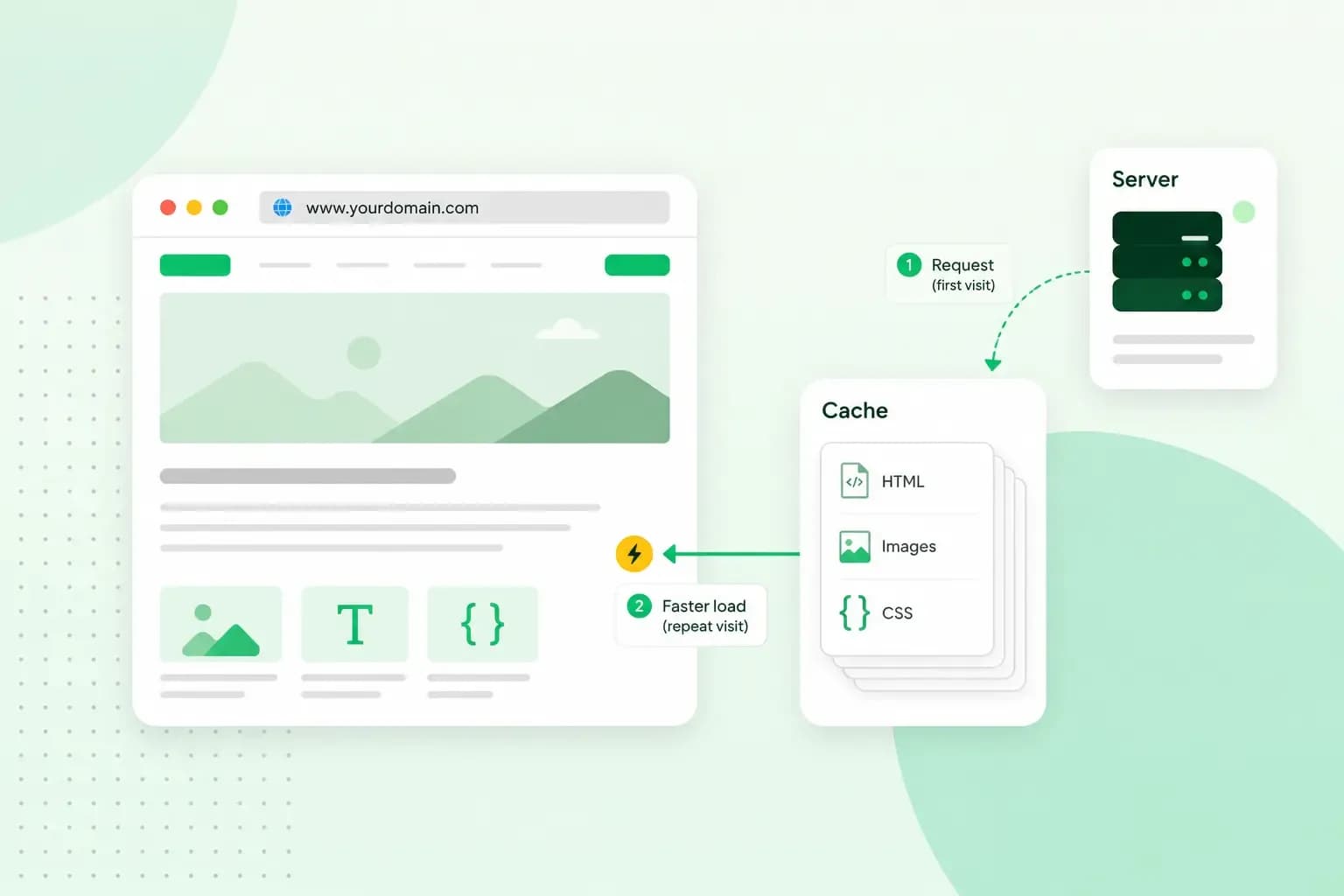
What is cache?
What does cache mean? And how to clear your cache? Read the importance of cache and why it's necessary to clear your cache once in a while.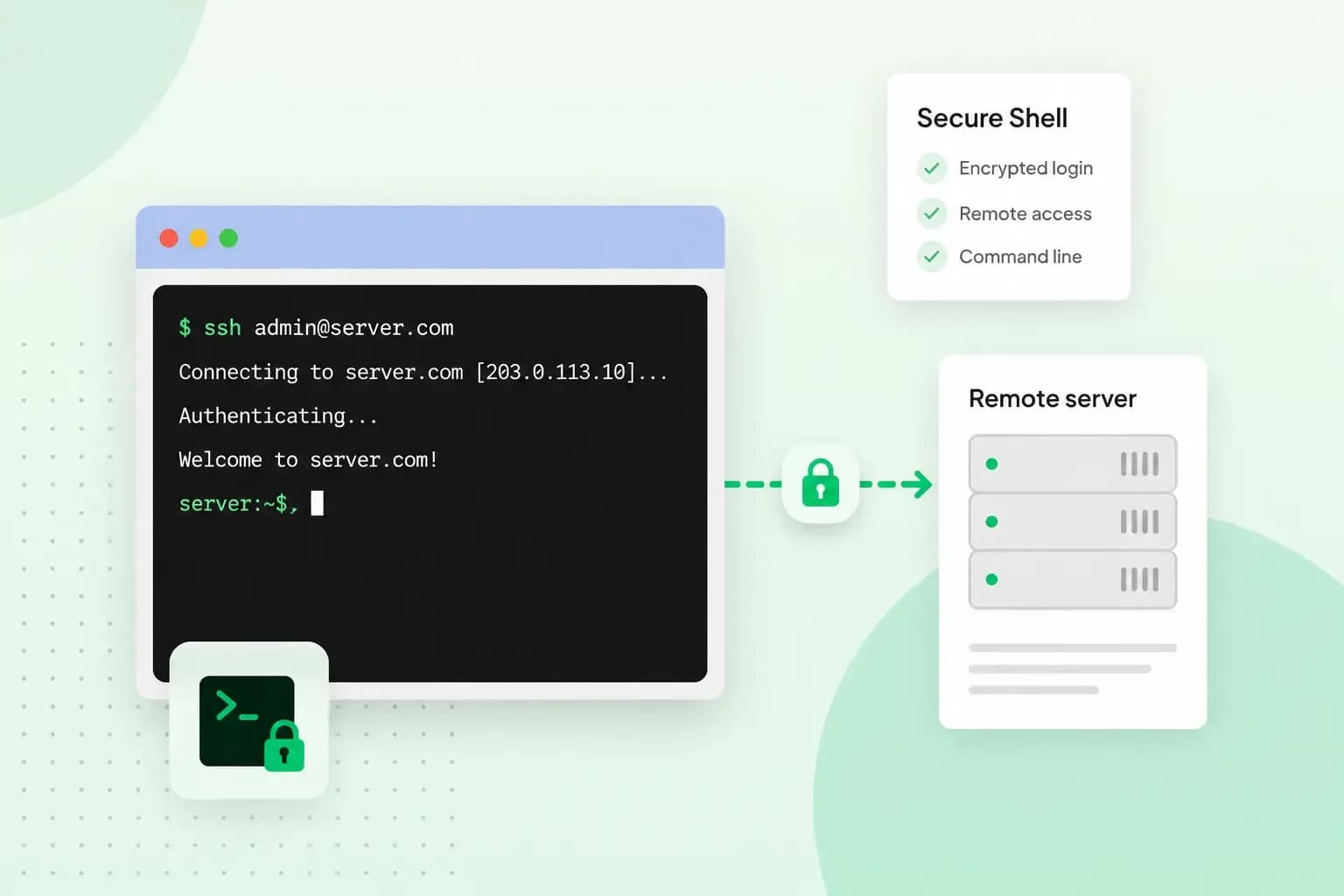 HostingAug 4, 2026
What is SSH?
How does SSH work & what does it do? Learn about the history of Secure Shell's predecessor Telnet and how SSH improved our internet security in this article.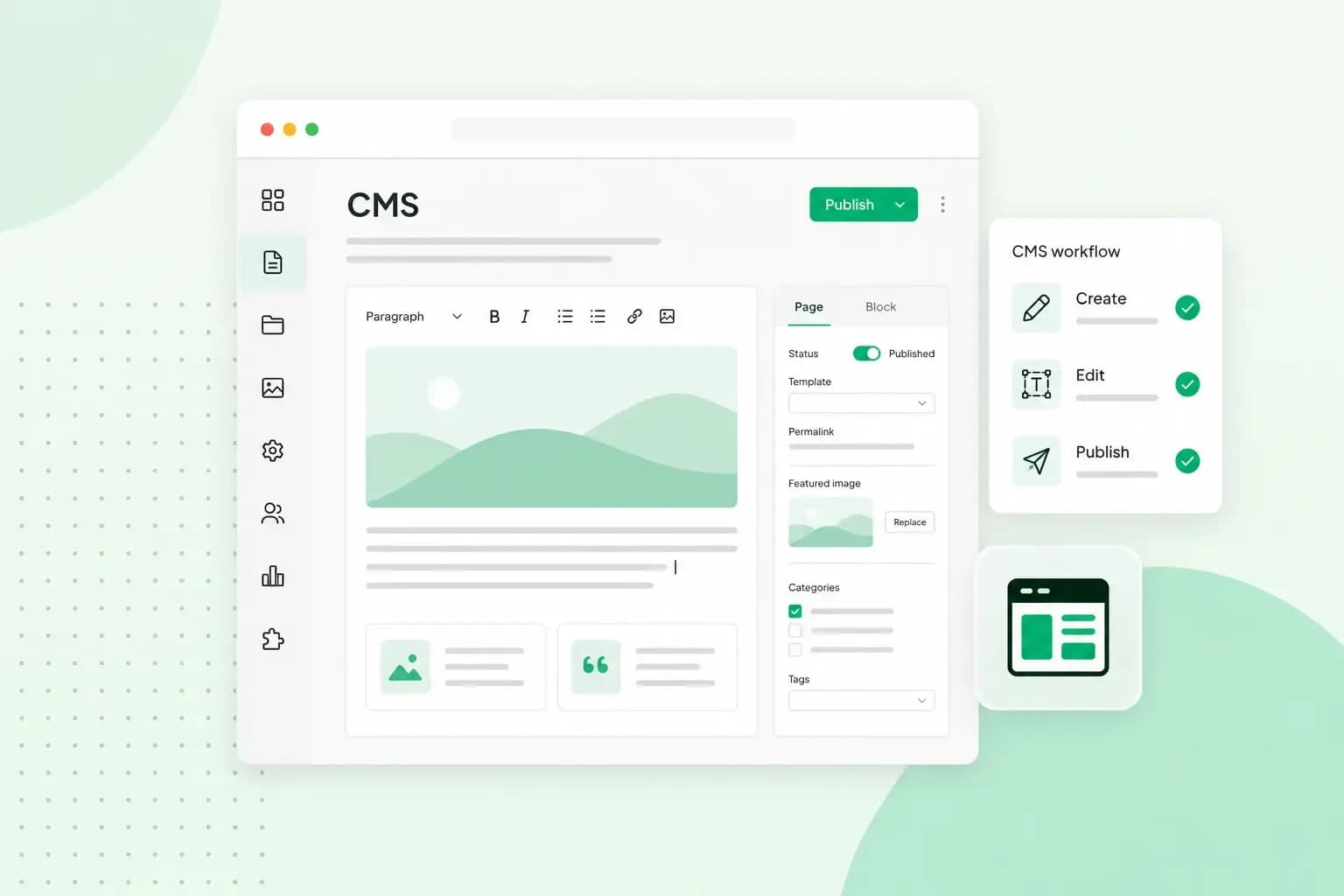 HostingAug 4, 2026
What is a CMS (content management system)?
You can easily create and manage your website with a content management system (CMS). Want to know more? Learn all about CMS in this complete guide!