Free with Hosting
.com
$ 12.99 / 1st year
Then $ 27.99

Get ready for Black Friday! See offers →

Buy a domain
Build your online presence with the perfect domain name. Search and register yours in minutes!
Unbeatable value
Grab the ideal domain at a price your budget will love.
One-click setup
Get your domain live with a single click. Zero tech know-how needed.
400+ TLDs available
From .com to .shop, pick the extension that suits your brand.
Grow without limits
Expand your project using unlimited subdomains for your site.
Browse more than 400 top-level domains and get instant name ideas from our AI domain generator. One quick search stands between you and your new domain.
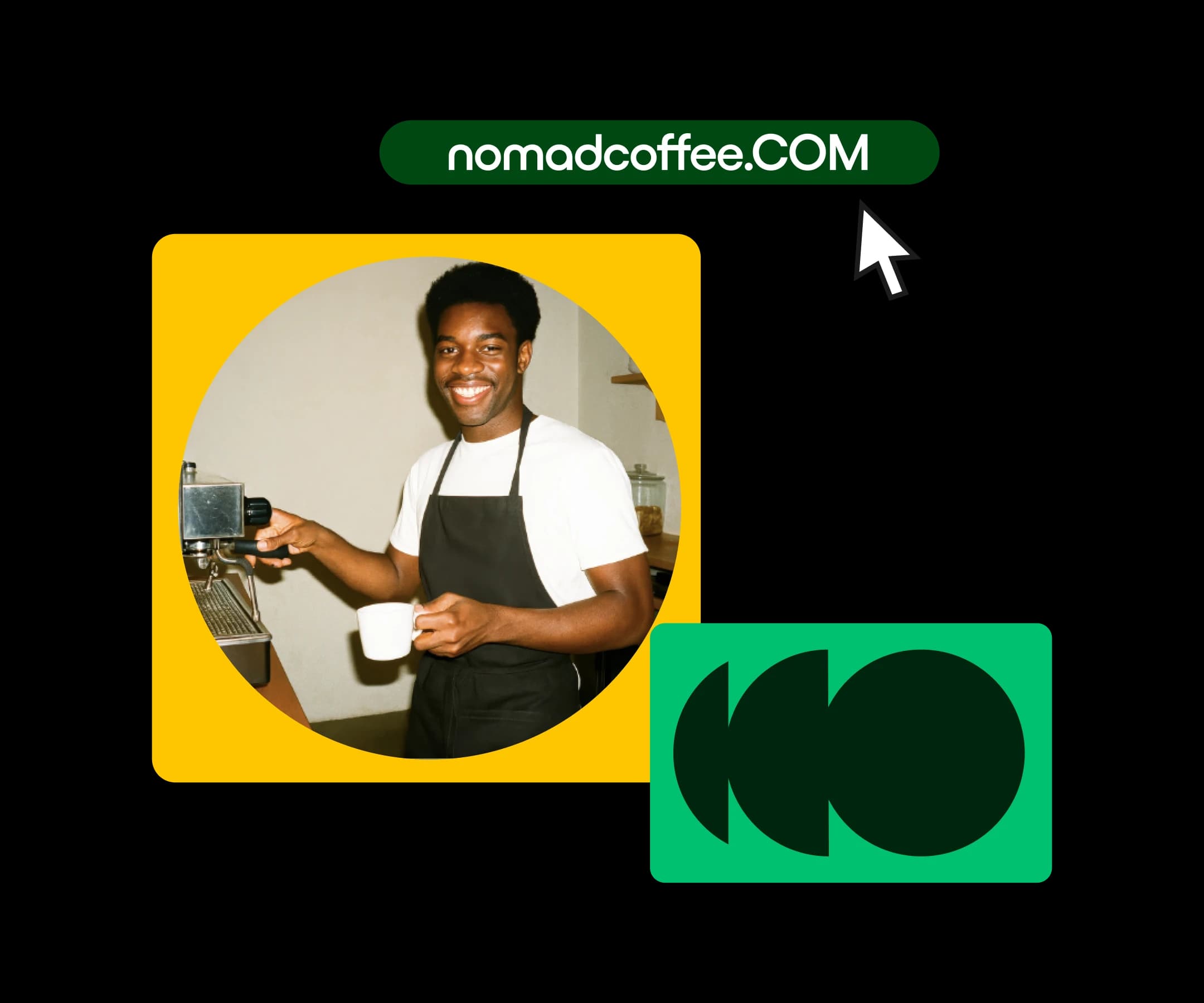
Pick from a massive selection of classic and trending TLDs, all at prices that won't break the bank.
Global brands. The ultimate standard for credibility.
Tech & startups. Great for newer brands.
Tech & infrastructure. A strong alternative to .com.
Non-profits. Signals community and credibility.
E-commerce. Lets the world know you mean business.
Innovation. The go-to home for AI and machine learning.
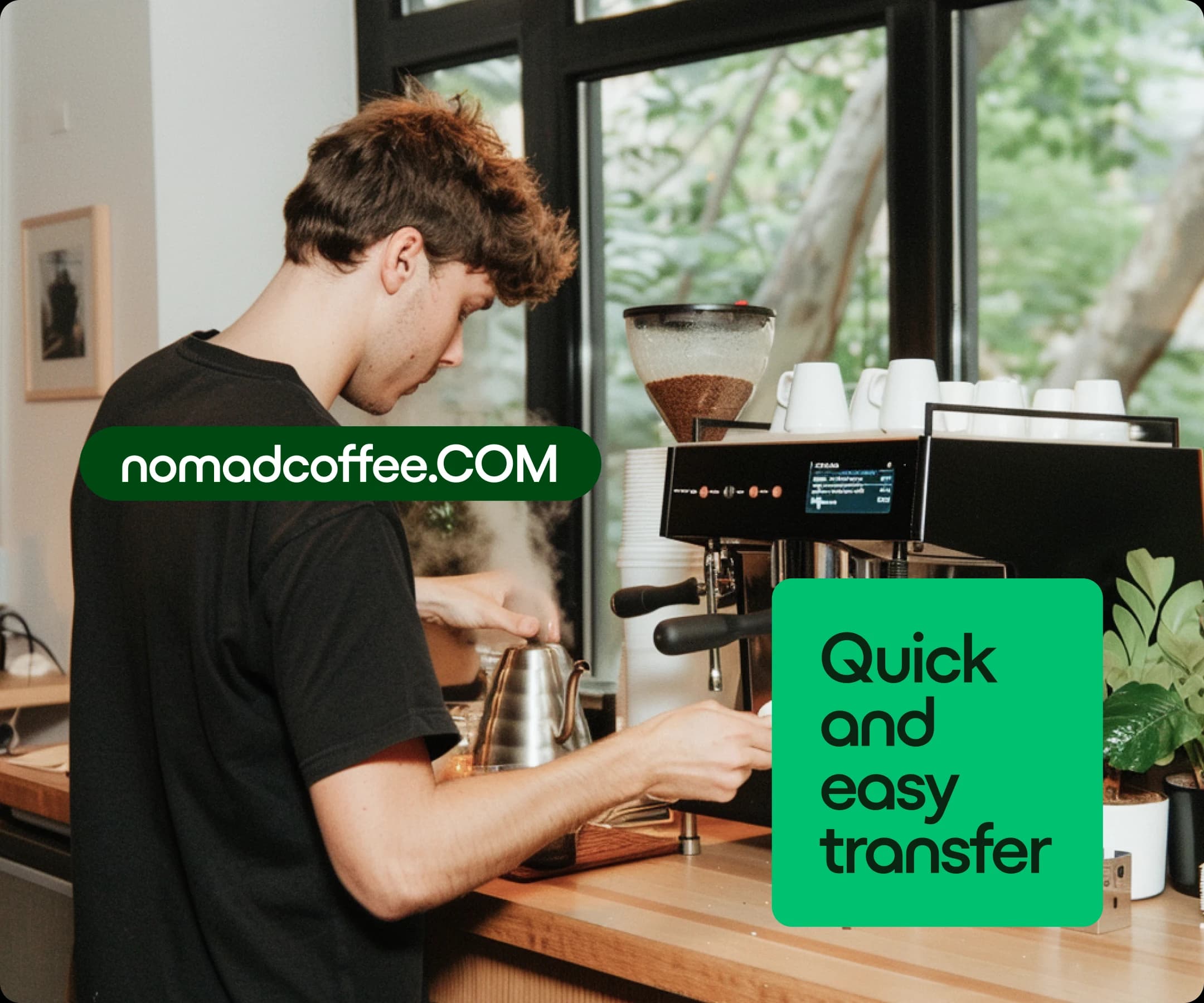
Got a domain somewhere else? Bring it to one.com and handle everything from one dashboard. The transfer is fast, secure, and walks you through every step.
Need an online store, portfolio, or business site? Just tell Aida what you're after and it builds your site on the spot, ready to go live and pull in customers right away.

Shield your domain with powerful features like Domain Lock and complete DNS control, easy to add on any plan.
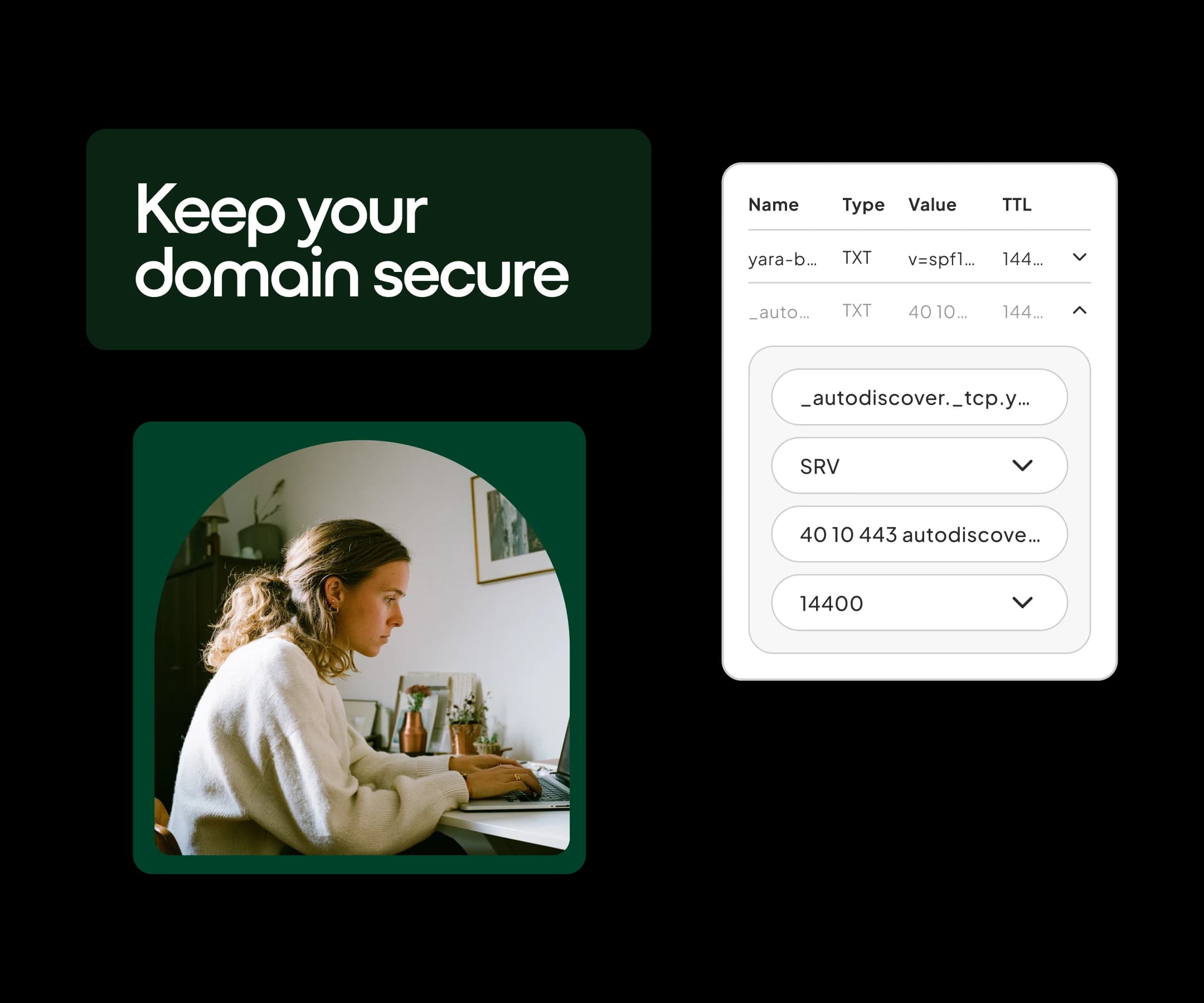
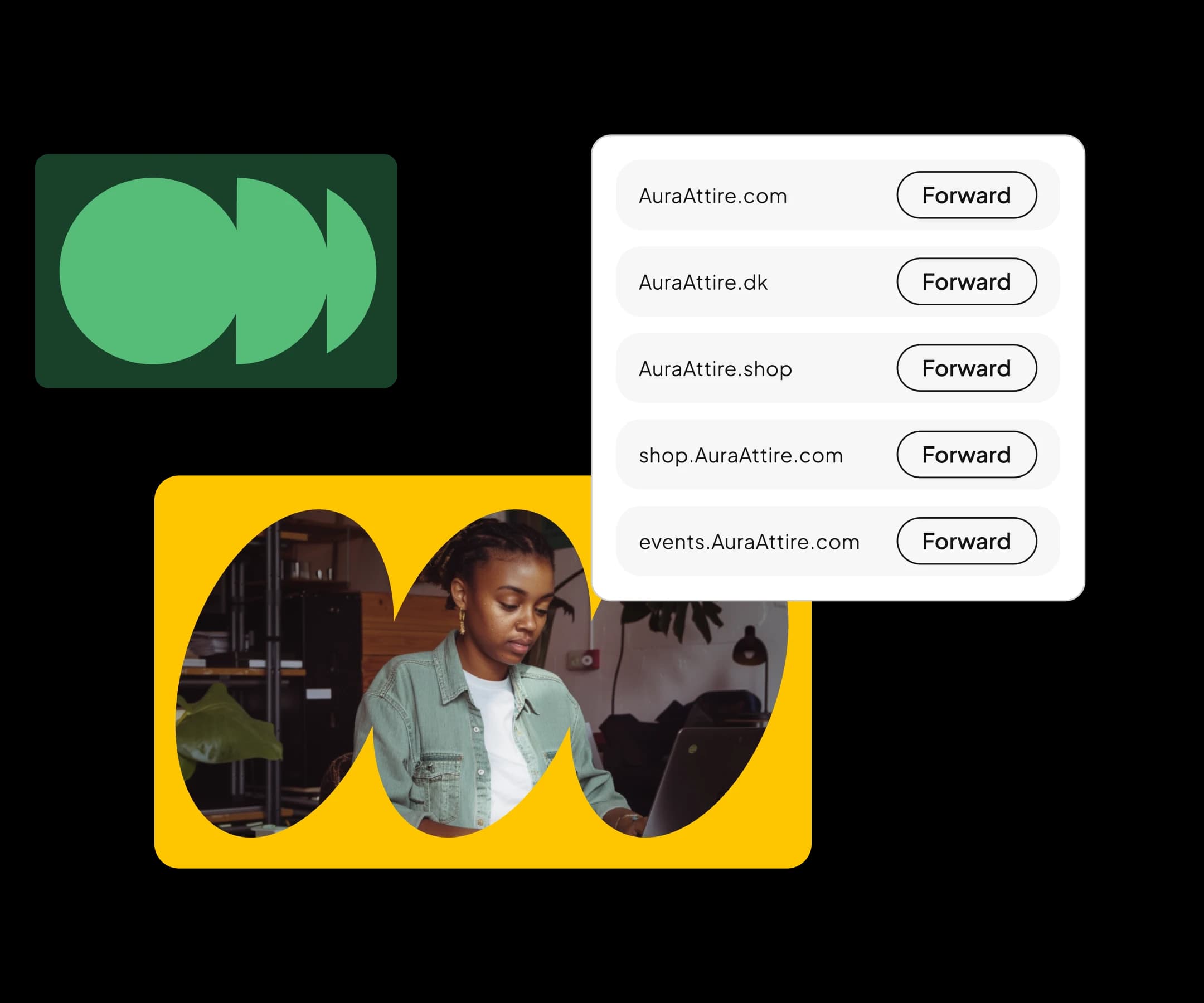
Directing traffic to a new project, store, or another page is simple. Just configure custom web forwards and aliases in a few clicks.
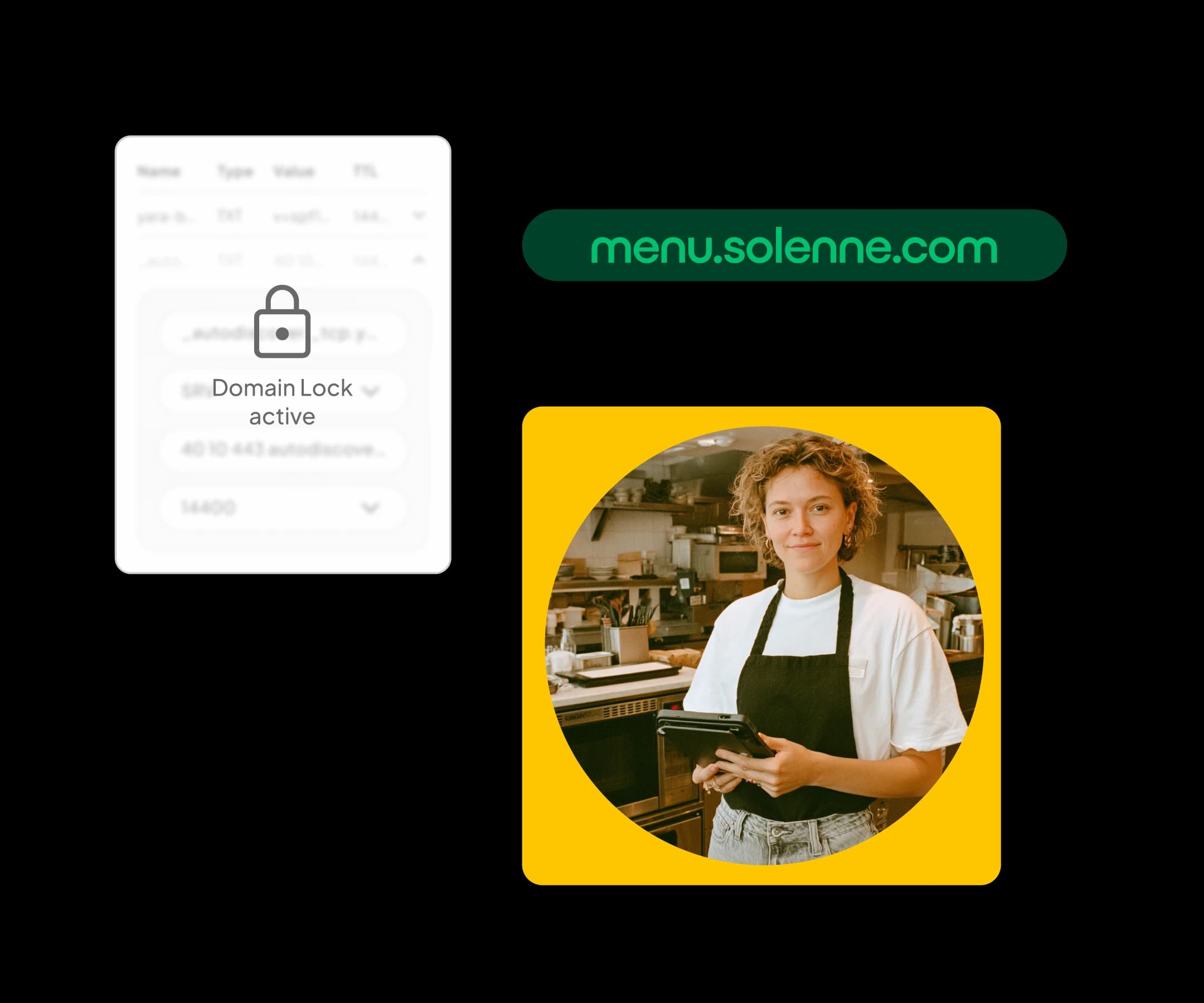
Stay in the driver's seat with Domain Lock, which stops any unauthorized edits or transfer attempts before they happen.
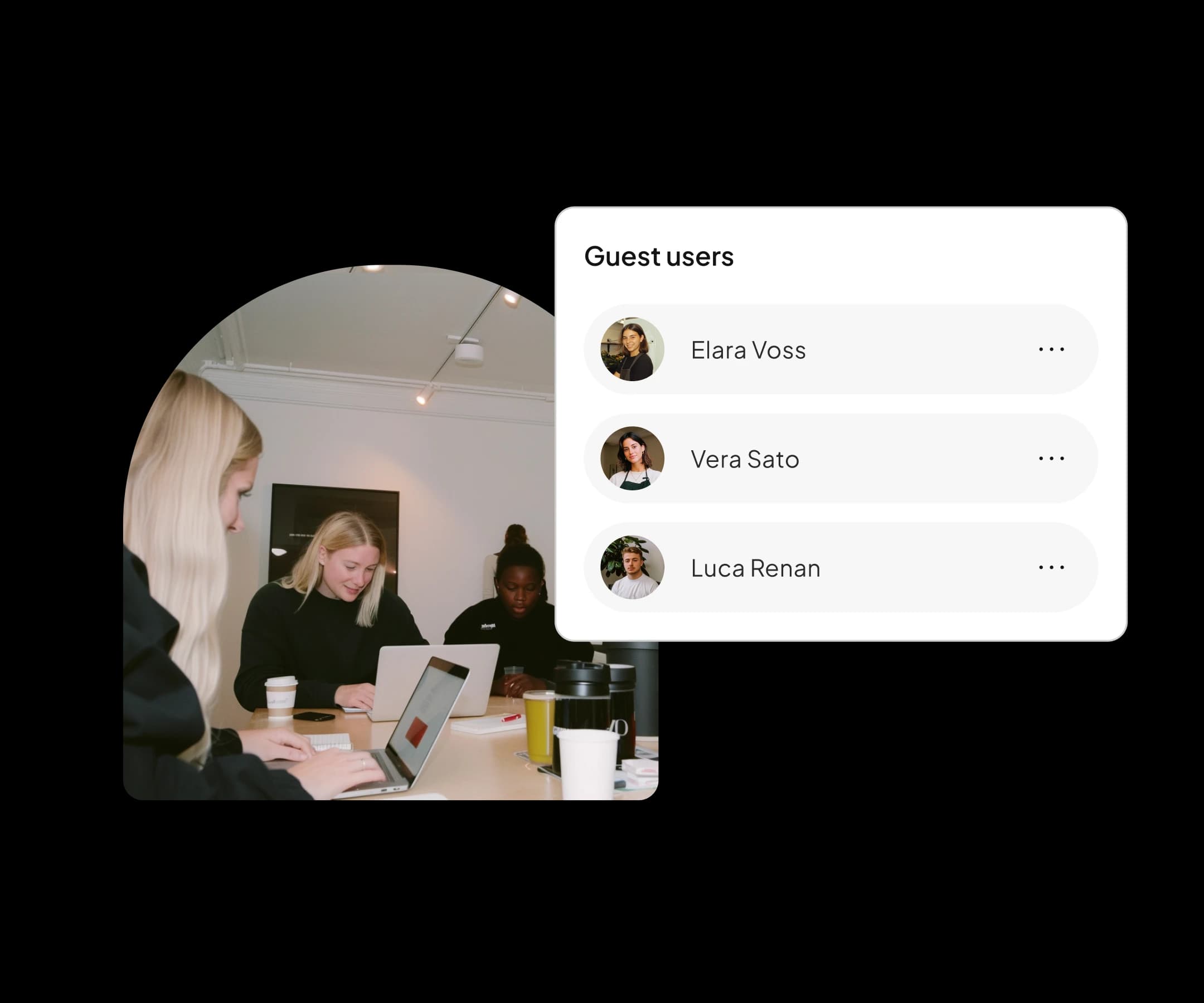
Let guest users handle specific domain settings without ever losing your authority. You're always the one calling the shots.
A domain name is the address people type to pull up your website or reach your email. Think of your website as your home and the domain as the street address.
Dig into domains, TLDs, and the art of picking a name that works for your project or idea.
Have an issue but like learning on your own? We have a dedicated team creating the best help articles for you.
We are always here to help you. 24/7 – 365 days a year.
Learn more about ecommerce, marketing, business, and much more with in-depth guides, tips & tricks.
Whatever your question, we will respond within 24 hours all year round.
A domain is the unique address visitors enter in their browser to reach your site — one.com, for instance. Under the hood, a domain name is a human-friendly label that the Domain Name System (DNS) converts into the numeric IP address of the server running your site, sparing visitors from memorizing strings of digits. Every domain has two core parts: the name you select (your brand, business, or project) and the extension after the dot, called a top-level domain or TLD — examples include .com, .co.uk, .be, .it, and .org. A domain does more than point to a website: it also powers professional email addresses such as 'info@yourbusiness.com' and supports unlimited subdomains like shop.yourbusiness.com. Because every domain is globally unique, registering yours locks in that exact address for as long as you keep renewing — no one else can claim it while it's registered to you.
Pick the domain that lines up with your brand, your audience, and your target market. Start with the name itself: short, memorable, and easy to spell — ideally your business name or something close. Next, zero in on the extension. If you serve a single country, a country-code TLD like .uk, .dk, or .de builds local credibility and helps you rank in regional search results. For an international audience, .com is still the most recognized option, while alternatives like .net, .org, .shop, or .online are solid backups when your top pick is gone. Before you commit, confirm the name doesn't step on an existing trademark and that matching social media handles are open. At one.com, one search compares availability across 400+ TLDs, and the AI domain generator offers brandable options when your preferred name is already taken.
Buying a domain name comes down to three actions: search for it, pick an extension, and check out — the whole thing wraps up in minutes. At one.com, drop your desired name into the domain checker and instantly see which of the 400+ extensions are up for grabs. Toss your favorite into the cart, then decide on your purchase type: domain only, or bundled with a hosting plan that gets you the domain free for the first year. At checkout, enter your contact details — required for the official registration — and pay by card or another accepted method. Once payment clears, the domain is registered to you and shows up in your one.com control panel, where you can connect a website, create email addresses, or configure forwarding right away. Most domains go live within minutes of purchase.
A TLD (top-level domain) is any extension that follows the dot in a domain name; a ccTLD (country-code top-level domain) is a particular category of TLD assigned to a specific country or territory. TLDs break into two main groups. Generic TLDs (gTLDs) — .com, .net, .org, .shop, .online — are open to everyone and carry no geographic meaning. Country-code TLDs are always two letters — .uk for the United States of America's counterpart in the UK, .be for Belgium, .de for Germany — and are administered by national registries, some of which impose residency or eligibility requirements. The distinction matters for SEO: search engines read a ccTLD as a strong signal that your site targets that specific country, potentially lifting local rankings, whereas a gTLD lets you go after any market. In short, every ccTLD is a TLD, but not every TLD is tied to a country.
Steer clear of anything that makes your domain difficult to say, spell, or trust. Drop the hyphens and numbers: they're easy to forget, get misheard ("is that the number 4 or f-o-u-r?"), and are often linked to spam. Ditch intentional misspellings and ambiguous words that people will type wrong, handing your traffic to someone else. Keep it short — 15 characters or fewer is a solid rule — because long names invite typos and fall flat on business cards and packaging. Avoid trademarked names and brands you don't own; those can trigger legal headaches and cost you the domain altogether. Watch out for slang or trend-driven words that may feel dated fast, and read the full name as a single string to catch any awkward word combinations. Lastly, skip extensions your audience won't recognize if trust is on the line — a familiar TLD like .com typically converts better.
The registrant — the individual or organization listed in the registry's database — holds the legal rights to a domain. Strictly speaking, no one truly "owns" a domain outright: registration gives you an exclusive, renewable right to use that name, governed by the registry for that extension under ICANN or national rules. Renew on time, and that right is yours indefinitely; you can also sell or transfer it. That's exactly why registrant details are so critical: make sure the domain is registered under your own name or your company's name — not a web designer's, an employee's, or an agency's — or proving control down the road can become a serious problem. The registrar — like one.com — simply administers the registration on your behalf. Keep your contact info up to date and stay on top of renewals; a lapsed domain eventually goes back on the open market.
Domain name pricing depends on the extension you go with (like .com). Rates typically vary by extension and may include promotional pricing for the first year.
On top of that, select domains come free when you sign up for a hosting plan. Visit our domain prices page for a full breakdown of rates.
Registering a new domain means having a registrar record it in your name with the official registry for that extension. In practice, you supply your contact details (name, address, email — mandatory under ICANN and registry rules), the registrar submits the registration, and the registry adds the domain to its database with you as registrant. At one.com this all happens automatically at checkout: search for an available name, place your order, and the registration is filed for you — no paperwork, no technical hoops. The domain is usually live within minutes, and DNS, email, and SSL can be configured straight from the control panel. Registrations run annually and auto-renew by default, so the name stays yours. Keep your registrant email address current — registries rely on it to verify ownership.
Not entirely — every domain must be registered with accurate contact information — but your personal data doesn't have to be publicly exposed. ICANN and national registries require a real name, address, and email for the registrant; submitting false details can get the registration revoked. What's changed is public visibility: since GDPR, personal data for private individuals is hidden or redacted in public WHOIS lookups for most extensions, so your home address stays off the radar. If someone with a legitimate reason needs to contact you — a potential buyer or a party with a legal claim — they can use the registrar's domain owner contact form, which forwards messages without disclosing your email. At one.com, this privacy protection is built right in at no additional charge. So while full anonymity isn't on the table, registering a domain today exposes remarkably little personal information to the public.
Absolutely — you can transfer almost any domain to one.com and manage it alongside your hosting, email, and website from a single control panel. The process is clear-cut: unlock the domain at your current registrar, request the transfer code (also known as an authorization or EPP code), then kick off the transfer on one.com's domain transfer page and enter that code. Generic extensions like .com and .net typically wrap up within five to seven days, while many country-code extensions — including .be and .uk — complete in minutes because their registries handle changes in real time. Your website and email stay up throughout the transfer; to guarantee zero downtime, set up your DNS records at one.com before making the switch. Two things to watch: don't let the domain expire before you transfer, and keep in mind that ICANN rules block transfers within 60 days of initial registration or a prior transfer.
The quickest way to find out if a domain is available is to plug it into a domain search tool. Type your desired name into the search bar on one.com's domain page and you'll see right away whether it's free — not just for one extension, but across more than 400 TLDs at once. So if yourname.com is already taken, you'll immediately spot alternatives like yourname.co.uk or yourname.shop. If the domain is registered, a WHOIS lookup shows the expiration date and, for business registrants, who holds it — handy if you want to make an offer or wait for a potential expiry. Availability shifts by the second, and there's no way to reserve a name without buying it: if you find what you're looking for, lock it in right then. Securing a domain is cheap; letting the perfect name slip to someone quicker is not.
A strong domain name is short, sticks in memory, rolls off the tongue, and ties directly to your brand. Target two to three syllables or roughly 15 characters max — the names nobody forgets tend to be brief. Say it out loud: if you'd need to spell it over the phone, trim it down. A relevant keyword ("plumber," "bakery") can help visitors instantly grasp what you offer, but don't sacrifice brandability to squeeze one in. Match your extension to your market: a ccTLD like .co.uk for local reach, .com for global ambitions, or a descriptive TLD like .shop or .online for a modern edge. Verify that matching social media handles are open so your brand stays consistent across every platform. And think ahead: avoid names tied to a single product or city if there's any chance you'll outgrow them in a few years.
Yes — domains and hosting are separate products, and one.com sells domains on a standalone basis. Buying a domain without a hosting plan is a smart and common move: lock in your brand name before a competitor beats you to it, safeguard a trademark, hold a name for a future project, or register alternate spellings and extensions that redirect to your main site. Even without a hosting plan, your domain is fully manageable from the one.com control panel: update DNS records, point the domain at a site hosted somewhere else, or set up web forwarding to a social media profile or marketplace page. Whenever you're ready to build, a hosting plan, the Website Builder, or professional email can be added at any point and everything hooks up automatically. Worth noting: the bundle also works in reverse — hosting plans include a free domain for the first year.
I had a great experience with one.com support. Both Rafael and Adrian were very helpful, patient, and professional. They answered all my questions clearly and took the time to explain the details I needed. I really appreciate their support, kindness, and excellent customer service. Thank you, Rafael and Adrian!
I accidentally deleted an important mail, but i didn't have the back up subscription. Nevertheless one.com had a back up regardless of my subscription situation. On top of that, they helped me get my emails back without having to adjust my subscription. I'm very grateful for all the support.
I used this host for many many years. So i am oldschool! Its difficult for me with ll the new ai and constantly changing looks and tecknique. It is still the best host for me, even i cant talt in the phone with the company anymore. So.. this review is for "Alyssa" who on the chat finally solved my problem. Also she gave me free upgrade for the rest of my 12 months period. Thank you Alyssa, so much for listening og having patience with the frustrated lady (thats me).
Best support ever experienced, any place possible. The support agents are always helpful, and always on your side. Its not the first time, but this time agent Krizzia was outstanding and showed big patience. Other companies should learn from this company how to handle customer service. Thanks
Alyssa was really patient and helpful when I had some payment method issue.
Mark Anthony
Just had an amazingly helpful webchat with Krizzia from One.com support. As a 72 year old who struggles to navigate the complexities of clearing infected files from my website, Krizzia's help was incredibly thorough, patient and very human. With her help, I've deleted the infected files, got my website back online, created a new email on another account, and pointed it to my personal Gmail inbox. It's this kind of customer care, there when you need it, that distinguishes one.com from the competition. Many thanks
Amazing customer service. There are very few companies I have dealt with that come back so quickly and are so friendly, professional and knowledgeable!
My problem was resolved in no time. This is how customer service should work, and many companies could learn from ONE's customer service.
The chat bot quickly realized that I needed to get in contact with a support agent and it didn't take long (2 minutes) before I got to talk with support agent Marktwin. The support agent was very professional and helped me in a timely fashion. I'm extremely happy with one.com's support and especially Marktwin! 5/5!
Brilliant service from MarkTwin today - back up and running in 30 mins. Thank you
Great support from MARKTWIN at One.com, Easy to chat with and i got good answers to my questions.
MARKTWIN, did an amazing job in supporting me with some issues that I was facing.
I was facing issue with domain transfer , but one.com team was very helpful thats'why i could complete this , thanks to team one.com
Excellent and prompt customer service around 22:00 on a Saturday. Thank you.
We have been with One.com for many years now, and it has proved a reliable host for our website and domain email. Support is particularly helpful, with the online chatbot connecting very quickly to a real person. Lovely helped me today very quickly and successfully.
Thank you very much for solving my problem with great professionalism and kindness