
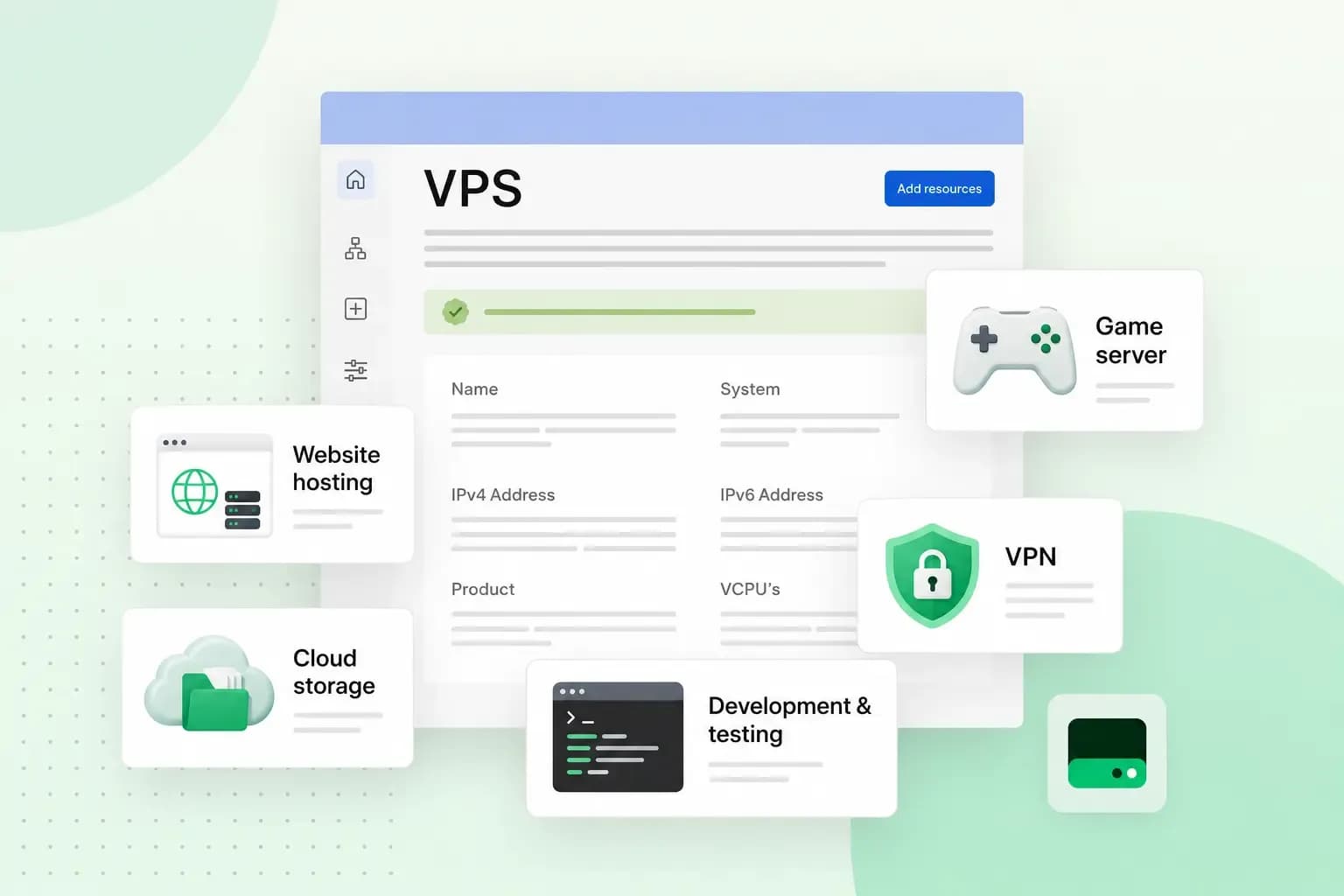
A VPS, or virtual private server, gives you your own share of a server, with processing power and memory set aside for you. On a self-managed plan, you also get full control over the software. You can use it for a game server, a busy website or online shop, your own email or VPN server, a test environment or tools that automate your work.
When a VPS makes sense
With shared hosting, your website shares a server and its resources with other customers, and the host decides which software runs on it. With VPS hosting, part of a powerful server is reserved for you. Other users don't affect your performance, and you're free to configure everything the way your project needs.
A VPS sits between shared hosting and a dedicated server, where you rent a whole physical machine. You get much of the control of your own server, and it costs less than a dedicated one.
A VPS makes sense when your website slows down at busy times or needs software your hosting plan doesn't allow. It also suits projects that aren't websites at all, such as a game server. If you're happy to run the server yourself, a VPS is the natural step up from shared hosting. If you'd rather not deal with updates and security yourself, shared hosting or Managed VPS is the better fit.
12 things you can use a VPS for
1. Set up a game server
If you love gaming, you can create your own game server with a VPS and play with friends online without relying on third-party servers.
A game server is the hub of a multiplayer game. It processes the players' movements, actions and game mechanics in real time, so everyone shares the same game world. When you run your own, you decide the game settings, the mods and who can join. That's a big advantage if you play Minecraft, Counter-Strike, Valheim or other multiplayer games.
Because the resources are reserved for you, the game keeps running smoothly for your players. That holds as long as your plan has enough resources for the number of people who join.
2. Run a high-traffic website
If your website or blog gets more traffic than standard web hosting can handle, a VPS is the next step.
On shared hosting, you share resources with other users, which can make your website slow or unstable at peak times. On a VPS, the resources are yours, so a large website with many visitors keeps the capacity of its plan, however busy other users get.
3. Set up a private email server
If you want full control over your email, you can run your own email server on a VPS. You then decide how your messages are stored, protected and managed. It's worth setting one up if your business handles sensitive information and you want to keep it on a server you control.
Running it yourself also means doing the work an email provider does. Before you start, make sure you can keep the server updated, filter spam, make backups and get other servers to trust the email you send. If all you need is an address on your own domain, hosted email is usually the simpler choice.
4. Run a large online shop
A large online shop needs good site speed, even when many customers browse at once. With its own share of the server's resources, the shop isn't slowed down by other users' traffic. As long as your plan has enough resources, it keeps loading quickly at busy times, such as during a sale.
A VPS also lets you choose your shop software and set it up exactly as you want. Ready-made ecommerce platforms often come with more restrictions.
5. Create a sandbox
A sandbox is a test environment for code, new software and changes, so you can try them out before they reach your website, app or other platform. A VPS is isolated from other users and fully under your control, which makes it a good place to set up a sandbox.
If you're adding a new payment method to your online shop, for example, test it in the sandbox first. Go through what your customers do: add items to the basket, apply a discount code and pay. Once the whole checkout works there, you can roll the new payment method out in your live shop.
6. Set up your own VPN connection
A VPN (virtual private network) sends your internet traffic through an encrypted connection to a VPN server. Your internet provider then sees only that you connect to the VPN server, not what you do online. A VPN also protects you from snooping on public Wi-Fi. Hosting your own VPN on a VPS means you don't rely on a third-party VPN service. Instead, you decide how the server works and who can use it.
7. Store files in your own cloud
Images, videos and other media files take up a lot of space. On a VPS, you can install cloud storage software such as Nextcloud and set up personal cloud storage of your own to keep and share them.
A personal cloud suits a photographer or designer who shares files with clients. With Nextcloud, you can share files and folders with other users or through a public link. How much you can keep there depends on the storage of your plan.
8. Create a forum or wiki
If you want to start an online community where people share knowledge, ask questions or work together, you can host your own forum or wiki on a VPS. You install the forum or wiki software yourself, such as Discourse for a forum or MediaWiki for a wiki. You keep full control over the content, user access and settings.
A forum is a place where people with a shared interest or profession discuss anything from games consoles to book series or technical fields. A wiki is a website that its users can edit and add to, like your own private Wikipedia. You can run both side by side, with the forum for discussion and the wiki for the detailed articles your members come back to.
9. Manage multiple websites at once
A VPS suits a freelance web developer or an agency that looks after several clients' websites. You can host them all on one server instead of managing separate hosting accounts. The same works if you run several projects of your own, such as a blog, a company website and a test project.
The websites then share the server's resources. Choose a plan with room to spare, so one busy website doesn't slow down the rest.
10. Set up a VoIP server
VoIP stands for Voice over Internet Protocol. It lets you make phone calls over the internet instead of a regular phone line.
Those calls usually cost less than calls on a regular line, even to other countries. Contact centres use VoIP for that reason, and running your own VoIP server is worth it if your business makes a lot of calls.
11. Build a chatbot
Chatbots are widely used for customer service, upselling and automating processes. A chatbot has to answer quickly, so it needs enough computing resources. A VPS gives you resources set aside for it and control over the software. With both, you can build and run a chatbot for your website, online shop or app. The chatbot software runs on your server, and you decide which tools and services it connects to.
12. Automate workflows with n8n
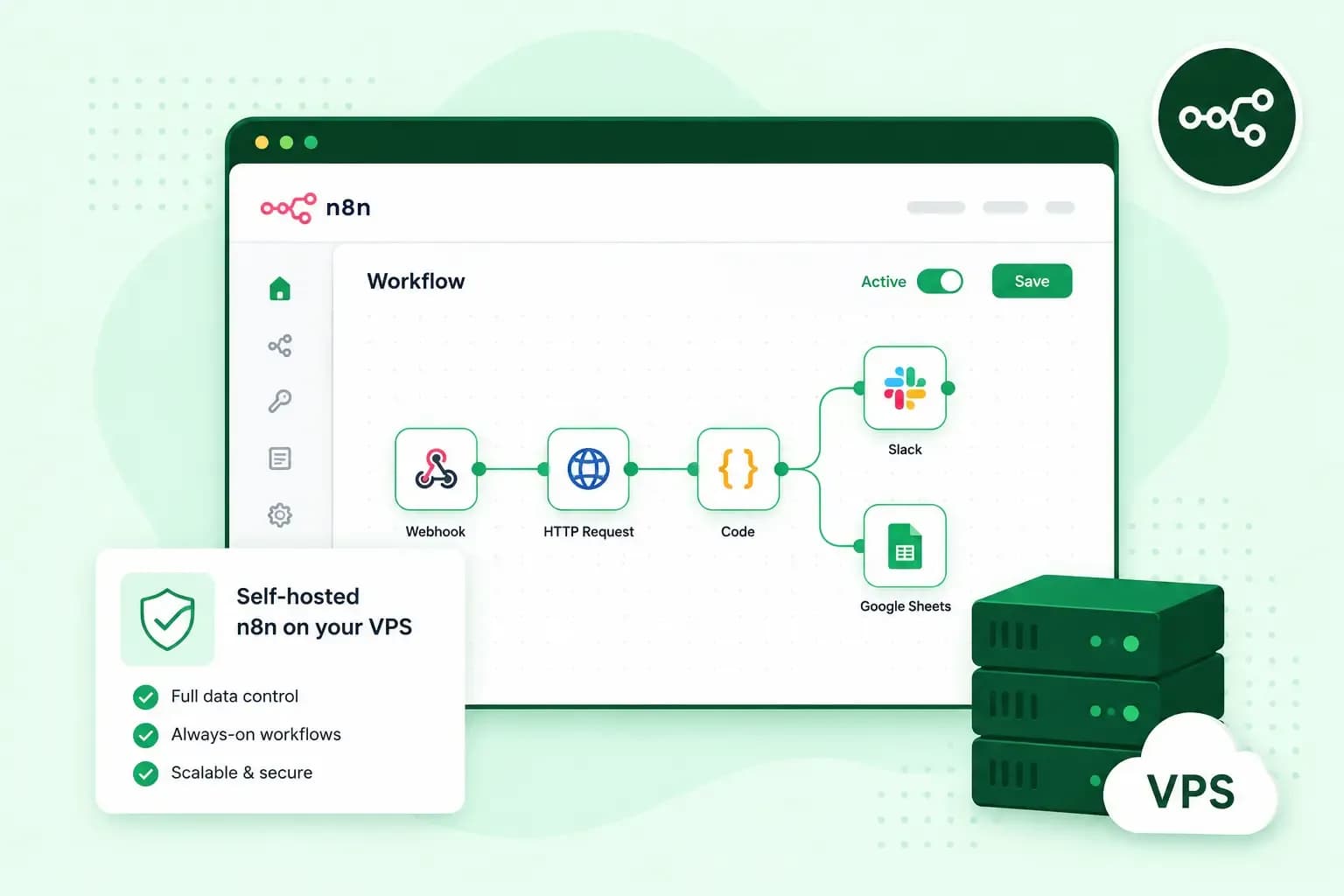
Workflow automation with n8n connects the tools you already use, so routine tasks run on their own. A new order can update a spreadsheet, for example, or a form on your website can create a task for your team. You can host n8n yourself.
Our n8n VPS comes ready to deploy, with n8n, Docker and PostgreSQL pre-installed. You still build the workflows and look after the server, but your data stays on a server you control.
How to choose a VPS plan for your project
The plan you need depends on the resources your project uses.
- CPU and RAM: these matter most for a game server on our VPS, and you can scale up its resources as more players join. To know how much is enough, check the requirements of the game or software you plan to run for the number of players or users you expect. Then pick a plan that covers them with room to spare.
- Bandwidth: make sure a website with high traffic and many media files has enough bandwidth to load quickly. All our VPS plans come with a 1 Gbit/s connection.
- Storage: choose plenty of space for a large online shop or your own cloud. Our plans use NVMe SSD storage, which reads and writes data quickly, so pages and files load fast.
Plans differ in CPU, RAM and storage, and the price depends on the size you choose.
Self-managed or managed: who looks after the server?
On our VPS, you look after the server yourself. On our Managed VPS, we take care of the server management, from setup to updates, security patches and backups.
Our VPS comes with the operating system you choose, Linux or Windows, and the server is all yours. Setting up the software, securing the server and keeping both up to date is your job. That gives you more flexibility than a Managed VPS, but it takes technical knowledge and time.
Once your VPS is ready, you connect to it and set it up. On a Linux VPS, you connect over SSH, a secure way to sign in to the server from a terminal app on your computer. Recent builds of Windows 10 and Windows 11, for example, include an SSH client you can use in Windows Terminal. If it isn't installed yet, you add it as an optional feature. On a Windows VPS, you open Remote Desktop Connection on a Windows computer. Either way, you enter your server's IP address and login details. From there, you install updates, secure the server and add the software your project needs, such as a game server or n8n.
With our Managed VPS, you get Plesk, a control panel where you manage your websites and services. It comes pre-installed with applications we selected.
| Self-managed VPS | Managed VPS | |
|---|---|---|
| Updates, security patches and backups | You handle them | We handle them |
| Support | Basic help, such as with access to your server | Full technical support |
| Software | You install and configure everything | Pre-installed programs we selected |
Our advice: Choose a self-managed VPS if you're comfortable working on a server and want to set it up your way. Choose Managed VPS if you want your own server but would rather spend your time on your website or business than on upkeep.
Pick a plan for your first project
Start with the number of players, visitors or users you expect, because that sets how much CPU and RAM your project needs. Then choose between a self-managed VPS, where you do the upkeep, and Managed VPS, where we do it. With that settled, you can choose a VPS plan for your project and move up to a bigger plan when it grows.
Recommended reading
 VPSOct 20, 2025
n8n VPS: automate with hosting on your own server
Work more efficiently with n8n automation on your own VPS. Learn how to use n8n in combination with AI. VPSOct 3, 2025
What is a server? Beginner’s guide to servers and their functions
Servers ensure that websites, online shops, and other online services run smoothly. Learn more about what a server is and how it works. VPSOct 3, 2025
Docker on a VPS: everything you need to get started
Develop and launch your next project more effectively with Docker on a VPS. Get started with these tips!