

WP Rocket cache plugin for WordPress
Supercharge your WordPress site
Create a faster browsing experience with WP Rocket and turn more visitors into customers.

Results right away
WP Rocket delivers immediate improvements to your site's speed and overall performance.
Ready in minutes
Get up and running fast — zero coding knowledge needed.
Plays well with your stack
Seamlessly compatible with the most popular plugins, themes, and tools.
Trusted by millions
Powering over 5 million websites and endorsed by industry experts.
Here's why WP Rocket is a must-have
Backed by WordPress experts worldwide, WP Rocket stands out as the top caching plugin for taking your site's speed and performance to the next level.
WordPress performance optimization, taken to the top
Turn on WP Rocket and watch your site speed soar. This industry-leading plugin applies proven techniques — including caching and file optimization — to cut load times from the moment you activate it.
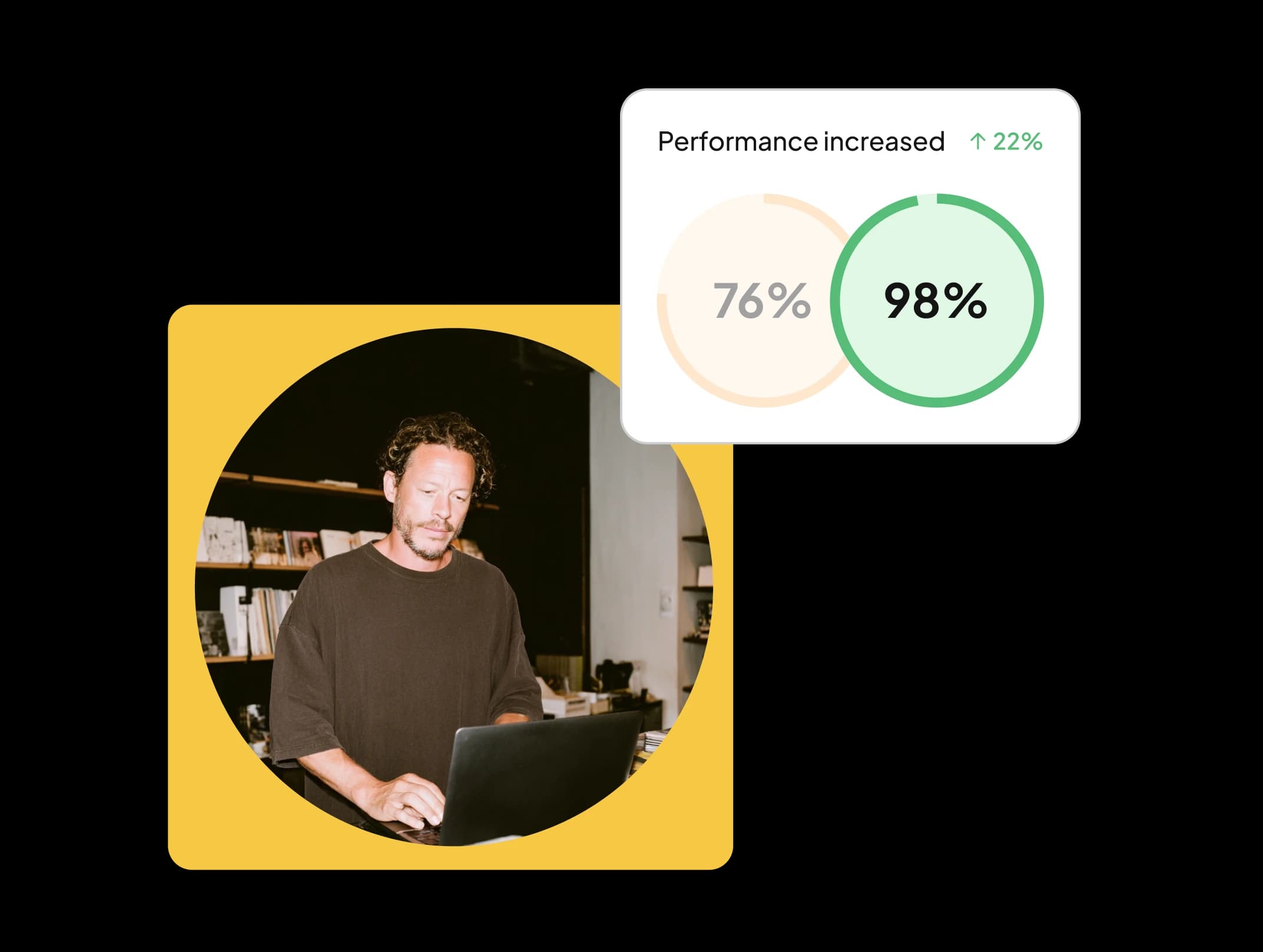
Give visitors a site worth coming back to
Nobody sticks around on a slow site. WP Rocket slashes load times on every device, boosts your page speed scores, and delivers a seamless experience from the very first click.
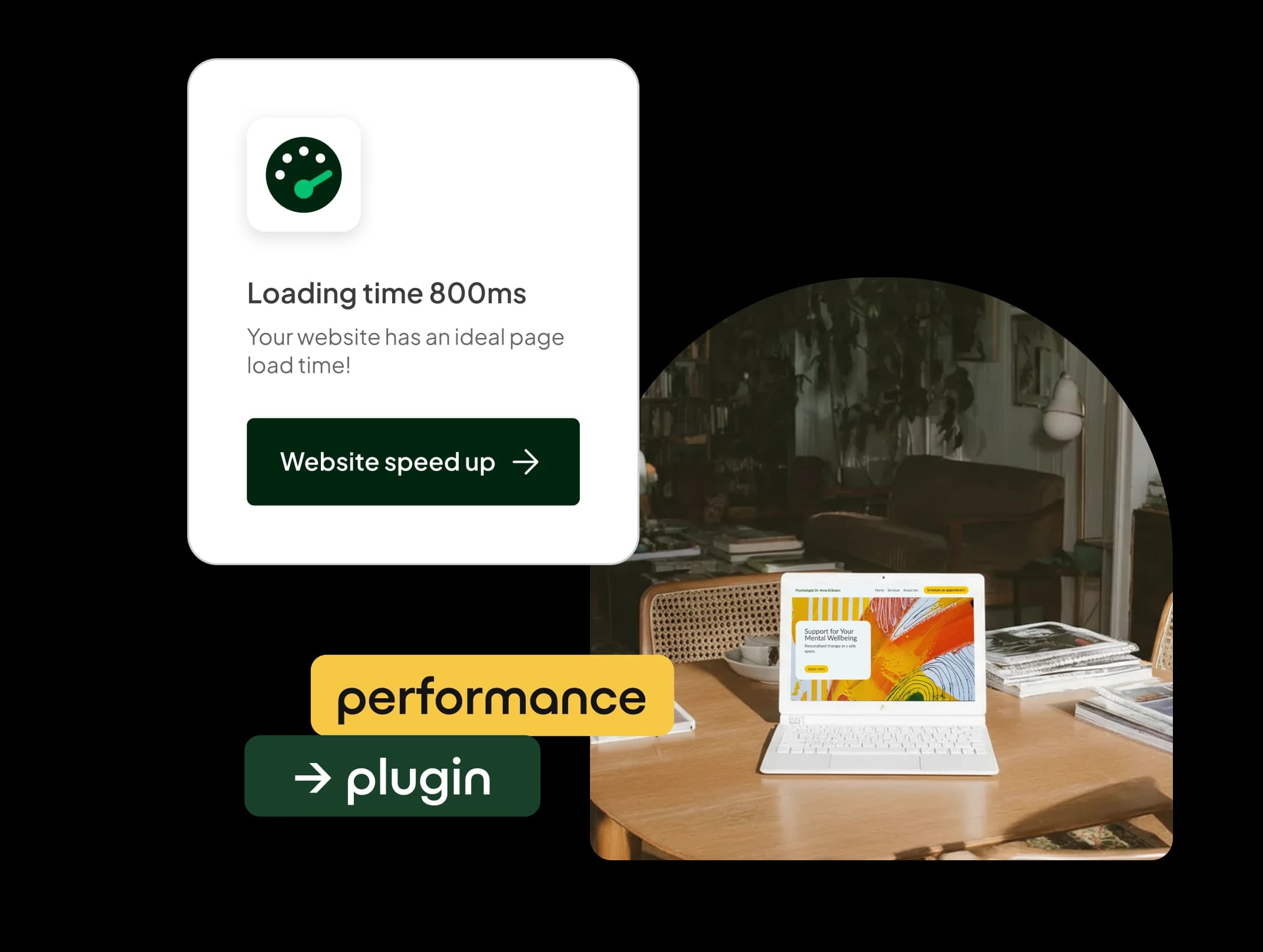
Speed it up, watch conversions climb
In ecommerce, every second counts. WP Rocket cuts bounce rates, drives deeper engagement, and turns more visitors into paying customers!

Climb higher in search engine rankings
WP Rocket fine-tunes your Core Web Vitals and PageSpeed scores, so your site loads quicker, runs smoother, and outranks the competition.

Accelerate your site with WP Rocket
See how caching, file optimization, and smart loading work together to completely transform your site's performance.
Get faster with cached pages
WP Rocket accelerates your site by caching pages. Your browser can pull up the page almost instantly, cutting wait times for every visitor.
Streamline your site's files
Too many files and bloated code drag your site down. WP Rocket strips out unused CSS, shrinks file sizes, and fine-tunes scripts so every visitor gets a faster experience.
Smarter media loading
WP Rocket uses lazy loading to keep your site snappy — images only load when a visitor actually needs them. What's on screen appears right away, while everything else loads as they scroll down.
Pre-cached content, ready to go
WP Rocket's preload cache feature pushes your site's speed even further by building cached versions of your pages in advance. The result? Lightning-fast load times, even for brand-new visitors.

A thriving online business runs on a faster website
Whatever your goals, WP Rocket helps you hit peak performance and build a stronger presence online:
For businesses
Make a lasting impression with a fast, polished site that shows visitors your brand means business.
For ecommerce
Give shoppers a frictionless experience that keeps them satisfied and brings them back to your store.
For bloggers
Hold your readers' attention with posts that load in a flash and leave them hungry for your next piece.
For web developers
Cut down your workload with automated performance upgrades that get your clients' sites running fast in no time.
WP Rocket
Exclusive at one.com
...
/mo.
Key features
Instant performance improvement
Zero coding required
Easy to use
Works with your WordPress tools
Simple, powerful performance for small businesses
Georgina Brøndal runs her own small business, juggling client work and growing her online presence every day. With WP Rocket, her WordPress site stays fast and dependable — giving visitors a smooth experience while climbing higher in search engine results.
Frequently Asked Questions
What does WP Rocket do?
WP Rocket is a caching and performance plugin built for WordPress. It speeds up your pages and strengthens overall site performance by caching content, eliminating unused code, and optimizing the WordPress database — leaving you with a faster, better-performing website.
How do I install WP Rocket?
Purchase WP Rocket alongside an Explorer hosting plan or higher, and you can add it during the 1-click WordPress installation right inside your control panel — just check the WP Rocket box.
Prefer to install it manually? log in on WP Rocket to download the plugin. Then head to WP Admin -> Plugins, upload the .zip file, and follow the on-screen steps.
How do I set up WP Rocket?
Once the plugin is installed, activate it from your plugin list and open the settings page. You can customize everything to fit your needs — and the good news is WP Rocket will have already applied the most impactful settings automatically. For a full walkthrough, check out this video.
Does WP Rocket compress images?
Not directly — but we've got you covered. We've pre-installed Imagify, a tool built by the same team that created WP Rocket. At one.com, you can use it to compress your images for free. Imagify works right inside your media library, compressing images and converting them into web-optimized formats like WebP and AVIF.
Can I use WP Rocket for my online store?
Absolutely! WP Rocket works seamlessly with leading ecommerce plugins like WooCommerce. Its performance-boosting features will sharpen the speed and user experience of your online store.
Is technical support available for WP Rocket at one.com?
Our support team is always ready to assist with any subscription-related questions, and the WP Rocket team is on hand to tackle any technical issues you run into.