
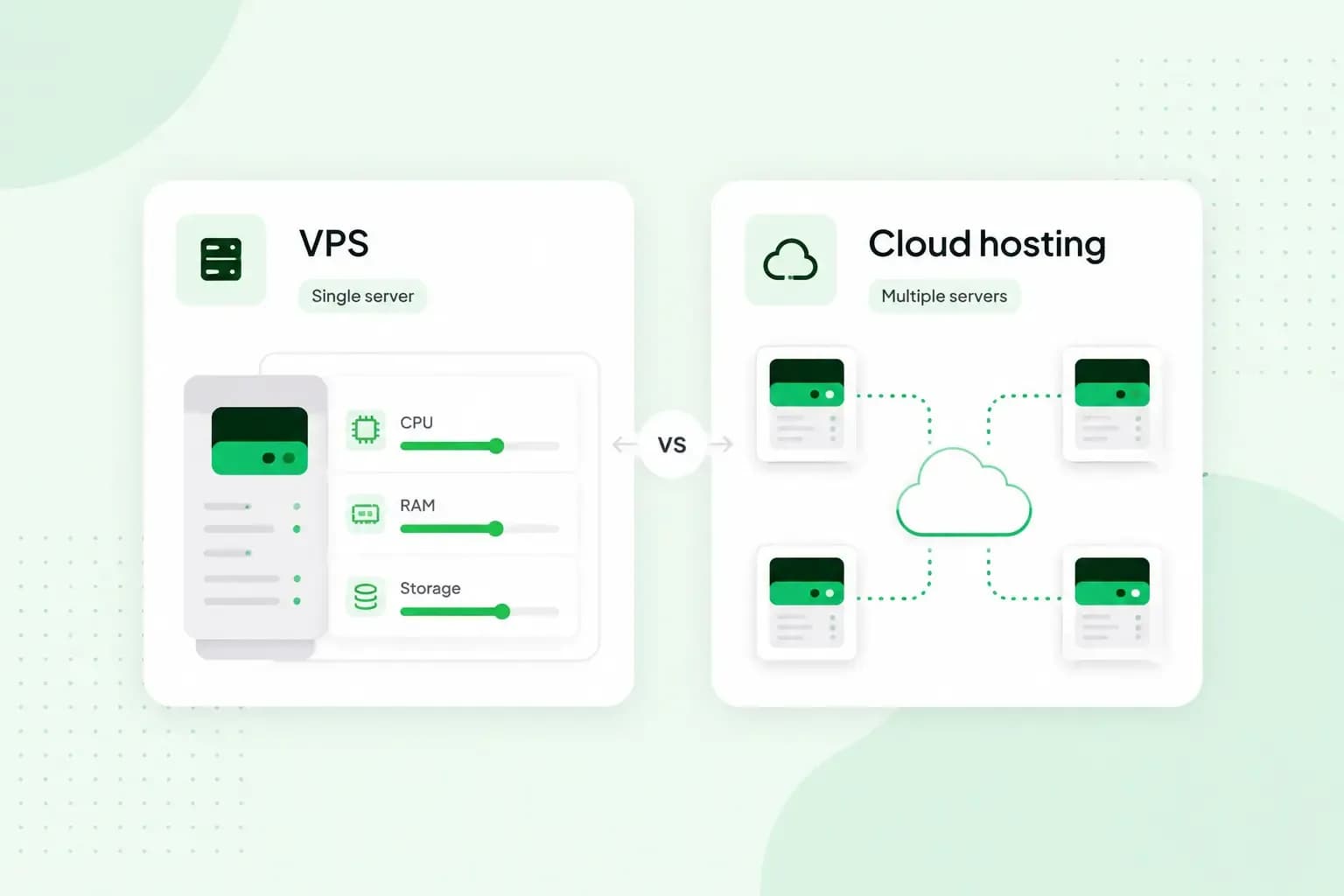
A VPS (virtual private server) gives you a fixed share of one physical server, with CPU, RAM and storage reserved for you. Cloud hosting runs your site or app on a network of connected servers. Resources can scale with demand, and you pay for what you use. If your traffic is steady and you want a predictable bill, a VPS is usually the better fit. If demand swings a lot, cloud hosting copes better.
How does a VPS work?
With VPS (Virtual Private Server) hosting, each virtual server reserves its own share of the resources and is isolated from the others, so it runs as an independent server. That's the main difference from shared hosting, where your website shares one server and all its resources with several others.
On our VPS, you choose the operating system and install the software you need with full root access. Root access means administrator rights over the whole server, so you can set it up the way your project needs.
A VPS sits between shared hosting and a dedicated server, where a whole physical machine is yours. That makes it a good fit for an online shop, an app with moderate, steady traffic or an email server. Our guide on what a VPS is used for gives more examples.
Our VPS is unmanaged, which means you're responsible for the setup, updates and troubleshooting yourself. If you'd rather not, choose our Managed VPS. We handle the server's maintenance, monitoring, security and software, and you manage your websites and apps in Plesk, a control panel for websites.
What is cloud hosting?
Cloud hosting pools computing power and storage from a network of servers run by a provider. Instead of a fixed slice of one machine, you draw on that shared pool. When traffic rises, you add capacity, and when things quieten, you scale back down.
The main benefits of cloud hosting are flexibility and resilience. Your site runs on a network of servers, so a single hardware failure doesn't have to take it offline. The main drawback is the bill. You typically pay only for what you use, so it changes with your traffic and is harder to plan for.
Can a VPS run in the cloud?
Yes. A VPS can run on cloud infrastructure, and we sell our VPS plans as cloud servers. Our VPS runs on OpenStack, a widely used open-source cloud platform, in our own European data centres. On our VPS, your virtual server is a virtual machine that still runs on shared physical hardware, with a guaranteed set of resources reserved for it.
With a VPS, even one sold as a cloud VPS, you rent a fixed set of resources and grow by upgrading to a bigger plan, which on our VPS takes effect within minutes with no server migration. With cloud hosting, you draw capacity from a pool of servers and pay for what you use.
VPS vs cloud hosting: the key differences
A VPS and cloud hosting compared
| VPS | Cloud hosting | |
|---|---|---|
| Resources | A fixed share of CPU, RAM and storage, reserved for you | Drawn from a pool of servers as you need them |
| Scaling | You move to a bigger plan when you need more | Resources scale up or down as your needs change |
| Pricing | A flat rate for the plan you choose | You pay for the resources you use, by the month or the hour |
| If a server fails | A VPS depends on the hardware it runs on, so backups matter | A hardware failure need not cause downtime, as your site runs on a network of servers |
| Who manages the server | You, on an unmanaged VPS, or the host on a managed one | You, or a provider of managed cloud services if you pay for one |
| Control | Full root access on our VPS, so you choose the operating system and software | Depends on the provider and the service you buy |
Security: who keeps the server safe?
On both models, part of the security work falls to you or to whoever manages the server for you, so don't pick either one for security alone. A VPS is isolated from the other virtual servers on the same machine. On shared hosting, a DDoS attack on another site can bring yours down too. A VPS protects you from that knock-on effect, though an attack aimed at your own site still needs its own defence.
On an unmanaged VPS, the server's upkeep is your job, and isolation won't help if your software is out of date. If you'd rather not take that on, choose Managed VPS and we look after the server's security for you.
In the cloud, security is shared between you and your provider. The provider protects the platform, and you still set up and look after what you run on it. On either model, keep regular backups. A VPS on one physical server needs good backup solutions in particular, so you can restore your site if that server has a problem.
Cost: a fixed plan or pay as you go?
A VPS plan usually has a flat rate, whatever your traffic does. The price depends on the resources in the plan you pick. That makes it easy to budget, which suits a business with steady needs.
Cloud hosting is usually billed on usage, by the month or the hour. A quiet month costs less, and a busy one can cost more. If you choose cloud hosting, set a budget alert where your provider offers one.
Which should you choose: VPS or cloud hosting?
Start from your traffic and how much server work you want to take on.
- An online shop or business website that has outgrown shared hosting: choose a VPS if its traffic is fairly steady. You get reserved resources and a fixed bill.
- Freelancers and sole traders: choose a VPS if you want your own server for client sites or tools. Shared hosting, which costs less, or a website builder, which needs no coding, is the better choice when you only need one simple website.
- A startup expecting sudden growth: choose cloud hosting. You can add capacity quickly when a launch or campaign brings a rush of visitors.
- A larger business that cannot go offline: choose cloud hosting. It spreads your services across several servers, so they keep running when one fails.
Our advice: if your traffic is fairly predictable and you're comfortable managing a server, choose a VPS for its reserved resources and a bill you can plan for. If you don't want to deal with updates and security yourself, choose Managed VPS instead. Cloud hosting is worth its less predictable bill when demand swings sharply or your service has to stay online even if a server fails. In that case, look for a provider that sells capacity on a pay-as-you-go basis.
Full root access, Linux or Windows and NVMe SSD storage. Pay by the month and cancel at any time.
Choose a VPSCan you move from a VPS to cloud hosting later?
Yes, but it's a migration you need to plan. Copy your files, databases and settings to the new host, reconfigure any services that depend on the old server and test the site there. Then point your domain's DNS records to the new server. Keep the old server running until the DNS change has reached everyone, which often takes a few hours and can take up to 72 hours, so no visitor lands on an empty site.
Moving takes time, so it pays to pick the model that fits your traffic now and scale within it for as long as you can. If that model is a VPS, compare our VPS plans. You can upgrade your plan at any time from your control panel.
Recommended reading
 VPSNov 6, 2026
What is a VPS server and how to choose the best one
A VPS server is a virtual server with its own reserved CPU, RAM and storage. See how it compares with shared hosting and how to choose the right one.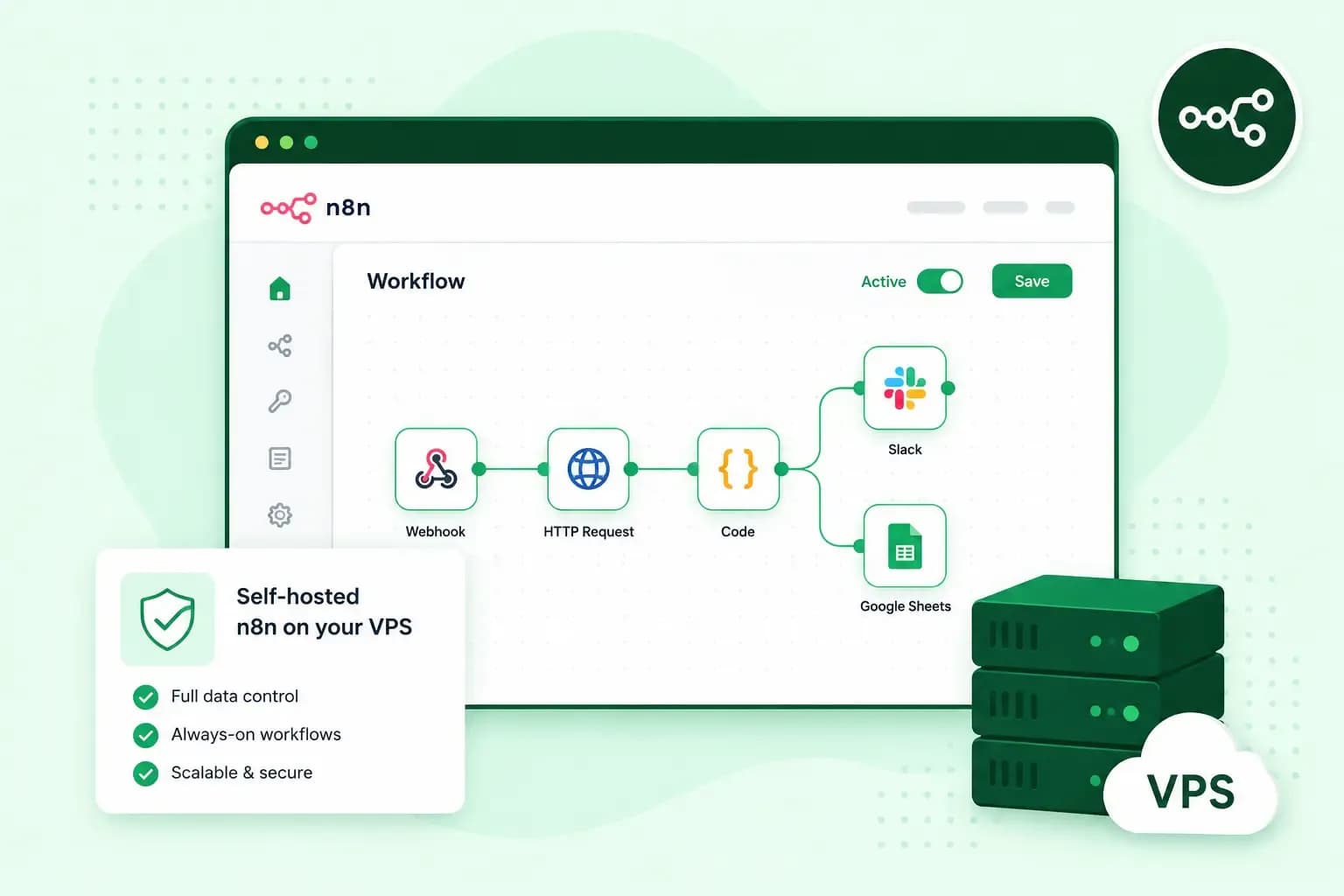 VPSOct 20, 2025
What is n8n, and how do you run it on your own VPS?
Work more efficiently with n8n automation on your own VPS. Learn how to use n8n in combination with AI. VPSOct 3, 2025
What is a server?
Servers ensure that websites, online shops, and other online services run smoothly. Learn more about what a server is and how it works.