
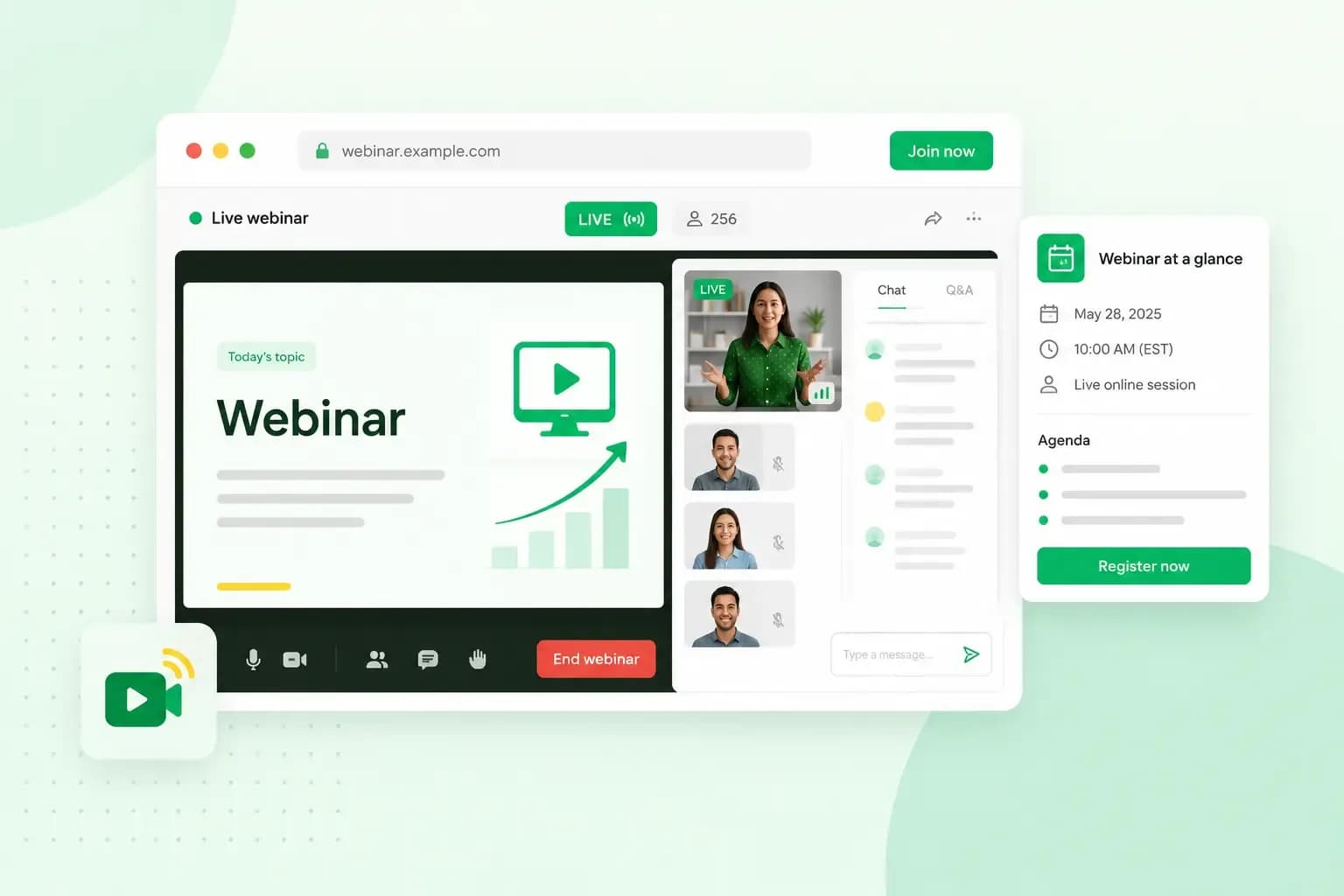
A webinar, short for web seminar, is an online seminar, usually live. The presenters share what they know with an audience that joins through a link. The audience takes part through polls, questions and the chat rather than on camera. For a small business, it's a simple way to show your products and win new customers. Creating one comes down to choosing a topic and a format, setting it up on a platform and inviting people to sign up.
What is a webinar?
During a webinar, the host gives a talk, a presentation or a demonstration over the internet. People watch from home, the office or anywhere else with an internet connection.
A webinar usually isn't a video meeting where everyone talks at once. The audience sees and hears the hosts and any guest speakers, but the hosts usually don't see the audience. Most of the time, the people watching listen and follow along.
How does a webinar work?
A webinar is usually booked like an event: people sign up in advance, then join at the set time. When they register, they fill in a short form with their name and email address. They then get an email with the link to join.
At the start time, attendees click that link. The host decides how much the audience can do. In a public Microsoft Teams webinar, for example, attendees can't turn on their microphone or camera unless an organiser or co-organiser turns them on for everyone. Instead, they ask questions in the Q&A, write in the chat and answer polls.
Not every webinar is live, though. Zoom, for example, lets you pre-record a webinar and run it as if it were live, then answer questions at the end, from its Webinars Plus plan up.
If you run your webinar live, it's worth recording it, so people who missed it can watch it later.
Webinar or online meeting: what is the difference?
The main difference is who does the talking. In a webinar, one or a few speakers present to a larger audience. In an online meeting, everyone can usually turn on their camera and microphone and join the conversation.
A webinar and an online meeting compared
| Webinar | Online meeting | |
|---|---|---|
| Who speaks | The presenters | Everyone who joins |
| The audience's camera and microphone | Off, unless the host turns them on | On for anyone who wants to |
| How people take part | Q&A, chat and polls | An open discussion |
| Typical size | A larger audience | A smaller group |
If you want to present to customers and take their questions, choose a webinar. If you want a discussion with a few people, a meeting is the better fit.
Who can host a webinar?
If you know a subject well enough to explain it to others, you can host a webinar on it. Small businesses use webinars to teach customers something useful, demonstrate a product or train staff and partners. They also use them to collect sign-ups from people who are interested in what they sell.
If you sell skincare products from your online shop at fernleaskincare.co.uk, for example, you could host a free webinar. Your topic might be a simple routine for dry winter skin. You could use products from your range to show each step. Viewers learn something they can use the same evening, and they get to know you before they buy.
Webinar formats
The format decides who talks and how the time is spent, so pick the one that suits your message and your audience.
- Presentation: you share your knowledge on a topic, usually with slides. It works well when you want to teach something step by step.
- Product demonstration: you show how a product works and walk through what it can do. It suits customers who are close to buying and want to see it in use.
- Panel discussion: several experts from your business or your industry discuss a topic together. Their different views help your audience make up their mind.
- Interview: you put questions to a guest expert from your industry. It's a good fit if you'd rather ask the questions than present.
- Q&A: you spend most of the time answering your audience's questions. Pick it when your customers already have a lot to ask.
What are the benefits of hosting a webinar?
A webinar lets you reach people who can't come to you, wherever they have an internet connection. When attendees see and hear you explain something live, they get a clear sense of your expertise. It can feel as if you're talking to them directly, and that builds trust with new customers and loyalty among existing ones.
Webinars are also useful for lead generation, because people who register leave their name and email address. Add a box to the sign-up form where they can agree to hear from you, so you can keep in touch after the event.
If you record your webinar, you also end up with a video of it. You can reuse it as part of your content marketing strategy, for example by sharing it in a newsletter or a blog post.
How to create a webinar, step by step
A good webinar takes some planning, but you don't need special skills to put one together. The six steps below take you from the first idea to the invitations, in the order you do them.
1. Choose a topic and format
Start with a topic your target audience cares about and that ties in with what you sell. For your skincare shop, a topic such as "a simple routine for dry winter skin" lets you show your products in use.
Then pick the format that fits the topic. If you plan to take questions live, think about what your customers have asked you before, by email or in your shop. With a few answers prepared, you're not caught off guard.
2. Invite a guest speaker
A guest speaker from your industry can make your webinar more appealing. For your skincare webinar, a dermatology nurse could explain what dry skin needs and which ingredients help. An expert who isn't part of your business adds credibility, because the advice doesn't come only from the person selling the products. That outside backing is a form of social proof.
3. Write a script and prepare your slides
Write a script before the webinar, and start with a strong opening that gives people a reason to stay. Before you write, answer three questions for yourself.
- What is the one message you want people to remember? For your skincare webinar, the message could be that a simple routine beats a cupboard full of products.
- Which questions will you answer during the webinar?
- What will your audience know or be able to do when it's over?
If several people speak, write the script together and agree who says what and when. If you get stuck on the wording, an AI writing assistant can give you a first draft to work from.
Your slides support what you say. Add a few with images or simple diagrams that make your points clearer, and list the key points on one of the first slides. Keep the text on each slide short, and talk your audience through it rather than asking them to read a wall of text.
Remember that people don't sign up to hear a sales pitch. It's fine to mention your products, but the webinar should be worth their time even if they don't buy anything. A product demonstration is the exception, as long as people know in advance that it's a demo.
4. Choose a platform and check your equipment
Platforms differ in how many people can join, whether you can record the session and whether you pay extra for webinars.
You may already use a tool that can run a webinar. In Microsoft Teams, anyone who can schedule a meeting can usually schedule a webinar too. Zoom offers webinars with a paid webinar licence. Dedicated webinar platforms such as WebinarJam are built for running webinars and selling through them.
For a first webinar with a small audience, such as your regular skincare customers, a tool you already know is usually the easiest start. On its plan page, check that your plan includes webinars and see how many people can join, how long a session can last and whether you can record it. Move to a dedicated platform when you need more attendees, your own registration page or detailed reports. What you pay then depends mainly on how many attendees you expect and which features you need.
As for equipment, a laptop with a webcam and a microphone is enough for each speaker. If you want clearer sound and a sharper picture, an external microphone and webcam make a noticeable difference.
5. Choose a date and time
Once the content and the platform are ready, pick a date and time that suits your audience. If you sell to businesses, pick a time during the working day. For the people who buy from your skincare shop, an evening may suit them better. If some of your attendees live in another time zone, choose a time that works for them too and give the time zone in the invitation.
Decide how long the webinar will last as well, with time at the end for questions, so you can give the length in the invitation.
Then schedule the webinar on your platform with its title, date, time and time zone, and turn on registration if your platform offers it. If your platform asks you to publish the event, as Microsoft Teams does, publish it first. The registration link you get there is the one you share when you promote the webinar.
6. Promote your webinar
Start with your email list, the people who have already signed up for your newsletter or agreed to hear from you. Send a short email with the date, the time and the link to register, and mention the webinar in the subject line. Shortly before the webinar starts, send a reminder to everyone who registered.
It's worth giving the webinar its own landing page on your website, so every email and post links to the same place. The page only needs a few lines on what the webinar covers and who it's for, plus the registration link from your webinar platform. For your skincare webinar, that could be a page on fernleaskincare.co.uk with the date, the guest nurse and the link. If you don't have a website yet, you can build one with Aida AI Website Builder and add the webinar page to it.
Share the webinar on your social media channels too, with posts and stories, paid ads or both.
Describe your business in a chat, and Aida AI Website Builder creates your pages, text and images.
Build my website4 tips for hosting an engaging webinar
A webinar runs more smoothly when you've rehearsed it, planned for problems and know what happens once it's over.
Practise beforehand
Run through the whole webinar at least once on the platform you'll use, ideally with a small test audience, so you know everything works as planned. Check your camera and sound settings during the run-through too. If there are several speakers, practise together and agree on the hand-overs. Time each part, so the webinar fits the length you gave in the invitation, and shorten or extend sections where needed.
Have a backup plan
A simple backup plan helps when technology or your memory lets you down.
- Print your slides and notes, and keep them beside you in case your computer won't open the file or the screen freezes.
- Have a backup way to get online in case your internet connection drops.
- Make a short checklist of what to do before you start, such as pressing the record button, and tick each item off.
Log on early to welcome people
Log on a little before the scheduled time, and welcome the first attendees with a short chat while others join. It makes the start more relaxed, both for you and for your audience.
Keep in touch with your audience after the webinar
Send a thank-you email to the people who attended, with a link to the recording. People who registered but couldn't make it get the same link. In that email, you can point to a related article on your website or the moisturiser you showed during the webinar. A small discount or offer as a thank-you for attending can help build customer loyalty.
Get your webinar page ready
Your first webinar only needs a topic your customers care about, a format that suits it and a platform you're comfortable with. Once you have a date, build the sign-up page for it with our website builder and send the first invitation.
Recommended reading
 Online ShopNov 6, 2026
What is a payment gateway and how does it work?
A payment gateway passes your customer's card details securely from your checkout to the banks. See how it works, what it costs and which payments to offer. Online ShopNov 20, 2025
Loyalty programme examples for small businesses
Learn how loyalty programmes can boost customer retention and loyalty. We also give examples of 4 loyalty programme structures. Online ShopNov 7, 2025
What should I sell online?
What can you sell online? Read along as we look at what people buy online and give you 15 tips for what you can sell in your online shop.