
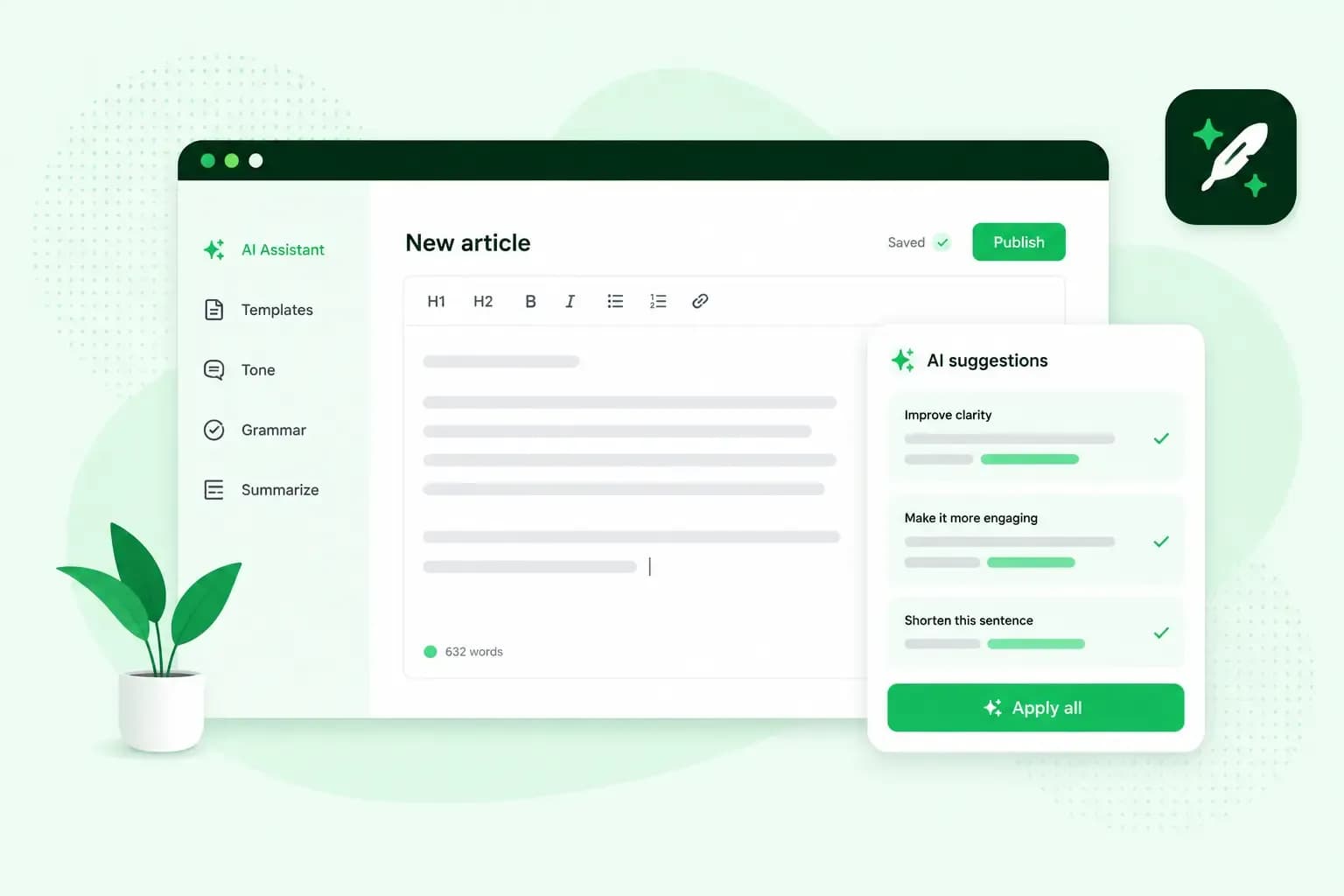
An AI writing assistant is software that helps you write. It corrects spelling and grammar, rewords sentences and can write a first draft from your notes. Used well, it saves you time on emails and website text. You still check the facts, add your own voice and keep sensitive information out of it.
What is an AI writing assistant?
An AI writing assistant is a tool that uses artificial intelligence to give you writing assistance: help with what you're working on, from fixing a typo to rewriting a paragraph in a friendlier tone. When it writes new text for you instead of correcting yours, the result is known as AI writing.
You'll come across four kinds of AI writing assistant:
- Checkers built into your programs, such as Microsoft Editor in Microsoft Word, underline what they find, and you accept or ignore each suggestion. Microsoft Editor also works as a browser extension for Edge and Chrome, and in Outlook on the web when you sign in with a Microsoft 365 account.
- Separate writing tools such as Grammarly check your spelling and grammar, and can rewrite your text for tone, length and formality.
- Chat tools such as ChatGPT write a whole draft from a short instruction, called a prompt, and change it when you ask.
- Assistants inside tools you already use help where you write. The writing assistant in our Webmail drafts an email from a few keywords, and the Aida AI Website Builder writes the pages and text of your website from a short description of your business.
How do AI writing assistants work?
AI writing assistants run on a language model. That's software trained on a very large amount of text, much of it from the internet, so it learns how words relate to each other. When you give it a prompt, it predicts which words are likely to come next and writes them out, so the result usually reads smoothly.
The model itself doesn't look facts up, and that is its weak point. It writes what sounds likely, so a fluent sentence can still be wrong.
Benefits of AI writing assistants
The main benefit is time. The assistant does the slow parts of writing, such as the first draft and the proofreading, so you start from a text instead of a blank page.
- Give it your notes or a few keywords, and it returns a first draft you can edit.
- It catches spelling and grammar mistakes and points out sentences that are hard to follow.
- It can improve the wording of a workplace message or change its tone, from blunt to polite or from stiff to friendly. It also helps when you write in a language that isn't your first.
- Give everyone on your team the same tone instructions for the assistant, so your emails and pages keep one voice.
If you send business emails from your own domain, you can draft and reword them with the writing assistant in our Webmail. Our guide shows how to let AI draft an email.
How to use an AI writing assistant well
Treat an AI writing assistant like a capable new colleague: give it a clear brief, then improve what comes back.
- Tell it who the text is for, what the text should do and which tone to use, for example "a short, friendly email telling a customer their order will arrive three days late, with the new delivery date". Our guide to writing a good prompt has more examples.
- List the facts, offers and dates yourself, then ask the assistant to turn them into text.
- Treat the result as a draft. Cut what you wouldn't say out loud, and swap words your customers wouldn't use for the ones they do.
- Ask for changes such as "make it shorter" or "sound less formal" instead of starting again with a new prompt.
Limits and risks of AI writing assistants
An assistant writes quickly, but it doesn't know your business and it doesn't check its own work.
It can get facts wrong
AI text can contain facts that sound right but aren't, often called hallucinations. Google's guidance for website owners says to check all AI-generated content for accuracy before you publish it. Look closely at names, numbers, dates and anything it says about your products. If the assistant names a source, make sure the source exists and says what the text claims.
Check the wording too. If a passage reads as if it was copied from another website, search for one of its sentences online. If it turns up elsewhere, rewrite the passage in your own words.
It can sound generic
Without your own details, an assistant's draft can sound general. Readers notice when a page could belong to any business. Add your own examples, opinions and the questions customers actually ask, and write for your target audience rather than for everyone. A little humour and small stories from your work, the heart of brand storytelling, make the text yours.
Keep sensitive information out
What you type into an AI tool goes to the company that runs it. The UK's National Cyber Security Centre explains that the provider can see your queries and stores them. It will almost certainly use them to develop its service at some point. The NCSC advises against putting sensitive information into public AI tools.
So leave out customer details, contracts and anything you wouldn't want to see made public. Whichever assistant you use, give it the points your text needs, never a customer's personal details.
AI text on your website and SEO
Google's guidance says generative AI can help you research a topic and give structure to original content. Using it to produce many pages that add nothing for visitors, however, may break Google's spam policy on scaled content abuse. Google also asks you to review AI-written titles and meta descriptions, since they can appear in search results. Our guide to using AI for SEO covers the rest.
How to choose an AI writing assistant
Choose an AI writing assistant by how well it fits the way you work, not by its list of features. Check these four points:
- Where it works: pick one that runs in your email, documents or website builder, so you don't copy text between windows.
- Your context: try it on a text you know well, and check that it keeps a formal letter formal and makes a casual blog post sound relaxed.
- Your data: read its terms and privacy policy to see whether your text is stored and whether it's used to train AI models.
- Control: make sure nothing is sent or published until you've read and approved it. In our Webmail, an email the assistant drafts is only sent once you confirm it, and you can switch the writing assistant off at any time.
The job decides the kind. For spelling and grammar, the checker in the programs you already write in is usually enough. For a whole first draft from your notes, you need a chat tool, a separate tool such as Grammarly or an assistant in your email or website builder. These drafts need the closest check of facts and tone.
Our advice: start with the assistant inside a tool you already use, such as your email or your website builder, because it works where you write. Test it on one real task first. If you need a separate tool, choose one whose terms pass the data check above.
Questions about AI writing assistants
Is there a free AI writing assistant?
Yes, for the basics. The free version of Microsoft Editor covers spelling and grammar, and a Microsoft 365 subscription adds suggestions on clarity, formality and vocabulary. Grammarly has a free version too, and its paid plan adds advanced suggestions and more AI prompts.
How do AI content operations tools differ from simple AI writing assistants?
An AI writing assistant helps with the text in front of you, such as an email, a page or a post. A content operations tool supports the process around the text: how a team plans, creates, approves, distributes and measures its content. It may use AI at several of those steps. For a small business that writes its own texts, a writing assistant is usually the place to start.
Put an AI writing assistant to work on your website
Your own website is a good first task for an assistant, because you know your business well enough to check every fact it writes. Build your website with the Aida AI Website Builder from a short description of your business, then edit the text until it sounds like you.
Recommended reading
 WebsitebuilderOct 19, 2026
How to get your website ready for Black Friday (with checklist)
Get your website ready for Black Friday with this practical guide and checklist.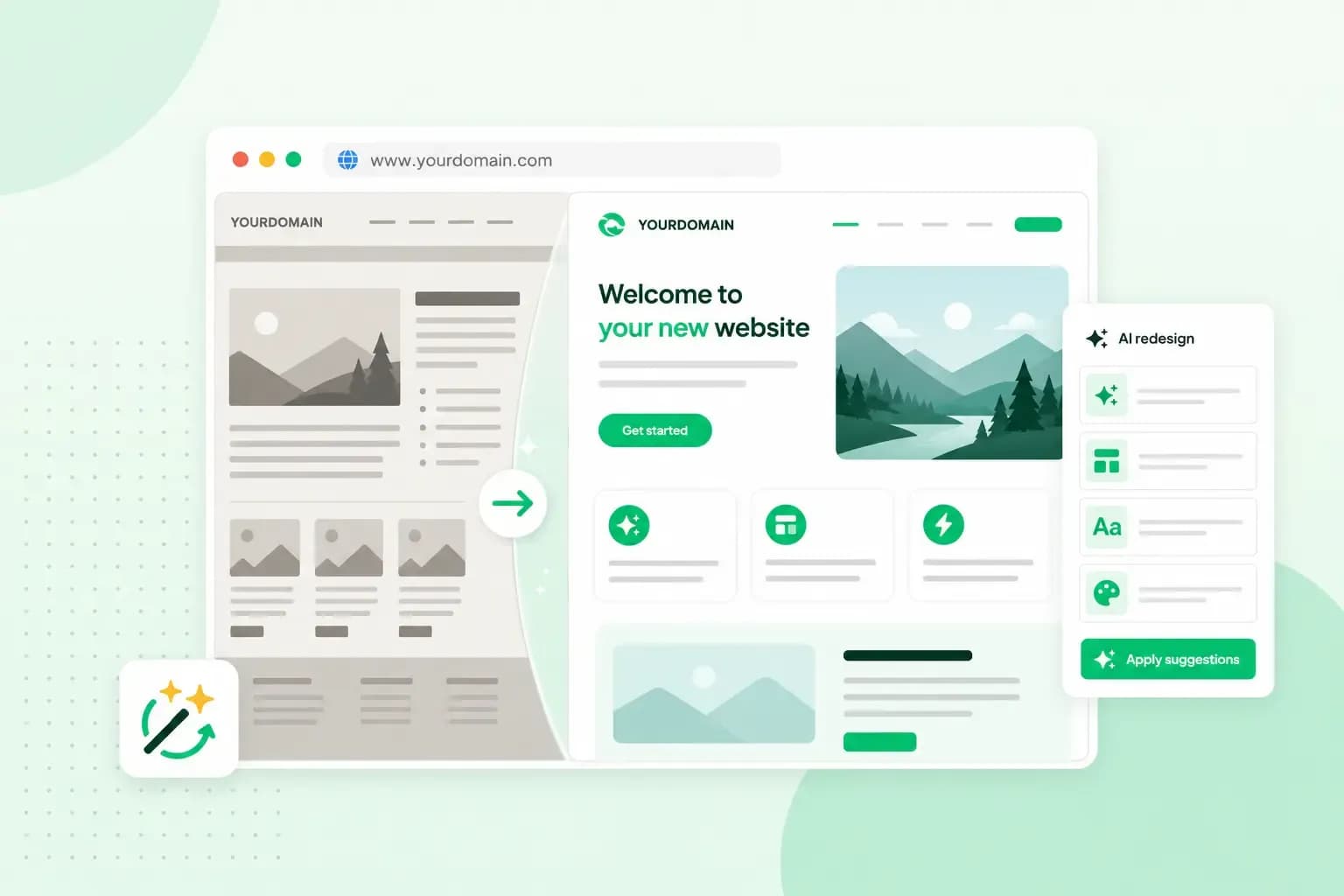 WebsitebuilderAug 31, 2026
Website redesign: How to modernise your website with AI
Discover how Aida AI can redesign your existing site in minutes, add new features, and help you create a site that's ready for business.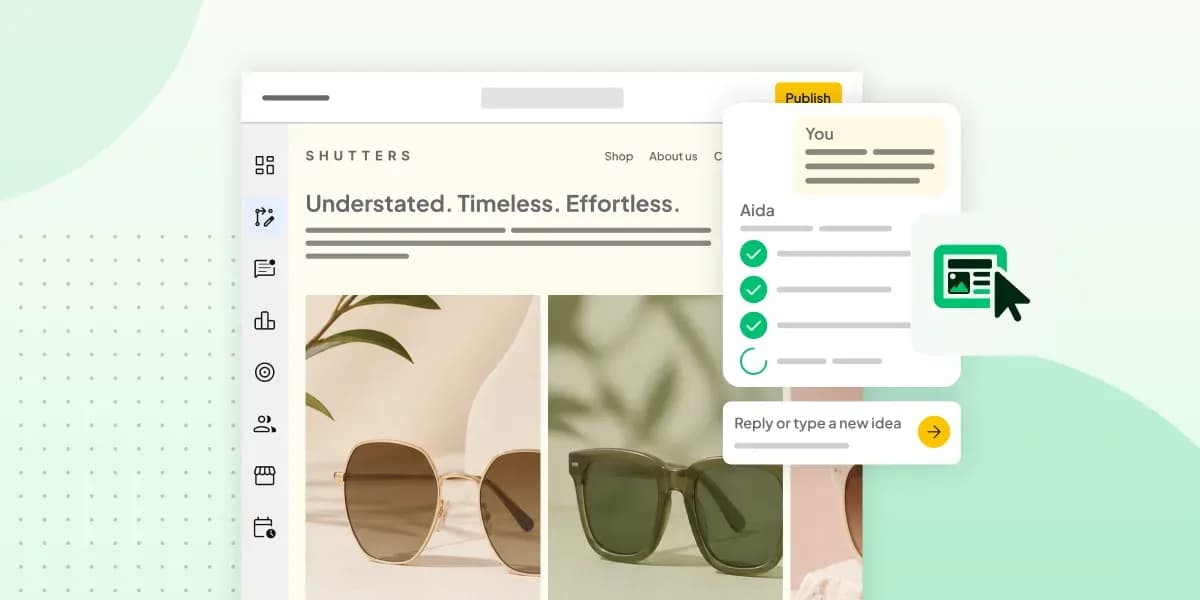 WebsitebuilderAug 11, 2026
How to prompt an AI website builder
Learn how to prompt an AI website builder to create a professional website for your business. Get examples for shops, salons, clinics, and more.