
A VPS server, short for virtual private server, is a virtual server that works much like a server of your own. It runs on a physical machine that you share with other customers. It has its own processing power (CPU), memory (RAM) and storage, kept separate from the other virtual servers on the machine. You choose its operating system and get full root access, meaning administrator rights over the whole server. That lets you install and set up whatever software your website or project needs.
A VPS sits between shared hosting, where many websites share the resources of one server, and a dedicated server, where you rent a whole machine for yourself. The right choice depends on how much power your project needs and how much of the server work you're happy to do yourself.
What is VPS server hosting and how does it work?
With VPS hosting, you rent one of these virtual servers from a hosting provider like us. The provider uses virtualisation software, which splits one physical server into several virtual servers that are isolated from each other. The physical machine is still shared, but traffic surges and problems on the other virtual servers don't affect yours. Your site keeps the resources it was given.
VPS, shared hosting and dedicated servers compared
The three options differ in how much of a server you get, how much control comes with it and who looks after it. With shared hosting, the provider runs the server and you only look after your website.
Shared hosting, a VPS and a dedicated server compared
| Shared hosting | VPS | Dedicated server | |
|---|---|---|---|
| Resources | Shared with other users, none of your own | A reserved share of the server's CPU, RAM and storage | The entire server reserved for you |
| Other users | Their needs affect the memory and computing power your site gets | Traffic surges on other virtual servers don't affect yours | None: the server is yours alone |
| Control | No choice of operating system or server software | Full root access, your own operating system and software | Control over the hardware as well |
| Server upkeep | Done by the hosting provider | Yours, or the provider's with a managed VPS | Yours, unless the provider manages it |
| Good for | Small sites with modest traffic | Sites and apps that have outgrown shared hosting or need their own software | Projects that need a whole machine's capacity |
| Cost | The lowest | Lower than a dedicated server | The highest |
Choose a dedicated server only when your project uses more capacity than a VPS gives you and the higher price fits your budget. Our guide to a VPS or a dedicated server compares the two in more detail.
Do you need a VPS or is shared hosting enough?
Shared hosting is usually enough until your site needs more power or software of its own. It's a common starting point for small businesses and bloggers with modest traffic. Typical examples are a business site, a portfolio or a blog.
A VPS starts to make sense when shared hosting holds you back. Your pages may slow down when another site on the same server gets a sudden spike in traffic. Or you may need your own operating system or server software, which shared hosting doesn't let you choose. When you're choosing between a VPS and a shared plan, weigh these two limits against what a slow or offline site would cost your business.
Our advice: stay on shared hosting while your site runs well on it. Move to a VPS when your site needs more power or software that shared hosting can't run, and you're comfortable managing a server. If you want the power but not the server work, a managed VPS is the better fit, because the provider then looks after the server for you.
What can you run on a VPS?
A VPS runs websites, apps and tools that need more power or freedom than shared hosting gives, for example:
- A website or online shop that has outgrown shared hosting. It gets its own resources and full control over its setup.
- Websites and web apps built with custom frameworks, which shared hosting can't handle.
- Automation workflows. With an n8n VPS, you run the n8n workflow automation tool on your own server, for example to pass new orders on to your bookkeeping.
- An AI agent of your own. An OpenClaw VPS keeps it running around the clock on your server, connected to the AI model you choose with your own API keys, the keys the AI provider gives you.
- A central place where your team stores and shares files.
Our article on what a VPS is used for covers more examples.
Managed or unmanaged VPS: who looks after the server?
With an unmanaged VPS, the provider gives you the basic server and you manage everything on it yourself. With a managed VPS, the provider takes that work on.
Our VPS is unmanaged, so the server work is yours. You can connect to the server remotely over SSH, an encrypted connection from your own computer. From there, you install and configure all the software on the server yourself. Keeping that software up to date, installing security patches and making your own backups is your job too. So is securing the server, including managing the firewall.
An unmanaged VPS suits developers and technical teams who want full control. Our support team can point you in the right direction, but it can't configure or manage your server software for you.
Our Managed VPS works the other way round. We handle the server's maintenance, monitoring, security and software, and you manage your websites and applications in the Plesk control panel. This is a good fit for businesses and agencies that would rather not manage the server themselves. Our guide shows how the two kinds of VPS compare in full.
How to choose a VPS provider and plan
Once you know a VPS is right for you, compare providers and plans on these points:
- Operating system. Pick the system your software runs on. On our VPS, you can choose a Linux VPS with a distribution (a version of Linux) such as Ubuntu, Debian or AlmaLinux, or a Windows VPS when you need to run Microsoft apps.
- Resources. Check how many CPU cores, how much RAM and how much storage each plan includes, and whether they're reserved for you.
- Who manages the server. Decide whether you'll do the server work yourself on an unmanaged VPS, or want a managed one where the provider does it.
- Data centre location. Check where your data will be stored. Our VPS runs on our own infrastructure in our European data centres, which are certified to the ISO 27001 information security standard. Your data stays with us and never passes through a third-party cloud provider.
- Uptime and support. Look at the uptime the provider guarantees, when support is available and what it covers.
- Contract and upgrades. A monthly contract and plans you can upgrade let you start small and grow when you need to.
How much RAM and CPU does your VPS need?
As a rough guide, a single website or blog with modest traffic needs the fewest resources. An online shop with steady traffic, several sites or an app with a large database needs more memory and processing power. The more visitors, programs and tasks run at the same time, the more RAM and CPU your server needs. To size your plan, check how much RAM and CPU the software you'll run asks for at the number of users you expect. Then choose a plan that gives you a little more than that.
Start with a plan that fits your workload today rather than paying for capacity you might need later. Watch how much memory and processing power your server uses, and upgrade when it regularly runs close to its limit. With our VPS, you can upgrade your plan at any time from the control panel. The upgrade takes effect within minutes and needs no server migration or downtime.
How much does a VPS server cost?
A VPS server costs more than shared hosting and less than a dedicated server. Within that range, the monthly price depends mostly on the resources included, since you pay for your share of a physical server's hardware. Before you start renting a VPS, check whether the price includes VAT and what the plan renews at, as well as the contract terms.
Our VPS runs on monthly contracts with no long-term commitment. Each of our VPS plans has a notice period of 15 days. If you cancel, we keep your server active until the end of the billing period you've paid for.
Our VPS plans give you full root access, Linux or Windows, NVMe SSD storage and monthly contracts you can cancel at any time with 15 days' notice.
Choose a VPSFrequently asked questions
Is a VPS the same as a VPN?
No. A VPS is a server you rent to run websites and software. A VPN (virtual private network) is an encrypted network connection that lets people reach an organisation's services securely from elsewhere.
Can you use your own domain with a VPS?
Yes. You point the domain to your VPS by updating its DNS A record, the record that connects your domain to your server's IP address. That works whether the domain is registered with us or with another provider. With the domain and the VPS in one account, you make the change in the same control panel. A DNS change often takes a few hours and can take up to 72 hours to reach everyone.
Once you know what you'll run and who should look after the server, you can pick the resources you need. Find the VPS plan that fits your project, and upgrade as it grows.
Recommended reading
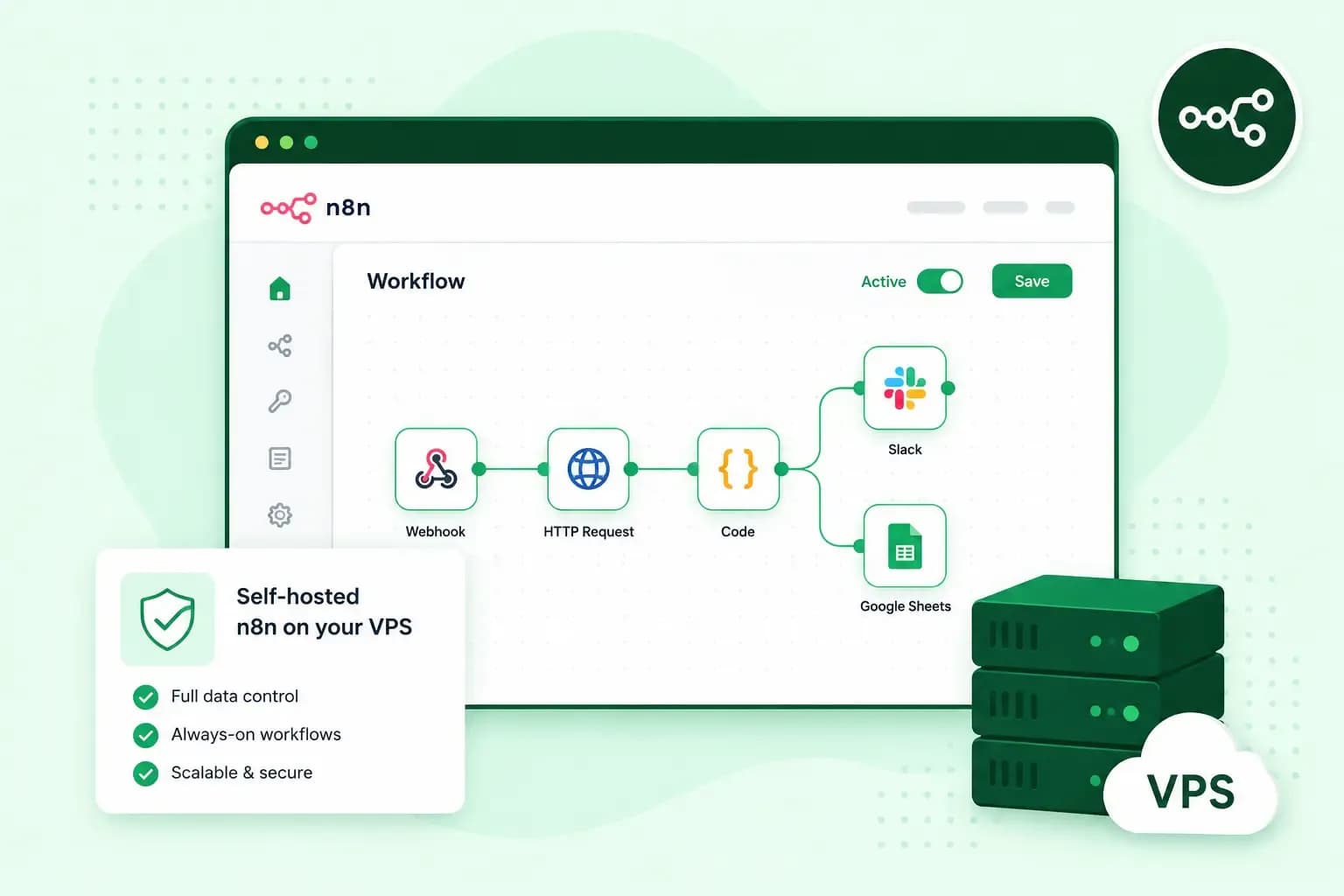 VPSOct 20, 2025
What is n8n, and how do you run it on your own VPS?
Work more efficiently with n8n automation on your own VPS. Learn how to use n8n in combination with AI. VPSOct 3, 2025
What is a server?
Servers ensure that websites, online shops, and other online services run smoothly. Learn more about what a server is and how it works. VPSOct 3, 2025
Docker on a VPS: everything you need to get started
Develop and launch your next project more effectively with Docker on a VPS. Get started with these tips!