
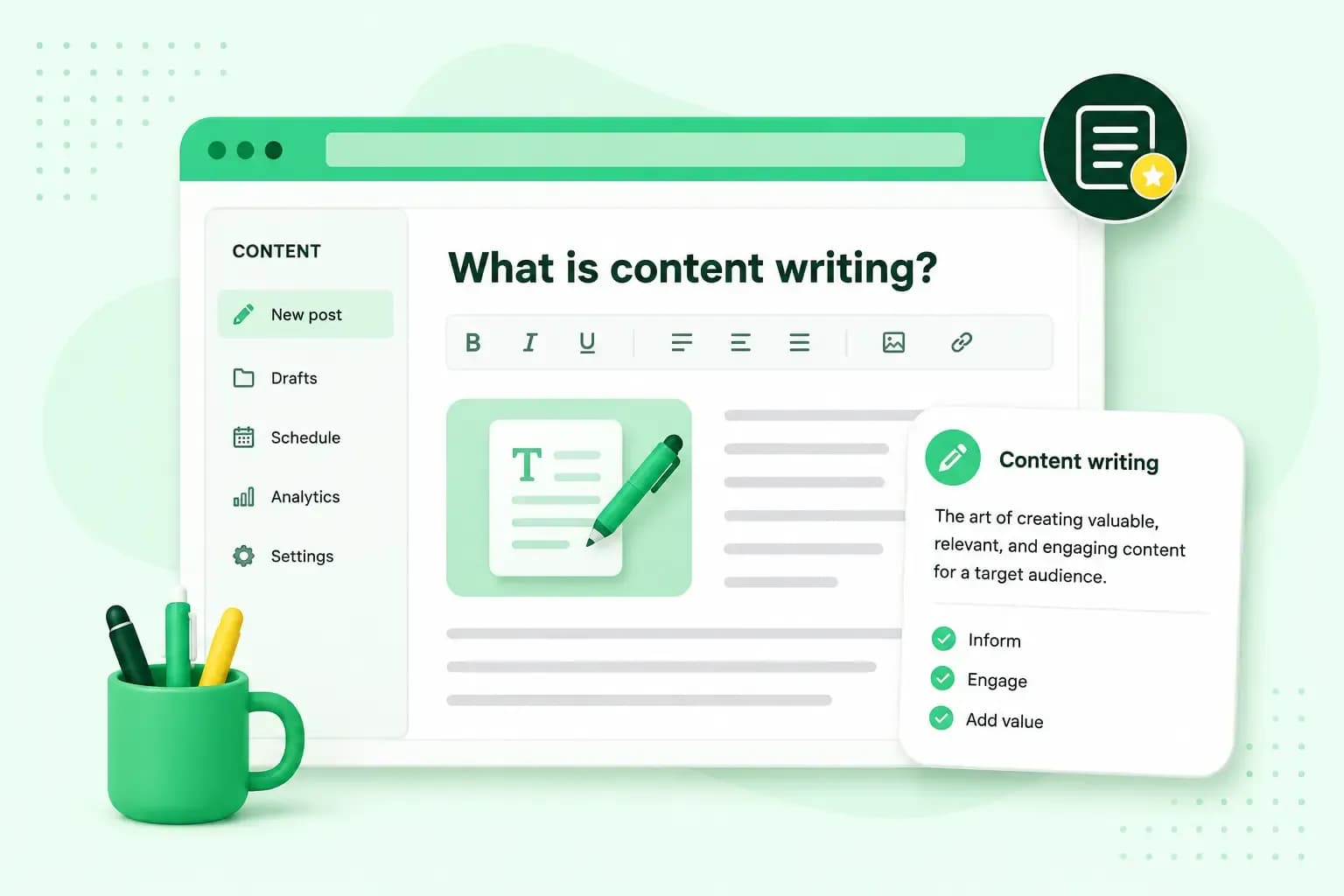
Good content answers a question your reader actually has, in words they understand, and leaves them knowing what to do next. To create it, you start with the reader and their question, plan the answer, then write and edit before you publish.
Content writing is planning, writing, editing and publishing the text people read on your website and other channels. The steps are the same for every page you build with a website builder or another platform, from a product or service page to a post on your business blog.
What makes good content
Good content is useful before it's clever. A page usually works for its readers when it does five things:
- It answers a real question. Someone arrived with something to find out or do, and the page settles it without sending them elsewhere.
- It adds something of your own. Your experience, your process and examples from your own work make a page worth reading, not just another copy of what's already out there.
- It's accurate and current. You've checked the names, figures and dates, and you update or remove details when they change.
- It's easy to read. Short paragraphs, clear headings and everyday words let the reader find their answer quickly.
- It ends with a next step. The reader knows what to do when they've finished, whether that's booking, buying or reading on.
When you improve a page you've written, start with whichever of these it misses.
How to write content for a website
These steps take you from a blank page to a page that's ready to publish, in the order you'll work through them. For sales pages, our guide to website copywriting adds the persuasion side.
Start with your reader and their question
Before you write, decide who the page is for and what they want to know. If you've already defined your target audience, you can write straight to them. If you haven't, try picturing the customer you want to reach and the question they'd type into a search engine.
Your customers often tell you their questions directly. Look at the emails, calls and messages you get, and at what people ask before they buy. Each question that keeps coming up can become a page or a post. When you run out of questions, pick from blog post ideas that suit your business and your readers. If you plan several posts, a content calendar helps you decide what goes out when, so you publish regularly instead of in bursts.
Write a title that says what the page gives
In search results, the title is often what people go on when they decide which result to click. It should tell them plainly what they'll get. For example, write "How to look after a leather sofa" rather than "Leather care secrets revealed". Plain doesn't have to mean dull: you can write a headline that gets clicks and still keeps its promise.
Open with the answer
Give the reader what the title promised in your first paragraph. If the title asks how long a boiler service takes, say so straight away, then explain what affects it. Once readers have the answer, they can decide whether they need the detail.
Stay on the topic your title names. Readers came for what the title promised, so each section should help deliver it. Don't put your company history halfway down a page about boiler servicing. Give a related topic a page of its own when it needs more than a short mention, and link to it.
Make the page easy to scan
Keep paragraphs short, with one idea in each, and check how the page reads on a phone. Subheadings that say what the next section holds let readers jump straight to the part they need. Use a numbered list where the reader follows steps in order, and bullet points for options or features they compare.
Use plain, friendly words
Write the way you'd explain something to a customer in your shop or on the phone. Use everyday words, and talk to the reader as "you". Write "call-outs", for example, instead of "rapid response capability". When you need a technical term, explain what it does for the reader in the same sentence.
Plain words work best when they give the reader something to act on. A garden centre's post about winter planting helps more with a short list of what to plant and when than with general praise for winter colour.
Add images that help
Add an image where it shows something words can't, such as a finished result, a product from several angles or what a step looks like. When you choose images for your website, show your own products, premises or work where you can. Add alt text to your images: text that describes what an image shows. It improves accessibility for people who can't see the image, including visitors who use screen readers.
Edit before you publish
Write a first draft, then leave it overnight if you can before you edit. You'll spot mistakes and awkward sentences more easily with fresh eyes. Read the text aloud too, so you hear the sentences that run on too long. When you edit, go through this checklist:
- Make sure the first paragraph answers the question in the title.
- Check that the page answers, or links to, each question a reader is likely to have.
- Check names, figures and dates against where they came from.
- Run a spelling and grammar check, then read the text through yourself as well.
- Make sure the reader knows what to do next when they reach the end.
If you can, ask someone you trust to read it as well. A fresh reader will tell you where they got lost.
With our Aida AI Website Builder, you build and manage your website without coding or design experience. You decide what gets published.
Build my websiteGood content and Google
Google says its ranking systems are designed to put helpful, reliable information first, written to benefit people rather than to manipulate search rankings. It calls this people-first content. For your website, that means writing for your customers first and for search engines second.
Google's guide to creating helpful, people-first content lists questions you can ask about your own pages. Four of them make a good final test for any page you write:
- Does it give original information or analysis, not just a summary of what others have said?
- Does the title give a helpful summary of the page without exaggerating?
- Will a reader leave feeling they've learned enough to reach their goal?
- Is it free of spelling and style mistakes?
Search engine optimisation (SEO) helps search engines find and understand your pages. Google describes it as helpful when it's applied to people-first content. Use it to make good content easier to find, not to replace it.
Questions about content writing
How long should a page or blog post be?
A page should be long enough to answer its question fully, and no longer. Google says it has no preferred word count, so adding words to reach a target doesn't help. A quick test: if you could cut a paragraph and the reader would miss nothing, cut it. If a reader would still have to search elsewhere to finish their task, add what's missing.
Can I use AI to write my content?
Yes, as long as you write for your readers. Google's guide says that using AI to produce content mainly to manipulate search rankings breaks its spam policies. Read and edit whatever an AI tool drafts for you. Then add your own knowledge, such as your process and examples from your work. Use AI to help you write, not to turn out pages in bulk.
How do I improve content I have already published?
Start with a content audit: go through your published pages one by one and note which are out of date or too thin to answer the question in their title. For each page, the audit ends in a choice: update it if its topic still matters to your customers, merge it with a page that answers the same question, or remove it if nobody needs it any more. When you update a page, bring its facts and examples up to date, and change its date only after real changes, not to make it look fresh.
Put your content to work
Once a page is live, check that it does its job. Google Search Console shows which Google searches bring visitors to your pages. If people find a page but don't book, buy or read on, look again at its opening and its next step. If you don't have a website yet, build your website with our Aida AI Website Builder and publish your first pages there.
Recommended reading
 Online MarketingOct 19, 2026
15 ideas for Black Friday marketing
Make the most of Black Friday with 15 marketing ideas to attract customers and boost sales. Discover ways to promote your offers, reach more shoppers and make your campaign stand out. Online MarketingDec 30, 2025
AI SEO: how to use AI for search engine optimisation
A basic guide to AI in SEO – let's look at how artificial intelligence can help you speed up your SEO tasks. Online MarketingDec 30, 2025
AI search optimisation: how to get your website into AI answers
A basic guide to AI in SEO – let's look at how artificial intelligence can help you speed up your SEO tasks.