
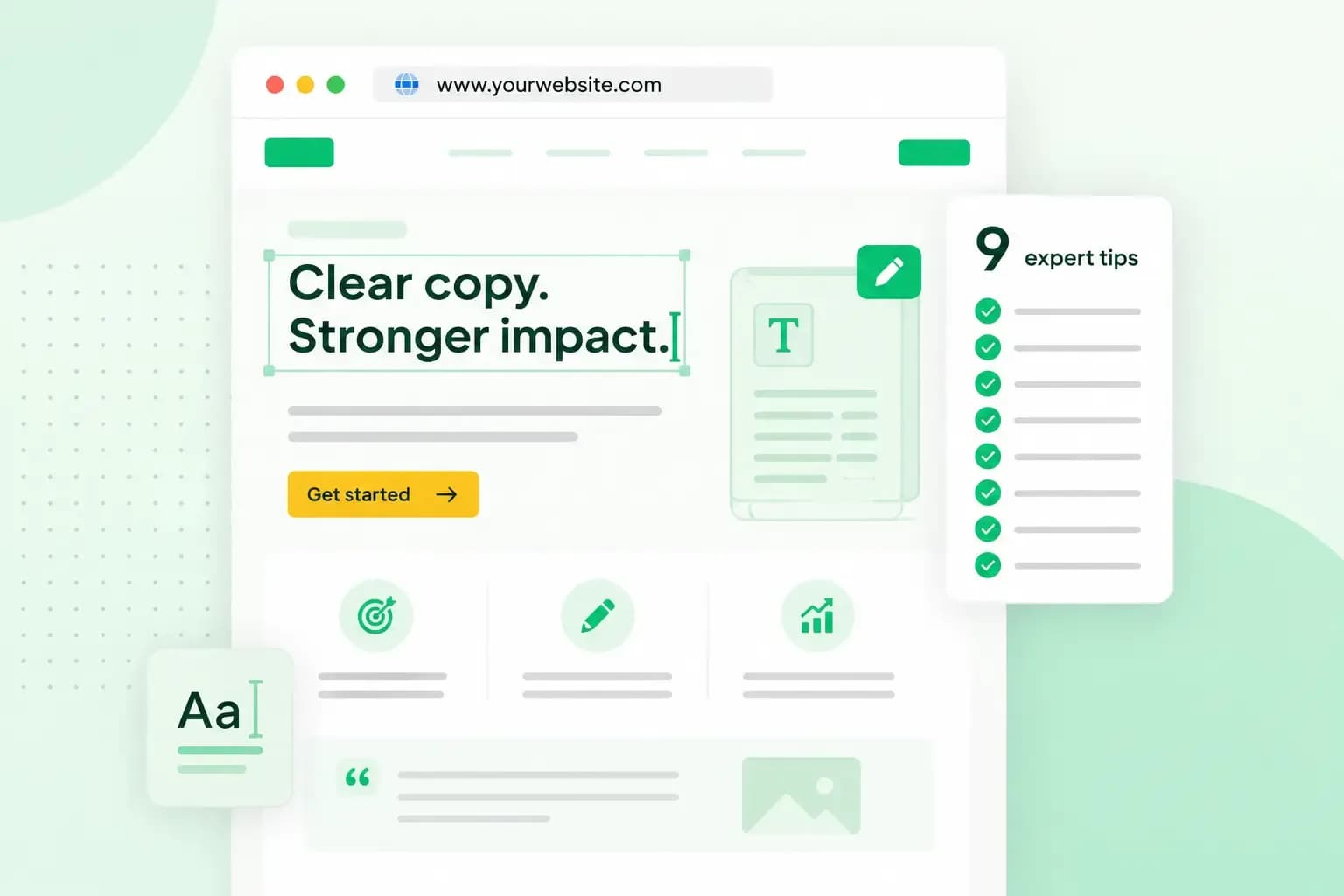
Website copywriting, or web copywriting, is writing the text on your website so visitors quickly understand what you offer, trust you and take the next step. That step might be buying, booking or getting in touch. Good copy answers the questions a customer has, in the order they have them, and makes the next step obvious.
Good copy can also increase your conversion rate. Your conversion rate is the share of visitors who do what you hoped they would, such as placing an order or sending an enquiry.
What is website copywriting?
Web page copywriting is copywriting for the web, and what sets it apart from print is how people read it. Many visitors arrive from a search and scan the page for the answer they came for. If they don't find it quickly, they go back to the results.
It's not quite the same as content writing, which informs and builds trust over time, for example in a blog post. Copywriting has a goal on the page itself, such as a sale, a booking or a sign-up.
Your text guides visitors through each step of the customer journey, from the first visit to the order confirmation. Because they read your words at every step, those words also shape how people see your brand. It pays to give them the same care as your design.
The texts your website needs
Most small business websites need copy for a handful of pages, such as a homepage, product pages and a contact page. Each page has its own job.
Homepage
On your homepage, visitors should know within a few lines what you offer, who it's for and what to do next. Start with a headline that says what you do in plain words. A headline such as “Wedding cakes baked to order in Cardiff” tells visitors far more than “Welcome to our website”. Below it, add a few sentences on why customers choose you, and point to the pages people look for most.
Put a short customer review near the top, so your customers speak for you.
Landing pages
A landing page is a single page built for one offer and one action, such as signing up for a newsletter, buying a product or booking a call. Unlike a product page, it doesn't sit in your shop among your other products. It's the page you send people to from an ad, an email or a social media post, and it keeps to that one offer. If you sell meal box subscriptions, for example, you could run one landing page each for your vegetarian, meat and cheese boxes. Give each page the benefits of that box and a clear button at the end.
About us page
Your about us page is where people get to know the business behind the logo. Write about why you started, who's on the team and what you care about, as a short story rather than a list of facts. Visitors then feel they know who they're dealing with. Our article on building customer trust with a good ‘about us’ text has examples.
Product descriptions
Good product descriptions go beyond a list of features. Give the facts a buyer needs, such as materials, size or ingredients. Then say what the product does for them, such as the problem it solves or the feeling it gives.
If your product isn't there to solve a problem, like a bar of chocolate, describe how it tastes and the moment it's made for.
Shipping and returns
If you sell through an online shop, be plain and complete about delivery times, costs and how returns work. Clear terms set expectations before someone orders. You'll also spend less time answering emails from people who aren't sure how to send something back.
Contact page
Make it easy to get in touch. Put your most important contact details, such as your business email, phone number and links to your social media, where people can find them without searching. A contact form makes it easier still, because visitors can write to you without leaving your website.
FAQ page
A page of frequently asked questions answers the questions customers ask you again and again. Collect them from your email, phone and chat, and answer each one briefly in the customer's own words. A good page of answers saves your customers time and saves you from answering the same email twice.
Privacy policy
If your website collects personal data, for example through a contact form, a newsletter sign-up or an order, you need a privacy policy. The rules for personal data in the UK are set by UK GDPR and the Data Protection Act. Your privacy policy tells visitors who you are and how to contact you, and why you collect their data and on what legal basis. It also says who you share their data with, how long you keep it and what rights they have. Write it in clear and plain language, as the law asks.
Blog posts and articles
Blog posts and articles show visitors that you know your field, and they can bring people to your site from search. Write about the questions your customers have before they buy. If you sell baby equipment, for instance, you could write about choosing a pushchair, tips for new parents or how to pick a play mat.
Copywriting for the web: 9 tips that work
The tips follow the order you write in, from planning a page to proofreading it.
1. Know who you are writing for
Before you write a word, picture the one person you're writing for and the one thing you want them to do on the page. What do they need to know, what worries them and what words do they use? Talk to a few customers, read the questions they send you and look at the reviews they leave.
What you learn goes straight into your text. If many of your customers are parents of small children, for example, show how your product makes a busy morning easier.
2. Lead with concrete benefits
Say exactly what the customer gets. When you write about your products, it's tempting to reach for praise like this:
“This cast iron pan is fantastic and indispensable in the kitchen.”
This version gives the customer facts instead:
“Cast iron holds its heat, so it gives meat a good sear without a high flame.”
Then explain why your pan is better than the competition's, in facts your customer can check.
3. Swap jargon for everyday words
Leave out the jargon you use with colleagues. Industry terms can confuse or put off visitors who aren't experts. Ask a friend or relative from outside your field to read your text, because your own jargon is the hardest to spot. They'll notice quickly where they get lost.
4. Write short and cut what the reader doesn't need
Once you have a first draft, make it shorter. Read your text and ask of each sentence whether the reader would miss it. Cut the warm-up sentences, the words that repeat what you've already said and the claims you can't back up. Be strict with the lines you like best, too. If a clever line doesn't help the reader, it goes.
5. Use the words your customers search with
Find out what your customers type into a search engine when they look for what you sell, and write with those words. Google's own advice is to think about the words a user might search for to find your content. The same goes for product and category names: call a product what your customers call it, and more of them will find it.
Work those words in naturally. Repeating the same keywords over and over makes a text tiring to read, and keyword stuffing is against Google's spam policies. Keyword research shows you which words your customers use. SEO copywriting covers where to place those words on a page, from the title to the headings.
6. Write headlines that say what the section holds
Write each heading so it tells the reader what the section below it covers. For example, write “Free UK delivery on every order”, not “Great news”.
On a web page, the H1 is the main heading and the highest level. The lower levels split the page into sections and subsections. Put the words your customers search with in your main heading where they fit naturally.
7. End each page with a clear call to action
A call to action, or CTA, is the short text that tells visitors what to do next, usually on a button. In an online shop, that's usually “Add to basket”. On a blog, “Read the next article” or “Subscribe” does the same job. Other CTAs might read "Book a call" or "Order now".
Give each page one main action, and make the button say exactly what happens when someone clicks it.
8. Make your text easy to scan
Write for visitors who scan a web page for the part they need rather than reading it from top to bottom. Use clear headings, short paragraphs and bullet lists, and put the most important point at the start of each section.
9. Proofread and ask for feedback
Spelling mistakes and clumsy sentences can make a business look careless, and they slip into everyone's writing, experienced copywriters' included. Leave your text for a day before you read it again, then read it out loud. Use the spelling and grammar checks in a program such as Microsoft Word or Google Docs too. Then ask a friend or colleague to read it and tell you where they stumbled.
Writing website copy with AI
An AI writing tool can give you a first draft when you're staring at a blank page. These tools are good at structure and at suggesting wording. They don't know your business, your prices or your customers, so treat what they write as a draft.
Before you publish an AI draft, check its facts, prices and promises, and take out anything you can't back up. Then rewrite it until it sounds like you, with the details only you know, such as your own examples, your area and what your customers say about you.
With Aida AI Website Builder, you describe your business in a chat, and Aida generates your pages with their text and images. You can then edit the text yourself or ask Aida to improve it.
Aida creates your pages, text and images from a short chat, and you change anything you like before you publish.
Build my websiteShould you write your website copy yourself or hire a copywriter?
It's worth writing your website copy yourself if you know your business and your customers well. You can also change the text as often as you need to. It's hard, though, to read your own text as a customer would, and writing well takes practice.
A website copywriter writes the text for your pages for you. They usually start by asking about your business, your services and your customers, then plan what each page needs to say and write it. Hiring one gets you an outside view and text that's ready to use. It costs money, though, and you still check the facts yourself.
According to ProCopywriters, a professional body for copywriters, a project fee is the most common way to charge. You agree a single sum for an agreed scope, such as a number of pages. Some charge a day rate instead, for work that can't be scoped beforehand, and a price per word is rare among experienced copywriters. Their guide also says the writing may be the shortest part of a project, after the research and planning. More rounds of changes can add to the price, and so can urgent work that pushes other booked work aside.
To find a copywriter, ask other business owners who wrote their website copy. Then ask two or three copywriters to quote for the same pages. Check that each quote says what's included, how many rounds of revision you get and whether the price is fixed.
Our advice: write the first version yourself, using the website copywriting tips above. If your website is your main way of winning customers, hire a copywriter for the pages that sell. It's worth it when you can't find the time to write, or when your drafts still don't sound right. To hand over the whole website, our Create it for me service lets you have our team design your website and write its text.
Start with your homepage
You don't need to rewrite your whole website at once. Take your homepage first and work through the nine tips on it, then move on to the pages that sell. If you don't have a website yet, you can build your website and write its pages with these tips from the start.
Recommended reading
 WebsitebuilderOct 19, 2026
How to get your website ready for Black Friday (with checklist)
Get your website ready for Black Friday with this practical guide and checklist.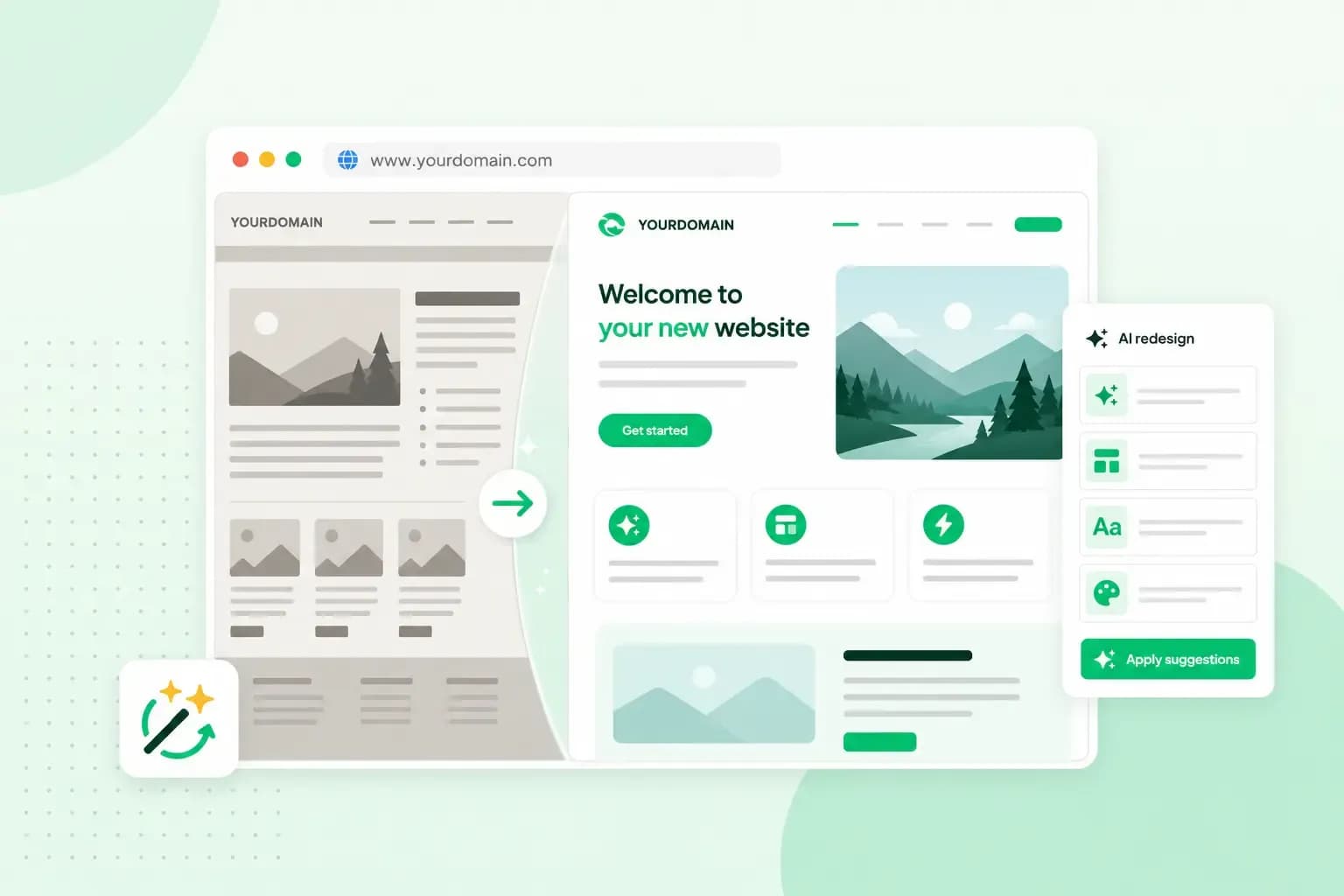 WebsitebuilderAug 31, 2026
How to redesign an existing website using AI
Discover how Aida AI can redesign your existing site in minutes, add new features, and help you create a site that's ready for business. WebsitebuilderAug 11, 2026
How to prompt an AI website builder
Learn how to prompt an AI website builder to create a professional website for your business. Get examples for shops, salons, clinics, and more.