
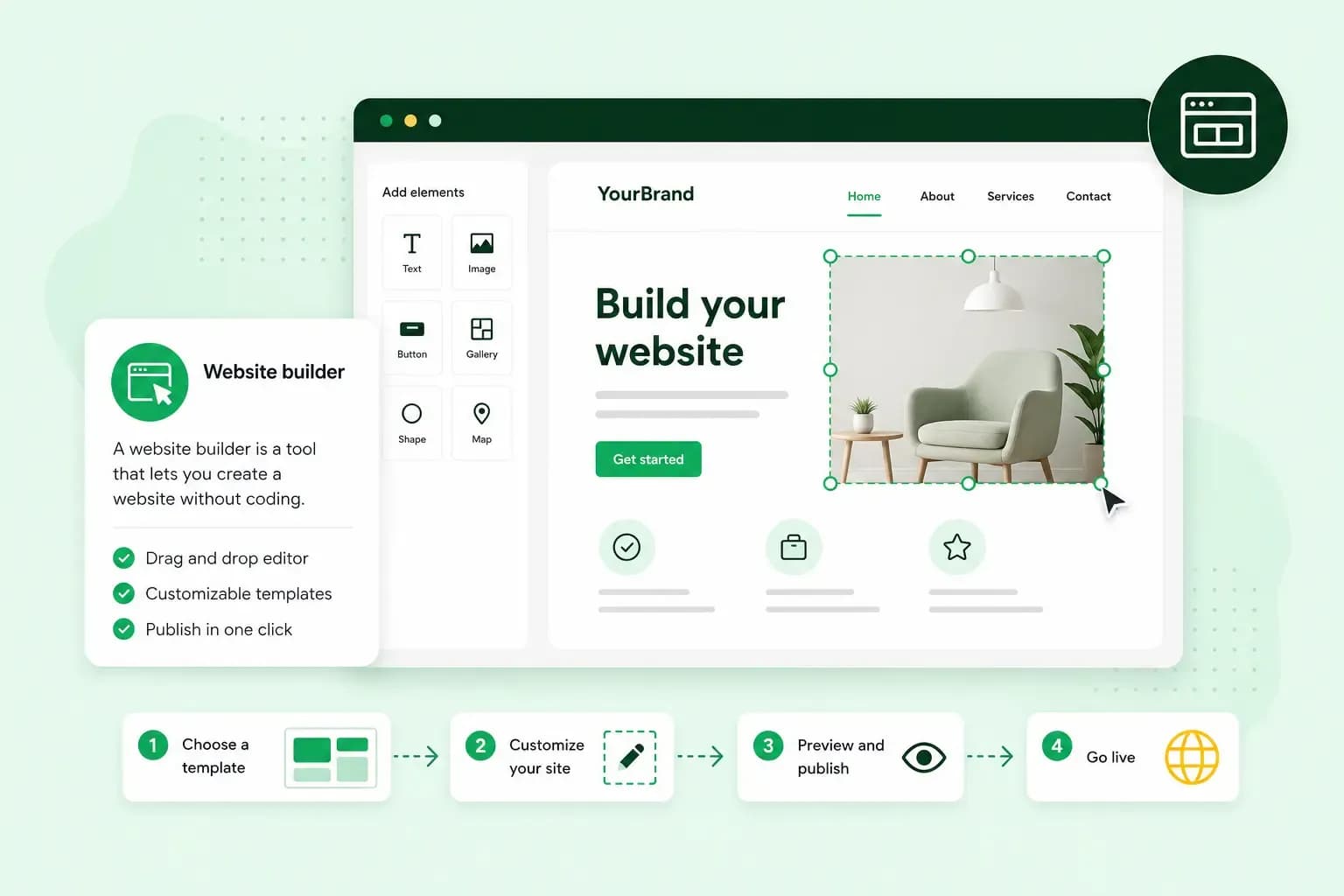
What is a website builder, and how does it work?
A website builder is an online tool that lets you create and publish a website without writing code. You start from a ready-made design or a first draft that AI writes for you. You then change the words and pictures in a visual editor and publish when you're happy. The builder also hosts your site, so there's no server for you to set up or look after.
It suits you if you run a small business or work for yourself and want a site online soon.
What is a website builder?
A website builder writes your website's code for you, so you can design, publish and update a site without a developer. Early websites were written by hand in HTML, the code that tells a browser what to show. In a builder, you work on a visual version of the page instead, in your browser. The builder turns what you do there into that code, so you need little or no web development experience.
How does a website builder work?
A website builder puts everything a small website needs into one service, so you don't have to put the pieces together yourself.
- A starting point. You choose a template, a ready-made design for a type of site, or you describe your business and let AI create a first version.
- A visual editor. You change text, images and layout on the page itself. In a drag-and-drop editor, you pick up a section with your mouse and drop it where you want it.
- Hosting. The builder keeps your site on its servers, which stay connected to the internet around the clock, so your site is accessible at any time.
- Publishing on your domain. When you publish, your site goes live at your own address, such as
yourbusiness.co.uk. Later changes go live when you publish again. - Extras. Contact forms, image galleries, a blog, bookings or an online shop come as sections or add-ons, depending on the builder and the plan.
What is an AI website builder?
An AI website builder creates the first version of your website for you. Instead of picking a template, you describe your business in a chat, in your own words. From that description, the AI generates the pages, writes the text and adds images. You can then change whatever you like, either by asking for changes in the chat or by editing the page yourself.
Our Aida AI Website Builder works this way. Aida creates a complete website from what you tell it about your business, and it can also suggest what to do next. You review and approve every change before it goes live.
Treat that draft as a starting point and read it through before you publish. Pay attention to the details only you know. We can't guarantee that what the AI writes is accurate, so the final check is yours.
Why use a website builder?
The main gain is speed without technical work. Templates and a drag-and-drop editor let you create a website yourself, with no experience, and get a simple site online quickly. Hosting, security and maintenance are part of the service.
You give up some freedom: you work within the designs and features the builder offers. If it lacks something you need, you may not be able to add it with code of your own. Your site is also tied to the builder's platform, so if you outgrow it, moving your content to another platform is difficult. These limits matter if you expect to need advanced features, such as a members' area.
Website builder, WordPress or a web designer: which should you choose?
Choose a website builder if you want a site soon without special features. Choose WordPress if you need many features, and a web designer if you'd rather not build the site yourself.
| Website builder | WordPress | Web designer | |
|---|---|---|---|
| Skills you need | None: you edit on the page or ask the AI | Some: themes, plugins and settings to learn | None: someone builds the site for you |
| Who looks after hosting and updates | The builder | You, on hosting you choose yourself, unless you pick managed hosting | You or the designer, as you agree between you |
Choose WordPress, a content management system (CMS), if you'll publish a lot or need features a builder doesn't offer. To run WordPress, you need web hosting, such as our Hosting for WordPress. On it, you keep WordPress, your theme and your plugins up to date yourself. Our guide to WordPress vs a website builder compares the two in more detail.
A web designer takes the whole job off your hands: you say what you need, and they build it. With Create It For Me, our website design service, we design your website for you and handle the technical setup.
Our advice: start with a website builder if your site's job is to show what you do and take enquiries, bookings or simple orders. With our builder, bookings come with the Booking and Commerce plans, and selling online with the Commerce plan. You'll have a site you can update yourself, and you can add more as your business grows.
How to use an AI website builder
You use an AI website builder by describing your business, refining the draft it makes and publishing it on your domain. It can make a small business site such as a blog where you publish posts, a portfolio, a booking site or an online shop. Which of these you can make depends on the plan you choose.
The instructions you give an AI are called prompts. With our Aida AI Website Builder, a good prompt says what your business does and who your customers are. It also says how you want the site to look.
To start, all you need is a description of your business. Our in-depth tutorial shows the whole process on video. You get your website online with our Aida AI Website Builder in five steps.
- Start a free 14-day trial of our Aida AI Website Builder. You don't need a credit card for it.
- Describe your business and what the website should do, in your own words.
- Refine the draft. Ask Aida for changes in the chat, edit text and images yourself, and add sections such as a contact form, bookings or a shop, depending on your plan.
- When you publish, choose a hosting plan (the builder suggests one) and a domain. You can register a new domain, transfer one you have with another provider to us, or connect an eligible domain you already have with us.
- Wait for the site to go live. After you buy a domain, it can take up to 24 hours.
The trial is free, and you pay when you publish your site. At that point, the builder adds the products your site needs to go live: a domain and a recommended hosting plan. It also offers our Domain Protection add-on, which is optional. Certain domain extensions are free for the first year, so what you pay depends on the plan and the domain you choose.
If you already have a website, you don't have to start from scratch. You can ask for a redesign of the old website instead. Paste its address, and Aida uses your existing images, videos and text as the starting point for a modern design. Some features of your current site may not carry over.
Now you know how a website builder works, try one on your own business. You can build your website with Aida and see its pages, text and images before you choose a plan.
Tell Aida what your business does, and Aida builds the website for you. Change anything you like, then publish on your own domain.
Build my websiteRecommended reading
 Website Builder19 Oct 2026
How to get your website ready for Black Friday (with checklist)
Get your website ready for Black Friday with this practical guide and checklist.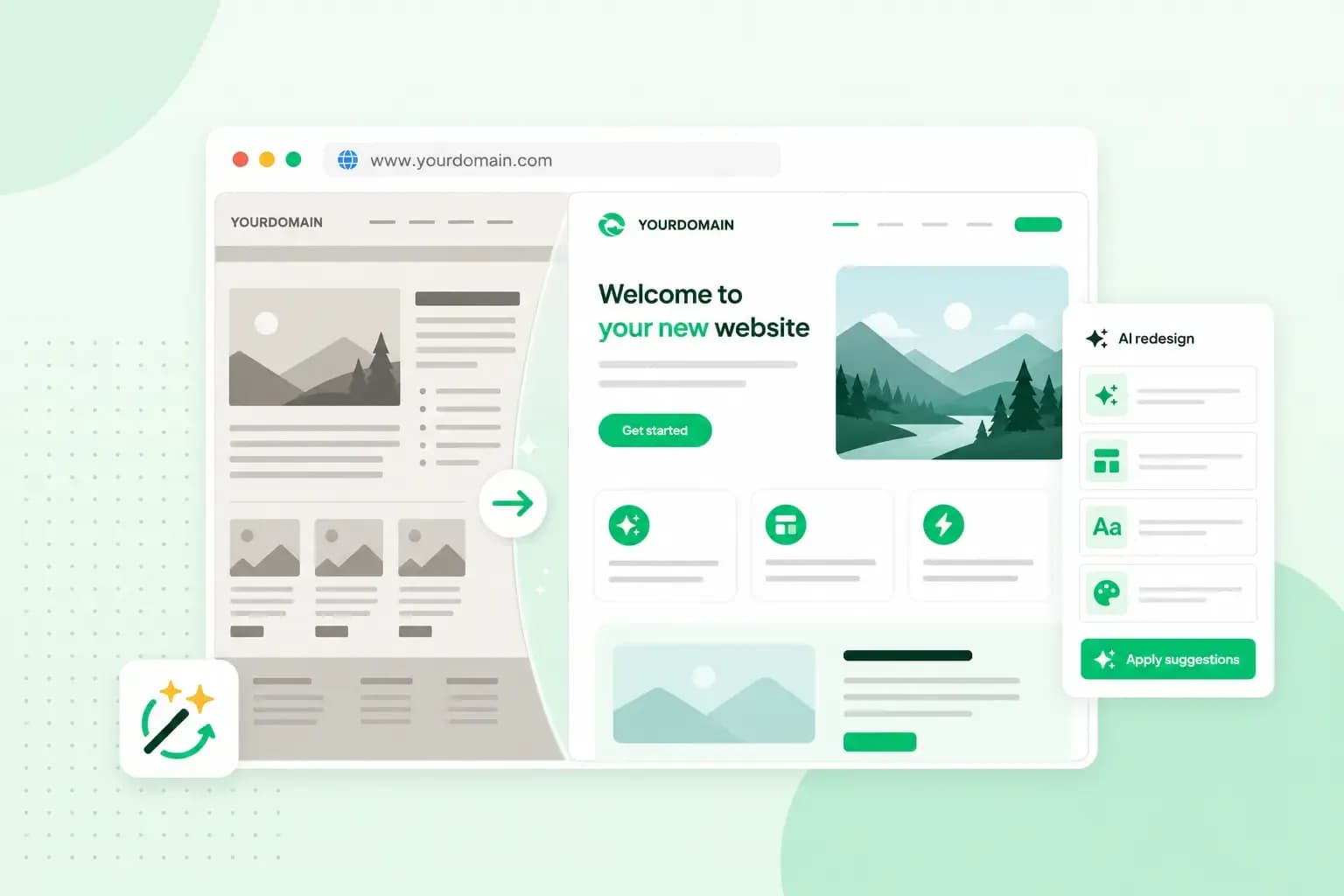 Website Builder31 Aug 2026
Website redesign: How to modernise your website with AI
Discover how Aida AI can redesign your existing site in minutes, add new features, and help you create a site that's ready for business.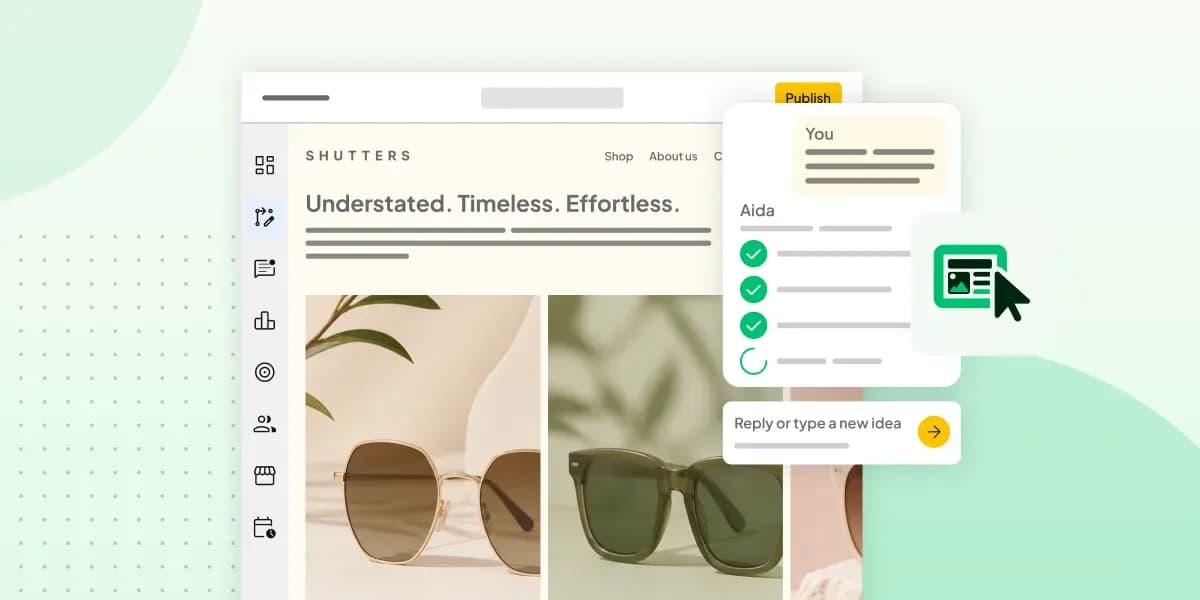 Website Builder11 Aug 2026
How to prompt an AI Website Builder
Learn how to prompt an AI website builder to create a professional website for your business. Get examples for shops, salons, clinics, and more.