

Black Friday and Cyber Monday are major opportunities for businesses to attract new customers and increase sales online, but you won’t benefit from that extra attention if potential customers can't find your website. That goes double if your business isn’t even online at all.
In this guide, we’ll walk you through Black Friday preparation. Whether you’re starting your site from scratch or you already have one set up, we’ll get you prepared for the Black Friday rush so you can maximise your sales and succeed online.
We’ll start with how to set up a website easily. If you already have your website set up and published, feel free to scroll down to the steps for website owners!
If you don’t have a website: set up your website easily with Aida AI Website Builder
If you don’t have a website yet, it might be because setting one up feels overwhelming. There are templates to choose from, pages to plan, content to write, and design decisions to make before you can even consider setting it live.
Getting one ready for Black Friday in particular might sound like a lot of work. You need pages, content, images, a design, and potentially an online shop, all before you can even start thinking about your Black Friday promotions.
Nowadays, there’s a straightforward way to get online without spending weeks wrestling with templates, layouts, and other choices that have nothing to do with your actual business.
An AI website builder can take much of that work off your plate. Instead of starting with a blank page, you get a ready-made, tailored website in minutes. Add some final touches and ta-da! Your site is ready for Black Friday. Let’s go through the process of setting up a website with Aida AI Website Builder.
Describe what you do in a few sentences
You don't need a business plan or a design brief to get started. Just describe what your business does and who it's for, whether that's a shop, a service, a studio, or something in between.
That basic information is Aida AI’s starting point. It uses the information you provided to create a website with relevant pages, content, and design, so you get something concrete you can refine rather than build from scratch.
Let Aida AI handle the setup
Aida AI creates the website’s structure, layout, and initial content based on your description. You don't have to spend hours getting the basics of your website ready.
Your first version is ready in minutes, giving you more time to focus on the details that matter for your Black Friday campaign.
Add your own details
Now's the time to make the website completely yours. Replace suggested images with your own photos, adjust the wording, and add the information that your customers need, such as opening hours, services, or contact details.
If you sell online, you can also set up your shop and add the offers you want to promote for Black Friday.
Publish and get ready for Black Friday
When your website looks right, publish it and start getting it ready for your campaign. Check your pages, test the customer journey, and make sure everything works well on mobile before you start sending people your way.
The sooner your site is live, the more time you have to make improvements before Black Friday arrives.
Getting a website online used to mean making dozens of decisions before you could even get started. With Aida, you can start with a few sentences, get a working website in minutes, and build from there.
Start building with AidaFor website owners: prepare your website for Black Friday
Now that your site is up and running, it’s time to make sure it can handle the extra attention Black Friday can bring. A few checks before your campaign starts can help you avoid slow loading times, broken pages, security issues, or customers dropping off at the last step. We’ve also put together a Black Friday website checklist at the end of this article to help you work through the essentials before the day arrives.
Check that your hosting can handle more visitors than usual
Black Friday traffic can be several times higher than normal, especially if you’re running paid campaigns, sending email promotions, or expecting a spike from social media. If you’re not sure how much traffic your current hosting setup can handle, now is the time to check.
Look at how your site performed during previous busy periods, such as a major sale, after a press mention, a product launch, or a viral social media post. If your site slowed down or became unavailable at that time, it’s a signal that there’s something you need to address before the Black Friday traffic peak. You may need to optimise your site, increase your hosting resources, or reach out to your hosting provider about what your current setup can support.
Check your site loads without friction
Every extra second a page takes to load gives visitors another reason to leave. Check your key pages, especially your homepage, product or service pages, landing pages and checkout, and make sure they load quickly on both desktop and mobile.
Tools such as Google PageSpeed Insights and GTmetrix can give you a quick overview of your site’s performance and highlight what might be slowing it down. Large images, unnecessary plugins, scripts and other page elements can all affect loading times, so fix the biggest issues you find first.
Make sure your site is secure
Security problems are particularly unwelcome when you’re expecting more visitors and transactions. Check that your SSL certificate is valid and that your CMS, plugins, themes and other software are up to date.
If your website uses WordPress, for example, check that updates have been installed and that you have a recent backup available. If you use a security or monitoring service, make sure it’s active and working as expected.
A quick security check now, rather than during your busiest week, avoids downtime you can't afford. It’s much easier to deal with potential issues before your busiest sales period begins.
Optimise for mobile
A large share of Black Friday browsing and shopping happens on mobile, so don’t assume that a site that looks good on desktop will work just as well on a smaller screen.
Visit your key pages on mobile and test the experience from a customer’s perspective. Check that text is easy to read, buttons are easy to tap, images display correctly and forms and checkout work as expected. Pay particular attention to anything a visitor needs to do to complete a purchase or get in touch.
Review your compliance basics
More visitors means more opportunities for customers to interact with your site, so make sure the basics are still in place. Check that your cookie consent banner works correctly, privacy information is easy to find, and any other relevant policies are up to date.
It’s also worth checking the practical information customers may look for before buying. Make sure your contact details, opening hours, shipping information, delivery times and returns policy are accurate. Small details like these can make a difference when someone is deciding whether to complete a purchase.
Make sure you’re visible online: check your Black Friday SEO
Black Friday visitors won't all come from your ads or email campaigns. Some will search for your products, services or offers directly, so make sure your site can be found when they do.
Do a basic search engine optimisation (SEO) audit. Check that your most important pages have clear, relevant page titles and meta descriptions; contain useful content; and are indexed by search engines.
Create dedicated landing pages for your Black Friday offers. Instead of sending everyone to your homepage, create a unique landing page for your offers with specific information, products, and calls to action. This also gives search engines a clear page to show for searches related to your Black Friday deals. Optimise the page title, meta description and content around relevant Black Friday search terms, and make sure the page is indexable.
Take a quick look at your current search performance too. If important pages have suddenly dropped in rankings or aren’t appearing in search results, investigate before your campaign starts. There’s little value in preparing a page for Black Friday if potential customers can’t find it.
Black Friday checklist
Before Black Friday, make sure you have:
☐ Checked that your hosting can handle increased traffic
☐ Tested your key pages for loading speed
☐ Checked your SSL certificate and updated your website software
☐ Confirmed that recent backups are available
☐ Tested your website on mobile
☐ Checked forms, buttons and checkout work correctly
☐ Reviewed your cookie consent, privacy information and policies
☐ Updated shipping, returns and contact information
☐ Checked page titles, meta descriptions and key SEO content
☐ Confirmed that important pages are indexed and appearing in search
None of these checks need to happen all at once, but leaving them until Black Friday week is already here is the riskiest time to discover a problem.
Check out our web hosting offers, built with security and performance in mind, to help you get your website ready before the Black Friday peak hits!
Start something this Black FridayRecommended reading
 Website Builder31 Aug 2026
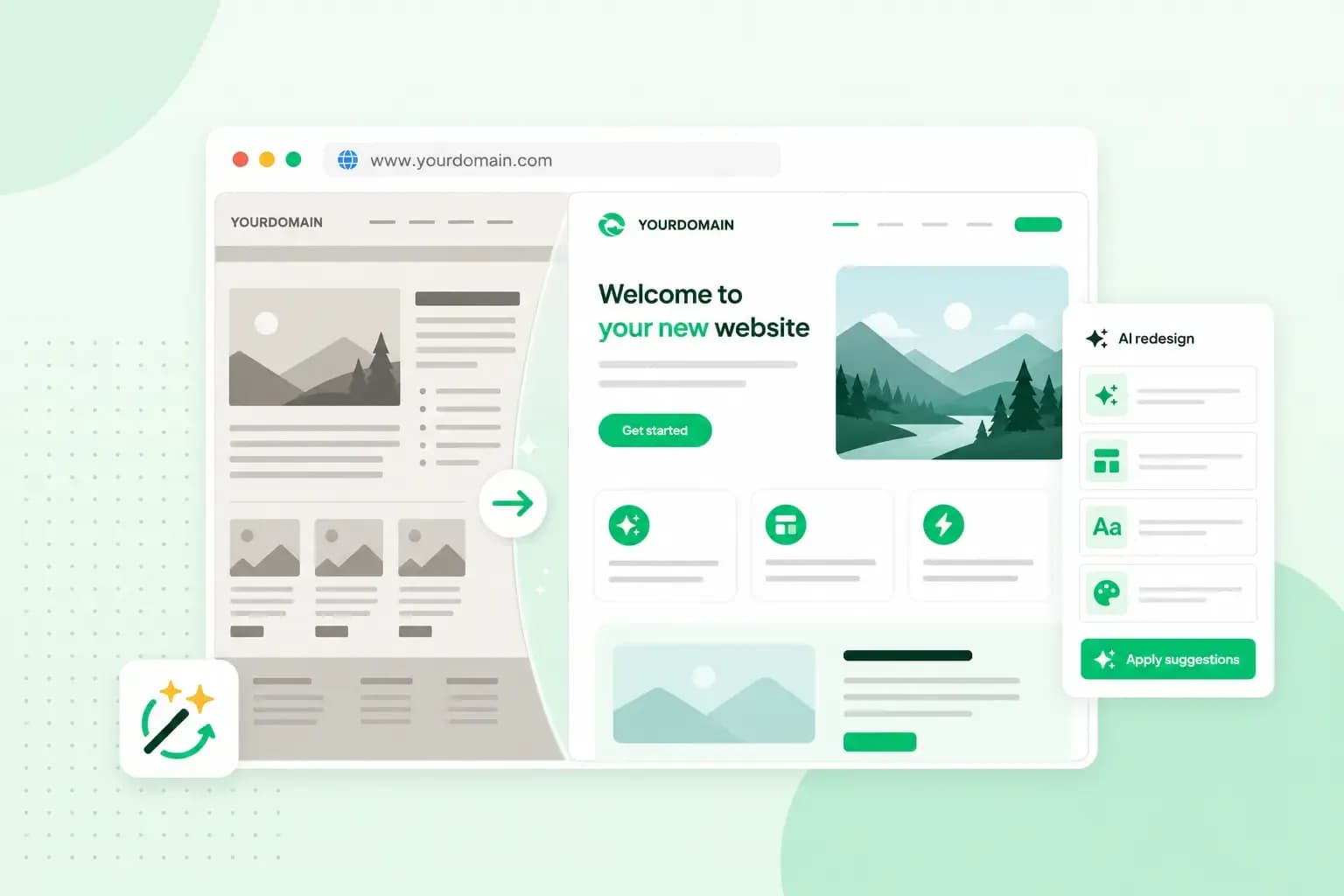
Website redesign: How to modernise your website with AI
Discover how Aida AI can redesign your existing site in minutes, add new features, and help you create a site that's ready for business.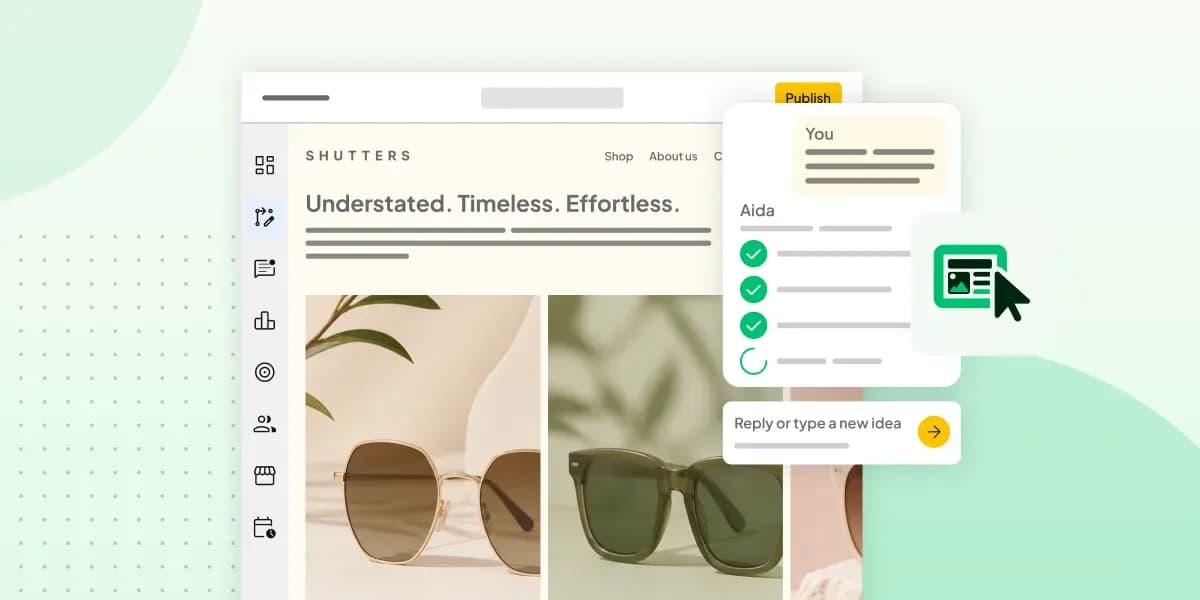 Website Builder11 Aug 2026
How to prompt an AI Website Builder
Learn how to prompt an AI website builder to create a professional website for your business. Get examples for shops, salons, clinics, and more.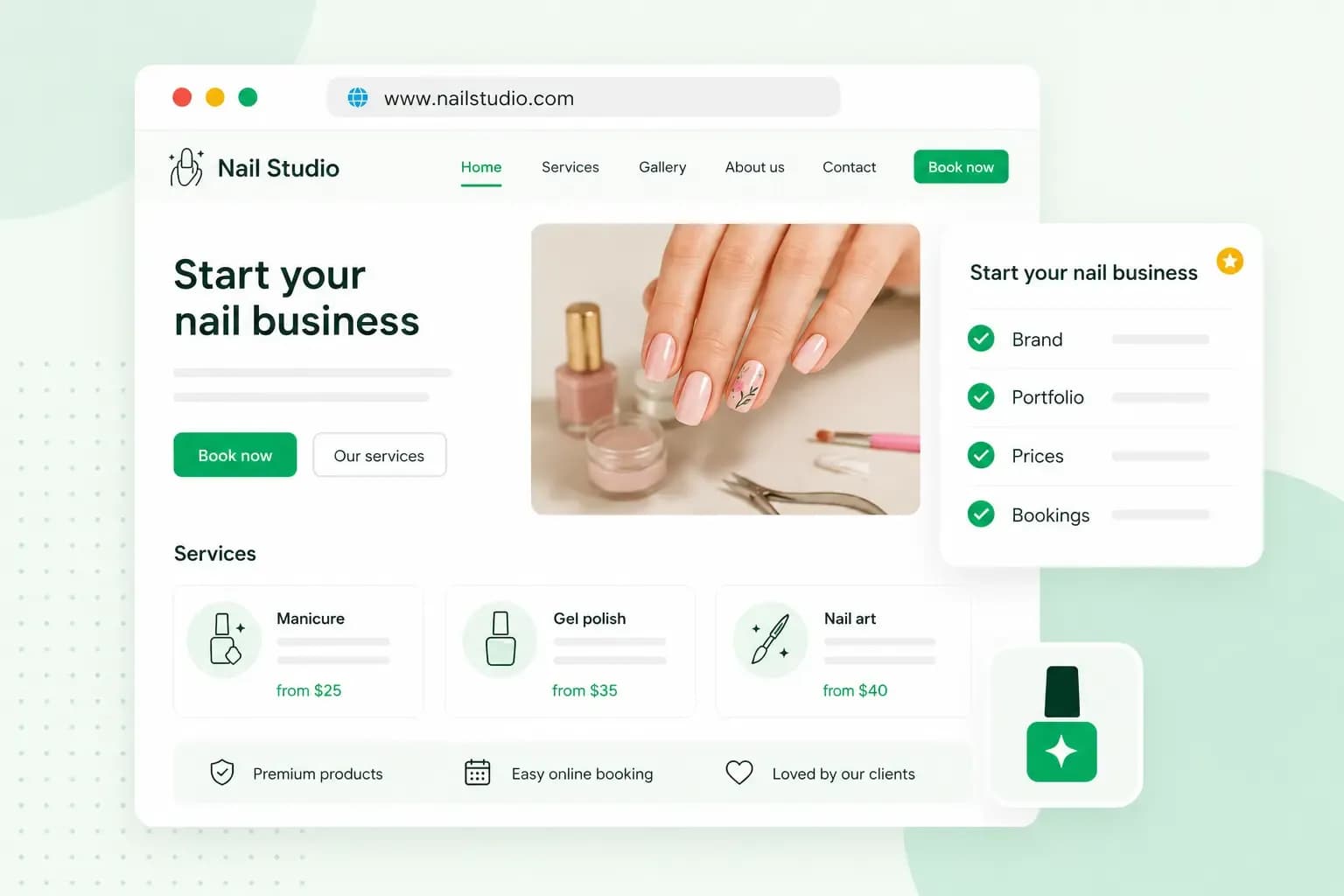 Website Builder5 Aug 2026
How to start a nail business and quickly get bookings
Discover how to start a nail business step by step, from choosing your business setup to creating a website and attracting your first clients.