

WP Rocket cache plugin for WordPress
Speed up your WordPress site with WP Rocket
Boost your website’s speed and performance for greater visibility, more traffic, and higher conversions.

Instant results
WP Rocket instantly improves your website’s speed and performance.
Quick setup
Set up in minutes with no coding required.
Works with your tools
Fully compatible with popular plugins, tools, and themes.
Loved by millions
Used on over 5 million websites and recommended by experts.
Why you need WP Rocket
Trusted and recommended by experts in WordPress, WP Rocket is the leading caching plugin for improving website speed and performance.
The leading performance booster for WordPress
Activate WP Rocket to instantly boost your website’s speed! This leading plugin applies best practices including caching and file optimisation to immediately improve site loading times.
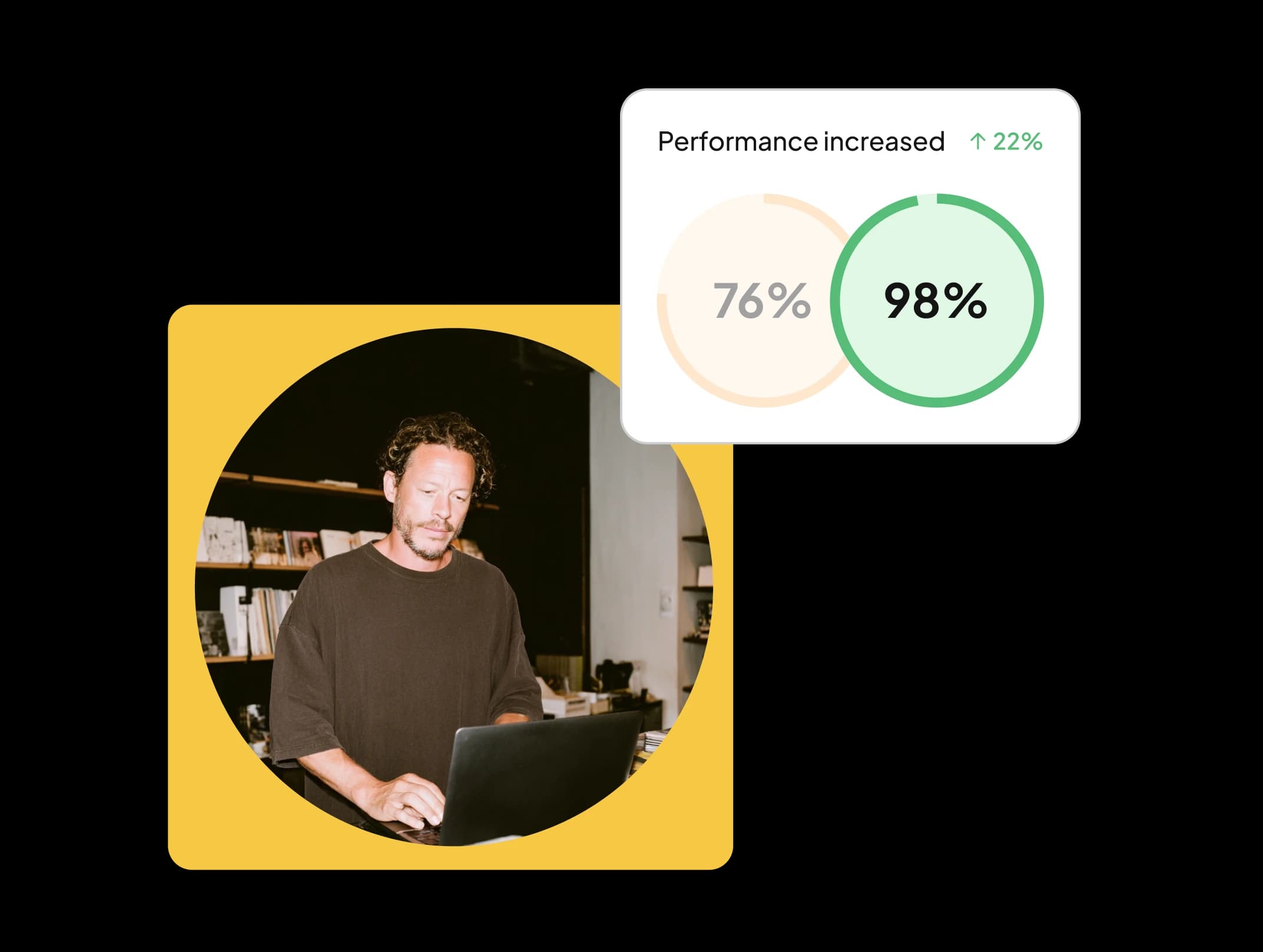
Create a site visitors want to return to
Fast websites keep users engaged. WP Rocket improves load times across devices, improving page speed test results and delivering a smooth experience from the very first click.
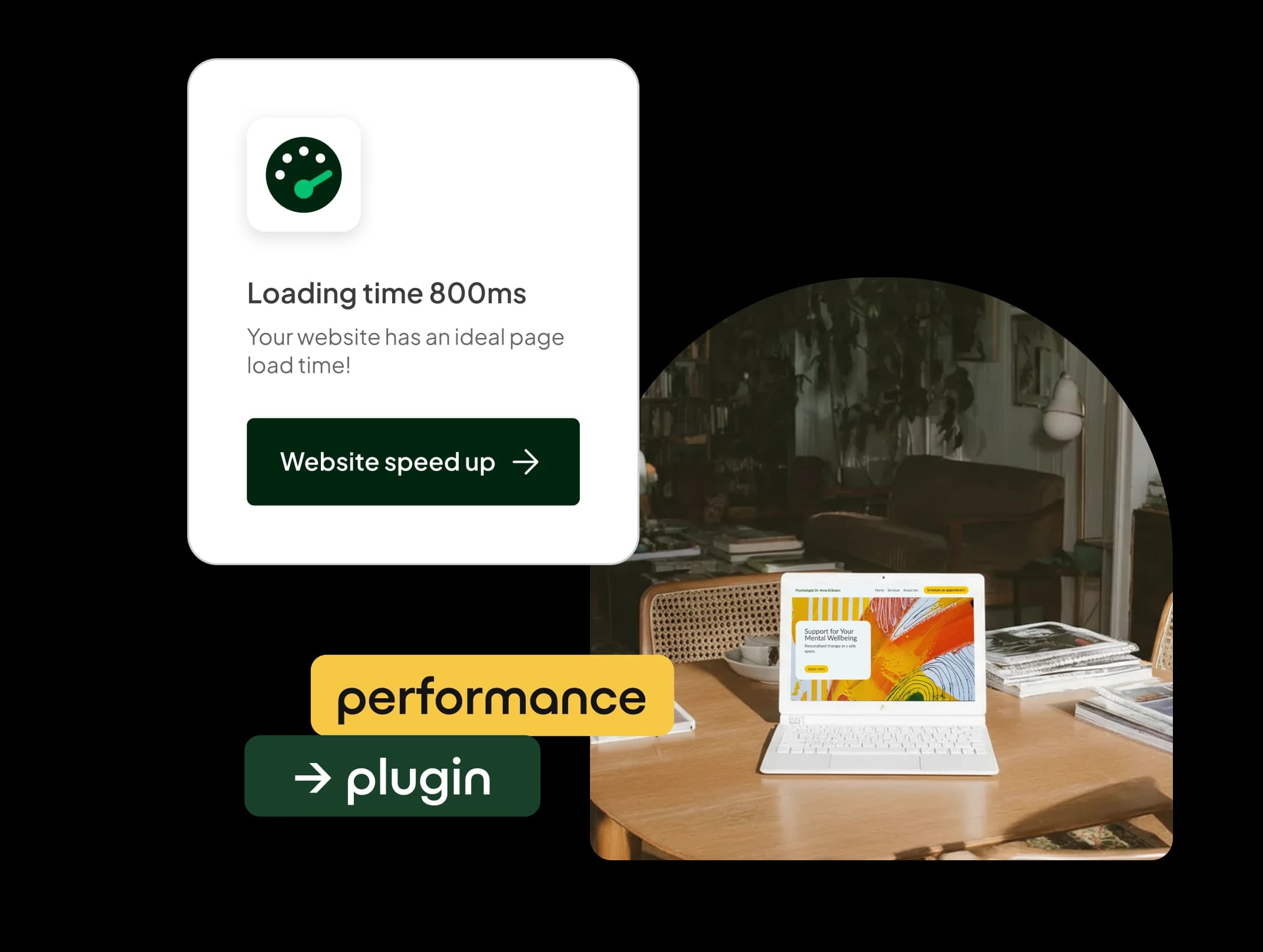
Faster site, more conversions
Speed matters for ecommerce. When you speed up your site with WP Rocket, you reduce bounce rates, reach higher engagement, and get more customers!

Rank higher in search engines
WP Rocket optimises Core Web Vitals and PageSpeed scores so your site loads faster, performs better, and ranks more effectively.

Boost page speed with WP Rocket
Discover how caching, file optimisation, and smart loading can transform your site’s performance.
Speed up with cached pages
WP Rocket boosts speed by caching pages. This allows the browser to access the page faster, loading it quicker for your visitors.
Optimise your site’s files
Your site has a lot of files and code, which can slow it down. WP Rocket cleans up unused CSS, trims file sizes, and optimises scripts so your website loads faster for every visitor.
Efficient media loading
WP Rocket speeds up your site through lazy loading, loading images only when they’re needed. Images visible on the screen appear immediately, while the rest load as visitors scroll.
Instant access to cached content
WP Rocket’s preload cache feature makes your site even faster by creating a cached copy of a visit to your site’s pages. This means your pages are load quickly, even for a first-time visitor to your site.

A successful online business starts with a faster website
Achieve peak performance and a stronger online presence with WP Rocket, no matter what your goals are:
For businesses
Deliver a great user experience with a fast website that gives visitors a positive impression of your brand.
For ecommerce
Keep customers happy with a smooth shopping experience and increase the chances of repeat visits to your shop.
For bloggers
Keep readers engaged with quick-loading blog posts that make them want to return for more great reads.
For web developers
Save time with automatic performance improvements that speed up your clients’ websites in minutes.
WP Rocket
Exclusive at one.com
...
/mo.
Key features
Instant performance improvement
Zero coding required
Easy to use
Works with your WordPress tools
Performance made easy for small businesses
Georgina Brøndal is a small business owner balancing her work with clients and improving her online presence. WP Rocket helps her keep her WordPress site fast and reliable, so visitors enjoy a smooth experience and her site shows up higher on search engines.
Frequently Asked Questions
What does WP Rocket do?
WP Rocket is a performance and caching plugin for WordPress sites. It enhances page speed and overall performance by caching pages, removing unused code, and optimising the WordPress database. The result is a faster website that performs better.
How do I install WP Rocket?
When you buy WP Rocket in combination with Explorer or a higher hosting plan, you can install it by checking the WP Rocket box during the 1-click WP installation process in your control panel.
To install the plugin manually, log in on WP Rocket and download the plugin. Go to WP Admin -> plugins, upload the .zip folder, and follow the steps.
How do I set up WP Rocket?
When you have installed the plugin, activate it in your plugin list and click on settings. Here, you can set up the tool as you wish. At this point, WP Rocket will already automatically have applied the most powerful settings for you. Learn more about the WP Rocket settings in this video.
Does WP Rocket compress images?
No, it does not. However, we have preinstalled Imagify, a tool developed by the team behind WP Rocket, for you. This means that you can compress your images for free at one.com. Imagify seamlessly integrates into your media library, compresses your images and converts them into web-friendly formats like WebP and AVIF.
Can I use WP Rocket for my online shop?
Yes, you can! WP Rocket is fully compatible with popular ecommerce plugins such as WooCommerce. WP Rocket’s performance-enhancing features will improve speed and user experience of your online shop.
Do you offer technical support for WP Rocket on one.com?
Our support team is always happy to help with any subscription-related inquiries, while the team behind WP Rocket can help out with any technical issues.