
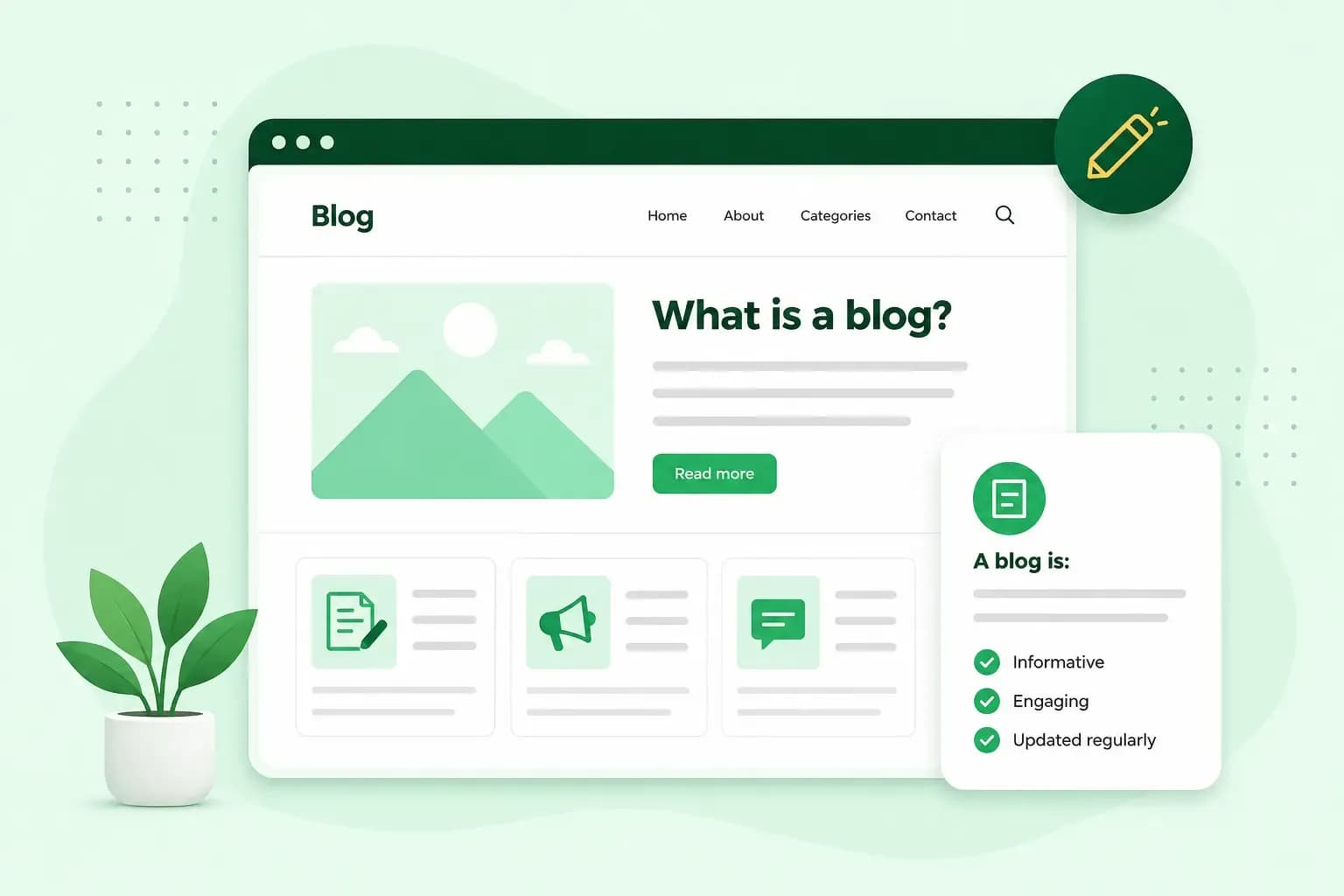
A blog is a website, or a section of a website, where someone publishes posts on a topic and adds new ones regularly. It can be a personal travel diary, a hobby site or a company's page of news and advice. What makes it a blog is the steady stream of dated posts, often with room for readers to reply. Writing and publishing those posts is what blogging is, and the person who writes them is a blogger.
What is a blog used for?
People use a blog to share their own life, to help a business's customers or to write about one interest they share with their readers.
- Personal blogs: a place to share your thoughts, experiences, photos and videos. Typical blog examples are a family blog that relatives far away can follow and a travel diary friends can read along the way.
- Business blogs: companies use a blog to share news, answer customers' questions and show what they know. Posts that answer the questions your customers ask are a good way to attract more readers to your blog.
- Niche blogs: a blog about one subject, such as gardening, football or vegan cooking. It's written for readers who share the interest and come back for each new post.
Some bloggers go further and make money from a blog, for example by showing adverts on it.
What does a blog look like?
A blog is made up of a few standard parts. You can design it however you like, and most designs include these common parts.
Header
The header usually runs across the top of every page. It holds the blog's name or logo, so readers know straight away whose blog they're on. It often holds the navigation menu too, with links to pages such as About and Contact.
The body
The body is the main part of the blog, where the posts are. On a blog built with WordPress, software for building websites and blogs, the posts appear newest first on the home page by default. Each time you publish, the older ones move further down.
Sidebar
The sidebar is a column beside the posts. It's a good place for your most popular posts, a search box or a short note you want readers to see, such as a favourite quote. You can add social media buttons there too, or a link to an event readers can sign up for.
Comments
Under each post there's often a comments section. Readers can reply to the post and to each other, which turns a post into a conversation. You decide whether to allow comments on your posts.
Footer
The footer is the strip below the main content. It's a common place for your contact details, links to other pages and your privacy policy. In WordPress, the footer is a reusable part of the design, so the same details can appear across your blog.
What is a blog post?
A blog post is a single article on a blog, with a title, a date and its text. Many posts add images or a video, and readers can comment underneath. Each one covers one topic, such as a trip, a recipe, a product review or an answer to a customer's question.
How often you publish is up to you. Pick a pace you can keep. Our tips for writing blog posts help with the writing itself.
The difference between a blog page and a blog post
A blog post is tied to the date you publish it, while a blog page stays the same until you change it.
| Blog post | Blog page | |
|---|---|---|
| What it holds | An entry on one topic, such as news, a review or advice | Information about you or your site that doesn't date |
| Order on the blog | By date, with the newest post first in WordPress by default | Outside the date order |
| Typical example | A trip report, a recipe or a product review | Your About page |
Besides an About page, WordPress gives a contact page and a privacy policy as examples of pages. You can add each one to your navigation menu so visitors can find it.
Is a blog the same as a website?
Not quite. A blog is one kind of website, or a part of one, but not every website is a blog. A website made only of fixed pages, such as a list of services and a contact page, isn't a blog. Once it starts publishing dated posts, it has a blog.
A blog can stand alone at an address of its own, such as yourbakeryname.co.uk. Many businesses add a blog as a section of their website instead, such as yourbakeryname.co.uk/blog. That way the posts and the products sit on the same site.
Where the word blog comes from
Blog is short for weblog, a log kept on the web. Jorn Barger used the word weblog for his own website, Robot Wisdom WebLog, in December 1997. In 1999, Peter Merholz wrote on his homepage that he'd decided to pronounce weblog as "wee-blog", or "blog" for short. The joke split the word into "we blog", and the short form spread once Pyra Labs released its Blogger tool in August 1999.
What you need for a blog of your own
Before you start, decide where your blog will live: at an address of its own, or as a section of a website you already have. Either way, you pay for the plan your blog runs on, which with us includes a domain that's free for the first year on selected extensions; after that, the domain runs for a year at a time and renews automatically by default. If the blog is the main thing on your site, or you plan to publish often, a WordPress website is the better choice, since it's built for publishing posts. If the blog is one part of a business website, our Aida AI Website Builder is the simpler way to make a blog. Here's how to start a blog.
Our Aida AI Website Builder includes a blog, so your posts and your pages sit on one site.
Build my websiteYou'll also need a name. Your blog's address is its domain, so it's worth picking a name you'll want to keep. Once you've chosen it, you can buy a domain that matches.
Once your name and domain are in place, set up your blog in WordPress or with our website builder, then write your first post.
Recommended reading
 Marketing17 Nov 2026
15 ideas for Black Friday marketing
Make the most of Black Friday with 15 marketing ideas to attract customers and boost sales. Discover ways to promote your offers, reach more shoppers and make your campaign stand out. Marketing30 Dec 2025
AI SEO: how to use AI for search engine optimisation
A basic guide to AI in SEO – let's look at how artificial intelligence can help you speed up your SEO tasks. Marketing30 Dec 2025
AI search optimisation: how to get your website into AI answers
A basic guide to AI in SEO – let's look at how artificial intelligence can help you speed up your SEO tasks.