
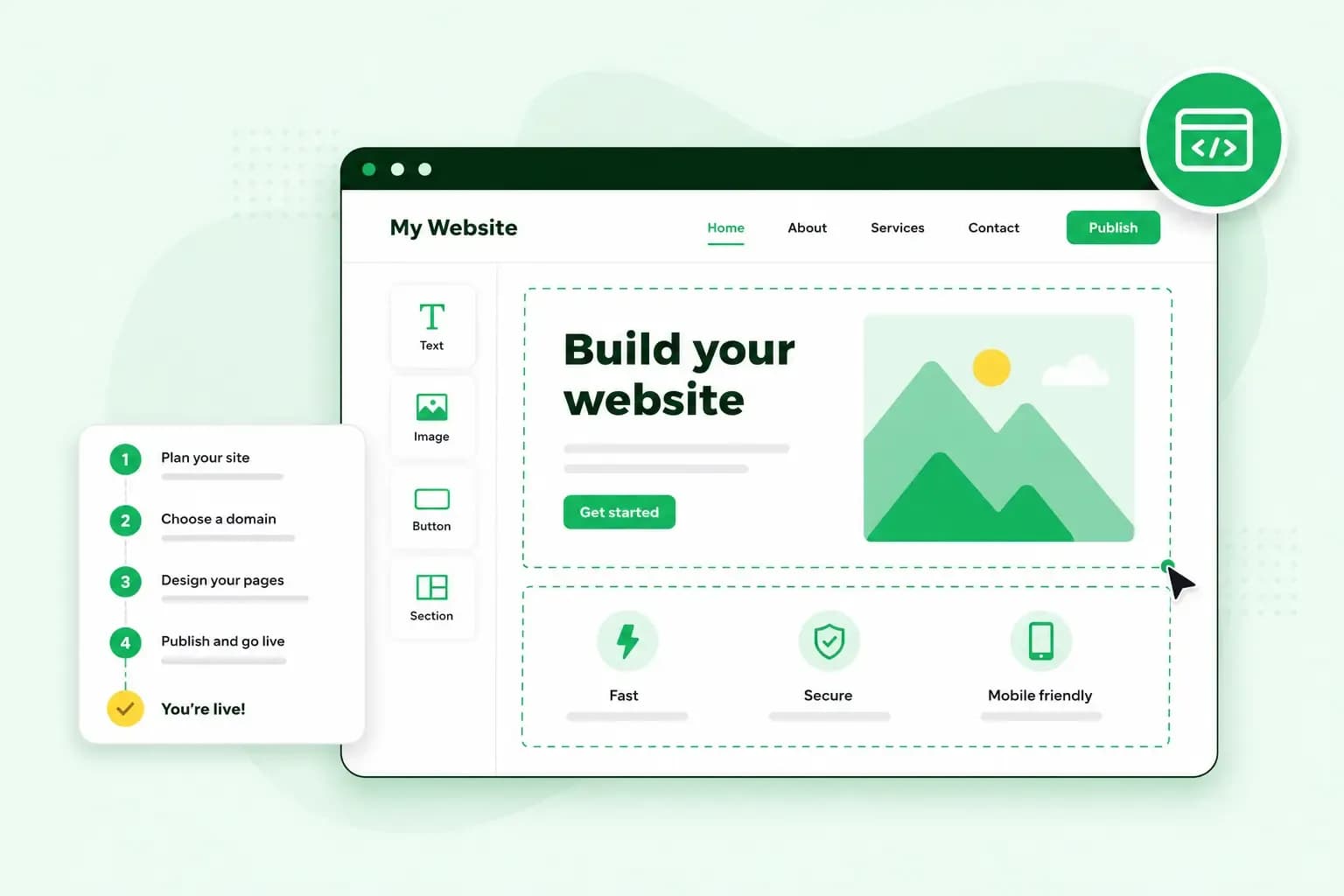
Building a website from scratch starts with deciding what the site is for. Then you register a domain name and choose how to build the site and where it's hosted. After that, you add your pages and content, and test the site before you publish it. The order is the same whether you use a website builder, install WordPress or write the code yourself.
What do you need to build a website from scratch?
Before you start, make sure you have these four things.
- A domain name. This is the address where people find your website, such as
ashgrove-garden-design.co.uk. Register a domain name early, before someone else takes it. - Web hosting. Hosting is where your website lives: rented space on a web server, which sends your pages to visitors when they type your address. For a WordPress website or a site you code yourself, you need web hosting of your own.
- A way to build it. You can use a website builder, WordPress or code you write yourself. Our AI website builder creates a first version of your site from a description of your business, with the hosting included.
Website builder, WordPress or code: which should you choose?
A website builder gets you online with the least technical work. WordPress is the better choice when your site needs more features, since plugins extend what it can do. Writing the code yourself makes sense when you already code or want to learn.
| Website builder | WordPress | Code it yourself | |
|---|---|---|---|
| What you do | Describe your business or pick a design, edit in your browser, publish | Install WordPress on your hosting, choose a theme, add plugins for extra features | Write the HTML, CSS and JavaScript, then upload the files to your hosting |
| Upkeep | Our builder plans include fast European hosting | You update your theme, your plugins and major WordPress releases | You maintain every file yourself |
WordPress is a content management system: you manage your content in its admin area, a theme sets the design and plugins add features. That flexibility means more to learn than with a builder, which limits you to what it offers. Code gives you control over nearly every detail, but it takes the most time if you're learning as you go.
Our advice: if your site is there to show what you do and bring in enquiries or orders, start with a website builder. You get online quickly. With our Aida AI Website Builder, you can also take bookings on the Booking and Commerce plans. The Commerce plan also lets you sell products online. If you're torn between a builder and WordPress, ask yourself what your site will need to do in a year or two. Then weigh that against how much time you want to spend on upkeep. Our guide that compares WordPress and a website builder goes through both options.
How to build a website from scratch, step by step
Most steps are the same whichever way you build. Where they differ, the step says how.
Decide what your website is for
Start with what you want visitors to do, such as call you, book an appointment, buy a product or look at your work. That goal decides which pages you need. The usual starting set is a home page, a page about your services or products, an about page and a contact page. Add a booking page, a shop or a blog only if your goal needs one.
Choose and register a domain name
Choose a name that's short, easy to spell and close to your business name, as our guide to choosing the right domain name explains in more detail. If your customers are mainly in the UK, we'd suggest starting with .co.uk as your first domain extension. If you plan to sell abroad, it's worth registering the .com as well.
You don't buy a domain for good: you pay to use it for one or more years, and you renew it to keep it. With us, a new domain and its web space usually work within minutes once we activate your order. In some cases it takes up to 24 hours.
Pick your platform and hosting
If you build with our Aida AI Website Builder, the hosting is included, so you don't buy it separately. For WordPress or code, choose a hosting plan for your site's files. An SSL certificate encrypts the data that passes between your site and its visitors, and all our hosting plans include one.
With WordPress, you then install it on your hosting, and on our hosting plans that's a one-click installation. If you write the code yourself, you upload your files to your web space with an SFTP program such as FileZilla.
Plan your pages and write your content
Sketch your menu first, with the pages from step one in the order visitors need them. Then write the text for each page, before you think about the design. The first lines of your home page should say what you do and where you work, so visitors know at once that they're in the right place. End each page with what you want the visitor to do next, such as calling you or booking a time.
Design your site for every screen
Pick a design that matches your brand's colours and fonts, and keep the menu short. A responsive website adapts its layout to the screen it's shown on, so check how your pages look on a phone as well as on a computer. Our guide to what makes a good website covers the other principles of good design.
Test your site and publish it
Before you go live, try each link and button and read the text once more for typos. Send a test message through each form as well. In our Aida AI Website Builder, you can test a contact form only once your site is published, not in the preview. Our website launch checklist covers the rest.
When you're happy with the result, you publish. In a website builder, you preview your site and publish it on your chosen domain from the builder itself. With WordPress or your own code, visitors see your site once it's on your hosting and your domain points to that hosting.
Keep your website up to date
Keep your services and contact details current, and add new work or posts as you go. If you build with WordPress, back up your site first, then install the updates for WordPress, your themes and your plugins.
Build your site with our Aida AI Website Builder
With our Aida AI Website Builder, you build your site in a chat instead of starting from a blank page.
- Start the 14-day free trial, so you can create and test your website before you choose a plan.
- Tell Aida about your business in the chat. Aida uses what you write to create a complete website with pages, content, images and design.
- Review your website and ask Aida for changes in the chat, or edit text, images and sections by hand.
- Choose the plan that fits what your site needs to do.
- Connect a domain when you buy the plan, if your site needs one.
- Preview your website and publish it on your chosen domain.
All plans include hosting on European servers and professional email on your domain. They also include a domain, free for the first year on selected extensions. From the second year, you pay to renew the domain.
Try the builder free for 14 days, then publish on your own domain as soon as you're happy with your site.
Build my websiteQuestions people ask before they start
What does a website cost?
What you pay depends on how you build, and on every route you renew your domain each year after any free first year. With our Aida AI Website Builder, you pay for one plan, and the hosting is part of it. WordPress is open source and free to use, as are most plugins, so you pay for hosting, your domain and any premium theme or paid plugin. The article on what building a website costs goes through each item in more detail.
How long does it take to build a website?
A first version can be ready in minutes. With our Aida AI Website Builder, most people create one in around 10 minutes, then refine it in the chat. After that, the time depends on how ready your text and photos are. Plan more time if you install WordPress or write the code yourself.
Can I build a website for free?
Yes, some free services let you publish a site, but they're limited in scope and better suited to a first experiment than to a business. For a business site, it's worth having your own domain, and you can try our builder free before you choose a plan.
Start building your website
Begin with the first step: write down what your site should do and which pages it needs. With that list in hand, you can build your website with our Aida AI Website Builder and publish a first version on your own domain.
Recommended reading
 Website Builder19 Oct 2026
How to get your website ready for Black Friday (with checklist)
Get your website ready for Black Friday with this practical guide and checklist. Website Builder31 Aug 2026
How to redesign an existing website using AI
Discover how Aida AI can redesign your existing site in minutes, add new features, and help you create a site that's ready for business. Website Builder11 Aug 2026
How to prompt an AI website builder
Learn how to prompt an AI website builder to create a professional website for your business. Get examples for shops, salons, clinics, and more.