
Impress your future employer with an online CV
When you’re searching for a job, you want to have a resume that impresses and gets you an interview. And a great way to do that is by making your own resume website.
A CV website is more pleasing to look at than a regular Word document or PDF file. It can be that little bit extra to convince the right person during an application process. In addition, a resume website will also make you and your skills easier to find on the internet.
In this article, we will explain how you can build a convincing and professional resume website.
Everything you need to get online
Whether you’re starting small or growing fast, each plan is built around your needs.
- Build with AI
- Email that matches your domain
- Free domain for 1 year
- Hosting & storage included
- Edit anywhere with our app
- 24/7 support
Why build a CV website?
Having a resume website can be very helpful with your job hunt. When you apply for a job, one of the first things a hiring manager will do is google your name. If he finds a great looking online CV, you might gain an advantage over other candidates. Besides showing your skills and employment history, you can tell much more about yourself on your site. There is often no space for this on a traditional resume, and it is a great way to let hiring managers get to know you. Other than that, building and maintaining your personal website is just very fun. You can even turn it into a portfolio website by adding your past projects.
How to create a resume website?
You can easily build a resume website with the following steps:
- Select a hosting plan. Take a look at the features of each plan to decide which plan suits your website best.
- Choose a domain name. For a personal CV website, it is recommended to use your own name or a variation on it as a domain name.
- Build your resume website with our Website Builder or with WordPress. The first thing to do is to choose a theme to determine the look of your website. You can customize it to your liking.
- Fill your resume website with personal information, employment history, skills and other information.
Website Builder is the easiest way to build a simple yet professional resume website. If you’re looking for more features and themes, we recommend creating your CV website with WordPress. With most hosting plans, you can install WordPress with our 1-click installer.
CV website templates
When you build your resume website with Website Builder, you can choose from several resume templates. And you can work with a mobile editor to ensure your website is mobile-friendly.
With WordPress, you will have more themes to choose from. Search your WordPress dashboard via appearance-> themes for a suitable theme using terms such as “CV” or “resume”. The themes you will find here are free and can be installed right away. The free options are limited, so if you want even more themes with more advanced features you can search online for paid themes and install them on your website. With themeforest for example.
Interested in having your website designed for you?
We are happy to create your application website according to your wishes while you concentrate on your business. We support you from start to finish. Whatever you need, we take care of it quickly and professionally. Further information about our website design service.
Recommended reading
 Website Builder19 Oct 2026
How to get your website ready for Black Friday (with checklist)
Get your website ready for Black Friday with this practical guide and checklist.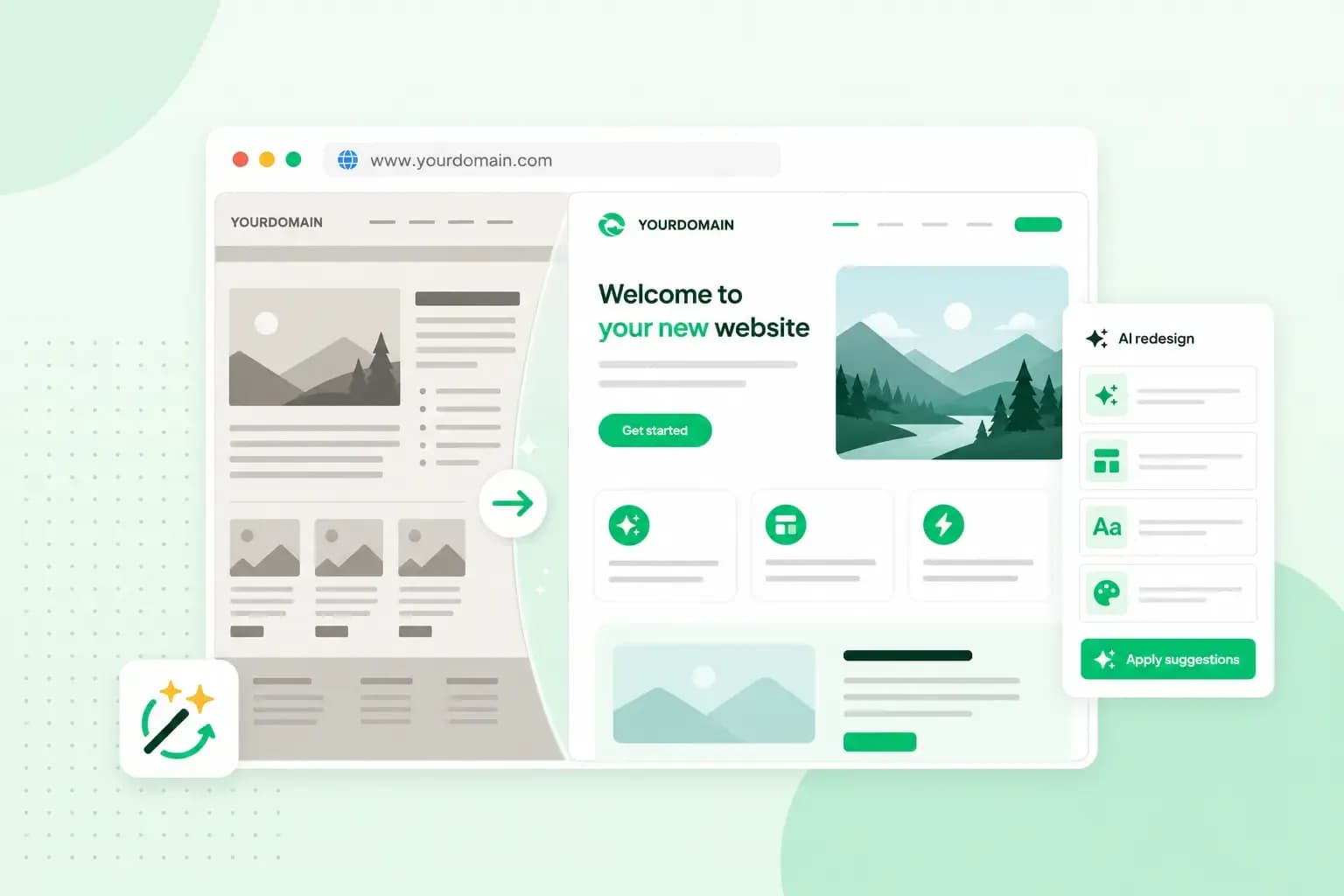 Website Builder31 Aug 2026
Website redesign: How to modernise your website with AI
Discover how Aida AI can redesign your existing site in minutes, add new features, and help you create a site that's ready for business.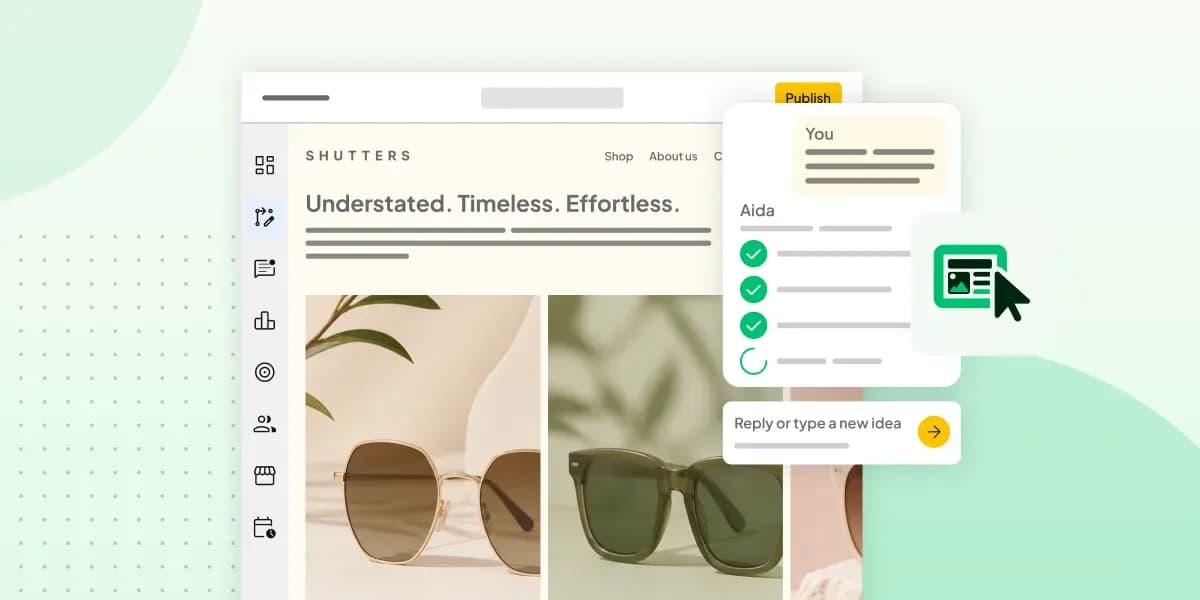 Website Builder11 Aug 2026
How to prompt an AI Website Builder
Learn how to prompt an AI website builder to create a professional website for your business. Get examples for shops, salons, clinics, and more.