
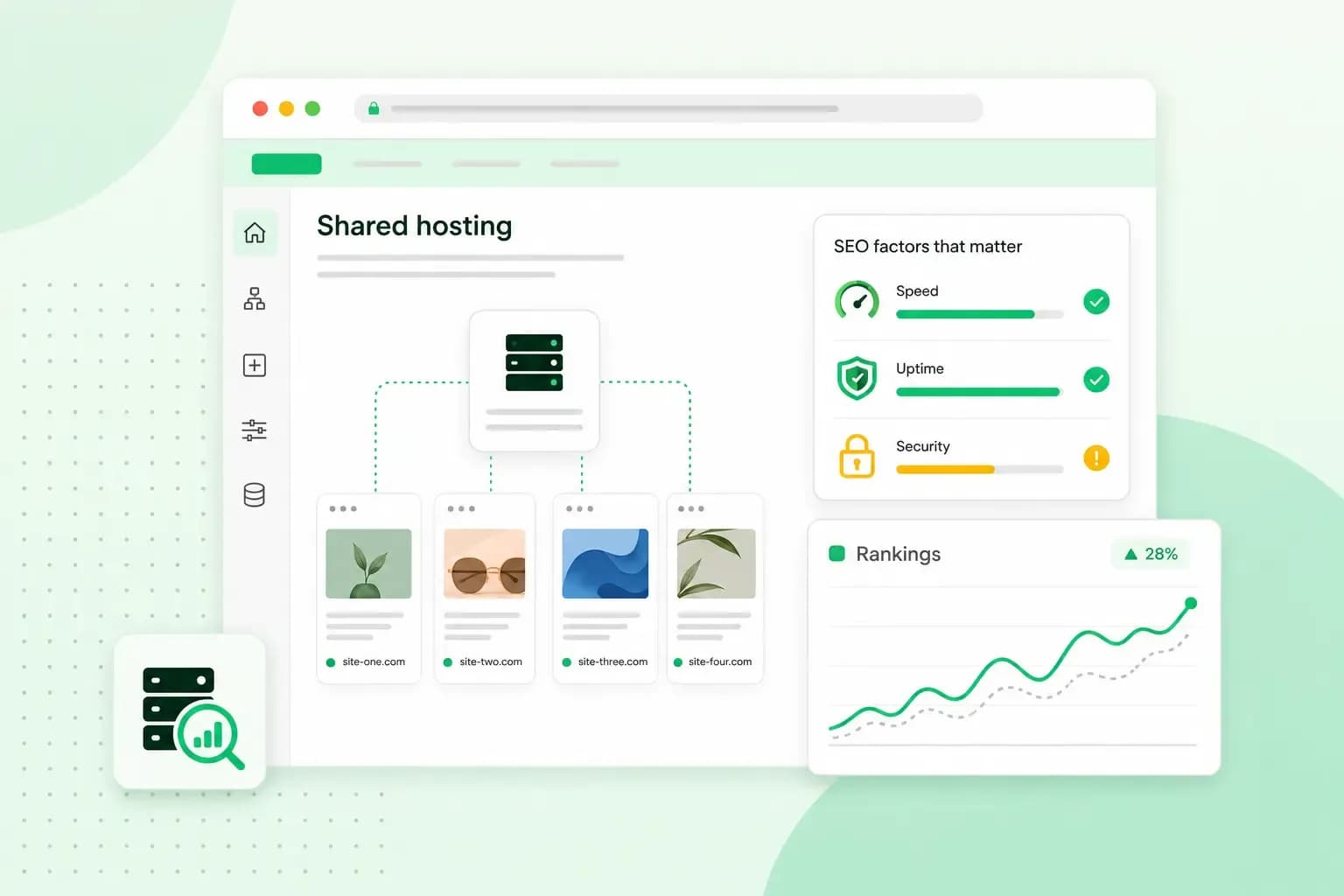
No, shared hosting isn't bad for SEO in itself. Google's ranking systems generally judge content page by page, not by who shares your server. What can hold your website back is a server that's slow or keeps going offline. Both affect how Google crawls your pages and how visitors experience them.
On shared hosting, your website shares a server's memory and processing power with other sites. For your SEO, that server has to answer quickly and stay online, even when the other sites on it are busy. Here's what shared hosting is in more detail.
Does a shared IP address affect SEO?
A shared IP address rarely affects your SEO. Many websites on a shared server use the same IP address, and you can't choose who your neighbours are. Some of them may be spammy, but that usually doesn't count against you. Google ranks pages on signals such as their relevance and usability.
People sometimes call a server full of spammy sites a "bad neighbourhood". On shared hosting, the neighbours that can affect you are the busy ones. Your website's performance depends partly on what the other sites on the server are doing. If one of them uses a lot of resources, your pages can load more slowly.
How your web host affects SEO
Your web hosting affects SEO through how fast the server answers and how reliably it stays online. It also decides whether your pages can load securely.
You can check speed and availability yourself. PageSpeed Insights reports how a page performs for visitors on mobile and desktop, and suggests how to improve it. In Google Search Console, the Core Web Vitals report rates your pages on data from real visitors. The Crawl Stats report shows the host status, which tells you whether Google ran into availability problems when it tried to crawl your site. If both Search Console reports look fine, your hosting is unlikely to be what holds your rankings back.
Speed and server response time
A slow server makes every page on your website wait longer, because the browser can't show anything until the server starts to answer. Slow pages hurt your user experience. Google measures that experience with Core Web Vitals: how fast a page loads, how quickly it reacts and how stable it stays while loading. To do well in Search, Google recommends that your pages have good Core Web Vitals.
Speed affects crawling too. Google adjusts how much it crawls your website to what your server can handle. When response times get longer, it crawls less and may read less of your site. If your pages feel slow, our guide on how to improve your site speed shows where to start.
Uptime and server errors
When your server returns errors, Google's crawlers, the programs that visit and read your pages, slow down. These server errors are the 5xx status codes, such as a 500 error, which a server sends when it can't deliver a page. Pages already in Google's index are kept at first, but if the errors go on, they're eventually dropped. Once the server responds normally again, Google gradually crawls more.
Even a 99.9% uptime guarantee, like ours, keeps downtime to a minimum rather than at zero. Choose a host that keeps outages short and rare, so server errors don't last long enough for Google to drop your pages.
HTTPS and security
HTTPS encrypts everything sent between your website and your visitors, and it's worth having on every page. On its own, it won't directly lift your rankings. According to Google, page experience aspects other than Core Web Vitals don't directly help a site rank higher. They can make your site more satisfying to use, which is generally in line with what Google's ranking systems aim to reward. For HTTPS, your website needs an SSL certificate.
What to look for in SEO-friendly hosting
SEO-friendly web hosting comes down to a few points you can check when you compare plans:
- Fast storage and caching. NVMe SSD storage reads your website's files quickly. Caching keeps ready-made copies of your pages, so the server can send them without building each one again.
- High uptime and server monitoring. Uptime is the share of time your website is online and reachable. Look for a host that states its uptime and monitors its servers around the clock, so problems are spotted and fixed sooner.
- An SSL certificate included. With one in the plan, you don't have to buy and install it separately.
- Enough resources for your traffic. Check how much memory and processing power a plan gives you, and whether you can upgrade as your site grows.
Start with shared hosting if you run a typical small business website. A virtual private server suits a website that needs its own memory, processing power and storage, for example for steady high traffic or software you install yourself. With a VPS, those resources are yours alone. In return, you manage the server yourself, including its configuration, security and updates. A sign you've outgrown shared hosting is pages that stay slow at busy times, even after you've worked on their speed. Our article on how a VPS compares with web hosting goes into the details.
Our web hosting plans come with NVMe SSD storage, performance caching, an SSL certificate and 24/7 server monitoring.
See hosting plansQuestions about hosting and SEO
Does changing hosting affect SEO?
It doesn't have to. Google has a guide to changing hosting without changing your URLs, and it comes down to four stages. You copy your site to the new host and test it there. Then you point your domain's DNS settings to the new host. A DNS change often takes a few hours and can take up to 72 hours to reach everyone. In the meantime, keep tabs on the traffic on both the old and the new hosting. Only shut down the old hosting once everyone, Googlebot included, gets your site from the new one. Done in that order, your site can stay reachable throughout the move.
Does hosting location affect SEO?
Only a little. Google can use the server's location, through its IP address, as one signal of who a site is for. It isn't a definitive signal, because some sites use a content delivery network (CDN) or are hosted in another country. Your domain counts as well: Google also reads a country domain extension such as .co.uk as a sign of your audience.
Shared hosting can work well for SEO when the server is fast, stays online and loads your pages securely. Compare plans on those three points, then choose a web hosting plan that fits your traffic.
Recommended reading
 HostingNov 6, 2026
504 Gateway Timeout: what it means and how to fix it
A 504 Gateway Timeout means a server in between got no answer from the website in time. See whose fault a 504 error is and how to fix it, WordPress included.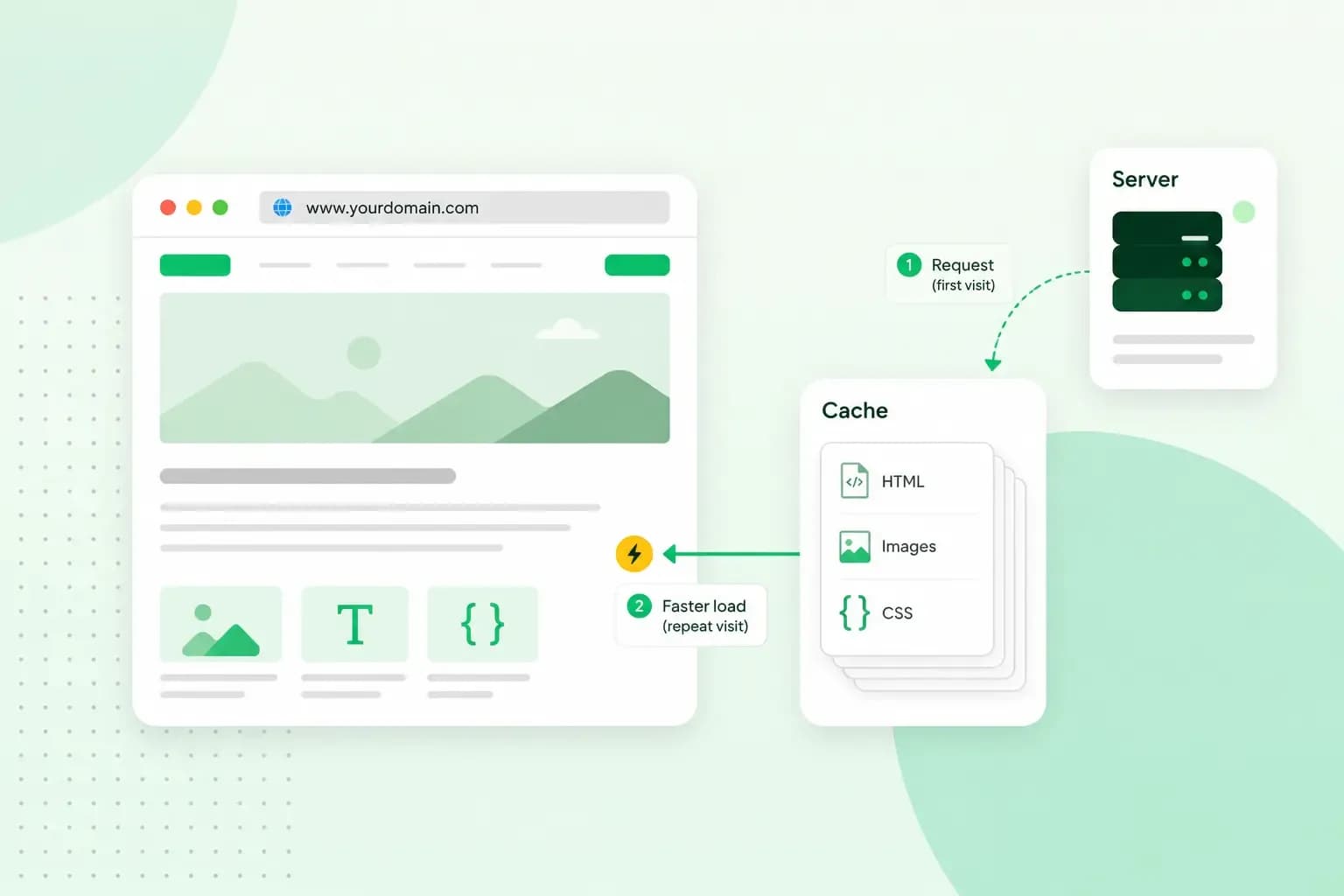 HostingAug 4, 2026
What is website cache?
What does cache mean? And how to clear your cache? Read the importance of cache and why it's necessary to clear your cache once in a while.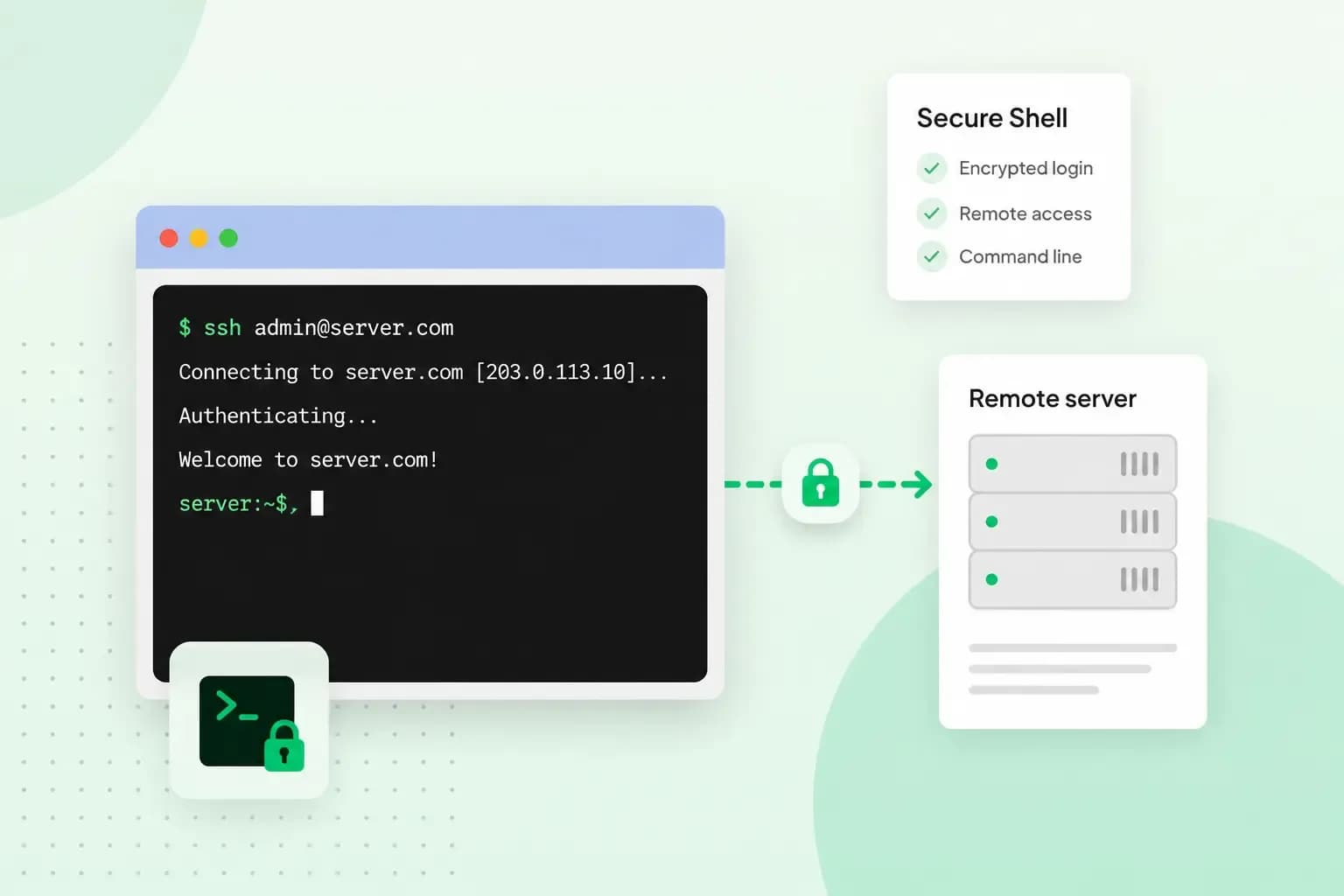 HostingAug 4, 2026
What is SSH?
How does SSH work & what does it do? Learn about the history of Secure Shell's predecessor Telnet and how SSH improved our internet security in this article.