
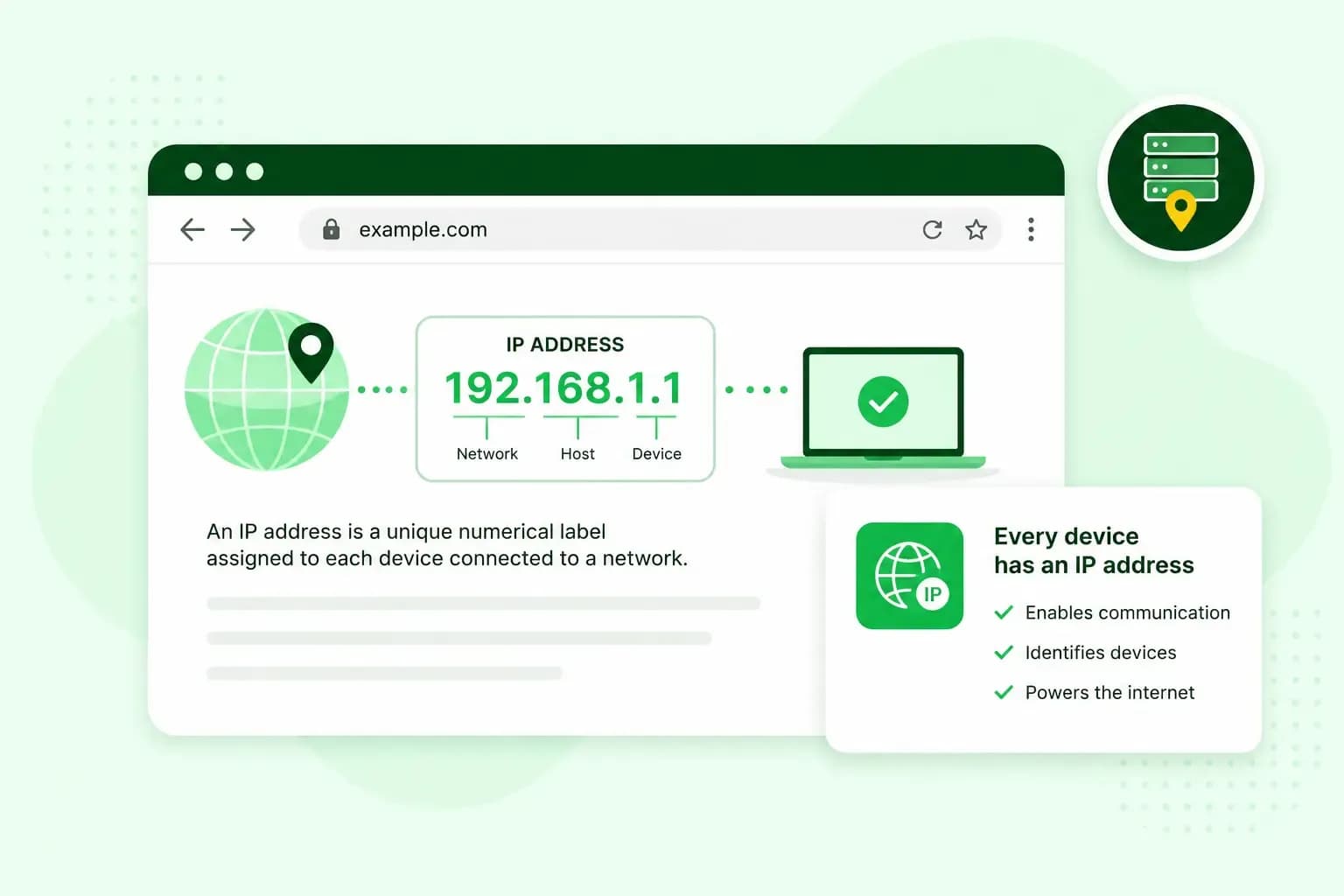
An IP address is the number that identifies a device on a network or on the internet, so the data sent to it arrives in the right place. It works much like a postal address. Your laptop, your phone and the server a website runs on each have one. Many home routers, for example, use the address 192.168.1.1.
What does IP stand for?
IP stands for Internet Protocol, the set of rules devices follow to send data to each other across networks. Under those rules, whatever you send online travels in small packets, and like a letter, each packet carries the recipient's address on the front and the sender's address for the reply.
How does an IP address work?
When you type a web address into your browser, the browser first looks up the IP address of the server the website runs on. It then sends a request to that address, with your own IP address as the return address. The server sends its answer back to your address, and your browser turns it into the page you see.
IP addresses and domain names
The browser can find that server because a website's domain name leads to the IP address of the server it runs on. You rarely see the address itself, because you type the website's domain name instead, and a name is simply easier to remember than a string of numbers.
Finding the address behind a name is the job of the Domain Name System, or DNS. For your own website, that pointing is done by an A record in your domain's DNS settings, the entry that links your domain to your server's IP address. If you ever move to another server, you change that record and visitors keep using the same name.
What does an IP address look like?
Most IP addresses you'll come across are IPv4 addresses, written as four numbers separated by dots, such as 192.168.1.1. Each number can be anything from 0 to 255, so the lowest IPv4 address is 0.0.0.0 and the highest is 255.255.255.255. As with a postal address, part of an IP address identifies the network and the rest identifies the device on that network.
Together, those four numbers make an IPv4 address 32 bits long, which allows 4,294,967,296 addresses, about 4.3 billion. That isn't enough to go round: registries such as RIPE NCC have run out of new ones to hand out. Partly because of those limits, IPv6 is gradually replacing IPv4. An IPv6 address is 128 bits long and written in hexadecimal, with the digits 0 to 9 and the letters a to f. It's made of eight groups of up to four digits and letters, separated by colons, as in 2001:0db8:85a3:0000:0000:8a2e:0370:7334.
Types of IP addresses
Public and private IP addresses
Your public IP address belongs to your internet connection rather than to one device: your provider assigns it to your router, and every device on your home network, including everything on your Wi-Fi, goes online through that one address. It's the address the rest of the internet sees.
Inside your network, your laptop, phone and printer each have a private IP address, often one that starts with 192.168, like the router address 192.168.1.1. Private addresses come from blocks set aside for private networks, and they're unique only within your own network, so many homes and offices can use the same ones without a clash. When a device goes online, your router translates its private address into your public one and passes the answer back to the right device. This is called Network Address Translation, or NAT.
To see your public IP address, the one websites see, search for "What is my IP" in your browser: your public address normally appears at the top of the results. A device's own private address is in its network settings.
Dynamic and static IP addresses
A dynamic IP address is one your internet provider assigns automatically for a limited period, so it can change over time, for example when your router reconnects or your provider changes it. Providers usually prefer dynamic addresses because they're cheaper than static ones, so unless you've arranged a static address, your home connection most likely has a dynamic one.
A static IP address stays the same. That matters when something has to be reachable at a fixed address, such as a server, the office email server your staff use from home, or security cameras you watch while you're away. You don't need one at home to run a website: your website's files sit on your hosting provider's server, and visitors reach the site at that server's address. If you need a static address at home for something else, ask your internet provider whether it offers one.
Shared and dedicated IP addresses
A website either shares its IP address with other websites or has one of its own. With shared hosting, many websites run on the same server and usually share its IP address, and the server tells them apart by the domain name in each request. With VPS hosting or a dedicated server, your server gets an IP address of its own.
| Shared IP address | Dedicated IP address | |
|---|---|---|
| Who uses it | Many websites on the same server | Only your server |
| Where you get it | Shared hosting | A VPS or a dedicated server |
| Cost | Lower, because the server's resources are shared, but a busy website on the same server can leave fewer for yours | Higher |
| Reputation | If another website on the address sends spam, the address can end up on a blocklist, and email sent from that address can be rejected | Only what you send affects it |
| Looking after the server | Done by your hosting provider | Up to you on our VPS, an unmanaged server that may need some technical skills, or done by us with Managed VPS |
What can someone tell from your IP address?
From your IP address, someone can tell roughly where you are and which internet provider you use, but not who you are. A website you visit sees your public IP address, because it needs it to send the page back to you. The location it shows is approximate, typically your town or region, and the site can't see your name or your street address. Even so, UK GDPR includes online identifiers in its definition of personal data, and the ICO, which oversees data protection in the UK, lists IP addresses among them. Combined with other information, an IP address may be used to identify someone. If you'd rather websites didn't see your own address, a VPN sends your traffic through its server, so sites see that server's address, which can be in a completely different city or country.
Choosing an IP address for your website
Our advice: for a small business website, start with shared hosting and its shared IP address: it costs less, and visitors reach your site by its domain name either way. A dedicated IP address is worth it when you need control over the server itself, for example to run your own software or connect other systems to a fixed address. That's what a VPS is for.
Once you've chosen your hosting, register a domain for your website and point it to your server's IP address.
Recommended reading
 HostingAug 4, 2026
What is website cache?
What does cache mean? And how to clear your cache? Read the importance of cache and why it's necessary to clear your cache once in a while. HostingAug 4, 2026
What is SSH?
How does SSH work & what does it do? Learn about the history of Secure Shell's predecessor Telnet and how SSH improved our internet security in this article. HostingAug 4, 2026
What is a CMS (content management system)?
You can easily create and manage your website with a content management system (CMS). Want to know more? Learn all about CMS in this complete guide!