
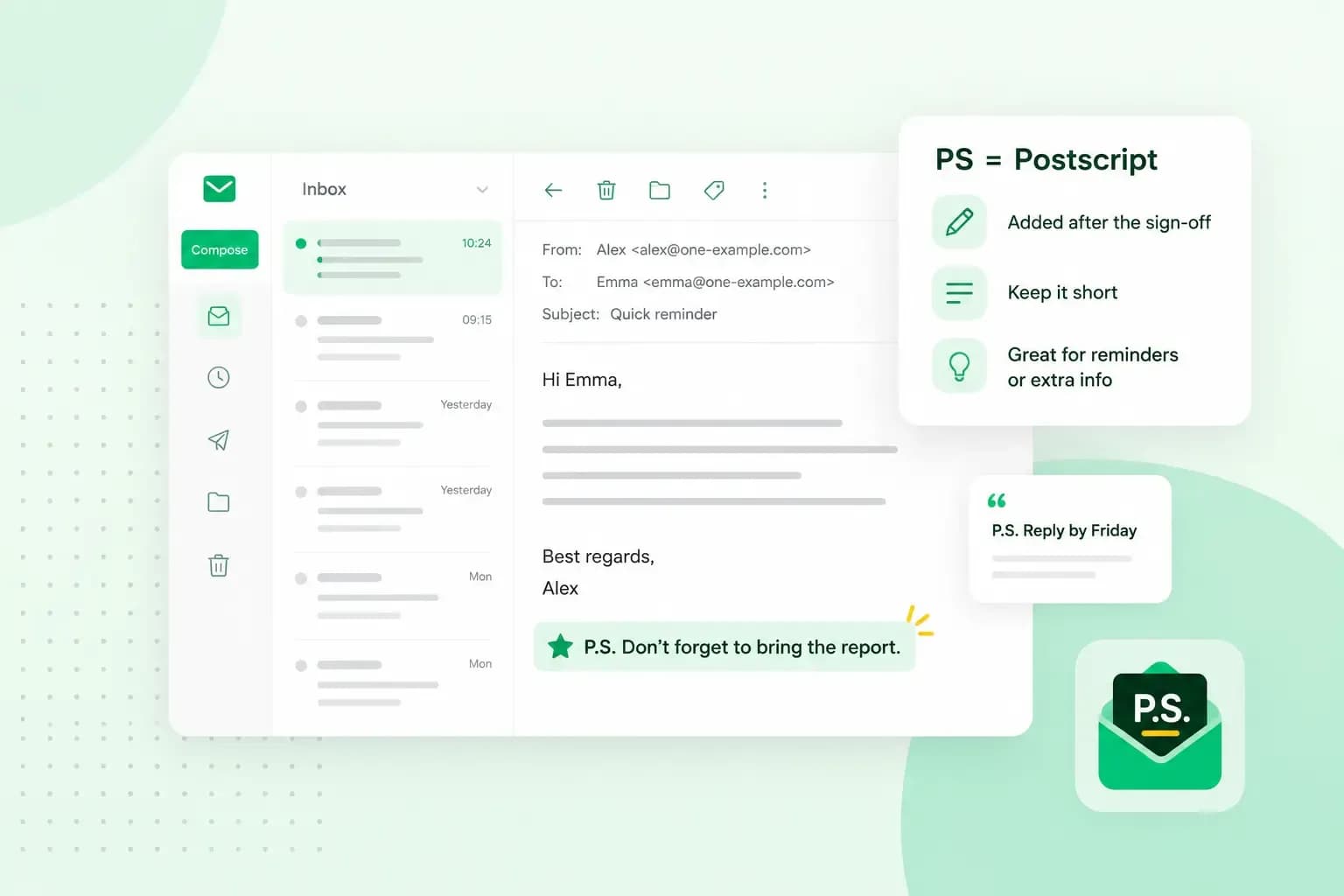
PS stands for postscript, from the Latin post scriptum, which means “written after”. In an email, the postscript is a short note you add after you sign off, for one extra detail the reader shouldn’t overlook, such as a reminder or a personal touch.
How to write a PS in an email
Write and sign off your email as you normally would, then add the PS on its own line underneath. Many people skim an email and notice how it starts and ends, so a short PS at the very end is hard to miss. That only works while it stays short: keep it to one or two sentences and one point, because a long PS loses the effect.
PS or P.S.?
Both are correct: P.S. with two full stops, or PS with none. British style usually leaves the full stops out of abbreviations, so PS is the safer choice for a UK reader, and it’s the form we use here. Whichever you choose, stick with it. A colon after it is common (PS:), but a comma or a semicolon is incorrect.
Does the PS go before or after your signature?
After. The PS comes after your sign-off and your name, the part you type yourself, so it reads as a final note to a finished email:
Best regards,
Anna

PS: Don’t forget to register before Friday to secure your spot.
Many people also have an email signature that’s added automatically under their name. The PS goes below that block too, so it’s the last thing in the email. It can also sit between your name and the signature block, as long as it comes after your sign-off.
When to use a PS (and when not to)
You don’t need a PS in every email, but it’s useful in a few situations. It earns its place when it adds something the reader shouldn’t miss.
When a PS helps
- Something important: a key point you want the reader to take away, such as a deadline.
- Something you forgot: a small detail you remember after signing off, when it isn’t worth restructuring the whole email to fit it in.
- A personal note: a friendly comment that keeps a work email warm and human.
- A thank you: thanks in a PS can feel warmer and more genuine.
- A call to action: in marketing emails, the PS repeats the one thing you want the reader to do, as it’s the last thing they read.
When to leave it out
- Don’t use a PS to patch a badly structured email. If your main points are scattered or missing, rewrite the body instead.
- Leave it out when the detail needs explaining. A PS holds one short point, so a longer explanation belongs in the body or in a separate email.
Can you use PS in a formal email?
Yes, a formal email can carry a PS, as long as it’s short, polite and in keeping with the rest of the message. The same email etiquette applies as in the body: when you write to a client or a colleague, keep it to a brief reminder or a thank you, in the tone you use with them there. Don’t add one in strictly formal settings, such as legal or financial letters, academic submissions or official correspondence, where its casual tone doesn’t fit: put the detail in the body or in a closing line before your sign-off.
If you’re not sure, ask whether the detail is part of what the email is for. If it is, it belongs in the body; if it’s a small extra, such as a reminder or a thank you, a short PS is fine.
PS examples for work and personal emails
The work email below shows a PS in context, and the shorter lines after it are ready to adapt to your own messages. If you need the rest of the email too, our business email examples cover common work situations.
A work email with a PS
Dear Mr Johnson,

I hope you’re having a good Monday. I’m sending you the sales report for Product X from March to May, with online and in-shop sales side by side. We could meet next week to discuss the numbers.

Kind regards,
Brandon Jones

PS: I’ll send you the other two reports you asked for tomorrow.
Brandon uses the PS for a new piece of information that doesn’t fit the body of his email, and keeps it to one line. A separate email is the better choice when the reports need explaining.
Work email examples
In a work email, the PS usually points to a date, a deadline or who to contact.
PS: Don’t forget to send me the signed contract by Friday.

PS: I’ll be out of the office on Monday, but feel free to get in touch with my colleague Sarah if you need urgent support.

PS: Thank you again for your time in today’s meeting. It was a pleasure discussing our next steps.
Casual email examples
In a personal email, the PS can be lighter: a plan, a bit of news or a touch of humour.
PS: We still need to plan that trip. Let’s talk at the weekend.

PS: I found the book you recommended, and it’s brilliant.

PS: Happy birthday again! Hope you’re celebrating in style.
What does PPS mean?
PPS stands for post-postscript, a second note after the PS. If your first PS had full stops, you can write it as P.P.S. to match. One or two postscripts are fine, but more than that looks messy. If you have that much to say at the end, it’s usually better to revise the email itself.
Send your emails from your own domain
If you write a lot of work emails, including the ones that end in a PS, our email plans make every message recognisably yours.
Send and receive your work emails from an address on your own domain.
Choose an email planRecommended reading
 EmailNov 10, 2025
How To End An Email
How you end an email impacts how it is perceived. We have collected the best ways to sign off emails in English. EmailOct 23, 2025
4 tips for better results with AI email writing
Save time without sacrificing quality: learn how to use AI for email writing and create personalised emails effectively. Tips for crafting clear and compelling prompts. EmailOct 10, 2025
What is the best font for email?
Sending the perfect email is essential. Read our tips on what you should consider when choosing the best professional font to ensure success.