
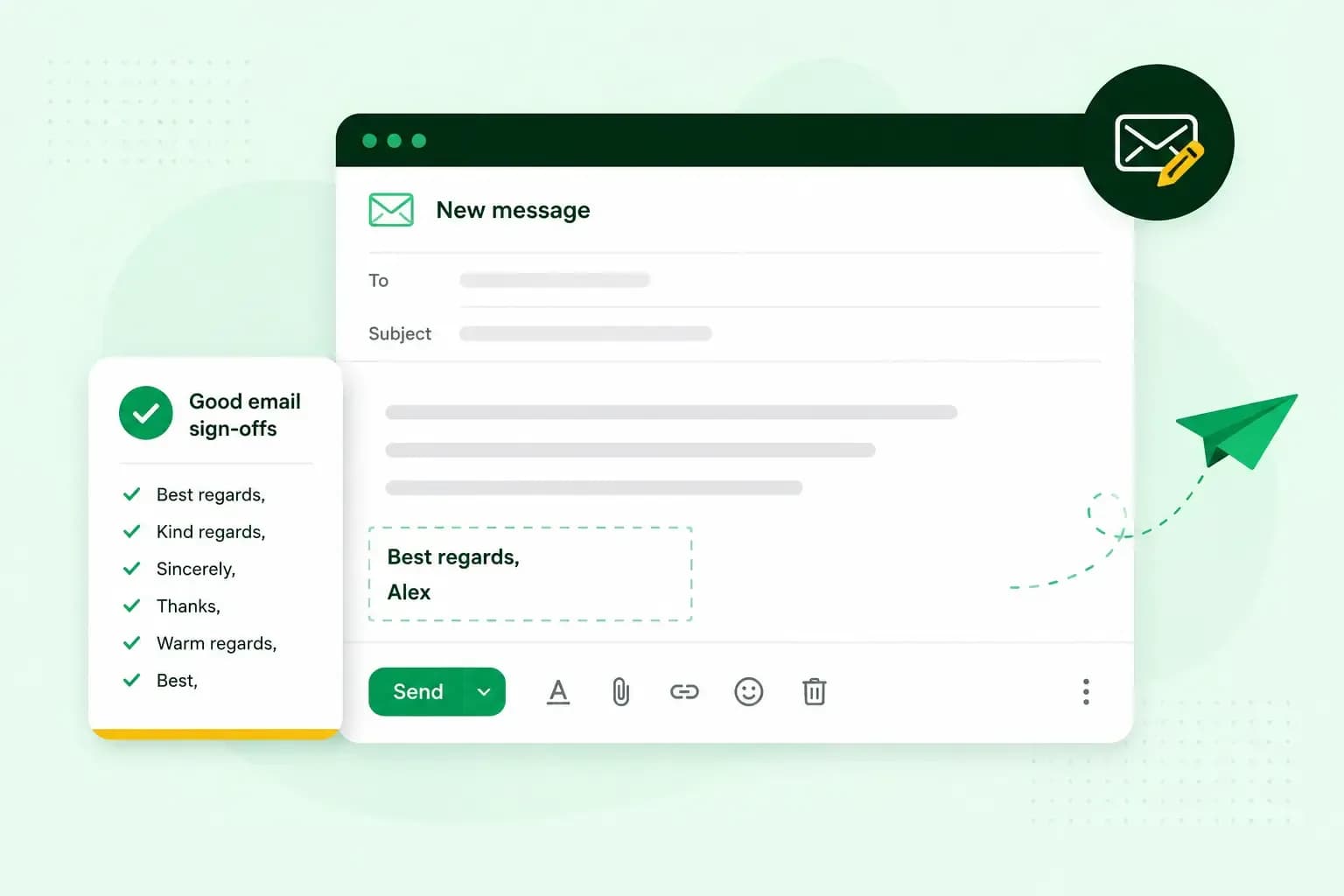
You end an email in English with a short closing line, then your email sign-off and your name on the line below it. Which sign-off fits depends on how well you know the reader and how formal the email is. When in doubt, use "Kind regards" in a work email.
For example, you could finish with "Thanks again for your help with the quote." Then write "Kind regards," and put "Henry Webb" on the line below.
What goes at the end of an email
Each part of the ending does its own job:
- Closing line: one sentence that sums up your message or says what happens next.
- Sign-off: a short farewell phrase such as "Kind regards" or "Thanks".
- Name and signature: your name, and in work emails your contact details, so the reader knows who wrote and how to get back to you.
Match the sign-off to the way you start an email. A formal greeting such as "Dear Mr Patel" calls for a formal ending, and "Hi Sam" for a lighter one.
How to end an email professionally
These sign-offs suit most work emails:
| Sign-off | Tone | When it fits |
|---|---|---|
| Kind regards | Polite, professional | Work emails, including a first email to someone you haven't met |
| Best regards | Polite, professional | Clients and other business contacts |
| Regards | Short, neutral | Work emails where you want to keep it brief |
| Best | Short, neutral | Almost any email, formal or relaxed |
| Thank you, or "Thanks for all the help" | Grateful | When you ask for something or thank someone for a favour |
| Yours sincerely | Formal | A formal email to a person you address by name |
| Yours faithfully | Formal, mainly British | A formal email that opens with "Dear Sir or Madam" |
There's little between "Kind regards" and "Best regards". Pick the one you like and use it in your everyday work emails. "Regards" on its own isn't rude: it's a neutral, professional sign-off and a safe choice for work emails. When you're thanking someone, "Many thanks" or "Kind regards" sounds warmer.
Should you write Yours sincerely or Yours faithfully?
Write "Yours sincerely" when you open with the person's name, and "Yours faithfully" when you open with "Dear Sir or Madam". Both come from formal letters, so they fit an email that reads like one, for example a job application or a formal complaint. You may also see "Sincerely" on its own, a traditional sign-off that ends an email on a formal note.
Our advice: find out the person's name and use it in your greeting. With a name in the greeting, you can close a formal email with "Yours sincerely" and a lighter work email with "Kind regards".
How to end an informal email
A more relaxed ending suits people you already have a relationship with, such as colleagues you know well and friends. "Best" works here as well as in a work email.
| Sign-off | Tone | When it fits |
|---|---|---|
| Thanks | Friendly | Colleagues, especially when you ask for something or follow up |
| Cheers | Informal, British | Colleagues and friends; it can mean thank you or goodbye |
| Best wishes | Warm | Someone you know quite well, or a colleague who is leaving |
| All the best | Informal | Someone you know well |
| Take care | Warm, friendly | People you know well |
| Talk soon | Casual | Someone you expect to be in touch with again shortly |
| Catch you later | Very casual | Casual conversations where you'll reconnect soon |
| No sign-off, just your name | Relaxed | An ongoing thread or a quick reply |
Closing lines to use before the sign-off
Keep the closing line to one clear sentence. A closing line often does one of these four things:
- Thank the reader: "Thanks for your help with this." or "I really appreciate your quick reply."
- Set the next step: "I'll send the quote over by Friday." or "I'll call you on Monday to confirm the date."
- Ask for a reply: "I look forward to hearing from you." or "Could you let me know by Thursday?"
- Offer help: "Let me know if you have any questions."
Be careful with "Thanks in advance". It assumes the reader will help, which can come across as presumptuous. Write "I'd be grateful for your help with this" instead.
Add your name and a signature
Sign a first email with your full name, and switch to your first name once you know each other. In a work email, put a signature under your name with your role, your business and your contact details. For example:
Kind regards,
Henry Webb
Sales, Tile and Timber Roofing Ltd
01632 960123
tileandtimberhove.co.uk
When you write an email signature, keep it to the few lines a customer needs to reply or call you. For complete emails with their signatures, see our business email examples.
The address you send from matters too, because a professional email address names the same business as your signature. A quote from henry@tileandtimberhove.co.uk tells the customer straight away who it's from. The same quote from tileandtimberroofs@gmail.com carries Gmail's name, not yours. An email address on your own domain puts your business name after the @, where a free email service puts its own name.
With our email plans, you send your quotes and replies from an address on your own domain.
Choose an email planSign-offs to avoid in work emails
Some email endings can spoil an otherwise good message:
- No sign-off in a first or external email, where the message can feel unfinished without one.
- A casual ending such as "Cheers" in a formal email. Keep relaxed sign-offs for colleagues you know well.
- "Hope that makes sense", which can read as passive-aggressive, and "Good luck", which suggests the task ahead is daunting.
- Kisses and emojis. "Love" or an "x" is for a partner or close family, and an emoji in place of a sign-off can feel flippant.
The sign-off is one part of email etiquette, the habits that make a work email read well.
Questions about ending an email
Do you put a comma after Kind regards?
Yes. Put a comma after the sign-off, then your name on the line below it.
How do you end an email to a teacher?
End it as you would a polite work email, for example with "Thank you for your help with this." followed by "Kind regards," and "Henry Webb" below it. If you're writing about your child, add their name and class under your own.
For the emails you send to your own customers, the address line can name the same business as your signature. Set up business email with us and send your next quote from henry@tileandtimberhove.co.uk.
Recommended reading
 EmailNov 6, 2026
What is email spoofing? How to stop someone faking your business email address
Email spoofing is when someone forges an email's sender. See how to spot a spoofed email, what to do if it's your address and how to stop email spoofing.- EmailNov 6, 2026
SPF, DKIM and DMARC explained: how to keep your emails out of spam
DMARC tells mail servers what to do with emails that fail SPF and DKIM checks. See what each record does, how to set them up and how to check they work. 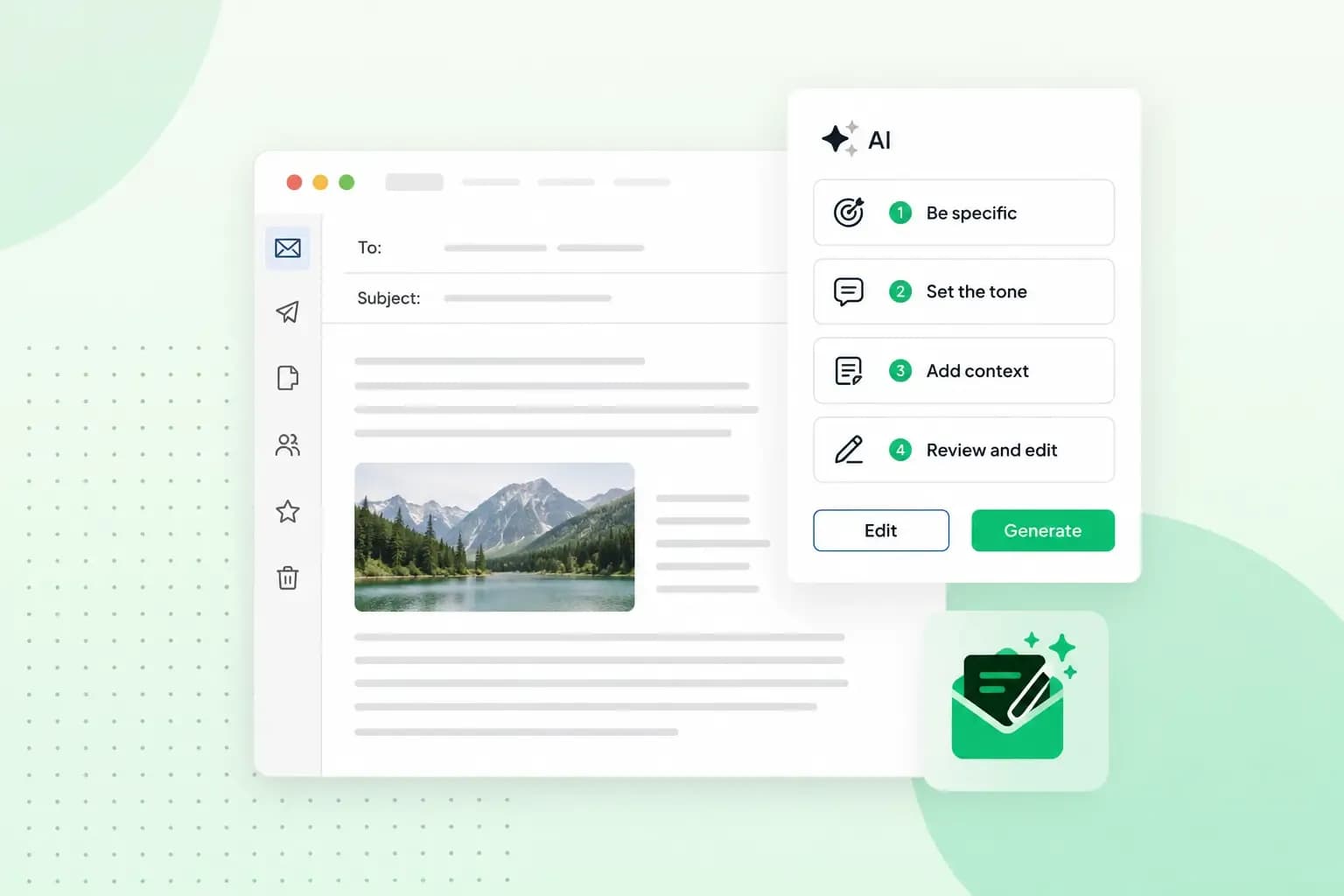 EmailOct 23, 2025
How to use an AI email writer
Save time without sacrificing quality: learn how to use AI for email writing and create personalised emails effectively. Tips for crafting clear and compelling prompts.