
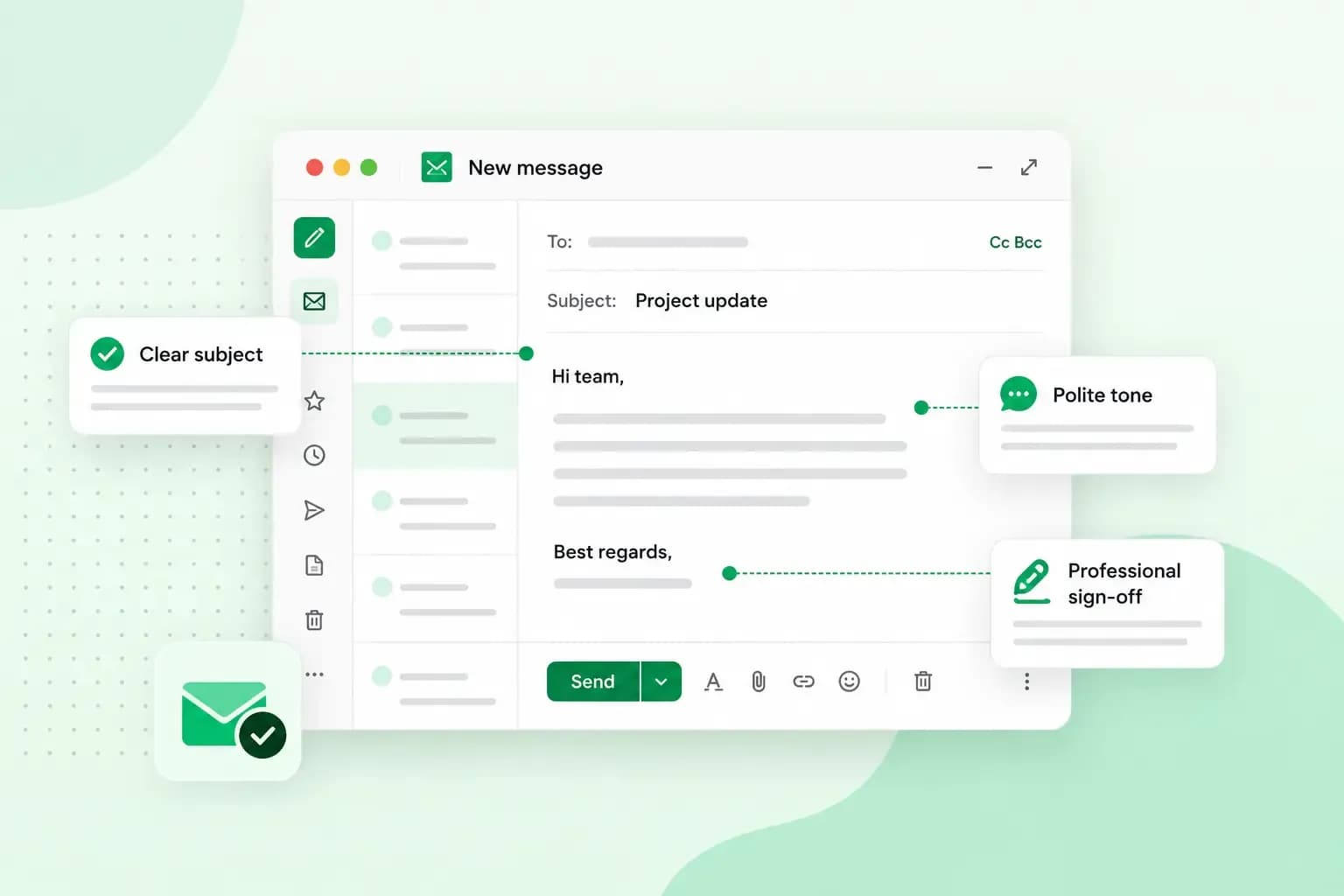
Email etiquette is the set of habits that make a work email clear, polite and easy to act on. It covers what you write, such as a subject line that says what the email is about and a greeting with the person's name. It also covers how you send it: to the right people, at a sensible time, with a reply when one is due.
A subject line such as "Invoice: payment due Friday" is email etiquette at work, because it tells the reader what the email is about before they open it.
The same habits apply whether you write to a colleague or a client, and students can follow them when they email a teacher.
Why is email etiquette important at work?
Email etiquette is important because your emails shape how clients and colleagues see you. A clear and friendly email is easier to answer, because the reader doesn't have to guess what you need. A vague or curt email does the opposite. It can lead to misunderstandings, and with clients it can damage your relationship. Good habits save your own time too.
Email etiquette rules for the workplace
The rules follow an email from the moment you decide to write it to the follow-up.
1. Check that it needs to be an email
Not every message needs an email. For a simple question, try an instant message or a quick word at a colleague's desk first. Email is the right choice when you need a record or the other person needs time to think. It's also the usual way to reach someone outside your company.
2. Use a work address with your company's name
Use a professional email address for work email, never a personal one. An address on your own domain, such as sarah@brambleandfinchstudio.co.uk, shows the recipient straight away which company the email comes from. A free address like sarah.b1987@gmail.com doesn't show your company's name, so clients may find it less professional. Some may even be wary of it, because an unusual sender address is one of the signs of a scam email.
With our email plans, you send and receive email from an address on your own domain.
Choose an email plan3. Write a subject line that says what the email is about
The subject line decides whether your email gets opened now or later. Make it specific: for example, "Meeting notes: budget decision needed" tells the reader more than "Update". A good test is whether the recipient could guess what the email says from the subject line alone. If the topic changes during a long thread, change the subject line too.
4. Start with the right greeting
Open with the person's name. "Dear Ms Patel," suits a first email to a client or anyone you write to formally. With colleagues, "Hi Tom," or "Hello Tom," is normal. If you can find out the name, avoid "To whom it may concern". In British English, the greeting ends with a comma or with no punctuation at all rather than a colon, and titles such as Mr, Ms and Dr have no full stop. You'll find more openings in our guide on how to start an email.
5. Match the other person's level of formality
Follow your workplace's email habits, and with people outside it, mirror the tone of their emails. If someone signs off with their first name, you can usually use it too. When you're not sure, start formal. You can relax your tone later, once the other person writes less formally.
6. Put the main point first and keep it short
Say what you need first, then give the background. "Could you approve the attached quote by Thursday? The client wants to start next week." works better than three paragraphs of context before the question. Keep paragraphs short, and if you need something from the reader, say what and by when.
7. Stick to one topic per email
An email about one thing keeps your points apart, and it's easier to find later. If you have unrelated questions for the same person, short emails with clear subject lines usually work better than one long one.
8. Use To, Cc and Bcc on purpose
Put the people who need to act in the To field. Use Cc (carbon copy) for people who only need to know. Keep that list short, since everyone you copy in gets one more email to read. Bcc (blind carbon copy) hides recipients from each other. It's the polite choice when you email a group of external contacts who don't know each other, because it keeps their addresses private.
9. Think twice before you hit Reply all
Use Reply all only when everyone on the thread needs your answer. For example, a "Thanks!" sent with Reply all lands in every inbox on the thread. Reply all can also cause real trouble: a comment meant for one colleague can reach a client who was copied in. Before you send, check who's in the To and Cc fields.
10. Keep your tone calm and friendly
Tone is easy to misread in writing, because the reader can't see your face or hear your voice. Never send an email when you're angry or upset. Write it if it helps, then wait, reread it and rewrite it calmly, or pick up the phone instead. Be careful with irony and jokes too, especially with people who don't know you well.
11. Add a personal touch, briefly
A short personal line shows you know who you're writing to. For example, mention something from your last conversation instead of a stock opening line. Keep it to one sentence, then get to the point.
12. Explain only what the reader needs
Give the reader what they don't know yet. When you work with another team, it's tempting to explain your whole job. Yet explaining what the reader already knows can come across as talking down, even when you mean well. If you're unsure, ask whether they'd like more background.
13. Go easy on capitals, exclamation marks and emoji
Words in capitals read as shouting. One exclamation mark can sound friendly, but several in a row look unprofessional. Emoji are fine in a quick message to a colleague who uses them too. In emails to clients and anyone you don't know well, leave them out.
14. Keep confidential information out of email
An email can be forwarded, sent to the wrong person or read over someone's shoulder. Never send passwords by email, and think twice before you include personal data, such as a customer's details, or anything your company treats as confidential. Use the secure channel your company provides, or call.
15. Share large files as a link
Large attachments take up space on the recipient's email server, and many email services limit their size. Gmail, for example, caps attachments at 25 MB for personal accounts. For work and school accounts on Google Workspace, the organisation's administrator sets the limit, so you can't always tell what a client's mailbox accepts. If a file is large, upload it to cloud storage such as Google Drive and send a link. Whatever you send, mention it in the text so the reader knows to look for it.
16. Close with a sign-off
End with a short closing line that invites questions, then a sign-off that matches your greeting. Some common British sign-offs:
- Formal: "Kind regards" and "Best regards" are safe choices for work emails, including the client email below. "Yours sincerely" ends a formal email to a person you address by name, such as a job application, and "Yours faithfully" one that starts "Dear Sir or Madam".
- Informal: "Best wishes" suits people you know quite well, and "Thanks" works with colleagues.
Here's how to end an email in other situations.
17. Add an email signature
A signature tells the reader who you are and how else to reach you. A good one holds:
- your name and job title, so the reader knows who's writing and what you do
- your company name, with your website if you have one
- your phone number, for anyone who'd rather call
- your LinkedIn profile, if you use it for work
- your email address, so it's still there if someone forwards your email
Set up your signature as soon as you create a new email account, so it's added to every email automatically. In our webmail, you add it in the settings. If you also read your email in an email app, set the signature up there as well. Our guide on how to write an email signature has examples.
18. Proofread before you send
Typos and a wrong name make an email look rushed, however good the content. Read it once more before you send it and check the name, dates, figures and whether the attachment is really attached. Reading the email aloud helps you catch missing words and sentences that run on too long. For an email that matters a lot, ask a colleague to read it first.
19. Add the recipient's address last
Fill in the To field when the email is ready. With the field empty, a slip of the finger can't send a half-written message. This is especially useful for emails that matter, such as a job application or a reply to a complaint.
20. Send during working hours
If the email can wait, send it during working hours. That way, your email doesn't arrive in the recipient's time off. If you work late, schedule the email to go out the next morning. Gmail, for example, lets you schedule an email to be sent at a later time.
21. Reply, even when the answer is no
Answer every email that asks you something, even if the answer is no. Silence leaves the sender guessing. In most cases, it's worth replying within one working day. If you need longer, a quick "Thanks, I'll get back to you by Friday" is enough. When you're away, set an out-of-office message that says when you're back and who to contact in the meantime.
22. Give people time before you follow up
People are busy, so give them time to reply. Unless it's urgent, our advice is to wait a few working days before you send a follow-up. Keep it friendly and short: repeat the request in one line, rather than asking why they haven't answered.
Email etiquette examples
The two emails below share the same task, sending the quarterly sales report: one goes to a colleague, the other to a client. Our business email examples cover more everyday tasks.
An informal email to a colleague
Subject: Q3 sales report: Product A reviews down
Hi Tom,
I hope the move to the new office went well.
I've attached the Q3 sales report you asked for. Sales of Product A went up by half, but its average review score dropped from 5 to 4 stars. Could we look at the reviews together this week?
Best wishes,
Sarah Bramble
Sales Manager, Bramble & Finch Studio
01632 960123
A formal email to a client
Subject: Your Q3 sales report and a meeting request
Dear Ms Patel,
Please find attached the sales report for the third quarter. Sales of Product A rose by 50%, while its average review score fell from 5 to 4 stars.
I would like to arrange a short meeting to discuss what is behind the lower scores. Would Tuesday or Wednesday next week suit you?
Please let me know if you have any questions in the meantime.
Kind regards,
Sarah Bramble
Sales Manager, Bramble & Finch Studio
01632 960123
Both emails put the main point first and end with one clear request. The client email is more formal: "Dear Ms Patel" instead of "Hi Tom", "Please find attached" instead of "I've attached", and "Kind regards" instead of "Best wishes". It also leaves out the personal line, which suits a client you don't know well.
Send your work email from your own domain
Most of these rules are habits you can start with your next email. The address you send it from may take one small change. If you still write to clients from a free address, get professional email with us and send from your company's own domain.
Recommended reading
 EmailNov 6, 2026
What is email spoofing? How to stop someone faking your business email address
Email spoofing is when someone forges an email's sender. See how to spot a spoofed email, what to do if it's your address and how to stop email spoofing.- EmailNov 6, 2026
SPF, DKIM and DMARC explained: how to keep your emails out of spam
DMARC tells mail servers what to do with emails that fail SPF and DKIM checks. See what each record does, how to set them up and how to check they work. 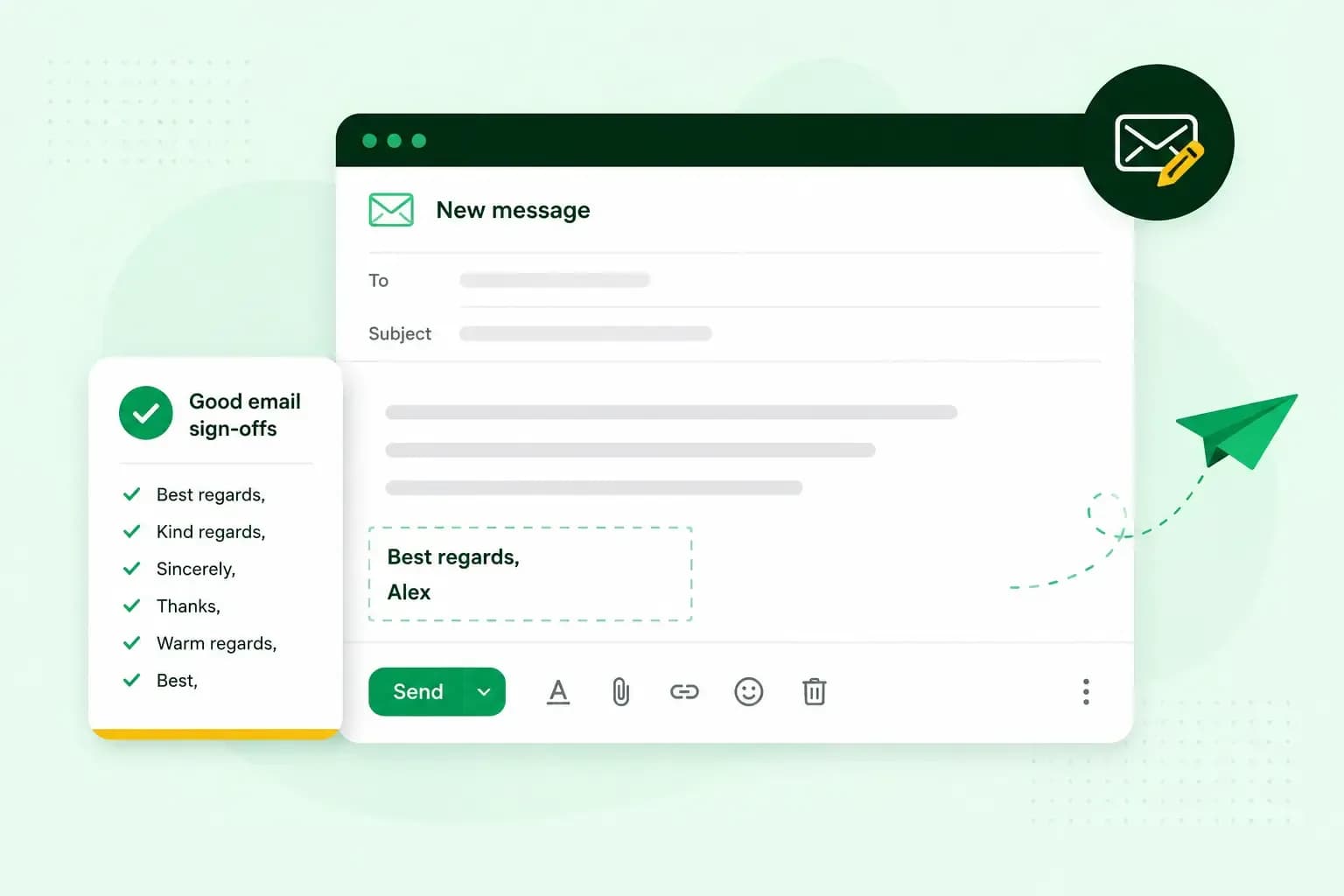 EmailNov 10, 2025
How to end an email in English
How you end an email impacts how it is perceived. We have collected the best ways to sign off emails in English.