
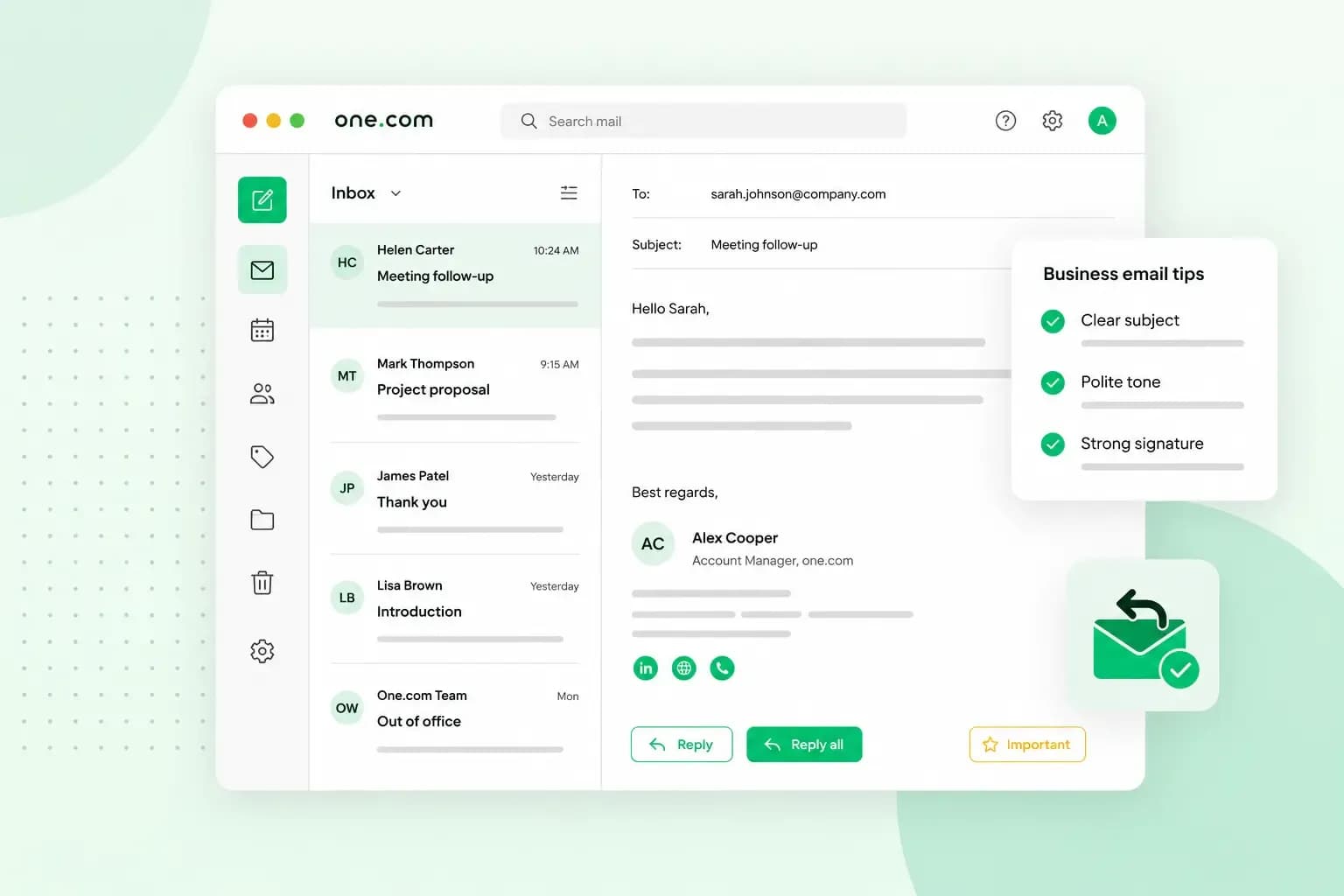
A good business email has a subject line that says what it's about, a greeting with the person's name and an opening line that gives your reason for writing. After that comes one clear request, and a sign-off and signature to end it.
How to structure a business email
Your reader meets the parts of a business email in the order you write them: the subject line in their inbox, then the greeting and opening line, the body with your request, and finally the sign-off and signature. The first parts decide whether the email gets read properly.
Subject line
The subject line decides whether your email gets opened now or later. Make it specific enough that the reader can guess what the email is about without opening it: “Can we visit your garden on Thursday?” tells them far more than “Meeting”.
Greeting and opening line
Greet the person by name. In a first email to a new client, “Dear Ms Okafor,” is the safe choice, and once you're on first-name terms, “Hello Amara,” or “Hi Amara,” fits better. In a British email the greeting ends with a comma, and titles such as Mr, Mrs, Ms and Dr have no full stop. If you really can't find a name, "Dear Sir or Madam," still works.
The opening line then gives your reason for writing, for example “I'm writing about the quote we sent you for your garden redesign”. For other situations, our guide on how to start an email has more openings to choose from.
Body
Each email works best when it gets straight to the point. Short paragraphs keep it easy to read, and when you need several answers, a list of questions lets the reader reply to each one. Include the details they need to act, such as the date, the amount, the reference number or the attachment. If the topic needs a long explanation, a phone call is usually the better choice.
Sign-off
In everyday business emails, “Kind regards,” or “Best regards,” is the usual choice, and in a quick reply to someone you know well, “Thanks,” or “Best,” is enough. A formal British email takes its sign-off from the greeting: “Yours sincerely,” when you've written to a named person, and “Yours faithfully,” when you've started with “Dear Sir or Madam,”. Whichever you use, only the first word takes a capital letter, and a comma follows. You may also see "Sincerely," on its own, which is more common in North American English.
Signature
Your signature tells the reader who you are and how to reach you. Under your sign-off, put your name, job title, business name, email address, phone number and website, plus a link to your LinkedIn profile if you use it for work.
Kind regards,

[Your name]
Garden designer
Your Garden Design
hello@yourgardendesign.co.uk
01632 960123
yourgardendesign.co.uk
You only need to set up your signature once. In our webmail platform, you save it in the settings, and it then shows on the emails you send from there. If you also use an email program such as Outlook, add the signature there too, as it doesn't carry over. For layout ideas, see our guide on how to create an email signature.
Business email examples for common situations
The business email examples below cover asking for a meeting, following up on a quote, chasing an invoice, confirming a booking, replying to a complaint and setting up an out-of-office reply. Copy the one that fits your situation, then change the names, dates and details to fit your own business.
Asking for a meeting
Subject: Site visit for your garden redesign on Thursday at 10am?

Dear Ms Okafor,

Thank you for your enquiry about redesigning your back garden. Before we put together a quote, I'd like to visit to measure up and talk through your ideas.

Would Thursday at 10am suit you? If not, I'm also free on Friday afternoon. The visit takes about an hour.

Kind regards,
[Your name]
Your Garden Design
01632 960123
With the question in the subject line, Ms Okafor knows what you're asking before she opens the email. Saying why the visit matters gives her a reason to agree, and a second time saves a round of replies.
Following up on a quote
Subject: Your garden redesign quote

Dear Ms Okafor,

I'm following up on the quote we sent you on 2 October for the new patio and planting. Do you have any questions about it, or would it help to go through it on a short call?

The quote is valid until 30 October. If you'd like to go ahead, just reply to this email and we'll agree a start date.

Kind regards,
[Your name]
Your Garden Design
quotes@yourgardendesign.co.uk
Naming the exact quote and the date you sent it saves the client looking it up. The offer of a short call and the date the quote runs until give them an easy reason to reply, without pushing them.
Chasing an unpaid invoice
Subject: Invoice 1042 for £1,850, due on 30 September

Dear Mr Hughes,

I hope the new lawn is settling in well. I'm writing about invoice 1042 for £1,850, which was due on 30 September. I've attached a copy in case the original went astray.

Could you let me know when we can expect payment? Our bank details are on the invoice. If you've already paid, please ignore this email, and thank you.

Kind regards,
[Your name]
Your Garden Design
accounts@yourgardendesign.co.uk
A first reminder can stay friendly. If there's still no reply, your second reminder can be firmer.
Confirming a booking
Subject: Booking confirmed: garden design consultation on Wednesday 14 October

Hello Priya,

Thank you for booking a consultation. This email confirms your appointment on Wednesday 14 October at 2pm, at your home.

I'll bring sample plans and a few planting ideas, so it helps if you can think about how you'd like to use the garden. If you need to change the time, reply to this email or call 01632 960123.

See you then,
[Your name]
Your Garden Design
A confirmation repeats what was booked, when and where. Telling the client what happens at the visit and how to change the time means they rarely need to write back with questions.
Replying to a complaint
Subject: Re: Damaged fence panel

Dear Mr Hughes,

Thank you for letting us know about the fence panel that was damaged while we were working in your garden. I'm sorry this happened, and that you had to point it out to us.

We'll replace the panel at no cost to you. Our team can come on Monday morning. Please let me know if that suits you.

Kind regards,
[Your name]
Your Garden Design
01632 960123
A good reply to a complaint thanks the customer and apologises without making excuses.
Out-of-office auto-reply
An out-of-office reply goes out automatically while you can't answer your emails, for example when you're on holiday. A good one tells people that you're unavailable, when you'll be back and who they can contact in the meantime.
Subject: Out of office until Monday 19 October

Hello,

Thank you for your email. I'm away until Monday 19 October and won't be reading emails until then.

For anything urgent, please write to hello@yourgardendesign.co.uk or call 01632 960123.

Kind regards,
[Your name]
Your Garden Design
In our webmail, you switch on an auto-reply in the settings. To avoid spamming, it sends only one automatic reply per day to each address that writes to you. Remember to switch it off when you're back. Our guide to writing an out-of-office message has more ways to word it.
How formal should a business email be?
Write formally when you contact someone for the first time, and switch to a casual tone once they use one with you. If a new client signs off with “Thanks, Amara”, that's your cue to reply in the same tone. With suppliers, colleagues and clients you know well, a casual tone is usually fine, as long as the email stays clear and polite. Between the two sits the everyday business email, where “Kind regards,” keeps a respectful, professional tone that's a little less formal.
Formal and casual business emails compared
| Tone | Example greeting | Example sign-off |
|---|---|---|
| Formal | “Dear Ms Okafor,” or “Dear Sir or Madam,” | “Yours sincerely,” (named person) or “Yours faithfully,” (Sir or Madam) |
| Everyday | “Dear Ms Okafor,” or “Hello Amara,” | “Kind regards,” or “Best regards,” |
| Casual | “Hi Amara,” | "Best," |
Whatever the tone, leave out slang, jokes that might not land and words in capitals. The other unwritten rules are in our guide to email etiquette.
Which address should you send from?
Send business emails from an address on your own domain, such as hello@yourgardendesign.co.uk, rather than a free email address. Clients see straight away that they're dealing with a real business, and the address can stay the same if you later move to another email provider. The part before the @ usually takes one of three forms:
- a first and last name, such as
jamie.rowe@yourgardendesign.co.uk - a role address, such as
quotes@yourgardendesign.co.ukoraccounts@yourgardendesign.co.uk
We recommend a personal address for each person's own emails, plus role addresses for shared tasks such as quotes and invoices. With our email plans, you can set up addresses such as info@, sales@ and support@ on your domain, and how many you can create depends on the plan you choose.
Check before you send
A quick read before you press send catches the mistakes that are hardest to take back:
- Look at who the email goes to, including anyone in Cc.
- Attach the file you mention in the email.
- Compare names, dates, amounts and reference numbers with the quote or invoice.
- Reread the subject line to make sure it still fits what the email says.
- Read the email once more, ideally out loud, for spelling and grammar.
Once the email passes these checks, look at the address it goes out from as well. If you still send from a free address, an email address on your own domain puts your business name after the @ on every email you send.
Recommended reading
 EmailNov 10, 2025
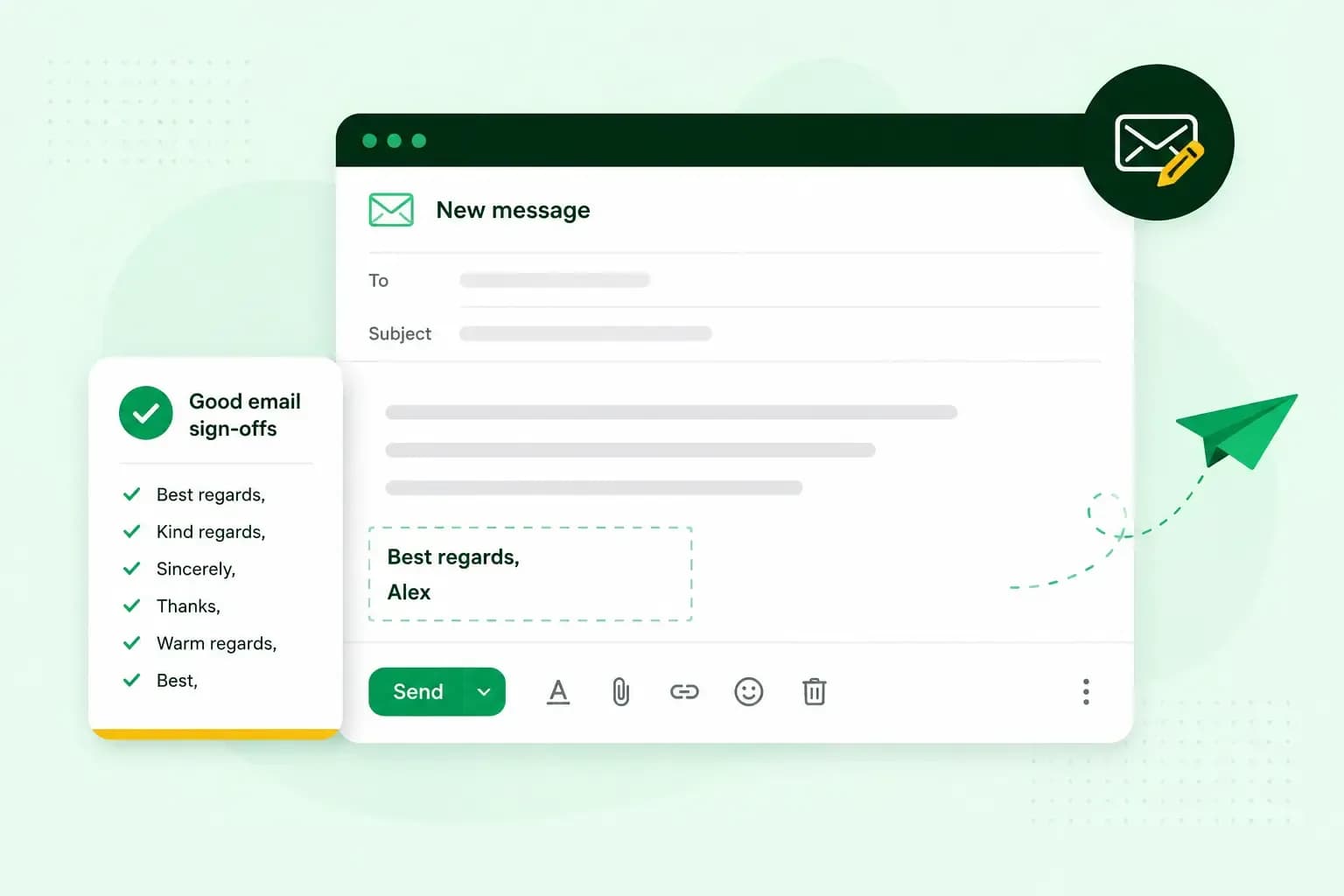
How To End An Email
How you end an email impacts how it is perceived. We have collected the best ways to sign off emails in English.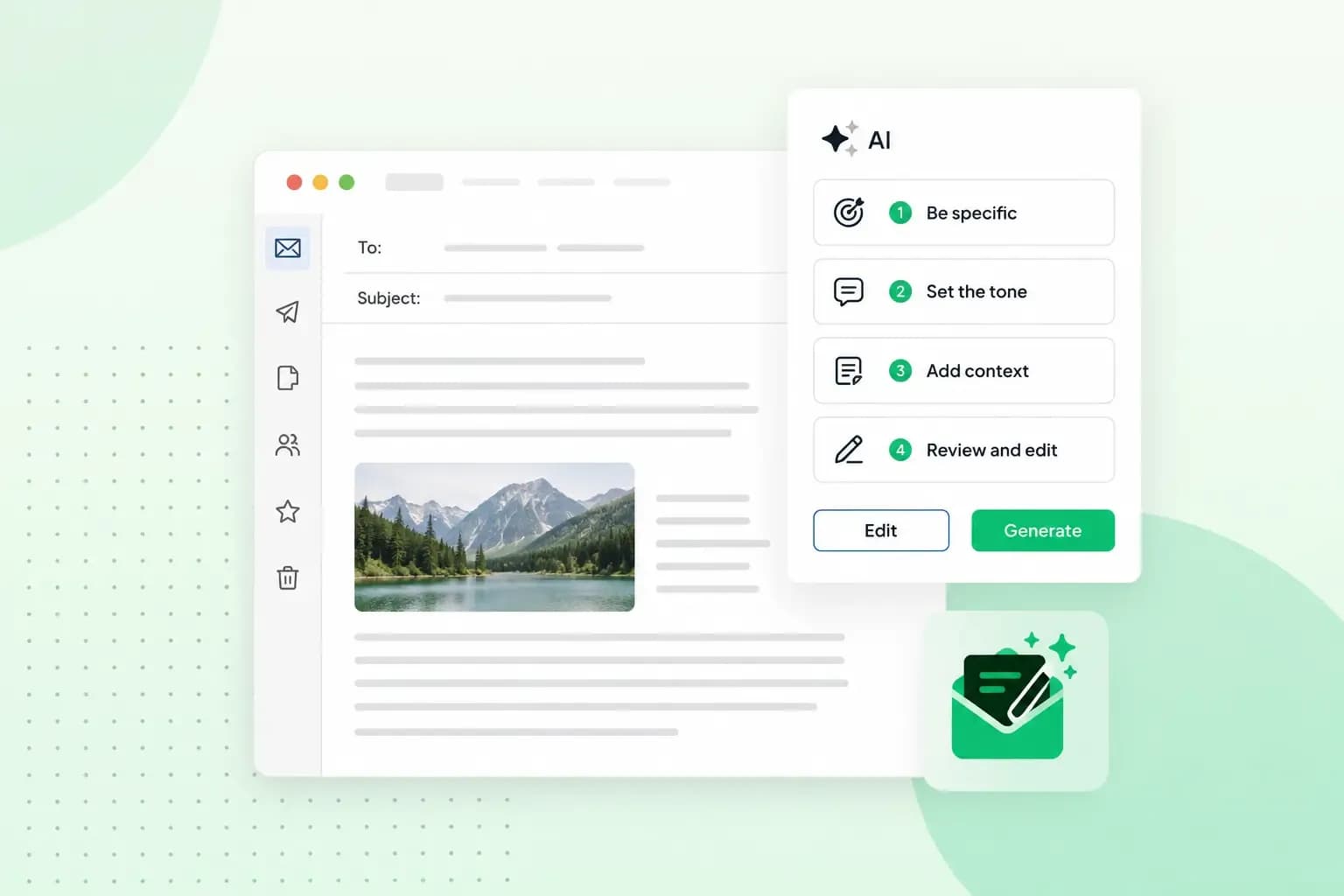 EmailOct 23, 2025
4 tips for better results with AI email writing
Save time without sacrificing quality: learn how to use AI for email writing and create personalised emails effectively. Tips for crafting clear and compelling prompts.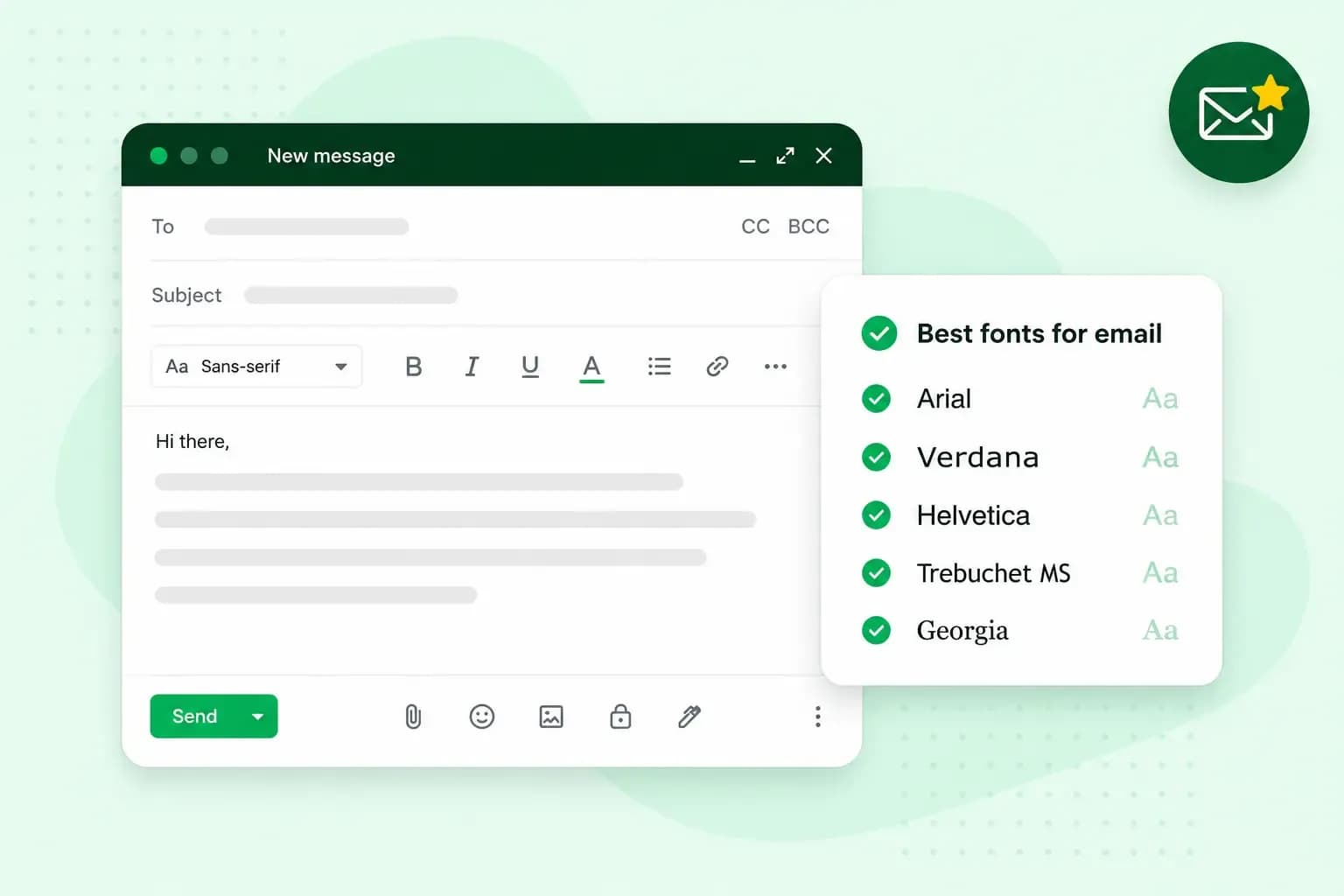 EmailOct 10, 2025
What is the best font for email?
Sending the perfect email is essential. Read our tips on what you should consider when choosing the best professional font to ensure success.