
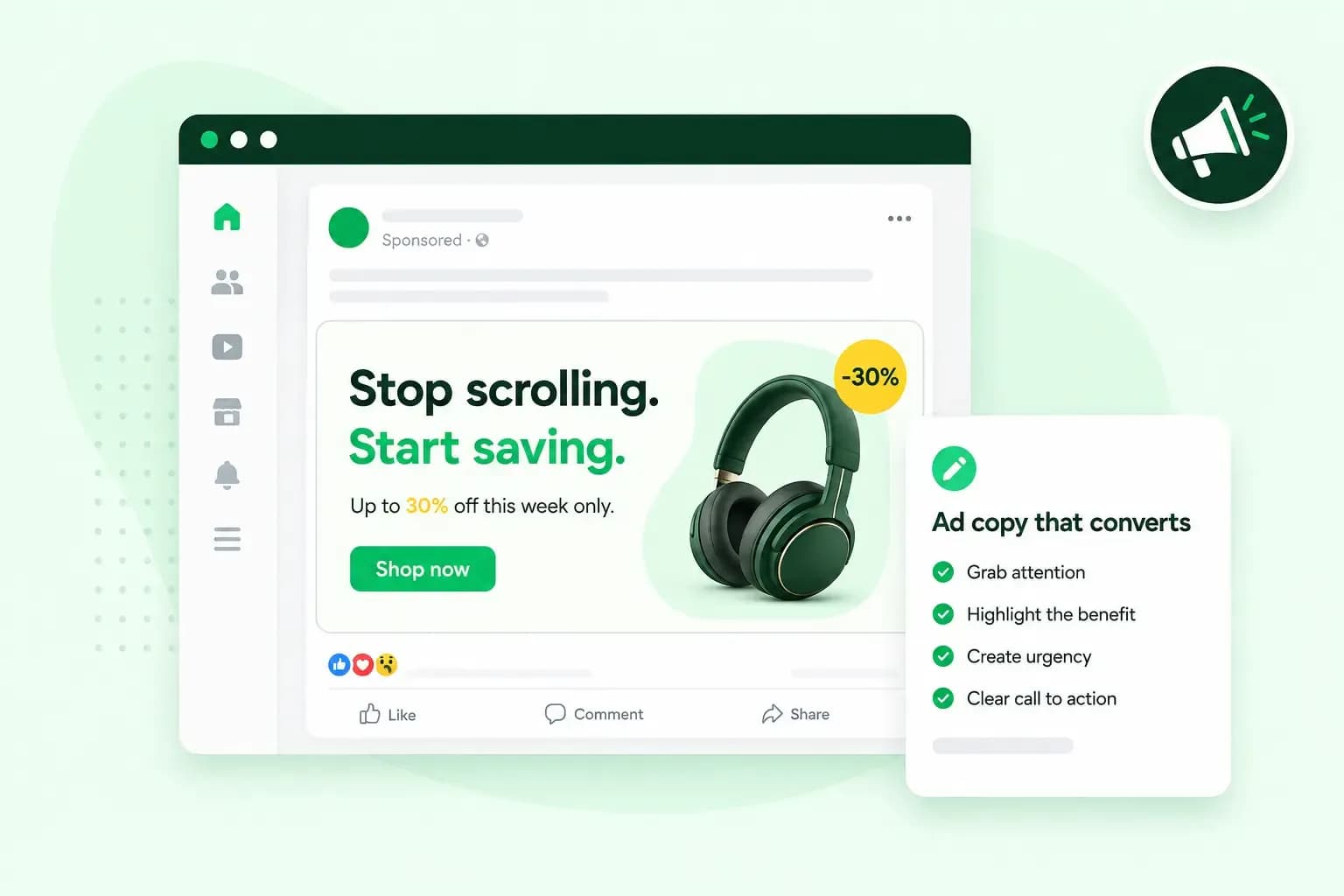
Good ad copy speaks directly to one reader about one need. It shows what they get in a few plain words and tells them what to do next, in the space the ad format gives you. If your small coffee roastery sells a monthly subscription on kettleandkilnroasters.co.uk, a headline such as "Fresh beans through your letterbox every month" tells the reader what they get. Your roasting equipment can stay out of it.
What is ad copy?
Ad copy, or advertising copy, is the text of an advert: the headline, the lines under it and the button or link that asks the reader to act. It's used to ask for a sale, a booking, a sign-up or a visit to your website. People respond to ads that talk about what matters to them, so good ad copy shows the reader what they get from you.
However good the picture or video looks, it only draws the eye. The words carry the message, so let the text tell the reader why they should care.
Where is ad copy used?
Ad copy is used wherever you advertise: online, and offline in newspapers, in magazines and on buses. Online, each format puts the reader in a different situation, so the copy has a different job in each:
- Social media ads appear in people's feeds on social platforms such as TikTok. Open with something the reader recognises from their own life.
- Paid search ads show above and below Google's search results when someone searches for what you sell, under a label that marks them as ads. Match the headline to what the person just searched for, and give them a reason to choose your result.
- Display ads run on websites and in mobile apps. Say one thing in a handful of words and leave space around them.
- Video ads play in or next to videos, for example on YouTube. The script, the text on screen and the headline should tell one story.
Search ads come with fixed limits. In Google Ads, each headline can be up to 30 characters and each description up to 90. A responsive search ad lets you enter up to 15 headlines and 4 descriptions, and Google combines them in different orders. So write every headline to make sense on its own and next to any other. Before you start, do a keyword analysis and use the words people actually type in your headlines. To show your search ads on Microsoft Bing, you create them in Microsoft Advertising, either by importing your Google Ads campaigns or by setting up a new campaign there.
How to write ad copy: 8 tips
If you need to write ad copy quickly, start by noting three things: who the ad is for, the one benefit they get and what you want them to do. For your roastery, that's the coffee drinker who keeps running out of beans, fresh beans without a trip to the shop, and starting a subscription. That's your three-part draft, and you can write a first ad from it.
1. Start with your target audience's needs
Write for the needs of the people you want to reach. If you haven't defined your target audience yet, start there. Then find out what your customers need and how they say it:
- Read reviews of your own business and of your competitors, and note the words customers use when they praise or complain.
- Go through the questions your customer service gets. Each repeated question is a need your ad can answer.
- Run a short survey and ask customers why they bought from you.
Use the same words in your ads. If a customer writes "I always forget to buy coffee", a headline such as "Never run out of coffee again" answers them in their own words.
2. Study your competitors' ads
You can learn a lot by studying your competitors. Look at their websites, product descriptions and landing pages. To see their search ads, search Google for the words you want to be found for and look at the ads among the results. If they advertise on Facebook or Instagram, Meta's Ad Library shows you what they say, because you can search the ads that are running across Meta's apps right now. Then ask yourself what works, what's missing and what you can say better.
Look for an angle the rest of your market leaves open. If other roasteries all push low prices and discount codes, try lines such as "Your first cup on a slow Saturday" or "Change your roast whenever you like".
3. Speak directly to your customer
Write as if the customer is sitting across the table from you, and use "you" and "your". Compare these two lines for your roastery's subscription:
- "Pick your roast, and we'll post the beans" speaks to the reader.
- "The roastery offers a subscription with home delivery" talks about the business.
The first line puts the reader at the centre. Use that kind of line in your ads, and keep the second for your About us page.
4. Show what the product does for them
Focus on what the reader gets, not on how you make it. Words such as "single origin, small batch, medium roast" mean a lot to you. To someone who just wants a good cup in the morning, they mean very little. Tell them what the product does in their kitchen instead. That benefit, in the customer's own terms, is your value proposition: the reason to choose you.
Use storytelling instead of a list of features, and show a short scene where your product makes the reader's day easier or more enjoyable. If customers have left you good reviews, a short quote from one backs up the promise.
5. Keep it short and simple
Cut every word the reader doesn't need. Write a first draft, then try to say the same thing in half the words. Leave out filler and use the everyday language your customers use. If shortening is hard, ask AI to suggest a few shorter versions for you to choose from.
How short depends on the format. In search ads, the work is choosing the right words within the limits. In Facebook ad copy and other social media ads, put your main point in the first line, so readers who scroll on still get it. If you get stuck, read the text out loud. Where you lose interest yourself, there's a word or a line to cut.
6. End with a clear call to action
Your call to action (CTA) tells the reader what to do next and links to the page you want them to see. Always give the reader a next step, however good the rest of the copy is. Common calls to action include:
- Buy now, Shop now or Explore the collection, when the reader can order or browse straight away.
- Book now, for appointments and events.
- Sign up or Subscribe, for newsletters and subscriptions.
- Donate now, for a charity or a good cause.
- Learn more or Contact us, when the reader needs more information first.
These are the usual kinds of action. On the button itself, name your offer where you can, because generic calls to action such as "sign up today" can sometimes get less engagement. For your roastery, "Start your coffee subscription" says more than "Sign up".
7. Make the ad match your landing page
The page people land on after clicking has to keep the ad's promise. A landing page can be the front page of your online shop or a single product page. In Google Ads, how relevant and useful that page is to the people who click your ad is part of your Quality Score. If your ad says "fresh beans every month" and kettleandkilnroasters.co.uk opens with gift cards, visitors don't find what they clicked for.
Use the same benefit, the same words and the same tone of voice in both places. The page can go into more detail, as long as it doesn't contradict the ad. Match the look too, with the same fonts, colours and style. If you don't have a page like that for your offer yet, make one before the first ad goes live.
8. Test, analyse and improve
Write several versions before you settle on one, and compare them in an A/B test. Show two versions of the same ad to the same audience at the same time, with one change between them, such as the headline or the CTA. That way, you know what made the difference. Set up purchase tracking before the test starts, so you can compare sales as well as clicks: how many people click each version and how many go on to buy or subscribe. Let the test run until both versions have had a fair number of clicks before you pick a winner.
In Google Ads, your account statistics show each ad's click-through rate (CTR): how many of the people who see the ad go on to click it. If you link Google Analytics to your Google Ads account and track purchases as key events, you can also follow a visitor from the click to the sale.
No page for your offer yet? Describe your business in a short chat, and our Aida AI Website Builder creates the pages. Change anything you like, then publish.
Build my websiteAd copy examples for one small business
All three ads for your roastery send people to the same page, kettleandkilnroasters.co.uk/subscription.
- For a search ad aimed at someone who searches "coffee subscription", try headlines within Google's 30 characters, such as "Fresh coffee beans by post", "Never run out of beans" and "Choose your roast online". Add a description such as "Pick your roast and grind online, and skip the trip to the shop".
- For a social media ad, try a text such as "Never run low on coffee: freshly roasted beans through your letterbox every month, in the roast you like". Put it above a photo of a bag of beans on a doormat, with a "Start your subscription" button.
- For a display banner, try the words "Fresh beans, every month" next to a picture of a cup, with a button such as "Start your subscription".
Each example uses the reader's words, names one benefit and ends with one action, and the subscription page repeats the same promise.
What UK ads are not allowed to say
In the UK, non-broadcast ads, such as online and print ads, have to follow the CAP Code, which the Advertising Standards Authority (ASA) enforces. Keep three of its rules in mind when you write your own ads:
- An ad must not materially mislead the people who see it, or be likely to do so. Obvious exaggeration is allowed when the average person who sees the ad wouldn't take it literally, as long as it doesn't materially mislead.
- If you write "the freshest coffee in town" as a fact, you must hold evidence that proves it before the ad goes out.
- You can only call something free when the customer pays nothing beyond the unavoidable cost of responding and of delivery.
You can read the full CAP Code rules on misleading advertising on the ASA's website.
Send your ad to a page that delivers
Once your ads are clear, honest and tested, you'll know which promise works. Give that promise a page of its own. You can build a landing page for the offer with our Aida AI Website Builder and point every ad at it.
Recommended reading
 Online MarketingOct 19, 2026
15 ideas for Black Friday marketing
Make the most of Black Friday with 15 marketing ideas to attract customers and boost sales. Discover ways to promote your offers, reach more shoppers and make your campaign stand out. Online MarketingDec 30, 2025
AI SEO: how to use AI for search engine optimisation
A basic guide to AI in SEO – let's look at how artificial intelligence can help you speed up your SEO tasks. Online MarketingDec 30, 2025
AI search optimisation: how to get your website into AI answers
A basic guide to AI in SEO – let's look at how artificial intelligence can help you speed up your SEO tasks.