
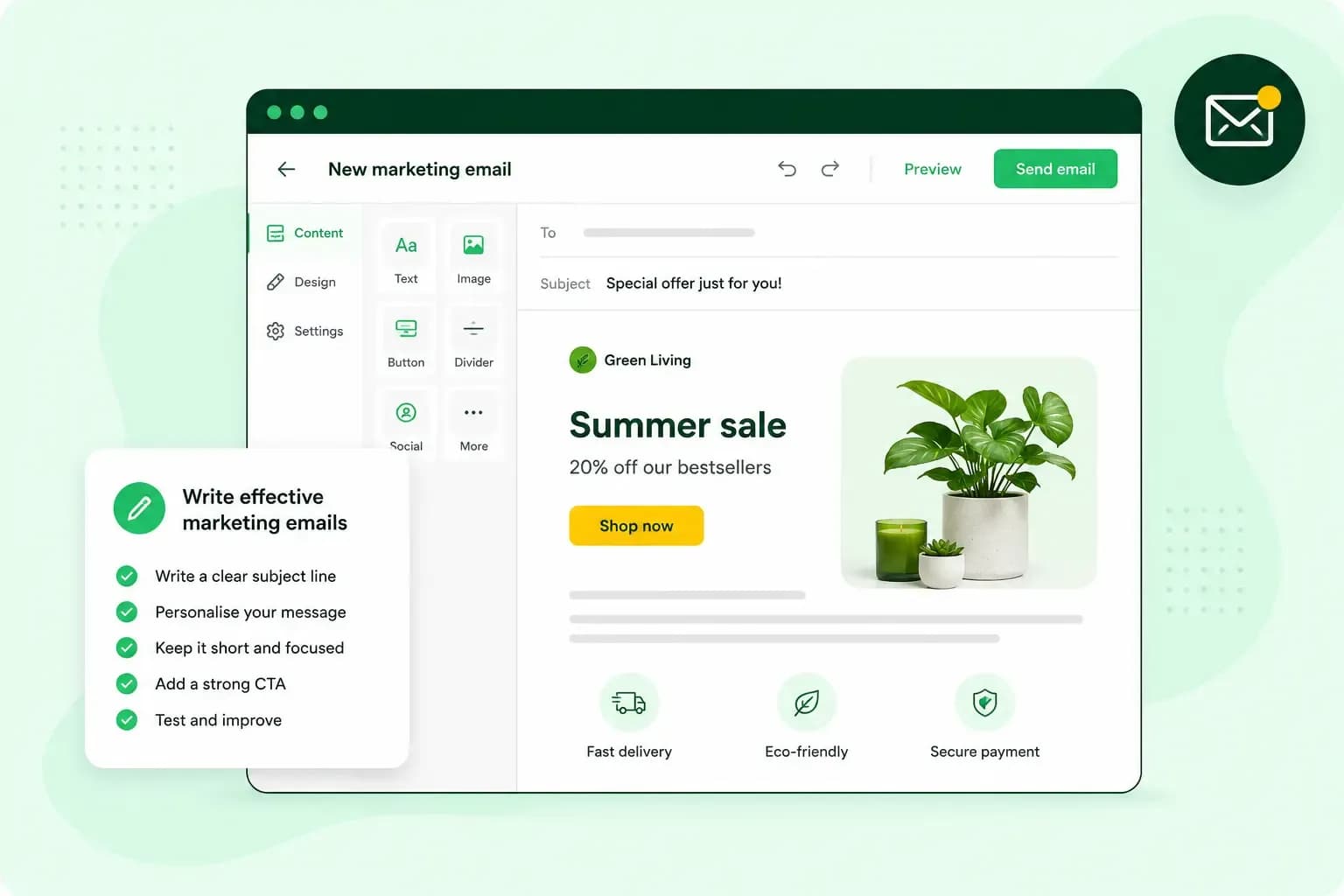
Give a marketing email one job, and make each part of it serve that job. Decide what you want the reader to do, then write a subject line and preview text that say what's inside. Keep the body short and personal, end with one clear button and check everything before you send. Send it only to people you have permission to email. The examples all come from one email: your candle shop, brackenwickcandles.co.uk, telling subscribers about its new autumn range.
Start with one goal for each email
Send an email when you have something new and relevant to say, and decide first what it should make the reader do. It might be booking a visit, reading a new post or buying from a new range, but pick one. If you can't name that goal in a sentence, the email isn't ready to send.
Your aim might be to increase your sales, win back customers who've gone quiet or grow your list. In the autumn email, that one goal is getting subscribers to look at the new range. Think about who it's for, too, because regular customers usually want different news from new subscribers.
A clear goal also tells you what to look at once the email has gone out, such as how many readers clicked through to the new range. Compare that number from one send to the next, and you'll see which of your marketing mailings work best. Measuring results like this is one part of email marketing, along with planning your outreach campaigns and staying within the rules.
Write a subject line and preview text that say what is inside
Before opening an email, your reader sees three things: who it's from, the subject line and the preview text. Together, these decide whether the email gets opened.
Start with the sender. Use the name people know you by, such as your shop's name, and send from a business email address like hello@brackenwickcandles.co.uk. Google's guidelines for senders say the display name should identify the sender and shouldn't carry the subject or the message.
The subject line tells the reader what's inside. Keep it short and specific, and make sure the email delivers what it promises. Google also asks that subject lines aren't misleading, so never start one with "Re:" or "Fwd:" when the email isn't a reply or a forward.
The preview text is the short line most inboxes show next to the subject line. Set it yourself if the tool you send with lets you, and make your opening line count either way. Use it to add something the subject line doesn't say. For example, your candle shop's subject line "Our autumn candles are here" pairs well with the preview text "Meet our six new scents for autumn".
Write the body like a person, not a brochure
Write to one person, the way you'd talk to a regular customer in your shop. The news and why it matters to them come first, with the detail they need to decide in short paragraphs after it.
Use plain words rather than sales talk. For example, write "Our autumn candles are back, with six new scents" rather than "Don't miss our amazing seasonal collection!". Our email copywriting guide has more ways to find the right words.
Keep the layout calm, with one font, a couple of colours and an image only where it shows the product. Use the same voice and layout from one email to the next, so readers recognise you at a glance. Over time, that consistency builds brand recognition and trust.
End with a short sign-off and an email signature with your name, your shop and its website.
How long should a marketing email be?
Keep a marketing email as long as its one point needs and no longer. For a single offer or piece of news, a few short paragraphs and one button are enough. A newsletter with several items can run longer, as long as each item stays short and links to the full story. Read the email on your own phone before you send it, and if the button sits well down the screen, cut something.
Give the reader one clear next step
A call to action is the one thing you want the reader to do next, and it follows from the goal you chose. It doesn't have to be a sale, and asking readers to reply with feedback counts too.
Use one main call to action per email, as a button rather than a plain link. The button's label should say what happens next, such as "See the autumn range". Place the button right after the sentence that gives the reader a reason to act. You can repeat the same button further down, but don't add a second request.
An example marketing email
Your candle shop's email to customers who signed up for news has six parts:
- From: "Brackenwick Candles" at
hello@brackenwickcandles.co.uk. - Subject line: "Our autumn candles are here".
- Preview text: "Meet our six new scents for autumn".
- Body: "Hi Sarah, our autumn range is in, with six new scents from smoked cedar to baked apple."
- Button: "See the autumn range".
- Sign-off and footer: your name and email signature, the shop's address and an unsubscribe line such as "Don't want these emails? Unsubscribe here."
Each part does one job and none repeats another, so even a short email feels complete.
Help your email reach the inbox
A well-written email only does its job if it lands in the inbox rather than in spam. Google's email sender guidelines set out what anyone sending to Gmail addresses should do:
- Google asks you to authenticate the domain you send from with SPF or DKIM.
- Make sure recipients chose to get your emails, for example through a sign-up form.
- Keep the subject line, the sender name and the content accurate, so they match what the email really is.
- Give every recipient a simple way to stop your emails.
SPF stops spammers from sending emails that look as if they come from your domain. DKIM lets the receiving server check that your domain really sent the email. With our email on your own domain, DKIM is switched on automatically when the domain uses our name servers, the setting that decides where your domain's records are managed. If you send through an email marketing tool, check that it authenticates your domain's emails with SPF and DKIM.
How your readers react counts too. Google warns that if people regularly report your domain's emails as spam, your later emails are more likely to end up in the spam folder as well.
When you use Gmail's Default inbox type, Gmail sorts deals, offers and other promotional emails into the Promotions tab rather than the Primary tab. Even subscribers who signed up may find your email there, and it has still arrived.
Send every marketing email from your own domain, so readers recognise each message as yours.
Choose an email planUK rules: consent and an easy way to unsubscribe
In the UK, marketing emails fall under the Privacy and Electronic Communications Regulations (PECR), which the Information Commissioner's Office (ICO) oversees. The ICO's guidance says you must not send marketing emails to individuals unless they've specifically consented to emails from you. Sole traders and some partnerships count as individuals. Emails to companies follow looser rules.
There's one exception for your own customers, often called the soft opt-in. You can email people who have bought a similar product or service from you, or who were in talks with you about buying one. The condition is that you gave them a simple way to opt out when you collected their details and in every email since. The soft opt-in doesn't cover new contacts, such as people on a bought-in list.
So your candle shop can email customers who ticked the box to hear from you, and customers who bought from you and were given the chance to opt out.
The same guidance says you must make clear who you are in every marketing email and give a valid address where people can opt out or unsubscribe. The ICO also recommends keeping a "do not contact" list of everyone who unsubscribes and checking it before each send.
If your list holds personal data, UK GDPR applies as well. The ICO says it's reviewing this guidance after the Data (Use and Access) Act, so read the ICO's guidance on electronic mail marketing before a big campaign.
Check before you send
Before you press send, go through these five checks.
- Send a test email to yourself and read it on your computer and your phone.
- Open each link and the button in the test, and see that each one goes to the right page.
- Check the spelling. If you add each reader's first name, make sure the email still reads well without one.
- Make sure readers can see how to unsubscribe and that it works.
- Send only to people you may email, by consent or the soft opt-in, minus anyone who has unsubscribed.
Then choose when to send. Our guide to the best time to send marketing emails helps you pick the time of day.
Send it from your own domain
To send one email to your whole list from your own domain, you'll usually use an email marketing tool, also called a newsletter service, rather than your ordinary inbox. It keeps your list of subscribers, adds the button and a working unsubscribe link, fills in each reader's first name and shows you who opened the email and clicked. Putting 200 customers in BCC from your ordinary inbox gives you none of this. When you choose a tool, check that it lets you send from your own domain and what it costs for the number of subscribers you have.
Connect the tool to a business address on your own domain, which our email plans give you, by adding the DKIM records it gives you to your domain's DNS settings. Then update your domain's SPF record with the tool's SPF value. A domain can only have one SPF record, so don't add a second one. With us, that's a custom SPF record in place of our standard one, and it keeps our include _custspf.one.com. The autumn email then arrives from hello@brackenwickcandles.co.uk and your customers know who it's from.
Recommended reading
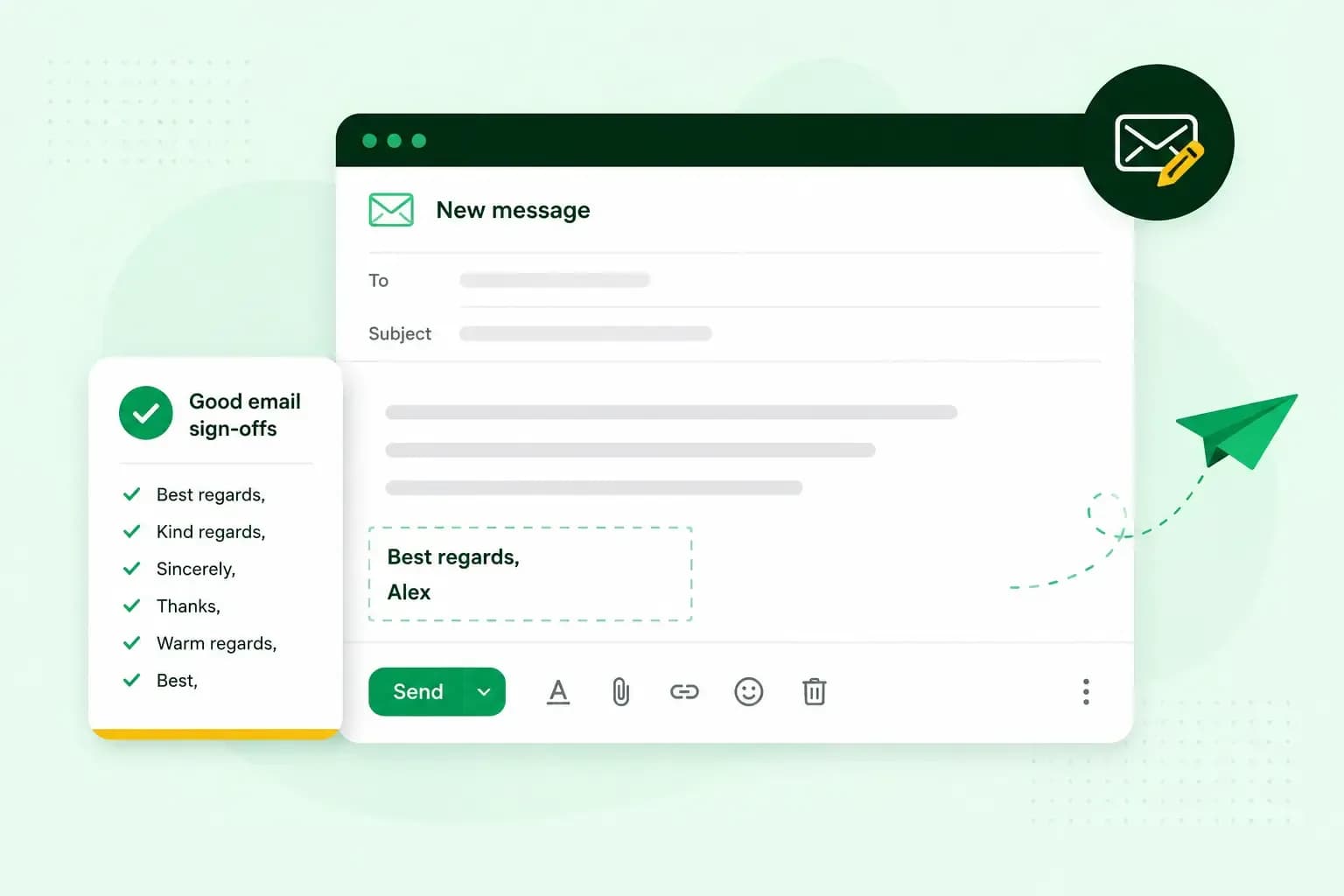 Email10 Nov 2025
How to end an email in English
How you end an email impacts how it is perceived. We have collected the best ways to sign off emails in English.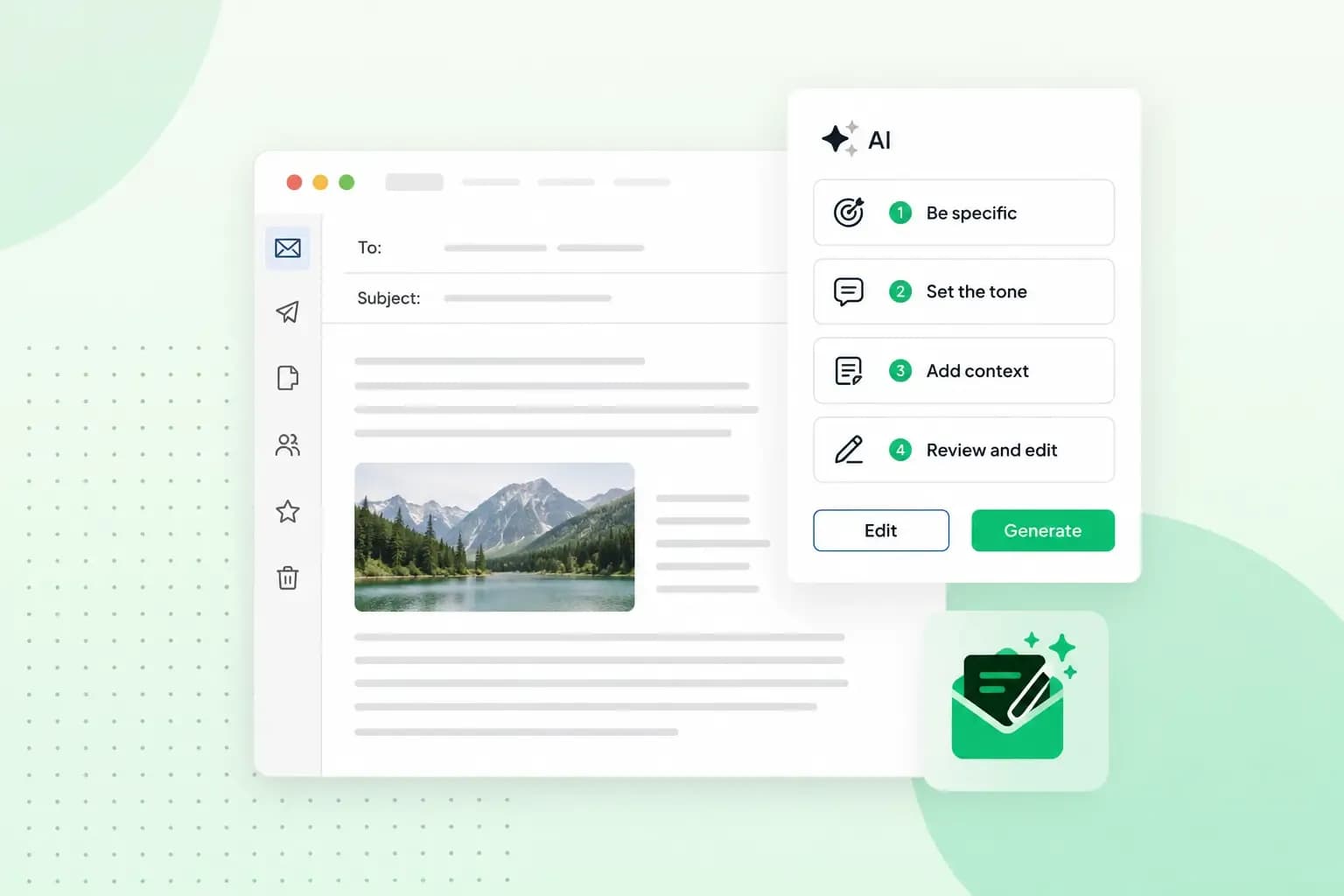 Email23 Oct 2025
How to use an AI email writer
Save time without sacrificing quality: learn how to use AI for email writing and create personalised emails effectively. Tips for crafting clear and compelling prompts.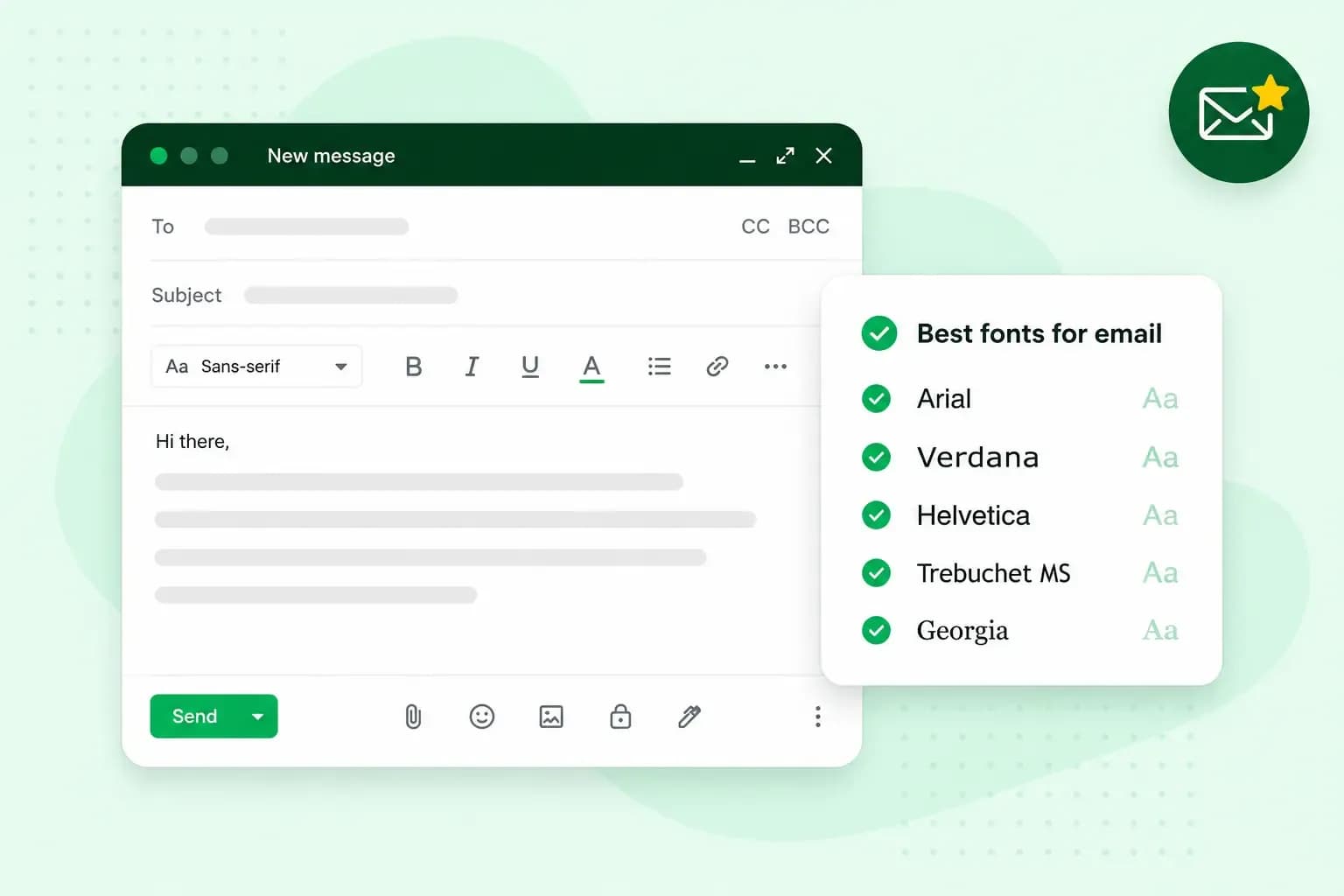 Email10 Oct 2025
What is the best font for email?
Sending the perfect email is essential. Read our tips on what you should consider when choosing the best professional font to ensure success.