
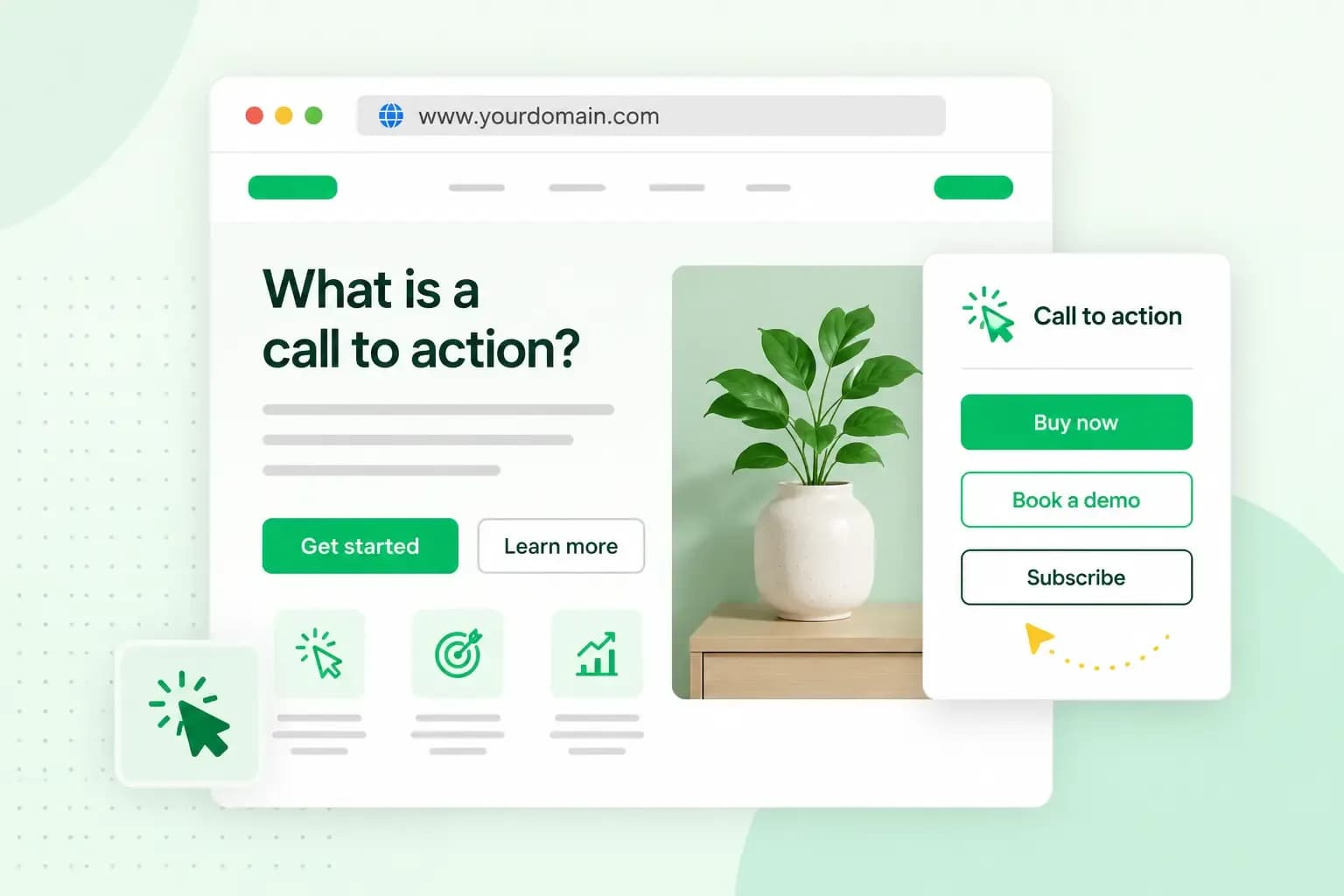
CTA stands for call to action, the short prompt that tells a visitor what to do next. It might be a "Book now" button on a hotel's website or a "Shop now" link in an email from your favourite shop. Whatever form it takes, it gives your visitors one clear next step instead of leaving them to guess.
What a CTA does in marketing
In marketing, a call to action turns a reader's interest into a response, such as a sale, a booking or a sign-up. Without one, readers have to work out the next step themselves, however good your content is. If you want to boost conversions on a page you already have, the call to action is a good place to start. A conversion happens each time a visitor does what the page asks.
Before you write one, decide what the page is for: selling a product, building an email list or getting more bookings. Once you know the goal, you know what your call to action should ask for. If you're a consultant who wants to increase bookings for your consulting business, for example, the call to action asks visitors to book a first call.
A CTA can take several forms:
- A CTA button stands out from the rest of the page and works well on landing pages, in emails and in ads.
- A text link sits inside a sentence, such as "see our opening times". It's quieter than a button and suits a second, less important action.
- A banner is a block with text, an image and space for a button, placed where visitors won't miss it, such as near the top of a landing page.
- A form is a short sign-up or contact form. Its call to action button is the one that sends the form, and a label such as "Send my enquiry" tells your visitor more than "Submit".
Where you'll find calls to action
You'll see calls to action wherever a business wants a response. That includes landing pages and other website pages, emails and newsletters, social media ads and blog posts. An email newsletter might end with "Read the full article", for example, and a blog post with a form to sign up for more.
Call to action examples
The right wording depends on what you want the reader to do, and each goal has labels your visitors will recognise straight away.
- Buy: on product pages and in online shops, use a label such as "Shop now", "Add to basket" or "Order today".
- Book: for a hotel, a restaurant, an event or any other time slot, use a label such as "Book now" or "Reserve your seat".
- Sign up: for a newsletter, a course or software, use a label such as "Subscribe now", "Start your free trial" or "Sign up for 20% off". A newsletter sign-up also gives you the visitor's email address, so you can stay in touch after their first visit.
- Get in touch: for services where customers want to talk before they buy, use a label such as "Contact us" or "Request a quote".
How to write a call to action that works
Much of the work is in the words on the button and where you put it. A simple test then shows what your own visitors respond to.
Start with a verb and keep it short
Open the label with the verb for the action you want, such as "Book", "Buy" or "Subscribe", and keep it to a few words. "Book a table" tells the visitor exactly what happens next, while "Click here" or "Submit" tells them nothing. The label is part of your website copywriting and deserves the same care as your headings.
Make your offer clear
Say plainly what the visitor gets, and make sure the page behind the button delivers it. If your CTA says "Start your free trial", the link should lead straight to that trial, with no surprise request for card details during sign-up. Visitors who feel misled once are unlikely to trust your next button.
Place it where the reader is ready to act
Put your main call to action right after the content that answers the reader's question, when they have what they need to decide. A travel agency that writes about a summer destination, for example, can end the article with a "Book now" button. By the time readers reach the end, they're already picturing the trip, and the button gives them the last push to book it. On a longer page, it's worth showing the same button near the top as well, for visitors who already know what they want.
Give each page one main action
Some pages ask visitors to subscribe, book and follow you on social media all at once. The asks then compete for attention, and none of them stands out. Choose the one action that matters most on the page and give only that one a button. Other links can stay on the page as text links, where they don't pull attention away from your main action.
Match your ads and your website
Make sure the call to action in your ads matches the one on the page the ad leads to. If your ad says "Subscribe now", the page shouldn't ask visitors to "Watch the video now". When the ad copy and the page start from the same goal, visitors know they've come to the right place.
Make it stand out and test it
Your CTA should be easy to spot. A colour that contrasts with the background and some white space around the button draw the eye to it, without the button having to be huge.
Then test it by comparing two versions that differ in one element, such as the wording or the colour. An A/B testing tool shows each version to part of your visitors and counts the clicks on each. Compare the click-through rate of the two versions: how many people click the button out of how many see it. Give the test enough visitors to show a clear difference, then keep the version that works better. To see what visitors do after the click, set up Google Analytics on your website.
Add calls to action to your own website
Start with the page that gets the most visitors and look at what it asks them to do. If there's no clear next step, or three competing ones, give it one button with a short label that starts with a verb. If you don't have a website yet, you can build your website with us and plan each page around its call to action from the start.
With Aida AI Website Builder, you describe your business in a short chat and Aida builds your pages. Online bookings come with the Booking and Commerce plans, and an online shop with Commerce.
Build my websiteRecommended reading
 Marketing19 Oct 2026
15 ideas for Black Friday marketing
Make the most of Black Friday with 15 marketing ideas to attract customers and boost sales. Discover ways to promote your offers, reach more shoppers and make your campaign stand out. Marketing30 Dec 2025
AI SEO: a guide to search engine optimisation with artificial intelligence
A basic guide to AI in SEO – let's look at how artificial intelligence can help you speed up your SEO tasks. Marketing30 Dec 2025
Make your website visible in AI searches
A basic guide to AI in SEO – let's look at how artificial intelligence can help you speed up your SEO tasks.