

MariaDB is a free, open source database that stores your website's content in tables, from blog posts to user accounts. If your website runs on WordPress, it uses a database, and with our web hosting that database is MariaDB. Your website software reads and writes the data for you, so most of the time you never touch the database yourself. When you do want to look inside it, you manage it with a tool called phpMyAdmin.
How does a database work?
A database keeps information in tables, a bit like a spreadsheet. Each table holds one kind of thing, such as your blog posts or your customers. Each row is one entry, and each column is one detail of it, like a title or a date. Because everything has its place, your website can look up exactly the entry it needs.
MariaDB is a relational database, so its tables can refer to each other. An order, for example, can point to the customer who placed it, so you don't have to type the customer's details again. To get the data it needs, your website sends the database requests in SQL (Structured Query Language), the language databases understand. SQL is how your website asks for your latest posts or saves a new order, and your website software writes it for you.
Where does MariaDB come from?
MariaDB comes from MySQL, another popular database. The project started in 2009, on the day Oracle announced it would buy Sun Microsystems, which owned MySQL. MySQL founder Monty Widenius then forked MySQL with many of the original MySQL developers. Forking means taking a copy of a program's code and developing it further on your own. They did it so that MySQL's code and spirit would carry on outside Oracle.
Up to version 5.5, MariaDB worked as a drop-in replacement for the matching MySQL version, with some limitations. You could mostly swap one for the other without changing your website. Moving from MySQL to MariaDB is usually still easy. But they are not the same database, and the differences grow with each new MariaDB version. Our guide to the differences between MariaDB and MySQL goes into the detail.
What is MariaDB used for?
MariaDB stores the data behind many kinds of software, from websites and online shops to banking systems. On a website, it can be the database behind a content management system, or CMS, such as WordPress. A CMS lets you publish and manage your content while it works with the database for you, so you don't write database requests or edit the source code. If you run a WordPress blog, it keeps your posts and comments in its database. An e-commerce site does the same with its products, customers and orders.
Large sites rely on MariaDB too, and the MariaDB Foundation names Wikipedia, WordPress.com and Google among its notable users.
Why use MariaDB?
You can use MariaDB for free, because it's open source software licensed under GPLv2. The MariaDB Foundation says it will stay that way, independent of any company. The software itself costs nothing, but your website still needs a server that runs it, such as the one your website is hosted on. Its makers describe MariaDB as fast, scalable and robust. It can also be extended with plugins and storage engines, the parts that decide how your data is stored and read, so it suits a wide range of uses.
It also works with WordPress, which recommends a host that supports MariaDB 10.11 or later, or MySQL 8.0 or later. With our web hosting, your website gets MariaDB, so you don't have to choose between the two.
Manage MariaDB with phpMyAdmin
phpMyAdmin is an open source tool for managing a MariaDB database. You work with your tables on screen instead of typing SQL commands, so you can import, export, optimise or delete them from your browser. You can also export a single table, or a copy of the whole database as a backup.
How to open phpMyAdmin
With our web hosting, phpMyAdmin is already installed, and you open your database in it from our control panel. If your hosting has no database yet, you first create a database in our control panel under PHP and database settings.
Take care once you're in: changes in phpMyAdmin cannot be undone, so back up your database before you change anything. You export your database in phpMyAdmin and keep the file it saves. If something goes wrong, you can import that file again to restore it.
When your website runs on our web hosting, you open your database in phpMyAdmin in five steps.
- Log in to our control panel.
- Go to the database settings of your hosting.
- Choose the database you want to work on. It opens in phpMyAdmin in a new window.
- Before you make any changes, create a backup of your database.
- Manage the tables of your database from there.
A typical reason to open phpMyAdmin is moving your website to us: you export the database where your site was hosted before, then import that file into your new database here.
MariaDB with us
Our web hosting comes with MariaDB, PHP and phpMyAdmin ready to use, so once you have created a database, your website can store its data there. Depending on your hosting plan, you can create one or more databases. Their only size limit is your web space's disc space, which they share with your email and website files. When that space runs out, a larger plan gives you more.
To connect to its database, your website needs the hostname, the database name, the username and the password. You'll find them in our control panel under PHP and database settings. When you create the database, you choose its password. Make it a secure password, because these details let a website read and change the data in your database. The connection only works when your website is hosted on our servers.
If you install a CMS by hand, you download its files from the CMS's own website. You then upload them to your web space over SFTP, a secure way to copy files from your computer to our servers. During setup, the CMS asks for the database details and saves them in its configuration file. That file holds the details the CMS connects with. If you later change the database password in our control panel, update it in that file too.
Choose a hosting plan that fits your website, then create its database in our control panel and connect your CMS to it.
Host your website with us and manage its MariaDB databases in phpMyAdmin, straight from your control panel.
See hosting plansRecommended reading
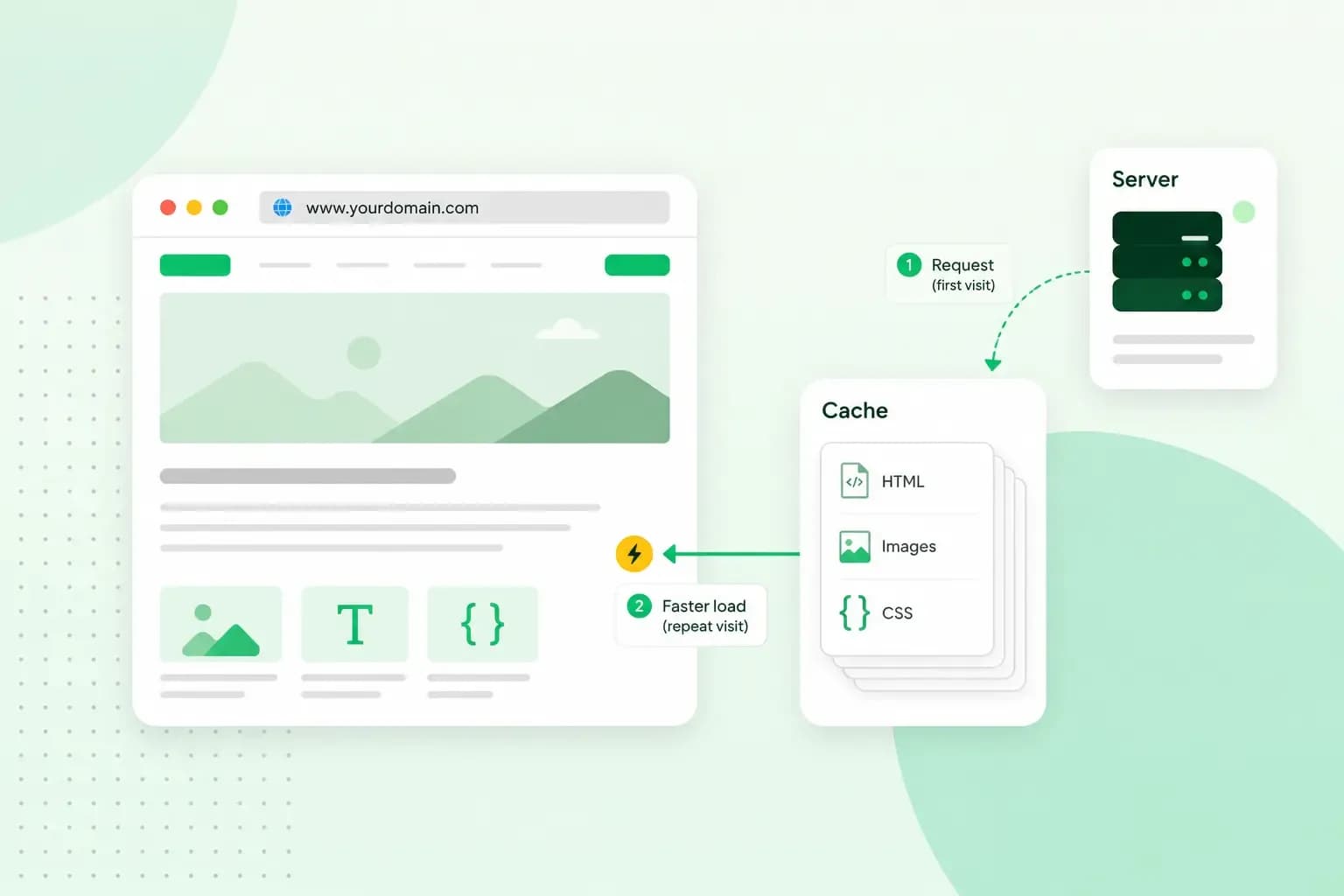 HostingAug 4, 2026
What is cache?
What does cache mean? And how to clear your cache? Read the importance of cache and why it's necessary to clear your cache once in a while.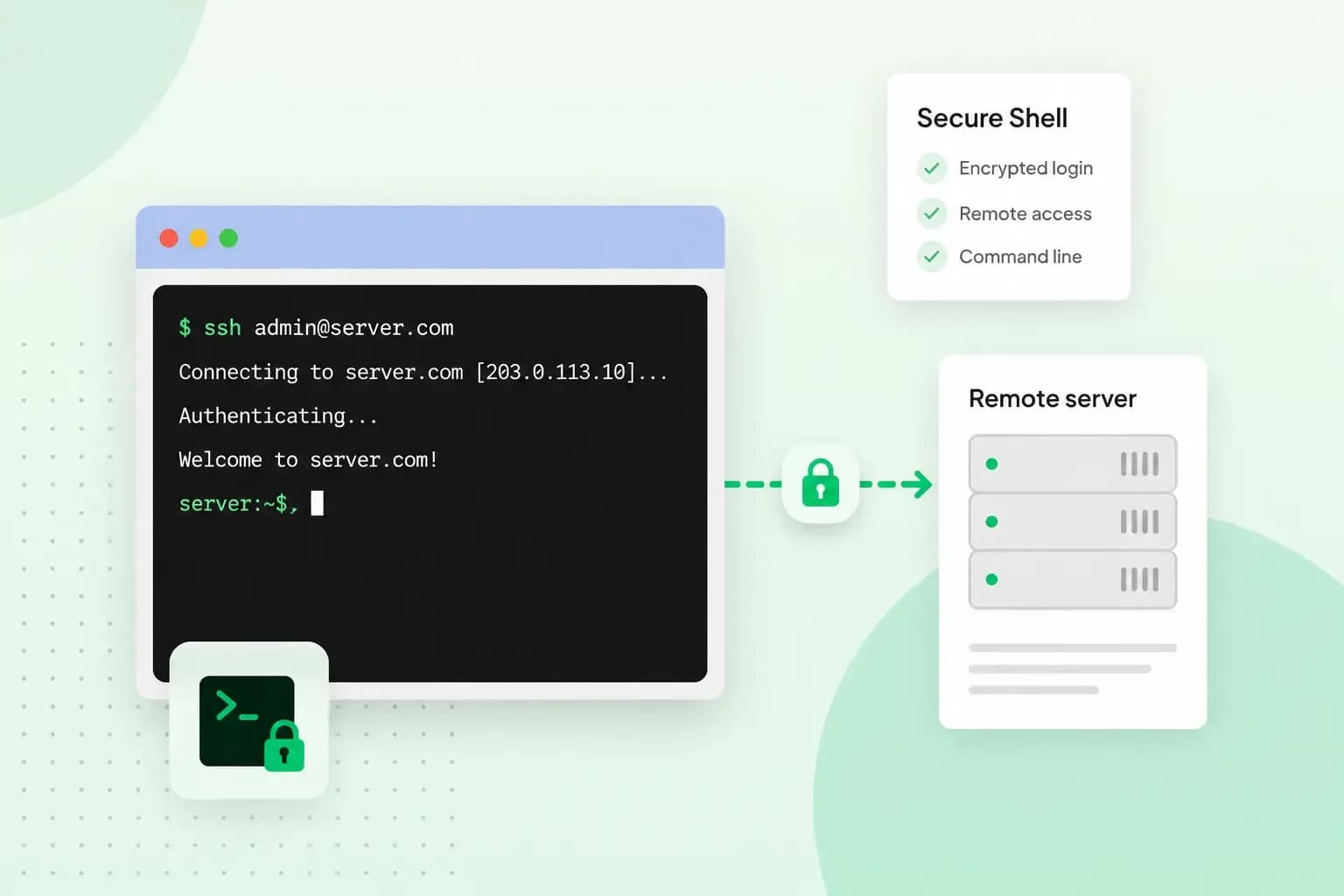 HostingAug 4, 2026
What is SSH?
How does SSH work & what does it do? Learn about the history of Secure Shell's predecessor Telnet and how SSH improved our internet security in this article.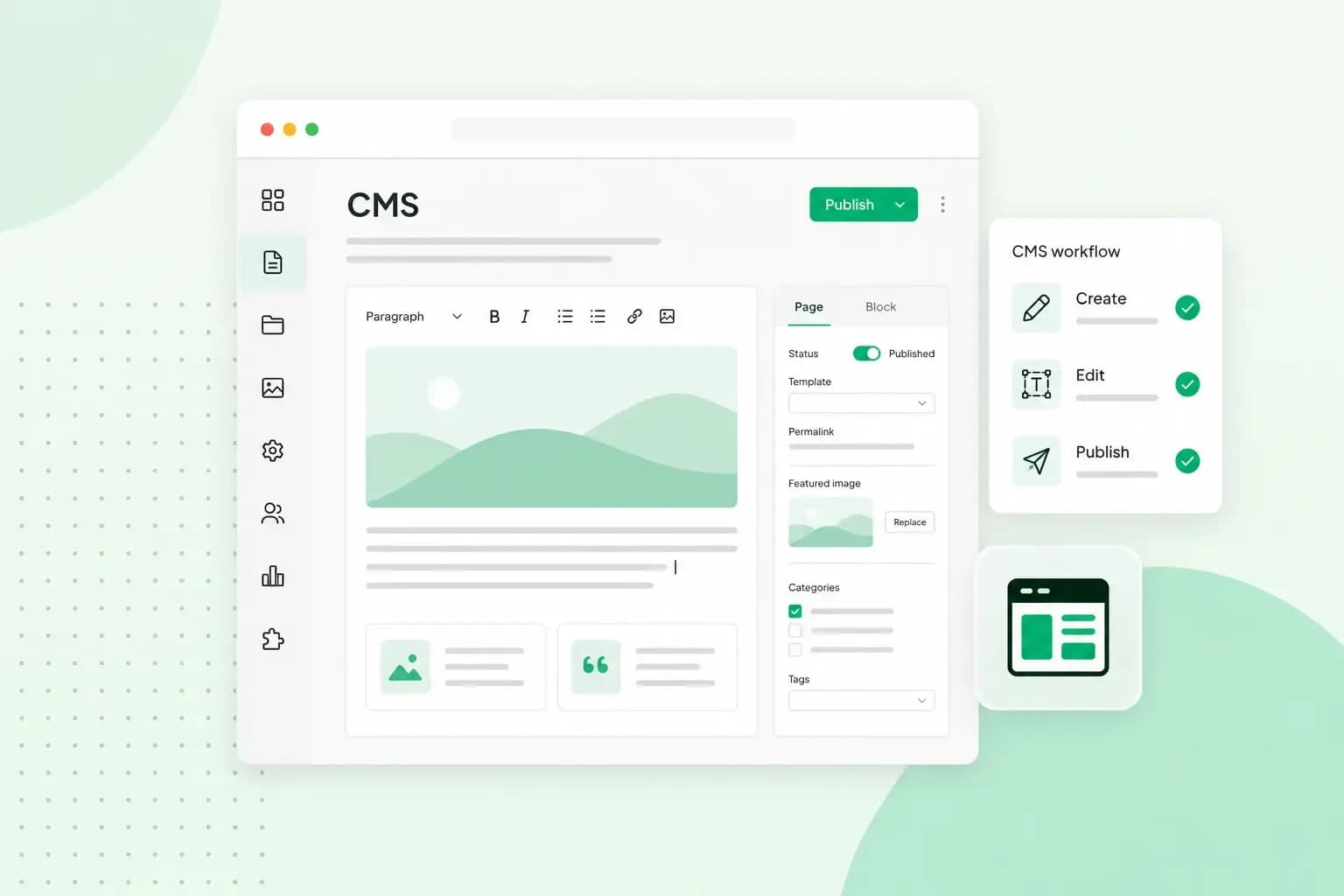 HostingAug 4, 2026
What is a CMS (content management system)?
You can easily create and manage your website with a content management system (CMS). Want to know more? Learn all about CMS in this complete guide!