
GDPR is the law that sets how organisations collect, use and protect personal data. In the UK it applies as the UK GDPR, together with the Data Protection Act 2018. If your website has a contact form, a newsletter sign-up or analytics that track visitors, it handles personal data, so the rules apply to you.
What does GDPR stand for and what does it cover?
GDPR stands for General Data Protection Regulation, the EU regulation adopted on 27 April 2016 that the UK GDPR is based on. It sets rules that protect people when organisations process their personal data, and rules that let that data move freely.
The law covers everything you do with personal data, which it calls processing: collecting it, storing it, using it, sharing it and deleting it.
What counts as personal data
The GDPR definition of personal data covers any information that can identify a person, directly or together with other details. On a website, that means names, email addresses and phone numbers, but also IP addresses and other online identifiers.
Some data gets stronger protection: health, racial or ethnic origin, political opinions, and religious or philosophical beliefs. The same goes for trade union membership, genetic data, biometric data used to identify someone, and a person's sex life or sexual orientation. A booking form for a clinic or a therapist may collect this kind of data. Ask only for what the booking really needs, and keep that data well protected.
UK GDPR and the Data Protection Act 2018
GDPR still applies in the UK after Brexit. When the UK left the EU, the regulation stayed in UK law as the UK GDPR, with the Data Protection Act 2018 alongside it. If your business is in the UK, the UK GDPR applies to the personal data you process.
If you offer goods or services to people in the EU, the EU's General Data Protection Regulation (GDPR) also applies to you.
The UK has changed parts of both laws since, including through the Data (Use and Access) Act 2025. That Act also gave the UK a new regulator, the Information Commission. It took over the work of the Information Commissioner's Office (ICO) on 30 September 2026, so older guides still name the ICO.
The principles of the GDPR
The law sets out principles that you follow whenever you handle personal data:
- Lawfulness, fairness and transparency: you have a legal reason to use the data, and you tell people openly what you do with it.
- Purpose limitation: you collect data for a clear purpose and don't reuse it for something unrelated, such as sales calls to your newsletter list.
- Data minimisation: you only ask for what you need. A contact form rarely needs a date of birth.
- Accuracy: you keep the data correct and up to date, and you fix or delete what's wrong.
- Storage limitation: you keep data no longer than you need it. It's worth setting a time to delete old enquiries.
- Integrity and confidentiality: you protect the data against loss, damage and access by people who shouldn't see it.
- Accountability: you're responsible for following the principles, and you must be able to show that you do.
Consent is only one lawful basis
Consent isn't always what you need to use personal data. You need a lawful basis, and consent is one of the bases the UK GDPR lists:
- Consent: the person has agreed to a specific use, such as receiving your newsletter.
- Contract: you need the data to deliver what someone ordered or asked for, like a delivery address.
- Legal obligation: the law requires you to use or keep the data.
- Vital interests: you need the data to protect the vital interests of the person or of someone else.
- Public task: you carry out a task in the public interest or under official authority.
- Recognised legitimate interest: the purpose is on a fixed list the law sets out.
- Legitimate interests: you have a genuine reason, such as keeping your systems secure or some kinds of direct marketing, and the person's own interests and rights don't override it.
On a typical website, an order in your shop rests on contract, because you need the address to deliver it. A message through your contact form can rest on legitimate interests. You only use the details to answer the person who wrote to you. A newsletter rests on consent. Name the basis for each use in your privacy notice.
Where you rely on consent, it has to be freely given, specific, informed and unambiguous. In practice, the visitor ticks a box or takes another clear action themselves. Withdrawing consent must be as easy as giving it.
Marketing emails also fall under a second UK law, the Privacy and Electronic Communications (EC Directive) Regulations 2003 (PECR). As a rule, PECR only lets you send them to people who have told you they agree to receive them.
The rights your visitors have
The law gives people rights over their own data. Anyone whose data you hold can ask you to:
- tell them how you use their data, which your privacy notice does for every visitor
- give them access to the personal data you hold about them
- correct data that's wrong
- erase their data
- stop or restrict how you use it
- give them the data they gave you, where you use it on the basis of consent or a contract and by automated means, in a form they can reuse with another service, called data portability
- stop using it for a purpose they object to
Knowing where each person's data sits helps you answer a request without undue delay and within the time limit the law sets. Answering is normally free, but for a request that's clearly unfounded or excessive you may charge a reasonable fee or refuse it.
If someone isn't happy with how you handle their data, they can complain to you directly. They can also complain to the Information Commission if they think your handling of their data breaks the UK GDPR.
What GDPR means for your website
On your website, the GDPR requirements apply wherever you collect personal data, so start by finding those places.
When your website handles personal data
Your website handles personal data whenever it collects or tracks something about a visitor, for example in these places:
- Contact forms, newsletter sign-ups and online appointment bookings collect names, email addresses and phone numbers.
- An online shop stores names, delivery addresses, order histories and payment details, which you need to keep secure.
- Analytics tools such as Google Analytics collect data about each visit to show you how visitors interact with your site.
- Videos, maps and other content you embed from third parties can collect data about your visitors too. Check what each one collects before you add it.
Your privacy notice
When you collect personal data, you have to tell people who you are and why you collect it. Your notice also gives the lawful basis, who you share the data with, how long you keep it and what rights people have. On a website, this notice is usually a page called a privacy policy. Link it from the footer of every page.
Cookies and your cookie banner
PECR also covers cookies. As a rule, a website may only store cookies on a visitor's device after explaining what they're for and getting the visitor's consent. Cookies that are strictly necessary for something the visitor asked for, such as a shopping basket or staying logged in, don't need consent.
Since 5 February 2026, two more kinds that a typical website uses can run without consent. The first only collects statistics to improve your website. The second adapts how your site looks or works to a visitor's preferences. You still have to explain their purpose and give visitors a simple, free way to object. Marketing and advertising cookies still need consent.
Your analytics only count as statistics if nobody is tracked, identified or profiled and nothing is used for advertising. The provider, such as Google, must also use the data only for you. If your analytics tool does more than that, for example for advertising, the statistical purposes exception doesn't cover it and you still need consent. If you can't confirm those conditions in your provider's terms and settings, our advice is to ask for consent anyway.
You ask for consent with a cookie banner. Behind it, consent management records each visitor's choice, so you can show later what they agreed to. Termly is a tool for this. It scans your website for cookies and sets up a cookie banner, a privacy policy and a cookie policy, which it keeps up to date automatically.
Not sure which cookies your website sets? Let Termly find them and write your policies for you.
Create your policies with TermlyKeeping personal data secure
The law asks you to protect personal data with security that fits the risk. For a website, that starts with HTTPS, so what visitors type into your forms travels encrypted. It's also worth keeping your software updated and giving access only to the people who need it. Here's more on how to keep your website secure.
If another company handles personal data for you, such as your email marketing service, you need a contract with them that sets out what they may do with it. This contract covers what data they handle, why and for how long. Check your provider's terms for one before you draft your own.
If personal data leaks
A data breach is when personal data is lost, changed, destroyed or seen by someone who shouldn't see it. A hacked website or an email sent to the wrong list are typical examples. If the breach could put people at risk, you have to report it to the Information Commission without undue delay, describing as far as you know what happened, which data and people it affects, the likely consequences and what you're doing about it, and giving a contact who can tell them more. Where you can, report it within 72 hours of finding out. If the risk to people is high, you also have to tell them without undue delay. Whether or not you report it, keep a record of what happened, what it affected and what you did about it.
Do you need a data protection officer?
Only in three cases. You need a data protection officer if you're a public authority. You also need one if your core business, on a large scale, involves regular and systematic monitoring of people or processing sensitive data or criminal records. A data protection officer checks that you follow the law and is the contact for questions about data protection. Even without one, make sure someone in your business looks after data protection.
What happens if you don’t comply with GDPR?
For breaking the basic principles, the rules on consent or people's rights, you can be fined up to £17.5 million or 4% of your business's worldwide annual turnover, whichever is higher. The 4% is counted on your turnover for the previous financial year. That's the maximum, and each fine is decided case by case, as our guide to GDPR fines and penalties explains. Careless handling of data can also cost you your customers' trust.
Get your website ready
Start with your privacy policy and cookie banner. Then check that your site uses HTTPS and that your forms only ask for what you need. Also check that every service handling your data has a data processing agreement, the contract that says what it may do with the data. As a rule, a business that decides how personal data is used also has to pay a data protection fee to the Information Commission. Check with the Commission whether you need to pay and how much.
When you set up Termly for your website, you answer a couple of questions about your business and publish the policies it writes for you.
Recommended reading
 Website SecurityNov 6, 2026
"Your connection is not private": what it means and how to fix it
"Your connection is not private" means your browser couldn't trust a site's certificate. See when it's safe to continue and how visitors and site owners fix it.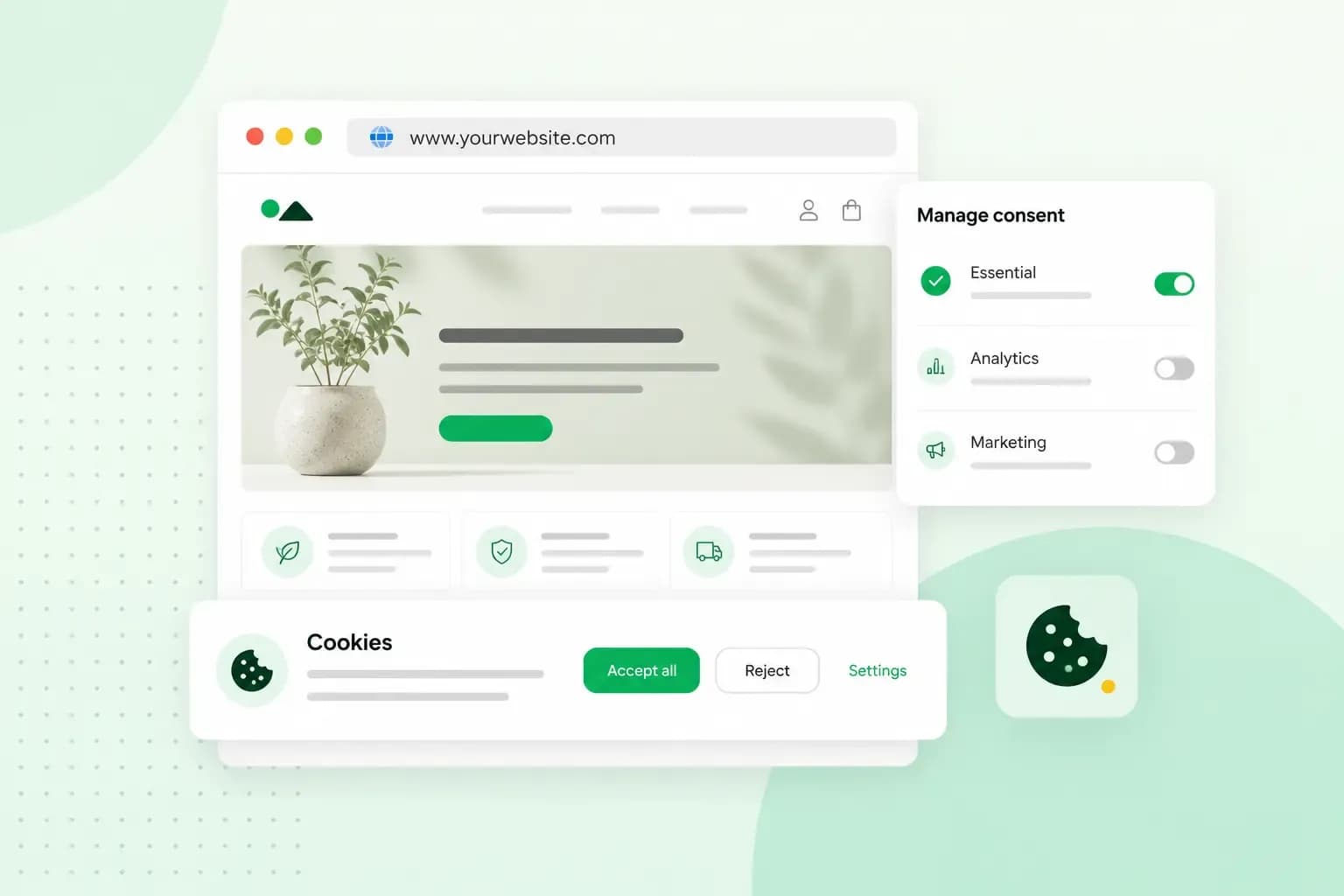 Website SecurityAug 11, 2026
Does your website need a cookie banner?
Find out when a cookie banner is required, the legal requirements that apply, and how you can easily make your website GDPR-compliant.- Website SecurityJul 13, 2026
What is domain theft and how do you protect your domain?
Learn what domain theft and domain hijacking means and how to protect your domain from external threats.