
black friday 2026 label for the hellobar

Get ready for Black Friday! See offers →

1-click VPS apps

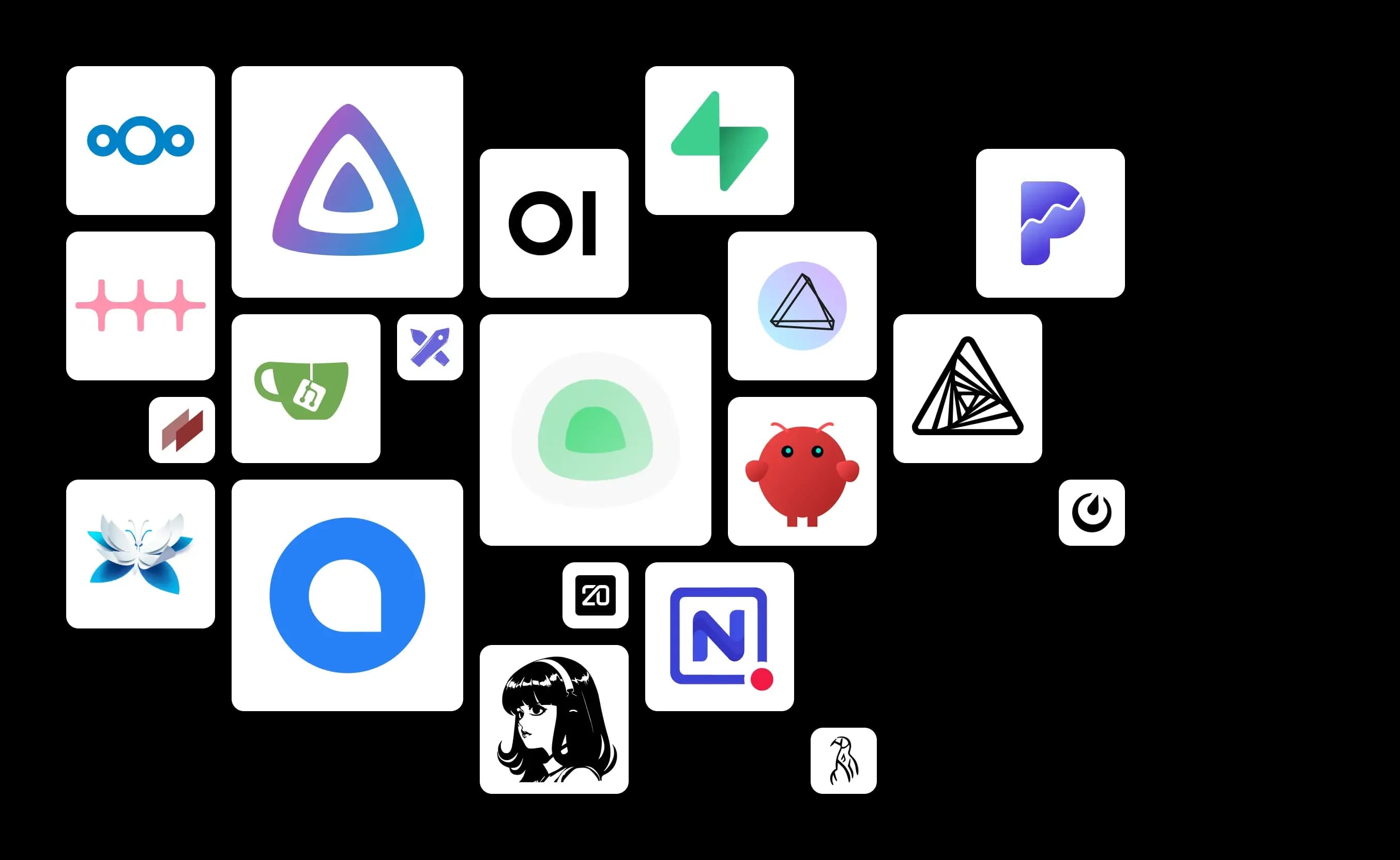
Top VPS apps, deployed with one click

Cut setup time on your next project. Jump straight in with your preferred application on your VPS — no manual configuration required.

VPS apps from one.com
usp domain transfer.svg

Unlimited data traffic

Predictable costs mean your business keeps moving without surprises.

usp european platform.svg

European data center

ISO 27001-certified, GDPR-ready servers built for reliability and trust.

usp generic feature.svg

Cancel anytime

Month-to-month billing with zero long-term commitments required.

usp performance.svg

99.99% uptime

Your server stays online so your business never misses a beat.

Up and running in 3 steps

1.Find your app
Scroll through the catalog below to pick a favorite or find something new.
2.Pick your VPS
Select the VPS plan that works for you. Upgrading later is always an option.
3.Install
Head to your Dashboard, select Applications, and hit install. Add more apps whenever you're ready.

1-click VPS apps

Pick your favorite app or stumble onto a great new one.
Install it on your VPS instantly — no extra charge.

Pick your VPS and install your apps with one click

Cloud server S
.../mo.
  • 2 vCPU
  • 4 GB RAM
  • 100 GB NVMe SSD
  • Bandwidth 1 Gbit/s
  • Unlimited data traffic
Cloud server S benefits
  • Plesk optional
  • 24/7 support
Most popular
Cloud server M
.../mo.
  • 4 vCPU
  • 8 GB RAM
  • 200 GB NVMe SSD
  • Bandwidth 1 Gbit/s
  • Unlimited data traffic
Includes everything in Cloud server S
  • Plesk optional
  • 24/7 support
Cloud server L
.../mo.
  • 8 vCPU
  • 16 GB RAM
  • 400 GB NVMe SSD
  • Bandwidth 1 Gbit/s
  • Unlimited data traffic
Includes everything in Cloud server M
  • Plesk optional
  • 24/7 support
Cloud server XL
.../mo.
  • 12 vCPU
  • 24 GB RAM
  • 600 GB NVMe SSD
  • Bandwidth 1 Gbit/s
  • Unlimited data traffic
Includes everything in Cloud server L
  • Plesk optional
  • 24/7 support
Cloud server XXL
.../mo.
  • 16 vCPU
  • 32 GB RAM
  • 800 GB NVMe SSD
  • Bandwidth 1 Gbit/s
  • Unlimited data traffic
Includes everything in Cloud server XL
  • Plesk optional
  • 24/7 support

Show more features
Cloud server S
Cloud server MMost popular
Cloud server L
Cloud server XL
Cloud server XXL
Contract details
Setup fee

£ 0, -

£ 0, -

£ 0, -

£ 0, -

£ 0, -

Notice period

15 days

15 days

15 days

15 days

15 days

Contract duration

1 month

1 month

1 month

1 month

1 month

Billing period

monthly

monthly

monthly

monthly

monthly

Specifications
CPU cores

2 vCPU

4 vCPU

8 vCPU

12 vCPU

16 vCPU

RAM

4 GB

8 GB

16 GB

24 GB

32 GB

NVMe storage

100 GB

200 GB

400 GB

600 GB

800 GB

I/O-Limit

5,000 IOPS

5,000 IOPS

5,000 IOPS

5,000 IOPS

5,000 IOPS

Network
Bandwidth

1 Gbit/s

1 Gbit/s

1 Gbit/s

1 Gbit/s

1 Gbit/s

IPv4 addresses incl.
IPv6 address incl.
Operating system
AlmaLinux 8
AlmaLinux 9
AlmaLinux 10
CentOS 9
Debian 11
Debian 12
Debian 13
FreeBSD 14.3
FreeBSD 15
OpenSuse 16
Ubuntu 20.04 LTS
Ubuntu 22.04 LTS
Ubuntu 24.04 LTS
Software
Control panel
Docker ready
Plesk Obsidian

optional

optional

optional

optional

optional

Service, support, and availability
24/7 support
24/7 ticket system
Uptime guarantee

99.99%

99.99%

99.99%

99.99%

99.99%

Phone support
Also included
Transparent and flexible hardware deployment
100% green energy

Frequently asked questions

What are 1-click apps?

1-click apps are pre-configured applications you can deploy to your VPS in minutes. Rather than installing software by hand, just pick an app from the catalog and the setup runs on its own. Some apps may prompt you for basic details like a username, password, or site name.


Is there an extra charge?

Nope. The 1-click app catalog comes included with every Unmanaged VPS plan. Most apps are free and open source, though some may carry their own license terms or offer paid premium features.


What is 1-click app deployment?

1-click deployment means you can get an application installed and configured in a single action — no manual server setup, containers, dependencies, or config files to wrestle with. Under the hood, the app runs in Docker containers and everything is handled automatically.


What are VPS apps?

VPS apps are applications that run on your own virtual private server instead of a third-party hosted platform. Common examples include n8n for workflow automation, Nextcloud for file sharing, and Uptime Kuma for server monitoring.


Can I still use SSH and root access?

Absolutely. Full root access to your VPS is always available, and you can connect via SSH whenever you need to. The 1-click installer just takes care of the initial deployment for you.


What does self-hosted mean?

Self-hosted means your application and its data live on your own server rather than a third-party cloud service. You're in charge of access, storage, and configuration — and you're also responsible for maintenance, updates, and backups.


How many apps can my VPS run?

There's no hard cap. How many apps your VPS can handle comes down to available resources and what you install. Lightweight tools run fine on smaller plans, while AI tools, databases, and business platforms tend to demand more CPU, RAM, and storage.


Who handles updates and backups?

Like any unmanaged VPS, keeping your apps and server up to date is your responsibility. We recommend setting up Snapshots or Automated Backup to safeguard your data and make recovery straightforward.


Can I install apps that aren't in the catalog?

Yes. With full root access to your VPS, you're free to manually install any software that's compatible with your server.


Can I remove an app later?

Yes. Any app you no longer need can be uninstalled at any time. Just be sure to back up any data you want to keep before you remove it.