
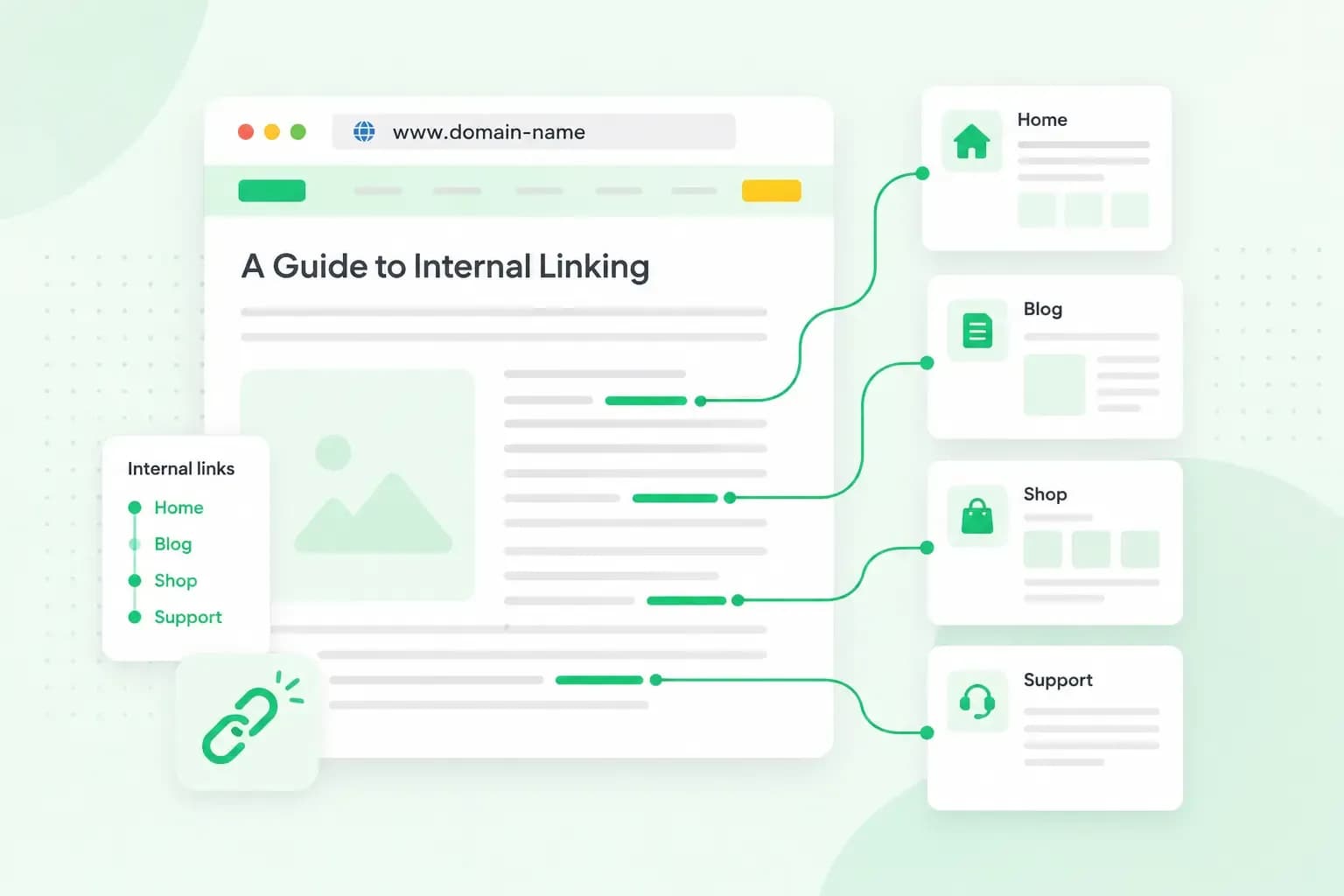
Internal linking means adding links from one page of your website to other pages on the same website. For example, your bakery's website at pennyfieldbakes.co.uk might have a blog post on choosing a wedding cake. A link in that post to your wedding cakes page is an internal link. Done well, internal links help visitors find what they need next and help Google find and understand your pages. It's a part of SEO you can work on yourself, on pages you already control.
What are internal links?
What makes a link internal is where it goes, not where it sits: internal links open another page on your own domain. You'll often find them in these places on a page. The menu at the top links your main pages, such as your shop or your contact page. The footer at the bottom usually holds links to other important pages, such as your privacy policy. And links in the text point to a related page at the moment a reader wants it.
Each of these is a hyperlink: text or an image that opens another page when you click it. External links work the same way, but they take the reader to a different website, such as a supplier's site or a source you quote.
Why internal linking matters for SEO
Links are one of the main ways Google finds your pages. Google discovers many new pages by following a link from a page it already knows, for example from a category page to a new blog post. It can also find pages through a sitemap, a list of your pages that you give to Google. But Google says that when your pages are properly linked, it can usually discover most of your site through those links.
Links also tell Google what a page is about. The clickable words of a link, called anchor text, give visitors and Google a clue about what's on the page behind it.
Google counts your pages as properly linked when every page you see as important can be reached through your menu or through links on your other pages. A page that no other page links to is called an orphan page. Visitors can't click their way to orphan pages, and Google has to find them some other way, such as your sitemap.
How to build internal links that help
Internal link building doesn't need special tools. To add a link, select the words you want to link in your website editor and enter the address of the page they should open. Start with these habits:
- Link where the reader wants more. Add a link where a sentence mentions something another of your pages explains, like the wedding cake post linking to your wedding cakes page.
- Make the anchor text describe the page. Words such as "our wedding cake designs" tell readers where they'll land, which a generic "click here" never does.
- Don't cram keywords into anchor text. Google treats keyword stuffing as a breach of its spam policies, and a forced link reads badly anyway.
- Link your important pages from related ones. The pages that bring you orders or enquiries, such as your wedding cakes page or your contact page, should get links from your blog posts and pages on the same topic.
- Link new pages straight away. When you publish a page, add a link to it from an older page on the same topic, so it doesn't become an orphan page.
- Space your links out. Give each link a few words of its own rather than putting several side by side, so readers can tell where each one goes.
- Update links when a page moves or goes. If you delete a page or change its address, update the links that point to it, so visitors don't land on an error page.
To test your anchor text, read it on its own. If it doesn't say where the link goes, make it more specific. Our guide to writing good anchor texts has more examples.
How to check your internal links
Google can show you how your pages link to each other. If your site isn't in Google Search Console yet, verify that you own it first. Our guide to Google Search Console shows how. The Search Console Links report lists a sample of the pages that your other pages link to most. Under Internal links, click MORE at the bottom of the Top linked pages table to see the full list.
In that full list, look for important pages near the end. Those are the pages to link to from more of your related pages. An orphan page won't normally be in the list, because no other page links to it. To spot one, compare the list with all the pages in your sitemap or your website editor. A page that's missing from the list may be an orphan page, though the report can also leave some pages out. Select a page in the full list to see which of your pages link to it.
The same view is useful before you delete or move a page, because it shows you where to start updating links. The report doesn't list every link on your site. It also includes links Google has found over time, so a link you've removed may still be listed for a while.
On a site with many pages, finding every gap takes time, and you may prefer to have an expert look at how your pages link together.
Our SEO experts work on your page content, headings, internal links and images, so Google and your customers understand what your business offers.
Get help with your SEOQuestions about internal links
How many internal links should a page have?
There's no fixed number. Add a link wherever it helps the reader, and leave out any that don't.
Are internal links the same as backlinks?
No. Links from other websites to yours are called backlinks, while internal links stay within your own site.
Start with your most important page
Pick the page that matters most to your business, such as your wedding cakes page, and see in the Links report how many of your pages link to it. Then add a link to it from a few related pages. Once those links are in place, do the same for your next most important page, or get help with your SEO for the rest of your site.
Recommended reading
 Online MarketingOct 19, 2026
15 ideas for Black Friday marketing
Make the most of Black Friday with 15 marketing ideas to attract customers and boost sales. Discover ways to promote your offers, reach more shoppers and make your campaign stand out. Online MarketingDec 30, 2025
AI SEO: how to use AI for search engine optimisation
A basic guide to AI in SEO – let's look at how artificial intelligence can help you speed up your SEO tasks. Online MarketingDec 30, 2025
AI search optimisation: how to get your website into AI answers
A basic guide to AI in SEO – let's look at how artificial intelligence can help you speed up your SEO tasks.