
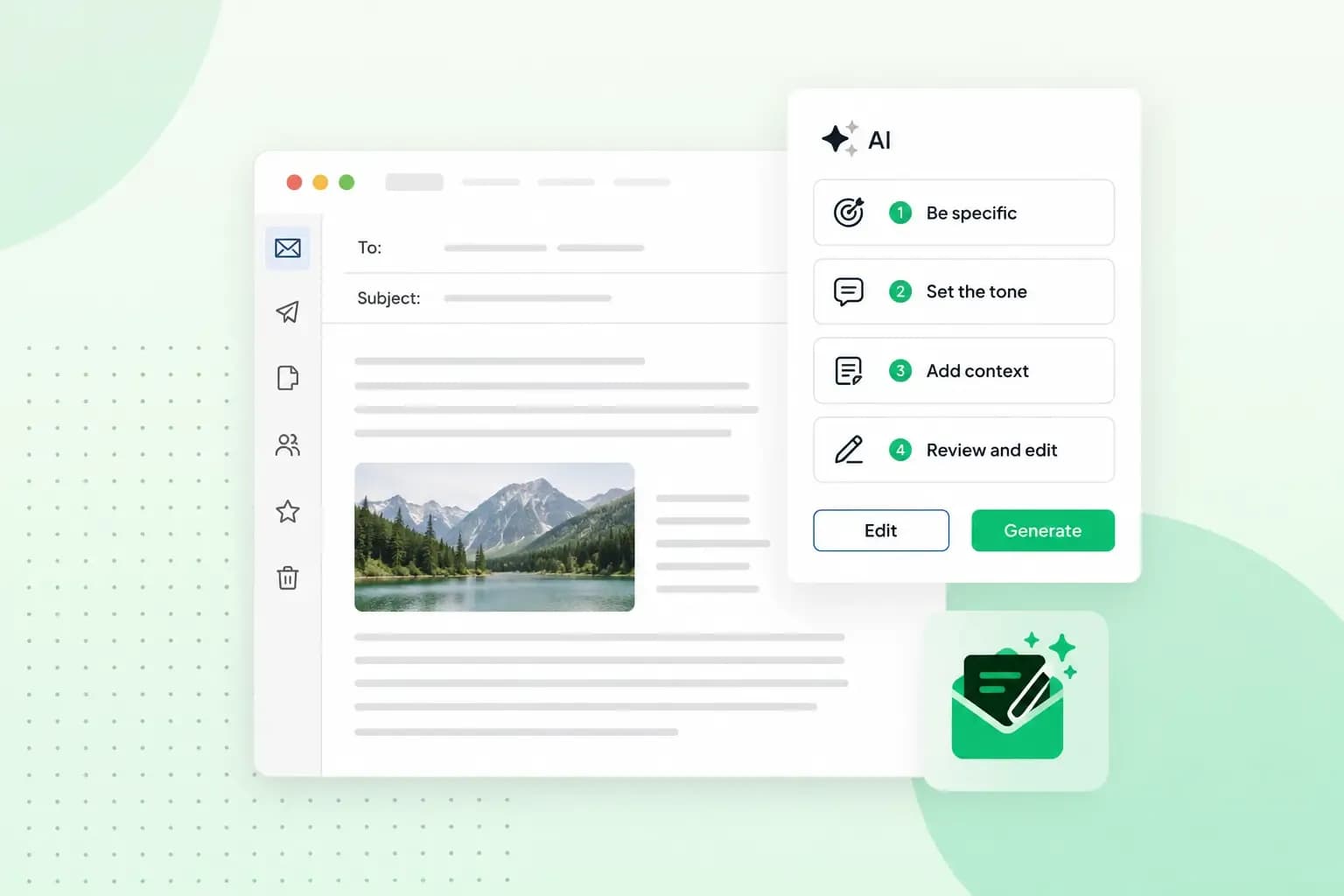
Whichever AI email writer you use, start by deciding what the email has to achieve. Then give it a prompt that says who is writing, who will read it and what the email should do. Add real details to the first draft, check the facts and tone before you send it, and save the prompts that work for next time.
Used this way, AI writing tools give you real help writing an email. In an MIT study, the time professionals took to complete writing tasks fell by 40% when they had ChatGPT to help. The tasks included emails. A draft from a vague prompt can sound generic, though, and it can contain details that aren’t true.
You can use AI for email in two main ways. A general AI chatbot writes the draft in its own window, and you copy it into your email. An AI writing assistant built into your email writes the draft where you send it from. For most everyday messages, either works: how you use AI to write emails matters more than which tool you pick.
1. Decide what the email has to achieve
Before you write the prompt, decide what the recipient should do once they’ve read your email. Without a clear goal, the AI gets a vague instruction and gives you a vague email. Knowing the goal also makes it easier to start an email with the point.
Pick the job your email does:
- Inform: tell the recipient something new, such as a change to your services.
- Ask: get something from the recipient, such as a signed form or an answer.
- Persuade: get the recipient to choose you, such as accepting a quote or booking a call.
- Follow up: remind the recipient of something you discussed, such as a meeting you agreed or a document you promised to send.
Take a follow-up to a client who asked your garden design business for a quote last week. Its real goal is to get the client to book a site visit, so it has to persuade as well as remind. Write your goal down in one sentence like that before you move on to the prompt.
2. Write a prompt that gives the AI the full picture
A prompt is the instruction you type into the AI email writer. Give it the whole situation as well as the goal. A good prompt for an email covers:
- Who is writing: give your role and your business, so the AI writes in the right voice.
- Who will receive it: say whether it’s a client, a colleague or a supplier, and how well you know them.
- The goal: state what the email should achieve, from step 1.
- The tone: ask for friendly, formal or somewhere in between.
- The length: ask for a short note of a few lines, or a longer email with details.
A weak prompt for the quote follow-up leaves the AI to guess:
Write a follow-up email about a quote.A strong prompt gives it the full picture:
I run a small garden design business. Write a follow-up email of about 100 words to a client who asked for a quote for a new patio and planting last week. The goal is to get them to book a site visit. Keep the tone friendly and relaxed, not salesy.Our guide on how to create effective prompts shows more ways to get a good first draft.
Keep passwords, bank details and other confidential information out of the prompt. Google, for example, asks Gemini users not to share anything confidential that they’d rather a reviewer didn’t see or Google didn’t use to improve its services. A client’s first name and the job you’re quoting for are usually fine, but leave out anything you wouldn’t want someone outside your business to read.
3. Refine the draft with real details
Treat the first draft as a starting point. It usually has the right structure, but little that makes it yours. Add what only you know:
- What the recipient asked, bought or said last time.
- Dates and figures, such as when you’re free, the size of the job or a deadline.
- The one action you’re asking for, and how the recipient takes it.
- A link to a booking page or a document, if the email needs one.
You can add these by editing the draft yourself or by asking the AI to rework it. For the quote follow-up, a second prompt could be:
Good start. The client is Mrs Patel, who asked about a sandstone patio. Suggest a site visit next Tuesday or Thursday morning and ask her to reply with the day that suits her. Make it shorter.Keep editing or prompting until the email reads like something you’d write yourself. If you wrote it in a chatbot, copy the text into a new email in your inbox for the final check.
4. Check facts, tone and wording before you send
Always read an AI draft before you send it. AI tools can misunderstand what you mean or add information that isn’t correct, and you’re responsible for what goes out under your name. Check these four things:
- Facts and details: check that names, dates, figures and links are right and match what you agreed.
- Tone: make sure the email suits your relationship with the recipient. A new client usually expects more formal email etiquette than a supplier you’ve worked with for years.
- Wording: look for stock phrases and filler you’d never use yourself, and replace them with your own words.
- Clarity: make sure one quick read tells the recipient what the email is about and what they should do next.
Take a couple of minutes for this check, even when you’re in a hurry. It’s your chance to catch a mistake before the recipient does.
5. Save the prompts that work
When a prompt gives you a good email, save it. Next time, you change only the details and start from a prompt you know works. That pays off for the routine emails you send again and again, such as follow-ups and reminders.
In a saved quote follow-up, the details are usually the client’s name, the job and the days you’re free. In a payment reminder, they’re the invoice number, the amount and the due date. Keep your saved prompts in a note you can copy from, and update them when you find wording that works better.
How can you tell if an email is AI-generated?
Often you can’t tell for sure, but a few signs suggest an email was written with AI and sent without much editing:
- Generic wording: watch for sentences that are correct but could go to anyone, with no reference to the person receiving them.
- Stiff formality and set phrases: watch for greetings like “Dear valued customer” and phrases nobody uses in everyday email.
- Missing specifics: notice when there are no names, dates or references to earlier conversations that a person would normally include.
Online AI detectors, such as the free one from Grammarly, give a percentage score that estimates how much of a text may be AI-generated. Grammarly itself says no AI detector is 100% accurate. A detector can also mistake text a person wrote for AI writing.
Write emails with AI in our Webmail
Our email plans include an AI writing assistant in Webmail, so you don’t have to switch between a chatbot and your inbox. You can switch the assistant on or off at any time.
You give the assistant a few keywords about what you want to say, such as “patio quote, suggest a site visit”. It then writes a draft for you, and it can also improve your wording or change the tone.
As with a chatbot, you can ask the assistant to refine the draft or add more details, or edit the text yourself. Nothing is sent until you confirm it.
Professional email on your own domain, with an AI writing assistant in Webmail.
Choose an email planTry the assistant on your next quote follow-up, and send it from an address on your own domain so the client sees your business name in the address it comes from.
Recommended reading
 EmailNov 6, 2026
What is email spoofing? How to stop someone faking your business email address
Email spoofing is when someone forges an email's sender. See how to spot a spoofed email, what to do if it's your address and how to stop email spoofing.- EmailNov 6, 2026
SPF, DKIM and DMARC explained: how to keep your emails out of spam
DMARC tells mail servers what to do with emails that fail SPF and DKIM checks. See what each record does, how to set them up and how to check they work. 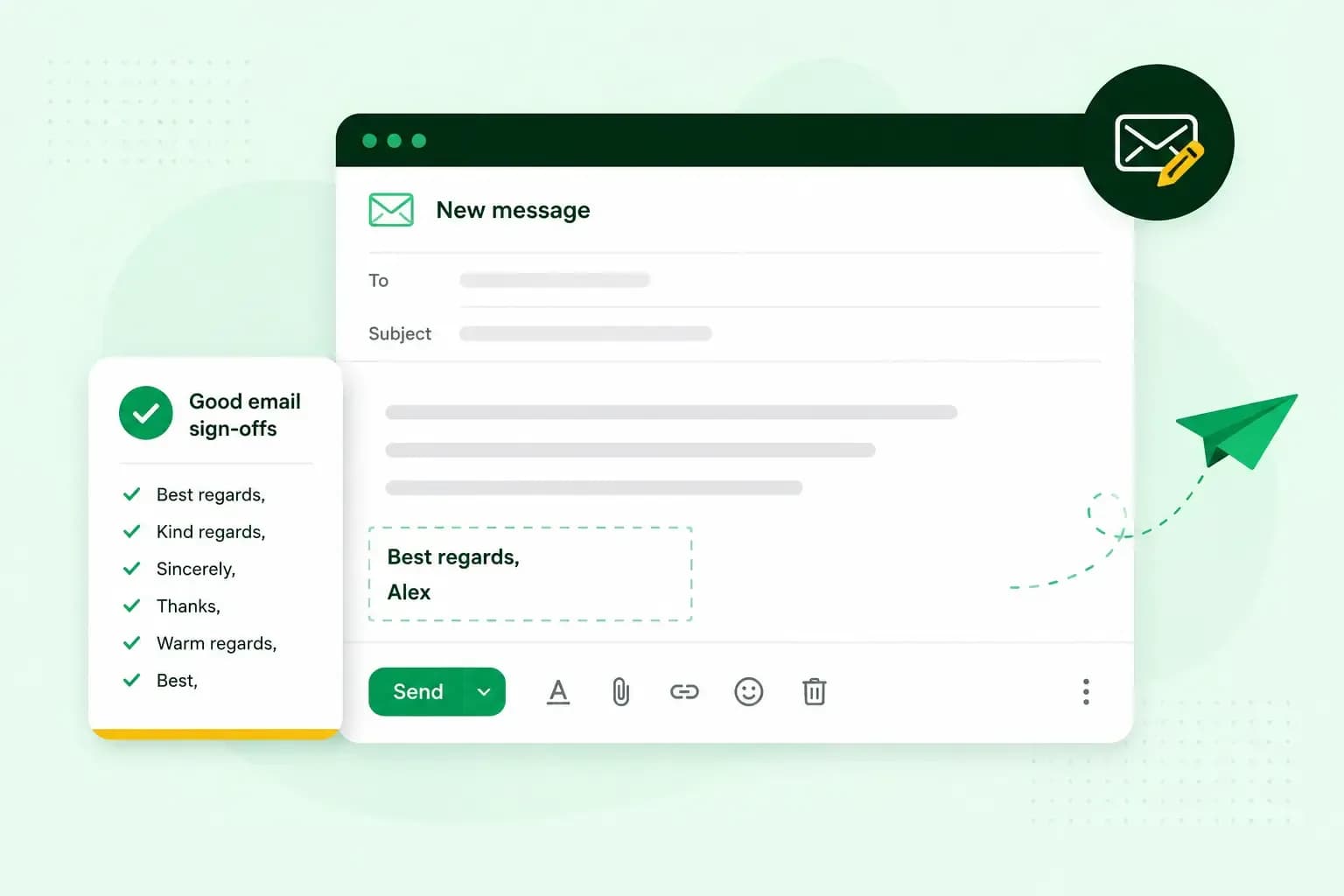 EmailNov 10, 2025
How to end an email in English
How you end an email impacts how it is perceived. We have collected the best ways to sign off emails in English.