
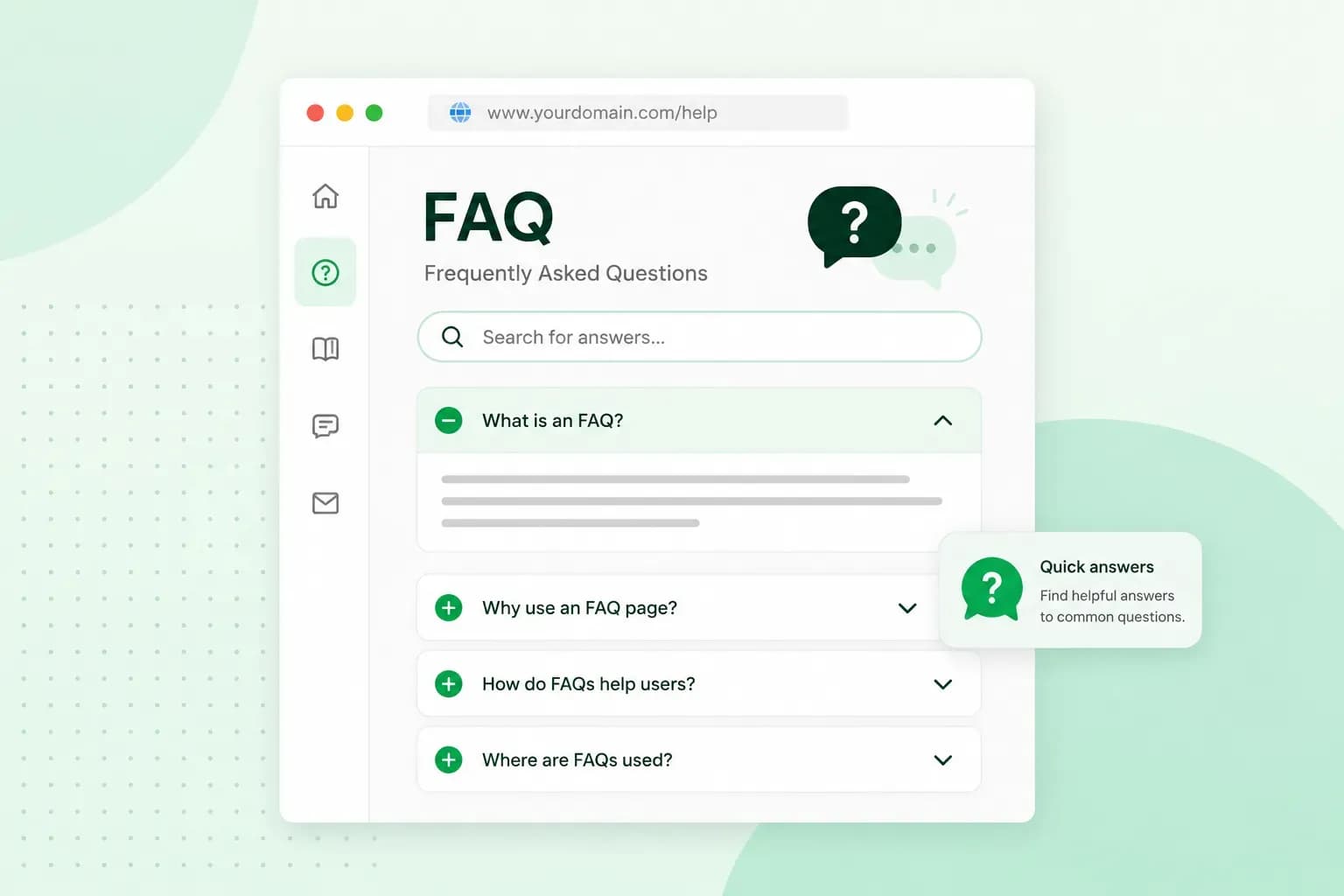
FAQ stands for frequently asked questions. An FAQ is a list of the questions people often ask about your business, each with its answer, on its own page or as a section of your website. If you run a hair salon, “Can I cancel my appointment?” is a typical question for its FAQ. Answer it once on your website, and customers get the answer without calling you.
A good FAQ saves you from answering the same questions again and again. It also settles visitors’ doubts before they book or buy.
What is an FAQ?
Frequently asked questions on websites usually sit on a page of their own, such as yoursalon.co.uk/faq. They can also go in a short section at the bottom of a service or product page. The questions can be about anything your customers want to know before they get in touch or buy, from your services and prices to delivery, returns or opening hours. Only include the ones your customers really ask.
What’s the difference between an FAQ and a help centre?
Use an FAQ for short answers to your most common questions, and a help centre for the detailed articles and guides that need more space. Many businesses, ourselves included, have both.
What an FAQ does for your business
Customers find answers without contacting you
Most people would rather sort things out themselves. Research published in Harvard Business Review found that 81% of customers try to sort out a problem themselves before they contact a company. An FAQ gives them that option. Instead of emailing and waiting for a reply, they find the answer in a few clicks.
A customer who wonders late in the evening whether a colour treatment needs a patch test can check your FAQ there and then, instead of ringing the salon the next morning. Your FAQ doesn’t replace good customer service by phone, email or chat. It catches the customers who would rather not ask.
Show visitors how you work
An FAQ shows that you’re open about how you work, and that openness builds brand trust. A visitor who is unsure about delivery times or returns finds the answer straight away instead of leaving to look elsewhere.
Some visitors also find out about things they didn’t think to ask about, such as your loyalty card or a student discount. That can turn a casual visit into a booking now or a sale later.
Does an FAQ help your SEO?
It can. Google’s own advice is to think about the words people use when they search, and an FAQ in your customers’ own words does just that. That makes it a useful part of your SEO. Google can also show a short passage from your page as a featured snippet, a box that puts the answer first and the link to your page after it.
Google used to show FAQ rich results for pages with FAQ schema markup, code that labels the questions and answers for search engines. The questions and answers then appeared right in the search results. Since 7 May 2026, Google no longer shows the FAQ rich result at all, so adding the markup no longer gets your FAQ that extra space in Google. Write your FAQ for your visitors first, because the questions and answers themselves are what can help you in search.
Which frequently asked questions should your FAQ answer?
Your FAQ should answer the questions that stop people from booking or buying, and those differ from one business to the next. On your hair salon’s website, the frequently asked questions could be:
- Can I book an appointment online?
- How late can I cancel or move my appointment?
- How much does a cut and colour cost?
- Is a patch test needed before a colour treatment?
- Can I buy the products you use in the salon?
Word each question the way a customer would ask it, not the way you would file it. Write “How late can I cancel my appointment?”, not “Cancellation policy”.
If you sell products in an online shop, your customers mostly ask about the order itself:
- How long does delivery take, and what does it cost?
- Can I return an item, and who pays for the return?
- Which payment methods do you accept?
- How do I find the right size?
- Can I change or cancel my order after I’ve paid?
If you’re about to open an online shop, it’s worth writing these answers while you add your products.
Sell your products and take secure payments. We don’t take a commission on your sales, but the standard payment processing fees from Stripe or PayPal still apply.
Open my shopWhere should the FAQ go on your website?
You can give the FAQ a page of its own, add short FAQ sections to the pages where questions come up, or do both. Each placement suits a different job.
A dedicated FAQ page and FAQ sections compared
| Dedicated FAQ page | FAQ section on key pages | |
|---|---|---|
| Use it for | Questions about your business as a whole | Questions about one product or service |
| How visitors find it | Through a link in your main menu or footer | At the bottom of the page they’re already reading |
| Example | An FAQ page at yoursalon.co.uk/faq | An FAQ section at the bottom of the colour treatment page |
Our advice: for most small business websites, use both. Put the general questions on one FAQ page, and add a few product or service questions to the pages they belong to. Customers then get the answer where they need it, and still have one place to look. Don’t copy the same questions onto many pages, though. Repeating them makes your pages longer and shows visitors the same text again and again.
To put the FAQ on your site, add a page called FAQ or a section at the bottom of the page the questions belong to. Each question works well as a heading with its answer below it, or as a list visitors click open. With our AI website builder, you can add an FAQ page or section whenever you’re ready.
How to create an FAQ for your website
A useful FAQ starts with the questions your customers really ask, plus the ones people search for. Group them, keep each answer short and keep the whole FAQ up to date.
Start with the questions you already get
Go through your emails and messages, and ask anyone who answers the phone or serves customers which questions come up most. Put the questions asked most often at the top, where visitors see them first.
A question that keeps coming back can also point to a gap elsewhere on your website. If many customers ask what your products are made of, add the answer to your product descriptions as well.
Check what people search for
Search data shows you the questions people have before they ever contact you. Google Search Console shows which search queries bring people to your website, and among them you may find questions you hadn’t thought of. For more ideas, you can use an SEO tool such as Semrush or Ahrefs, or Rank Math if your website runs on WordPress. AnswerThePublic works the other way round: you enter a word your customers use, and it shows the questions people ask about it.
Add a question you find this way only if it’s useful to your customers.
Group the questions into categories
Try sorting your questions into categories once you have more than a handful. For your salon, these could be booking, prices, treatments and products. A shop could use categories such as orders, delivery, returns and payment.
Keep each answer short
Visitors expect a question followed by a short answer. Give the answer straight away, then add detail only where it helps. Keep most answers to a few sentences, like this one for your salon: “How late can I cancel or move my appointment? You can cancel or move it free of charge up to 24 hours before. After that, we charge half the price of the treatment.”
If a question needs more, answer it briefly and link to the page or help centre article with the full explanation. Images or a short video can help too, for example a photo that shows how to measure for the right size.
Keep your FAQ up to date
Update the answers as soon as your prices, delivery terms or booking rules change. Check now and then whether the questions at the top are still the ones customers ask most, and remove those nobody asks any more.
With your questions collected and your answers written, the next step is a website to put them on. Build your website with us and give your salon’s FAQ a page of its own from the start.
Recommended reading
 Website Builder19 Oct 2026
How to get your website ready for Black Friday (with checklist)
Get your website ready for Black Friday with this practical guide and checklist. Website Builder31 Aug 2026
Website redesign: How to modernise your website with AI
Discover how Aida AI can redesign your existing site in minutes, add new features, and help you create a site that's ready for business. Website Builder11 Aug 2026
How to prompt an AI Website Builder
Learn how to prompt an AI website builder to create a professional website for your business. Get examples for shops, salons, clinics, and more.