
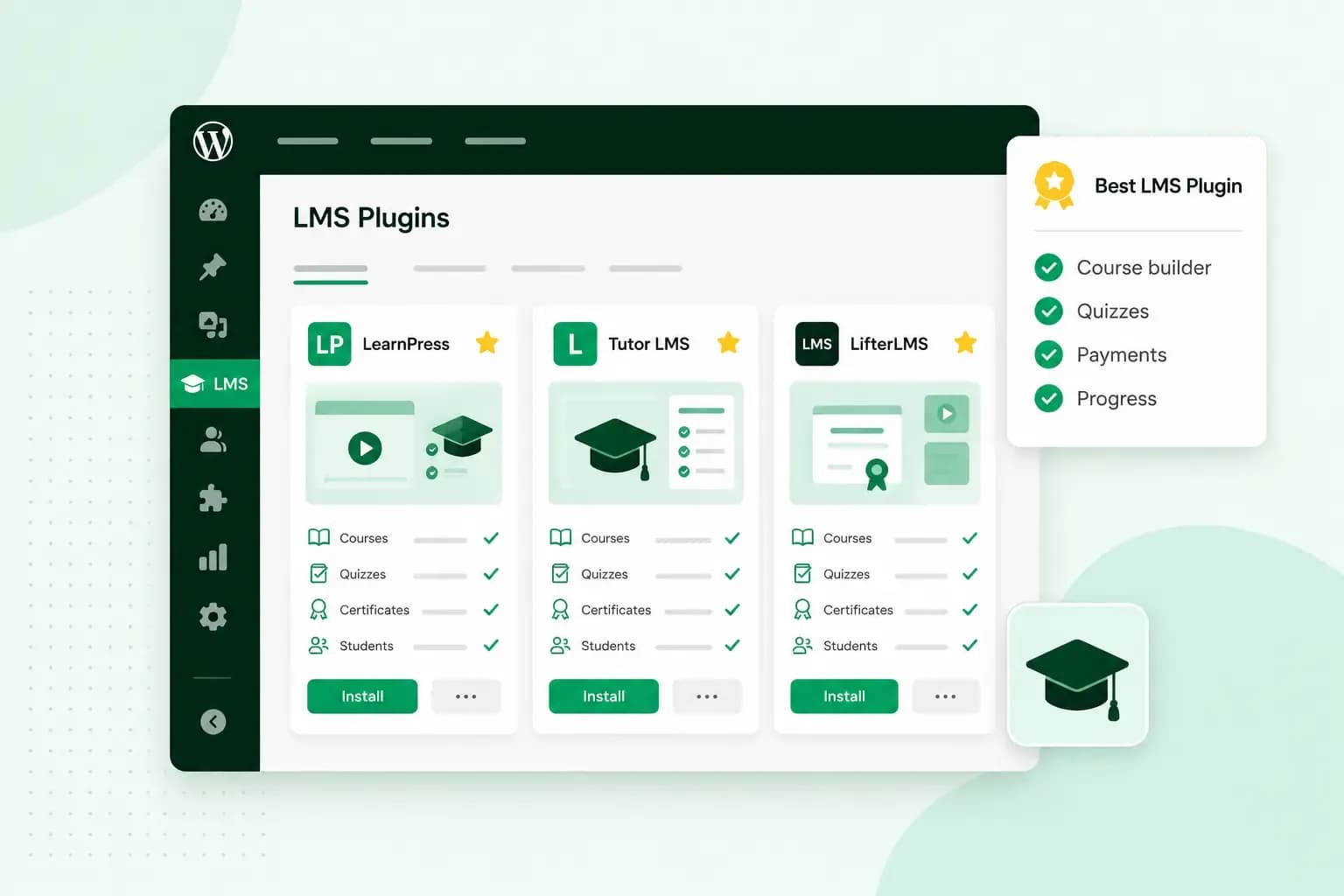
Which of the best WordPress LMS plugins suits you depends mostly on how you want to sell your courses. If you want a free WordPress LMS plugin that sells straight away, Tutor LMS and Masteriyo both have free versions with their own checkout. LearnDash is the stronger pick when you're happy to pay for a plugin with strong quizzes and reports. If you already sell through WooCommerce, Sensei LMS fits in with it, although selling courses takes the paid Sensei Pro.
What a WordPress LMS plugin does
An LMS (learning management system) plugin is a WordPress plugin that turns your website into an online school for your courses or tutoring. It gives you lessons, quizzes and progress tracking for your participants, all on your own site. The plugins in this guide differ most on these features:
- Selling courses: Many LMS plugins have their own checkout and take payments through providers such as Stripe or PayPal. Others hand payment over to WooCommerce, which means one more plugin to set up.
- Drip content: Also called scheduled content, drip content releases lessons on a schedule, for example one lesson a week. It keeps participants at the same pace and gives them a reason to come back.
- Quizzes and assignments: A quiz tests what participants have learnt, and it can give them feedback straight away. An assignment is work participants hand in for you to grade.
- Certificates: A certificate is the proof participants get when they finish a course. Some plugins let you customise how it looks, among them MemberPress Courses on its Growth and Scale plans.
- Course reviews: A course review is a participant's rating of your course. It shows you what to improve and works as social proof for new buyers.
- Several instructors: More than one teacher can build and run courses on the same website. This matters for a school or a training company.
The best LMS plugins for WordPress compared
Most of these plugins sell courses without WooCommerce, and Sensei LMS is the one that needs it. Thrive Apprentice, LifterLMS and FluentCommunity take payment through another tool or add-on instead.
| Plugin | Free version | Sells courses without WooCommerce | Good for |
|---|---|---|---|
| LearnDash | No | Yes | Paid courses with strong quizzes and reports |
| Masteriyo | Yes | Yes | Selling from day one on the free version |
| MasterStudy LMS | Yes | Yes | A first course site with a full free version |
| Tutor LMS | Yes | Yes | A free start with its own checkout |
| Thrive Apprentice | No | With SendOwl or ThriveCart | Selling courses with marketing tools |
| LifterLMS | Yes | With paid add-ons | Starting free and adding features as you grow |
| LearnPress | Yes | Yes, with its default payment methods | A free plugin you extend with add-ons |
| Sensei LMS | Yes, but selling needs Sensei Pro | No | Sites that already run WooCommerce |
| WP Courseware | No | Yes | Simple courses with Stripe and PayPal built in |
| MemberPress Courses | No | Yes | A membership plugin with courses |
| FluentCommunity | Yes | With FluentCart | A community plugin with courses |
The 11 best WordPress LMS plugins
We've ranked our picks from the one we rate highest overall. Number 1 isn't always the best start, though: for a first course, see our advice under How to choose the right LMS plugin. Check the current price on each plugin's own page before you buy, and compare like with like: the price for one site, whether it's billed yearly or once, and what the plan costs when it renews.
1. LearnDash
LearnDash is a paid plugin made for selling courses, and it has no free version. It comes first for its quizzes and reports. You structure each course with lessons, topics and assessments, and the quizzes mix question types from multiple choice to essays. The reports then show completion rates and quiz results. Several instructors can build and manage courses from the front end, the part of your site that visitors see. Every plan comes as a bundle with three other products: Give, The Events Calendar and Kadence. So if you only want the courses, you still pay for the whole bundle.
2. Masteriyo
Masteriyo has a free version that already sells courses. Without paying, you get checkout, payment providers, quizzes and certificates, and you don't need WooCommerce either. A paid plan adds more advanced features. You can pay for it yearly, or once for a lifetime licence, and there's a 14-day money-back guarantee. The yearly plans start at an introductory price, so expect the full price when they renew.
3. MasterStudy LMS
MasterStudy LMS suits you when you've never built a course website before. Its free version takes care of payments, quizzes and student profiles. Each student's profile shows their progress and quiz scores, and the free version also has a drag-and-drop certificate builder. When you need more, you can buy a paid plan for a year at a time or for life. If it isn't right for you, you have 14 days to ask for your money back.
4. Tutor LMS
The core of Tutor LMS is free, and it sells courses with its own checkout, without another e-commerce plugin. Payments go through gateways such as PayPal and Stripe. Its quizzes are varied, with question types from true or false to matching and fill in the blanks. Tutor LMS Pro adds features such as drip content, assignments and a certificate builder, with a 30-day money-back guarantee on the paid plans. If you're moving from LearnDash, LearnPress or LifterLMS, a free migration tool brings your users and courses across.
5. Thrive Apprentice
Thrive Apprentice is for selling courses with marketing tools around them. You can buy it on its own or as part of Thrive Suite, the full set of Thrive Themes plugins. The suite runs on a quarterly or yearly subscription, and its strength is marketing: it also holds Thrive Leads for building an email list, and Thrive Quiz Builder. To take payment, Thrive Apprentice works with checkout tools such as SendOwl, ThriveCart or WooCommerce. You can publish one module before the whole course is ready, so you can start selling early. On a yearly plan, the first year is at an introductory price and renewals are at the full price. There's a 30-day money-back guarantee.
6. LifterLMS
The LifterLMS core plugin is free and open source. Quizzes, certificates and achievement badges are part of the free plan. To take payments through Stripe, PayPal or WooCommerce, you add its e-commerce add-ons. Assignments and advanced quizzes with manual grading come only in the paid Infinity Bundle. Paid plans are yearly, and the Infinity Bundle also comes as a lifetime licence. Either way, there's a 30-day money-back guarantee.
7. LearnPress
LearnPress is free and sells courses with payment methods such as PayPal, WooCommerce and Stripe. The plugin takes payment with its default payment methods, while the WooCommerce and Stripe payment add-ons are premium. Much of what LearnPress does comes as add-ons like these, and there's one for a mobile app too. It suits you if you want a free plugin and don't mind adding the features you need one by one. Check which add-ons your course needs before you count on LearnPress being free.
8. Sensei LMS
Sensei LMS is made by Automattic, which also makes WooCommerce, Jetpack and WordPress.com. The free plugin covers courses, lessons and quizzes, with question types such as multiple choice, fill in the blank and file uploads. To sell courses, you need Sensei Pro, which works with WooCommerce. Sensei Pro also adds drip content, releasing lessons at fixed intervals or on a set date.
9. WP Courseware
WP Courseware sells courses without a separate e-commerce plugin. Stripe and PayPal are built in, including subscriptions and instalments, and if you already sell through WooCommerce, WP Courseware connects to it as well. You lay out courses, modules and units with drag and drop. The licence is yearly and covers support and updates for that year. If you change your mind, you can get your money back within 30 days.
10. MemberPress Courses
MemberPress is a membership plugin, and MemberPress Courses is its built-in LMS for building and selling courses. It suits you when your courses are part of a paid membership, with members who get access to more than one course. Plans renew each year, and after the introductory price of the first year they renew at the full price. The Growth and Scale plans add advanced LMS features such as quizzes, assignments and certificates, and also drip content that's released to members over time.
11. FluentCommunity
FluentCommunity is a community plugin with courses built in. Each lesson has its own discussion forum, so your participants can help each other. The free version is on WordPress.org, and you sell courses through FluentCart, without any third-party tools. If the paid version doesn't suit you, you can ask for a refund within 14 days.
Plugins we have taken off the list
WordPress.org closed Academy LMS on 11 October 2026 pending a full review, so you can't download it there. Namaste! LMS was closed there on 20 February 2025 because of a security issue.
How to choose the right LMS plugin
Start with how your participants will pay you. If you want the plugin to handle payment, choose one with its own checkout, such as Tutor LMS, Masteriyo or WP Courseware. If you already run a WooCommerce shop, Sensei LMS fits into it once you add Sensei Pro. Next, decide whether you need a free start. Try the free version first if you want to build the course and test it on your first participants before you pay anything. Last, look at how you pay for the plugin, and for its updates. A paid version gets updates only with an active licence: a yearly licence keeps them coming as long as you renew, while a lifetime licence is paid once and includes them for good. Keep WordPress itself up to date too, since its updates address new security issues. Our guide shows how to keep your WordPress site secure.
Our advice: for your first course, start with the free version of Tutor LMS or Masteriyo. Both sell courses without WooCommerce, so you can take your first payments without paying for the plugin. Upgrade to the paid version when you need more, such as the drip content and assignments of Tutor LMS Pro. If quizzes and reports are the heart of your course, LearnDash is worth paying for from the start.
Before you install an LMS, check that it works with the other plugins your course website runs, such as the ones in our guide to the best WordPress plugins.
Why are LMS plugins so expensive?
Because one LMS plugin does the work of several: course pages, quizzes, payments and student records, all kept up to date. What you pay depends on how many sites you use it on, which features the plan includes and whether you pay yearly or once. Several vendors, such as Masteriyo and Thrive Themes, give their prices in US dollars. What you pay in pounds then moves with the exchange rate.
Start your course website with WordPress
To start, you need a domain, hosting and the plugin itself. Get a domain that matches your course or your business name, such as a .co.uk. Then your site needs hosting that runs WordPress. With Managed Hosting for WordPress, we update WordPress, your theme and your plugins for you and check that your site looks as it should before and after. With Hosting for WordPress, you do those updates yourself.
Every Hosting for WordPress plan includes an SSL certificate, so the connection to your course website is secure for your participants from the first lesson.
Compare Hosting for WordPress plansOnce WordPress is installed on your hosting, add your LMS plugin from the Plugins screen of your dashboard and activate it there. If you're new to WordPress, our beginner’s guide to WordPress is the place to start.
Once you've picked your plugin, start with a Hosting for WordPress plan, install WordPress and your LMS on it, and publish your first lesson.
Recommended reading
 WordPress6 Nov 2026
How to find your WordPress login page (wp-admin)
Your WordPress login page is your site's address with /wp-admin at the end. Here's how to log in, why wp-admin may redirect and how to reset a lost password. WordPress6 Aug 2026
What is WooCommerce?
Do you want to start your online shop? Get to know WooCommerce in this guide: an e-commerce solution to build your shop. WordPress5 Aug 2026
Why is my WordPress site so slow?
Slow WordPress site? We look at the most common reasons and share how to speed up your WordPress website in this practical guide.