
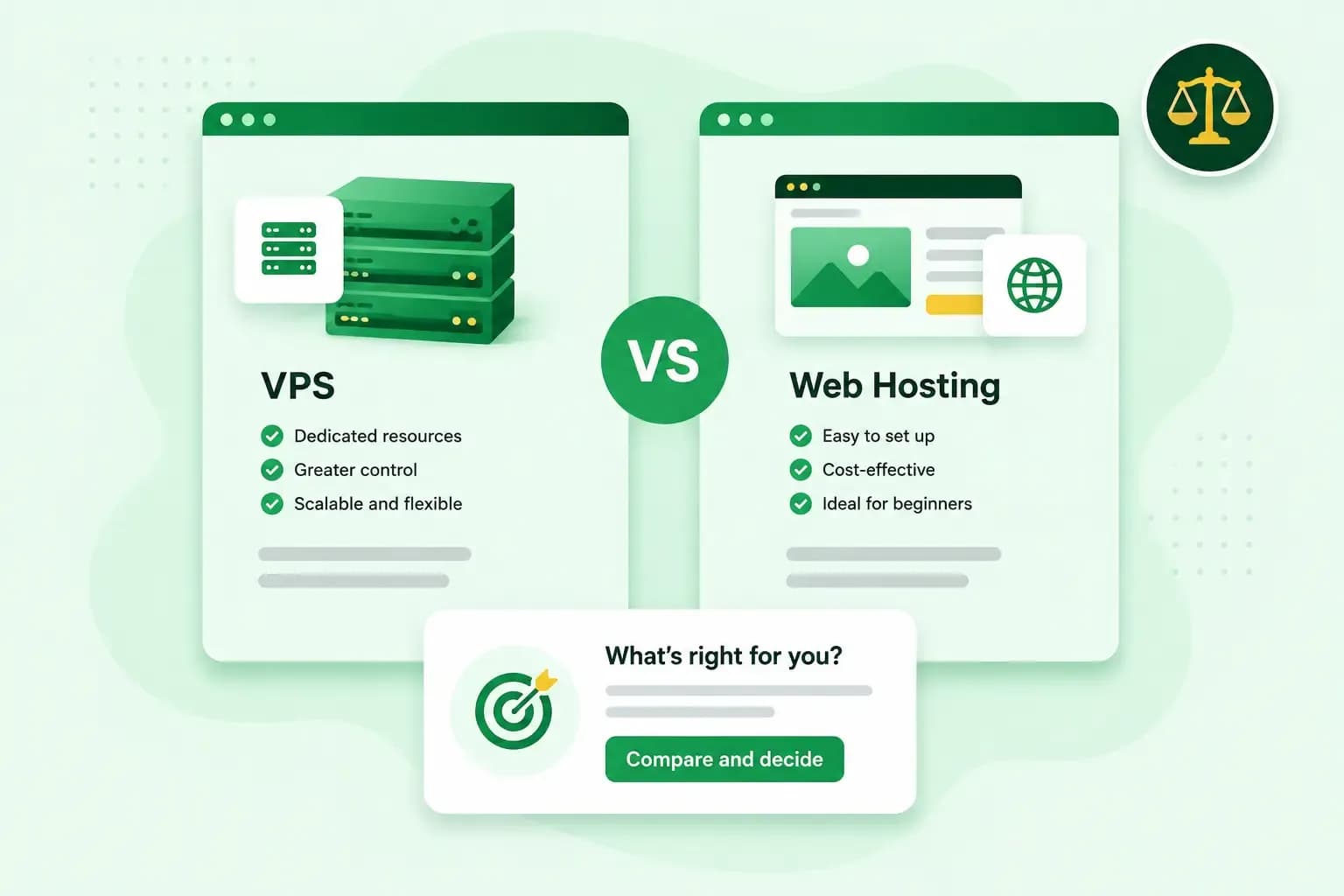
When you compare VPS vs web hosting, the difference comes down to how much of the server is yours and who runs it. Web hosting puts your website on a server you share with other websites, and we look after that server for you. A VPS (virtual private server) works like a server of your own, with processor power, memory and storage reserved for it. You set it up and run it yourself.
We recommend web hosting for most small business websites, and a VPS for projects that need more control.
What you get with web hosting
With web hosting, your website's files sit on a server that many websites share, and you don't need any technical skills to get started. Our web hosting plans include web space, email accounts and a domain, free for the first year on selected domain extensions. You can install WordPress, a content management system, in one click on any of our plans.
Because of how shared hosting works, your site's performance can depend on what the other websites on the server are doing. When one of them gets very busy, your pages may load more slowly.
What you take on with a VPS
Our VPS runs on shared physical hardware, but it gets its own fixed share of processor cores, memory and storage that other customers can't use. A performance problem on someone else's server doesn't spill over onto yours. Our VPS comes with its own IP address, which you find in your VPS dashboard, and root access gives you full control of the server. You choose the operating system, Linux or Windows, and install the software your project needs.
Our VPS is unmanaged, so you set it up, keep it updated and fix problems yourself. On web hosting, that work is ours. Our support team can point you in the right direction, but can't configure or manage your server software for you.
VPS vs web hosting: the main differences
| Our web hosting | Our VPS | |
|---|---|---|
| Resources | Shared with the other websites on our server | A fixed share of processor cores, memory and storage, reserved for you |
| Who runs the server | We do | You do |
| Security and updates | We protect the server against attacks and back up your content | You handle setup, security updates and troubleshooting yourself |
| Control and software | WordPress in one click, and the PHP version your site needs | Root access: you choose the operating system and install your own software |
| Technical skills | None needed to get started | Some technical skills needed |
| What's included | Web space, email accounts, an SSL certificate, a daily backup and a domain, free for the first year on selected extensions | The server and its reserved resources. You install and set up the rest |
Web hosting is usually the cheaper option, because you share the server and its running costs with other websites. On our web hosting, the price depends on how big and complex your website is and on the features your plan includes. With our VPS, you pay for the processor cores, memory and storage you choose. Anything else, such as email, you set up on the server yourself.
When to choose web hosting
Choose web hosting when all you need is a website and you'd rather spend time on your business than on a server. These sites are a good fit:
- A business website, a portfolio or a blog. Start on a shared plan and move up when the site outgrows it.
- A WordPress site. You can use WordPress on any of our plans, including Hosting for WordPress, where WordPress, your theme and your plugins aren't updated automatically.
- A site with email on your own domain. Every one of our plans includes email accounts, so you can send from an address on your domain without running a mail server.
If your pages stay slow at busy times, choose a larger web hosting plan. If your site needs software a shared plan doesn't allow, choose a VPS.
Get your website online without running a server yourself. We look after the server, and every plan includes an SSL certificate and a daily backup.
See hosting plansWhen you need a VPS
Choose a VPS when your project needs something a shared server doesn't offer, and you or someone on your team can run a server. That's usually the case when:
- your project uses its own applications, databases or tools, which root access on our VPS lets you install
- a busy online shop or web app needs its processor cores and memory to itself, whatever other customers do
- the project isn't a website at all, such as a game server or automation tools you host yourself
- you run several sites or client projects. Plesk, a control panel for servers that you can add to our VPS as an option, lets you manage their websites, databases and email and set each one up your way.
You'll find more ideas in our guide to what people use a VPS for.
Do you need a VPS or is web hosting enough?
Our advice: start with web hosting. Move to a VPS when you can name something web hosting can't do for you, and you're comfortable managing a server.
If you need the resources of a VPS but not the server work, Managed VPS is the better fit. With Managed VPS, we take care of updates, security patches and monitoring for you. Our article on how a VPS and a managed VPS compare goes into the details.
Common questions
Can I move from web hosting to a VPS later?
Yes. You move your site to our VPS yourself, and root access lets you set up the new server the way you want. First, you set up the software your site runs on, such as a web server, PHP and a database. Then you copy your website files across, and export your database from your web hosting to import it on the VPS. When the site runs on the VPS, you point your domain to it by updating the domain's DNS A record to the VPS's IP address, in your control panel when the domain uses our name servers. The A record is the setting that tells browsers which server your website is on. A change to it often takes a few hours to reach everyone, and can take up to 72 hours. Once your domain points to the VPS, install an SSL certificate for it on the VPS yourself, so the site loads securely over https. Your email accounts come with your web hosting plan, so keep that plan or set up email on the VPS before you cancel it.
Can I upgrade a VPS when my site grows?
Yes. You can upgrade our VPS to a larger plan at any time from your control panel. The upgrade takes effect within minutes, without a server migration or downtime. VPS plans run on monthly contracts, so you can also cancel when you no longer need the server.
Getting started
Because you can move to a VPS later, there's no need to start with more server than your site needs today. If a website is what you need right now, pick a web hosting plan and leave the server to us.
Recommended reading
 VPS6 Nov 2026
What is a VPS server and how to choose the best one
A VPS server is a virtual server with its own reserved CPU, RAM and storage. See how it compares with shared hosting and how to choose the right one. VPS20 Oct 2025
What is n8n, and how do you run it on your own VPS?
Work more efficiently with n8n automation on your own VPS. Learn how to use n8n in combination with AI. VPS3 Oct 2025
What is a server?
Servers ensure that websites, online shops, and other online services run smoothly. Learn more about what a server is and how it works.