
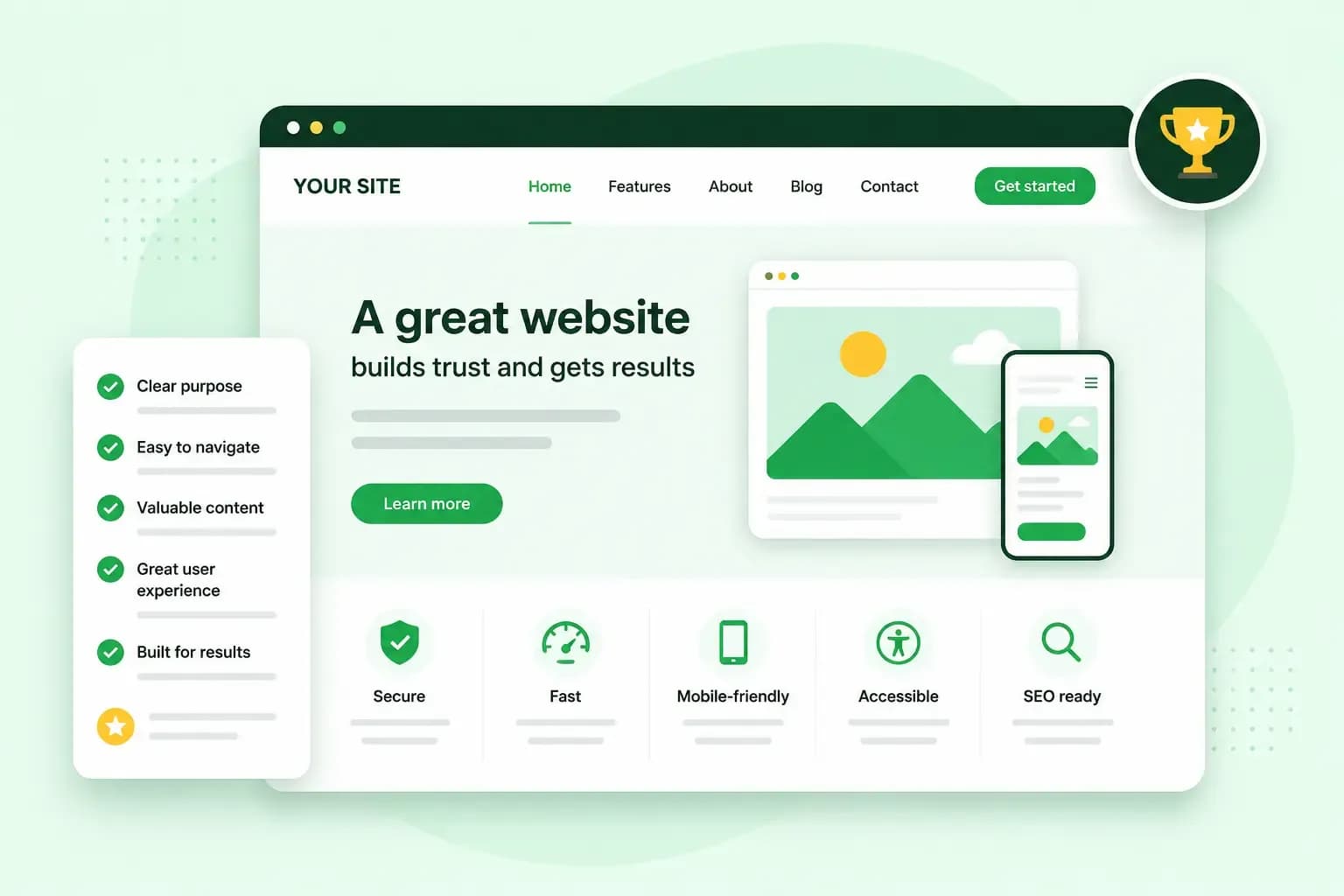
What makes a good website is that it tells visitors straight away who you are, what you offer and what to do next, and that often decides whether a visitor becomes a customer. Other characteristics of a good website count too. Such a site loads quickly, works well on a phone, is easy to find your way around and gives people a reason to trust you. Good website design helps visitors get what they came for, such as a phone number, a booking or a purchase.
What does a good website need?
A good website needs a few basic parts. Above all, visitors should see who is behind the site and how to reach you.
- Your own domain name. An address on your own domain can match your business name and be short and easy to spell, so customers remember it.
- A clear headline. The first words on your home page say what you do and who it's for, such as "Garden design for small gardens" rather than "Welcome".
- Your logo and a favicon. The favicon is the small icon in the browser tab that helps people spot your site among their open tabs.
- A short description of your products or services. A few lines are enough to tell visitors they're in the right place.
- Contact details. Give a phone number, an email address or a contact form, and your address if customers come to you.
- An About us page. Say who runs the business, and use these About us page examples to see what to include.
- A privacy notice. If your contact form or your analytics collect personal data, a privacy notice tells visitors why you use it, how long you keep it and who you share it with.
Then add the pages your type of business calls for. A restaurant needs its menu, a shop its delivery information and a consultant examples of their work.
The qualities of a good website
Each of the ten qualities below ends with a quick check you can do on your own site.
1. A home page that explains itself at a glance
Your home page should show visitors at a glance that they're in the right place. The top of the page needs to say who you are, what you sell or do, and what the visitor should do next.
Answer those points with your headline, a line on what makes you different and an obvious button. The button should say what happens next, for example "Book a table" or "Get a free quote" rather than "Learn more".
Check: show your home page to a friend for a few seconds, then close it. If they can't tell you what you do, rewrite the headline.
2. Easy to use and easy to find your way around
Visitors should find what they came for without having to think about it. Put your navigation menu where people expect it, at the top of the page. Give each item a plain name, such as "Services", "Prices" or "Contact".
Keep the most important information easy to see. Buttons that do the same thing should share a colour, and your fonts should stay the same from page to page.
Don't let animations or unusual layouts push the menu out of sight or cover the buttons visitors need. A pop-up that blocks the buy button costs you sales, however good the rest of the site looks.
Check: ask someone who hasn't worked on the site to find your prices or your contact details. Then fix the places where they hesitate. In your analytics, look for pages that visitors leave quickly, and check those first.
3. Works well on a phone
Many people will visit your site on a phone, often while they're on the move. A responsive website adapts its layout to the screen it's viewed on. Text stays readable without zooming in, and visitors don't have to scroll sideways to see the whole page.
It's worth starting from a website builder or a ready-made theme rather than building a responsive design from scratch. In our Aida AI Website Builder, you can switch the editor between desktop, tablet and mobile view and check the site before you publish it.
Tell Aida about your business, and Aida creates your pages, text and images. Change anything yourself or through the chat.
Build my websiteCheck: open your site on your own phone and try to call, book or buy. If you have to zoom in or hunt for a button, so do your customers.
4. Loads fast
Visitors don't wait long for a slow page, and a page that jumps around while it loads is just as off-putting. Google measures loading speed by how long the main content of a page takes to appear, which it calls Largest Contentful Paint. For a good experience, Google recommends 2.5 seconds or less.
Speed also matters for search. Google's Core Web Vitals measure how a page loads, how quickly it responds and whether it stays stable. Google says good results on them, together with the rest of page experience, are in line with what its core ranking systems seek to reward.
Big image files take longer to load, so it's worth compressing your images before you upload them.
Your hosting matters too. Our hosting plans use fast NVMe SSD storage and built-in caching, which keeps ready-made copies of your pages so they load quickly. If your site runs on WordPress, a plugin such as WP Rocket applies caching and file optimisation for you. Our guide has more ways to improve your site speed.
Check: test your most important pages in Google's PageSpeed Insights, which shows how a page performs on mobile and on desktop. If the main content takes over 2.5 seconds to appear on mobile, start with the largest image or text block at the top. That is the part Google times. If it's an image, compress it or use a smaller one.
5. A site visitors can trust
A site with an SSL certificate uses HTTPS. HTTPS encrypts the connection between the site and the visitor's browser, so what visitors send, such as passwords and card details, stays private on the way. When a site doesn't use a secure connection, Chrome can show "Not secure" next to its address, which can put visitors off.
Choose a web host that gives you an SSL certificate, protection against attacks, regular backups and high uptime. All our hosting plans include an SSL certificate.
The details on your site build trust too. Show a real address and phone number that are still right, keep your prices up to date and add reviews from real customers.
Check: open your site and look for https at the start of the address, with no "Not secure" warning from Chrome next to it. If you see the warning, your web host can set up the SSL certificate for your site.
6. Accessible to people with disabilities
Good website accessibility means your site works for everyone. That includes people with impaired sight, hearing or movement, and people who use a screen reader or only a keyboard.
The standard for this is WCAG, the Web Content Accessibility Guidelines. UK public sector websites must meet WCAG 2.2 at level AA, unless there is a valid legal reason not to. That level is a sensible goal for a business website too. The UK government's guide to WCAG gives an overview of its design principles.
Check these three things on your own site:
- Text shows up clearly against its background, so people with low vision can still read it.
- Every image that carries information has alt text, a short description that a screen reader reads out.
- You can reach every link, button and form field by moving through the site with the Tab key alone.
7. Easy to find in search results
Search engine optimisation, or SEO, means making your content easy for search engines to understand. People then find your site when they search for what you offer. Aim to show up for the words your customers search with, not only for your business name. If you sell garden furniture, that could be "wooden garden bench".
Build the basics in from the start. Give each page a clear title and description, and use headings that say what each section is about. Write in the words your customers use. Google's own starter guide asks for text that is easy to read and well organised, with long content broken into paragraphs and sections.
If your site runs on WordPress, an SEO plugin such as Rank Math PRO gives you suggestions as you write.
Check: search for your main service and your area, then look for your site in the results.
8. Useful content that stays up to date
Your content should answer the questions customers ask before they buy. What do you offer, what does it cost or how do they get a price, how long does it take, and why should they choose you? Use real photos of your work, your premises or your team rather than stock images.
A site that changes now and then shows that the business is active. A blog or a news page makes that easy. If you're not sure what to write about, these blog post ideas are a good place to start.
Keep the rest of the site current too. Remove old prices and past events, and don't leave an old news post at the top of your news page.
Check: read your home page and your prices page as a new customer would. Remove anything that's out of date, and add an answer to the question customers ask you most often.
9. A clear next step for visitors
A conversion is what you want a visitor to do on your website. For a shop it's a purchase, for a hairdresser a booking, and for many businesses a call, an email or a newsletter sign-up.
Make that step obvious on each page with a call to action, a button or link that tells visitors what to do. Use one main call to action per page rather than several that compete for attention.
Check: open each of your main pages and find the button that moves visitors towards a purchase or an enquiry. Nothing on the page should distract from it. Then fill in your own contact form and shorten it if it asks for more than you need. Our guide on how to increase your website’s conversion rate goes into more detail.
10. True to your brand
Colourful spinning shapes might suit a café's website, but on an accountant's website they would look out of place. A good website reflects the business behind it. Its design, words and pictures match what you do, who your customers are and the tone of voice you use elsewhere.
Your site stands out through what only you can show, not through effects. Show your work, the way you talk to customers and the details nobody else can give. It's worth looking at your competitors' websites to see what they say, and what you can say instead.
Use the same logo, colours and tone on your website, your social media and anything you print, so people recognise you wherever they come across you.
Check: put your home page next to a competitor's. If you swapped the logos, would anyone notice?
Build a website with these qualities
Start with the basic features of a good website, then go through the ten qualities on your own site one at a time. The home page and the phone check are the best place to begin. If you're starting from scratch, build your website with our Aida AI Website Builder and check how it looks on a phone before you publish.
Recommended reading
 WebsitebuilderOct 19, 2026
How to get your website ready for Black Friday (with checklist)
Get your website ready for Black Friday with this practical guide and checklist.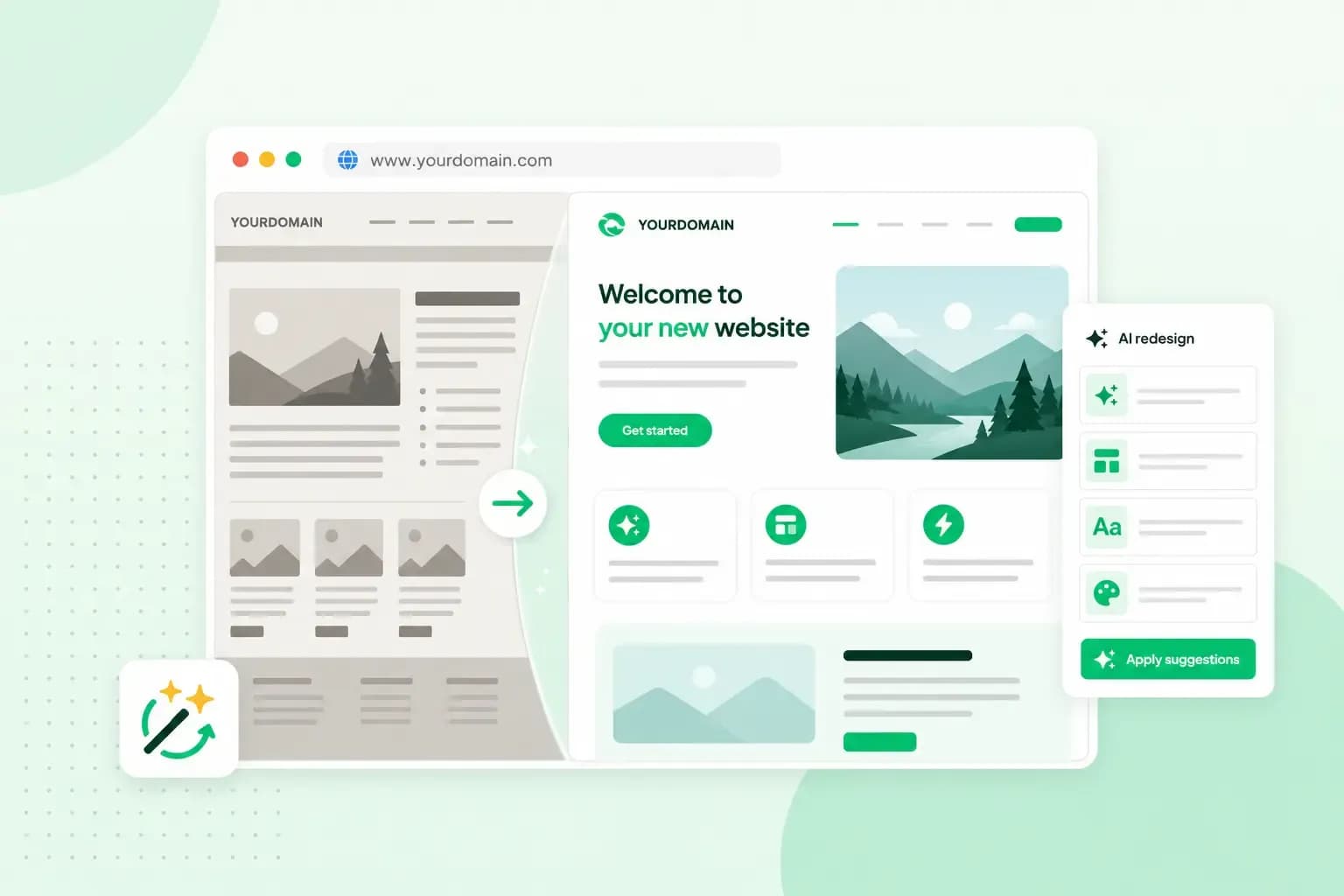 WebsitebuilderAug 31, 2026
How to redesign an existing website using AI
Discover how Aida AI can redesign your existing site in minutes, add new features, and help you create a site that's ready for business. WebsitebuilderAug 11, 2026
How to prompt an AI website builder
Learn how to prompt an AI website builder to create a professional website for your business. Get examples for shops, salons, clinics, and more.