
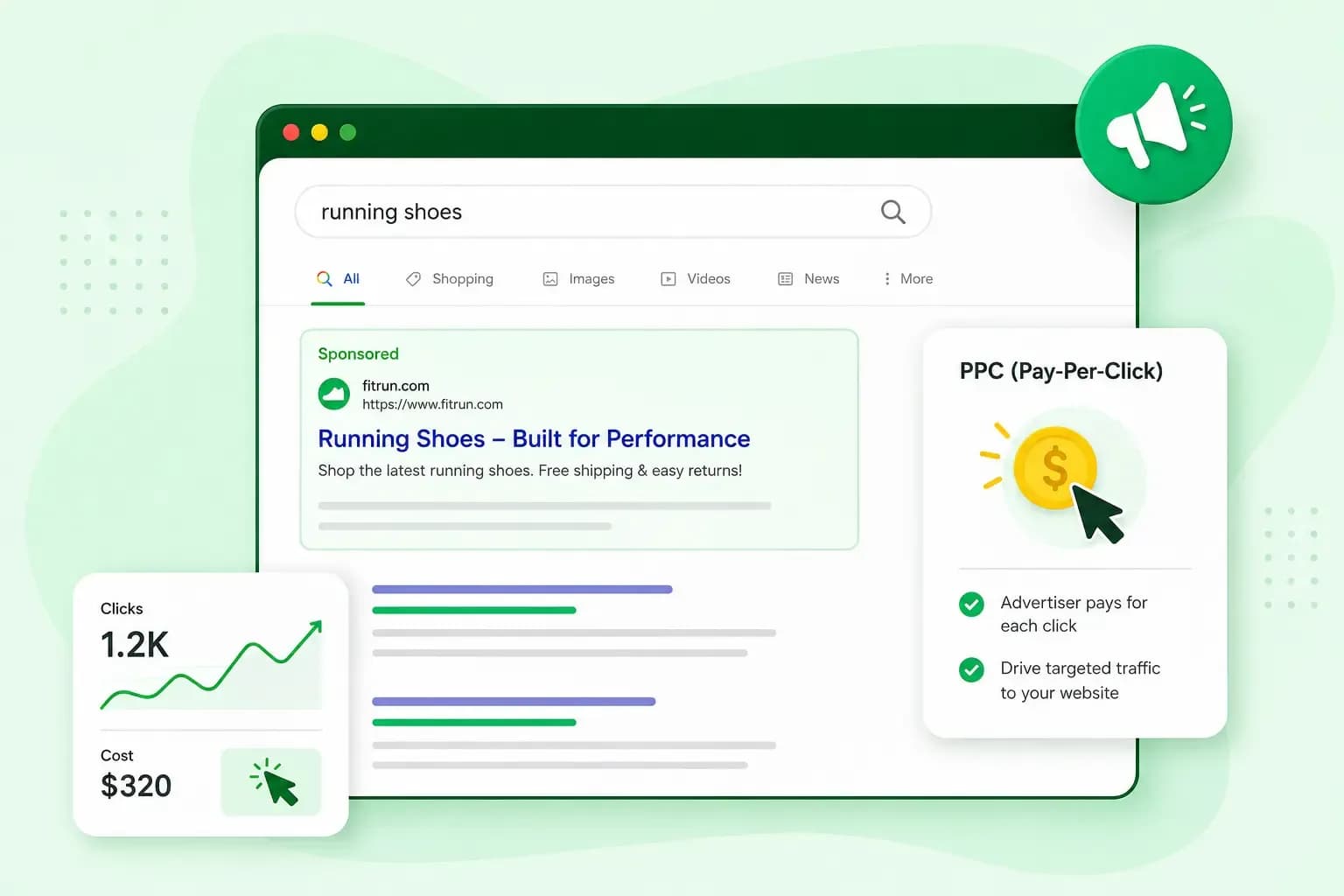
Pay-per-click (PPC) marketing is online advertising where you pay each time someone clicks your ad, not each time it's shown. On Google, PPC search ads appear under an 'Ads' label around the normal results. For example, if you sell celebration cakes, your ad can show when someone searches for "birthday cake delivery". You pay when they click through to crumbleandcandlecakes.co.uk, whether they then order a cake or leave straight away.
How does pay per click work?
Pay per click advertising works like an auction that runs every time someone searches. You choose the keywords your ad should show for, write the ad and set the most you're willing to pay for a click. On Google, you do all of this in Google Ads, Google's own advertising programme.
When someone searches, Google looks for ads whose keywords match the search and drops any that aren't eligible. It then orders the rest by Ad Rank. Ad Rank combines your bid with the quality of your ad and landing page and how competitive the auction is. It also takes in the context of the search, such as the person's location and device.
The highest bid doesn't automatically win. A relevant ad with a lower bid can beat a competitor who bids more, getting a better position and paying less for the click. That gives a small business a fair chance on the searches that matter to it. Our guide to search engine advertising (SEA) goes deeper into the auction behind search ads.
Your bid is a maximum cost per click, or max. CPC. What you're actually charged for a click is often less. It can be more than your maximum if, for example, you've set a bid adjustment that raises your bid for some searches, such as those on mobile phones or in one area.
Google Ads can show PPC ads in other places too, such as on websites and apps through Display campaigns, while video ads on YouTube can be paid per view rather than per click. Other search engines sell PPC ads as well: Microsoft Advertising shows ads on Bing, and you pay only when someone clicks. PPC isn't limited to search engines, either: an ad on a social network that you pay for per click counts as PPC too.
Benefits and drawbacks of PPC marketing
PPC is a good fit for a small business that wants customers soon and wants to set its own spend.
- Visitors without the wait. Google reviews most ads within one working day and starts to run them once they pass, so a new page, product or offer can get online traffic soon after you launch it.
- Control over what you spend. With no minimum spend in Google Ads, you set your own budget and can change it, your ads and your settings at any time.
- Ads where your customers are. You choose the searches your ad shows for and can limit it to the areas where you deliver.
- Data you can act on. With conversion tracking set up, you can see which keywords and ads lead to orders or enquiries, so you know where your budget works best.
The model has its limits too.
- You pay for every click, even when the visitor leaves without buying anything.
- The more advertisers bid on a search, the better your bid, your ad or both need to be to get a good position.
- Your traffic stops when your campaign ends, because every visitor it brought in came from a paid click.
SEO and PPC bring you visitors from the same search page. PPC pays for the ads, while SEO works on your place in the normal results. Those results aren't part of Google's advertising, so you don't pay when someone clicks through to your site from there. For most small businesses, we recommend using both. Work on your search rankings from the start, and use paid ads to promote a new offer or to test which searches bring in customers. Read more about SEO and paid search and how to combine them.
How to run a successful PPC campaign
A PPC campaign is a set of ads with one budget and one goal, such as more cake orders. Inside it, ad groups bundle related keywords with the ads that should show for them. To start, you create a Google Ads account and set up a Search campaign in it, with its budget, keywords and ads. Google's guide to setting up a Search campaign takes you through it step by step.
Choose keywords people use when they're ready to buy
Pick keywords that show someone wants to buy, not just to learn. A search for "birthday cake delivery" or "order birthday cake online" comes from a likely customer. A search for "how to decorate a birthday cake" comes from someone who wants to decorate a cake themselves. That's a search worth keeping your ad away from.
Specific keywords like these limit your ad to searches that fit what you sell. Very narrow ones might reach fewer people than a broad word such as "cakes". You can also add negative keywords, such as "recipe" and "recipes", so your ad doesn't show for searches you don't want to pay for.
Set a budget you can test with
In Google Ads, you set an average daily budget for each campaign. It's an average, not a hard limit for each day: on a busy day, a campaign can spend up to twice that amount. Over a whole month, Google charges at most 30.4 times your average daily budget. That figure is the average number of days in a month. With an average daily budget of about £10, for example, a busy day can cost up to twice that, but you're charged no more than about £304 for the month.
There's no fixed price for a click. You pay just enough to clear Google's minimum thresholds and beat the ad ranked below yours, so what Google Ads costs you depends on the competition for each keyword. Start with a budget you're comfortable with while you test, because clicks that don't lead to an order cost money too.
Write ads that match the search
Your ad should echo what the person searched for and say clearly what they get. When someone searches for "birthday cake delivery", a headline such as "Birthday cakes, delivered" fits better than just "Cakes".
Google gives a keyword a Quality Score from 1 to 10 once enough searches match it exactly. It's based on how likely people are to click, how well the ad matches the search and how useful your landing page is. The score itself isn't used in the auction, because Google judges the quality of your ad and page again at every search. Quality Score sums that up and shows where your ad or page falls short.
Give people a reason to pick your ad over the others, such as a personal message piped on the cake, and make that reason clear in your ad copy.
Measure what each click brings in
A conversion is an action you count as valuable, such as an order, a sign-up or a phone call. Set up conversion tracking before your ads go live, so you can see what each click leads to. In Google Ads, you create a conversion action for each thing you want to count. For an order on your website, Google Ads also needs data from your site: the Google tag, a piece of code from Google Ads, or events from a linked Google Analytics account. Google Ads then shows which keywords and ads bring in customers. Put more of your budget behind those, and pause the ones that only cost money.
Send clicks to a page that answers the ad
The page a click lands on, your landing page, has to deliver what the ad promised. If your ad offers birthday cakes delivered, send people to crumbleandcandlecakes.co.uk/birthday-cakes, not your home page. Show the cakes, the prices and how to order straight away.
With your keywords, budget and ads in place, what's left is the page each click lands on. Build your website with Aida AI Website Builder and give each offer you advertise its own page before your first campaign goes live.
Describe your business in a short chat, and Aida builds your pages, text and images. You can make changes whenever you like, then publish when you're happy.
Build my websiteRecommended reading
 Online MarketingOct 19, 2026
15 ideas for Black Friday marketing
Make the most of Black Friday with 15 marketing ideas to attract customers and boost sales. Discover ways to promote your offers, reach more shoppers and make your campaign stand out. Online MarketingDec 30, 2025
AI SEO: how to use AI for search engine optimisation
A basic guide to AI in SEO – let's look at how artificial intelligence can help you speed up your SEO tasks. Online MarketingDec 30, 2025
AI search optimisation: how to get your website into AI answers
A basic guide to AI in SEO – let's look at how artificial intelligence can help you speed up your SEO tasks.