
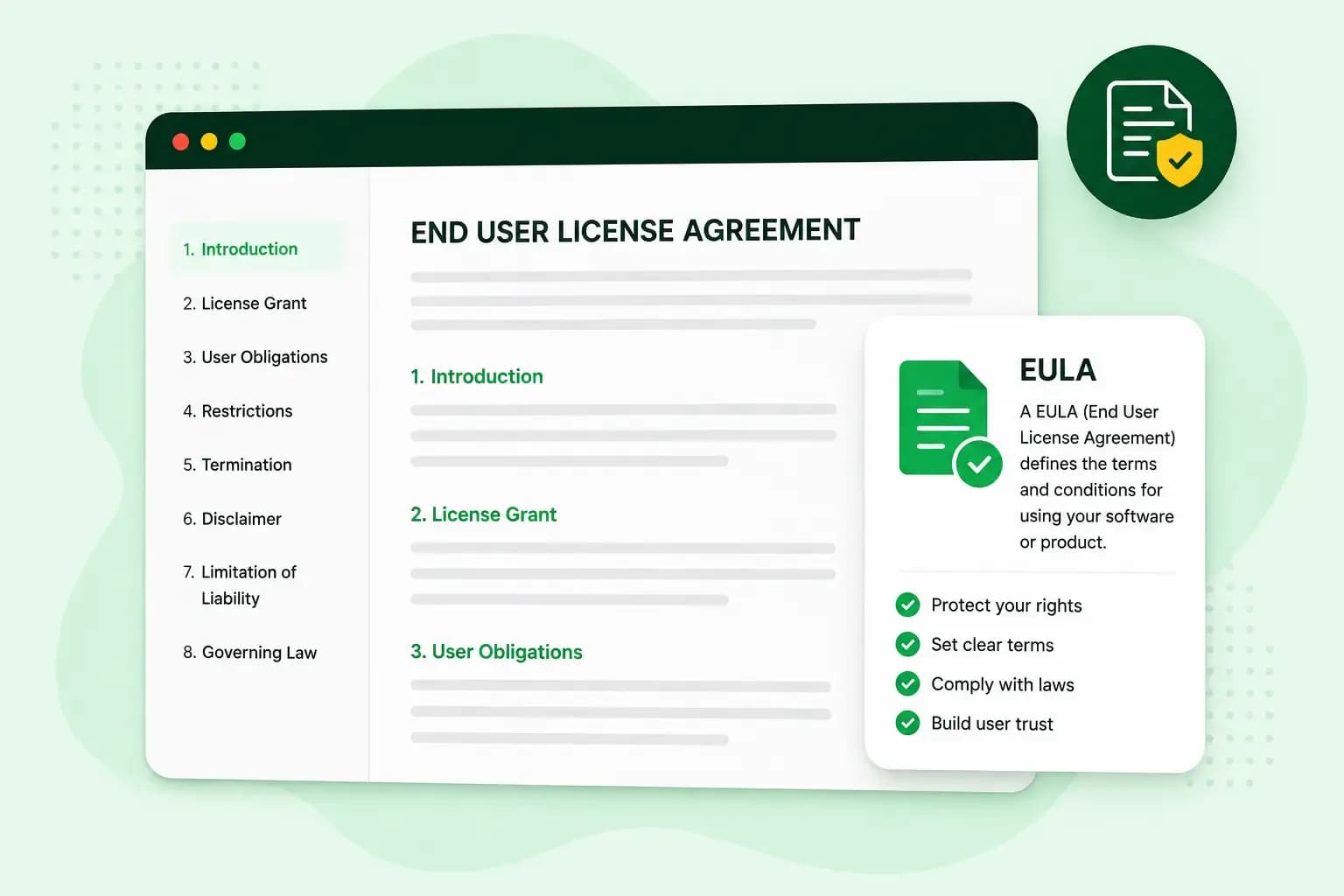
EULA stands for end-user licence agreement. It's the contract between the owner of a piece of software and the person using it. It sets out what the user may and may not do. The user doesn't buy the software itself, only a licence to use it on those terms. You usually meet a EULA as the screen you accept before you install an app, a program or a game.
What a EULA does
The owner who grants the licence is called the licensor, and the person who uses the software is the licensee. When you write a EULA for your own app or game, you're the licensor.
For you as the provider, a EULA gives users permission to use your software and sets the restrictions on that use. It also protects your copyrighted material. For your users, it says clearly what they're allowed to do.
How users accept a EULA
A EULA works by getting the user's agreement. There are three common ways to ask for it:
- Click-wrap: a prompt that asks your users to accept or decline the terms before they go on, for example during a software installation.
- Browse-wrap: terms users don't click to accept, such as a link at the bottom of a web page.
- Shrink-wrap: terms that come with the product itself, like a licence packed inside a software box.
For software, click-wrap is the one to use wherever you can. Users have to accept the terms before they go on, which makes them hard to miss.
A EULA example: Minecraft
Minecraft’s EULA lets players download, install and play the game. They can even install the Java Edition server version on a server to host online play. The EULA also draws clear lines. Players can't give copies of the game to anyone else unless Mojang specifically agrees, and they can't distribute a modded version of it. Mods they make themselves from scratch belong to them. They can do whatever they want with those mods, as long as they don't sell them or try to make money from them, and the ban on distributing modded versions of the game still holds.
Is a EULA the same as terms of service?
Not quite. A EULA is for software licensing. Terms of service, also called terms and conditions, cover the wider agreement for using a service, such as user behaviour and privacy. They set the rules for websites, for example an online shop where customers order your products.
If you only run a website, terms of service are usually all you need. If you run a website and also offer software people install, it's worth having both. Your website then needs terms of service, and your software needs a EULA.
When do you need a EULA?
You should have a EULA as soon as people download and install software or apps you've made. If you run an online shop and launch an app for your customers, you should have one for the app. That goes for software in any of these forms:
- programs people download and install on their computer
- mobile apps people download from an app store to their phone or tablet
- video games people install and play, like Minecraft
Do you need a EULA for a website?
Not unless it licenses software. A website sets the rules for visitors in its terms of service, and a EULA only comes in when software is part of what you offer:
- Your website is an online tool people log in to in the browser, such as CRMs, online video editors or accounting platforms. Terms of service are the main document here, and you add a EULA if people also install an app or plugin from you.
- You sell digital products under licence, such as templates, plugins or source code. A EULA says whether buyers can use them commercially, share them or change them.
- You offer software to download. If people can download a desktop program, a mobile app or a plugin from your site, a EULA tells them the rules before they install it.
Is a EULA legally required?
You don't always have to write one. On Apple's App Store, Apple applies its own standard EULA to any app whose developer doesn't provide a custom one. For your own software, it's still worth having one. It's how you stop users from copying, selling and distributing your work, and it lets you limit your liability for improper use.
How users accept your EULA matters here too. If a user later disputes your terms, a click to accept is easier to rely on. With a browse-wrap link, they can say they never saw it.
In the UK, the Consumer Rights Act 2015 also sets a limit. When you supply digital content to consumers, the Act sets rules for it, such as being of satisfactory quality, fit for purpose and as described. A term in that contract isn't binding on them where it would exclude or restrict your liability under those rules. So a clause such as "we're never responsible if the app doesn't work" won't hold against a consumer.
What a EULA should include
Which clauses you need depends on your product. Start with the basics: your company name, address and contact details as the provider, the software's name and the date the agreement takes effect. For the clauses, Apple's standard EULA for the App Store is a good model, and it includes ones like these:
- Scope of the licence: what the user may use the software on, and that they may not transfer, redistribute or sublicense it.
- Ownership: that you, as the licensor, keep every right the agreement doesn't expressly grant. This is the clause that protects your copyright.
- Prohibited uses: no copying, modifying or reverse engineering. Reverse engineering means taking the code apart to see how it works.
- Use of data: what technical information the software collects and why, with a link to your privacy policy for anything covered by UK GDPR.
- Termination: that the user's rights end automatically if they don't comply with the terms.
- No warranty: that the software is provided "as is", so you don't promise more than it does.
- Limitation of liability: the limits of what you're responsible for if the software causes damage or loss. For consumers in the UK, the Consumer Rights Act 2015 caps how far this clause can go.
- Governing law: which country's legal system applies to the agreement.
It's also worth adding a clause on updates, saying whether the software updates automatically or when updates happen.
How to write a EULA: yourself, with a generator or with a solicitor
You don't need to be a solicitor to get a EULA in place. You can write it yourself, use a generator or ask a solicitor, and the right choice depends on how standard your software is.
Our advice: for a standard app, game or online tool, start with a generator. You answer questions about your software and its rules, with no legal knowledge needed, and you can publish the result in your app. If you license software to other businesses or your terms need negotiating, ask a solicitor instead. Don't write it yourself unless you know licensing law well.
We offer Termly, a generator that creates your EULA from your answers and keeps it up to date for you. You still review what it generates before you publish it. Termly also creates privacy policies, cookie policies and terms and conditions.
How to write a EULA for a video game or app
A game EULA such as Minecraft's covers many of the same clauses, like what players may do with the game and who owns it. It also says what players can do with the content around the game, such as mods and the things they create or share. For your own game or app, it's worth saying what players can do with mods and whether they can share or sell what they make.
Create a EULA for your software that stays up to date, plus a privacy policy and cookie policy for your website.
Get TermlyWhere to show your EULA
Users need to see and accept your EULA before they install or use your software, so give it a prominent place, such as the accept screen in your installer or app. Keep it easy to find later too, for example in a menu next to your privacy policy and terms of service.
With your clauses chosen and the accept screen planned, all that's left is the text. You can create your EULA with Termly, check it against how your software works and add it where your users will accept it.
Recommended reading
 Website SecurityNov 6, 2026
"Your connection is not private": what it means and how to fix it
"Your connection is not private" means your browser couldn't trust a site's certificate. See when it's safe to continue and how visitors and site owners fix it. Website SecurityAug 11, 2026
Does your website need a cookie banner?
Find out when a cookie banner is required, the legal requirements that apply, and how you can easily make your website GDPR-compliant.- Website SecurityJul 13, 2026
What is domain theft and how do you protect your domain?
Learn what domain theft and domain hijacking means and how to protect your domain from external threats.