
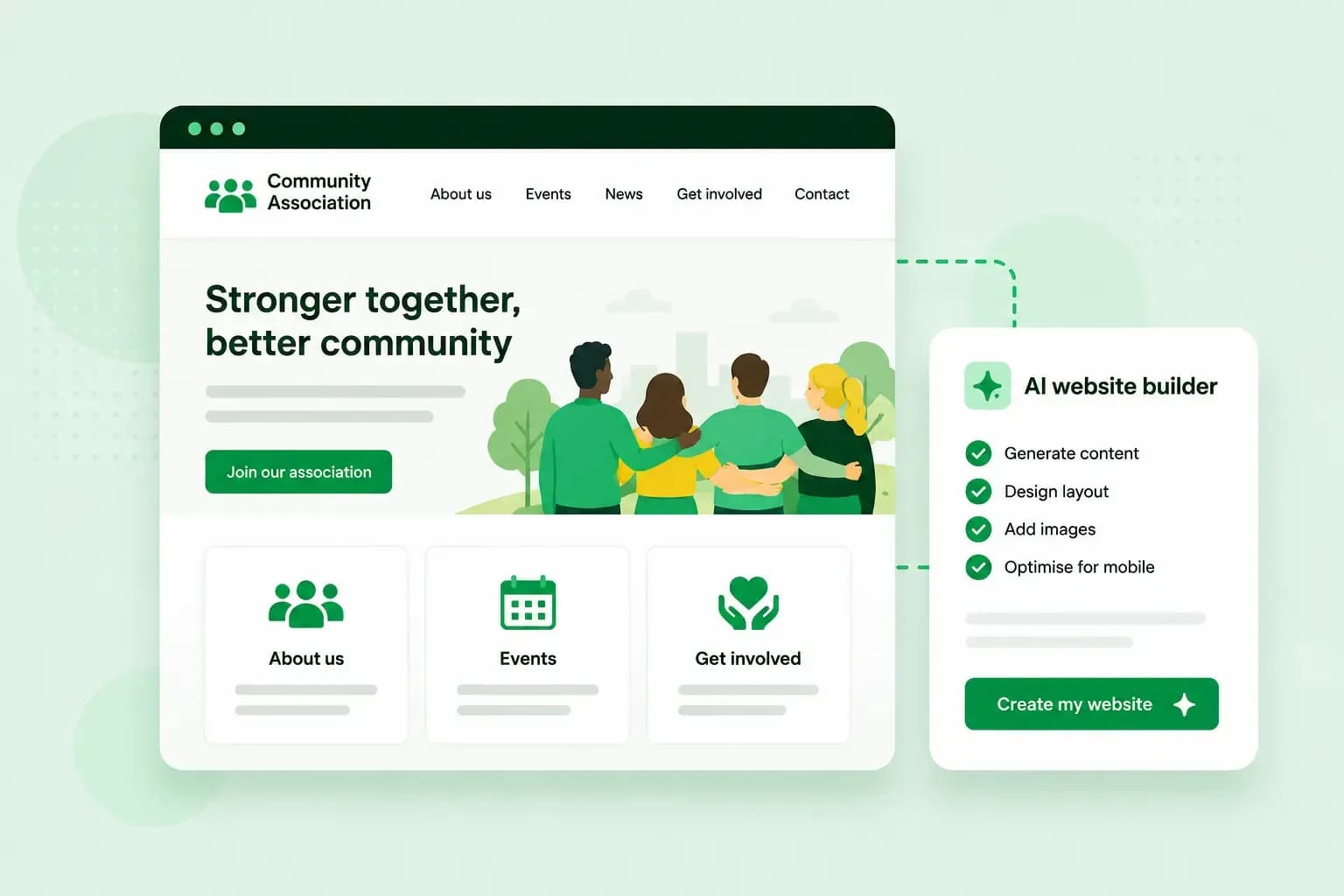
Your association's website gives members and newcomers one place to see what you do, when you meet and how to join. With our AI website builder, you describe the association in a few sentences and get a first version of the site. You change what you like and publish it on the association's own domain.
What your association's website needs
Start with what members and newcomers come to the site for. Try to cover these pages, whether you run a bowls club or a residents' association:
- About and how to join: say what the association does, who it's for and how to become a member. Our about page examples show how to write it.
- News: share results, committee decisions and stories about members, for example on a blog.
- Events: keep meetings, matches, taster sessions and fixtures in one place. Our AI website builder's Booking and Commerce plans let people book a place online, and the Commerce plan takes payments too.
- Contact and sign-up: add a contact form for people who want to join, and a newsletter sign-up for those who want regular updates.
- Documents for members: share meeting notes, reports and the rules of the association. Decide early which of these are public and which are for members only: our AI website builder suits a public site, and members-only pages are a reason to choose WordPress.
Your social media pages still have their place. Link to them from the website, and keep the website as the place where the details are up to date.
How to build your association's website with an AI website builder
Before you open the builder, write a few notes on what your association does, who can join and what visitors should find. For your bowls club, that means the taster session for new members, fixtures and results through the season, and a way to get in touch. You give those notes to the builder, together with the address you'd like, such as ashdalebowlsclub.co.uk.
- Start a 14-day free trial of our AI website builder.
- Describe your association in your own words, using your notes, and let Aida, the AI in our website builder, generate the website.
- Improve the result by chatting with Aida or editing by hand, and add the sections you need, such as a contact form for people who want to join.
- When you're ready, choose to publish and buy what the site needs. A recommended hosting plan and a domain are added for you.
- Pick which domain it is: register a new one, transfer one from another provider or, if it's eligible, connect one the club has already registered with us.
- Add the customer details in the association's name, with a shared email address the next committee can still use.
- Allow up to 24 hours for the website to go live on the new domain. If you transfer a domain, the site goes live automatically once the transfer is complete, and a transfer can take some time.
Our trial is free, so you can build and test the whole site before you choose a plan. The plans and what they cost are on our website builder page, so the treasurer can check before the committee decides. After you publish, you keep changing the site the same way. If someone on the committee gets stuck, our support team is there 24/7.
Choose how to build the website
For most associations, our AI website builder is the simplest route. The committee can run a public site without technical skills, and hosting and email come with every plan.
WordPress is worth a look when some pages, such as minutes or member lists, should only be visible to members. You can add passwords to pages in WordPress, so their content isn't visible to visitors without the password. WordPress has its own setting to password protect a single page, and a plugin protects the whole site. With Managed Hosting for WordPress, we update WordPress, your theme and your plugins for you. The site then doesn't depend on one volunteer keeping it up to date.
If nobody on the committee has time to build the site, you can have your website designed for you. We design, build and launch it, and we handle the ongoing updates afterwards.
Our advice: start with the AI website builder if the site's job is to show what you do, share news and bring in new members. Choose WordPress when some pages are for members only, and the design service when nobody has the time to build it.
Tips for running your association's website
Committees change, and the website has to carry on when they do.
Register the domain in the association's name
The domain is your association's address online, and it stays the same if you move the website or redesign it. When you choose the domain extension for a UK club, .co.uk is a popular choice, as in ashdalebowlsclub.co.uk. When you publish, register the domain in the association's name with a shared email address, not in a volunteer's private name. If an agency or a member's company builds the site, ask them to put the domain and the account in the association's name too.
You register a domain for a period and then renew it. Send the renewal reminders to an address the next committee still reads.
Make the website easy to hand over
Choose a simple tool and a simple design that the next volunteer can pick up without training. Agree who else can log in to the account if the club secretary steps down.
Protect the account with a strong password and two-step verification for your Control Panel login, the login to your account with us. Whoever logs in then confirms it on their phone as well as with the password.
Avoid ads you did not choose
Before you settle on a free website builder for your association, check whether it shows its own ads on your pages. Ads you didn't pick can look unprofessional and may not suit an association with junior members. Use the space on your own website for the local sponsors who support you instead.
Look after members' personal data
When your website collects names and email addresses through a contact form or a newsletter sign-up, the association is handling personal data. In the UK, UK GDPR and the Data Protection Act 2018 set the rules.
In practice, collect only what you need, keep it accurate and secure, and delete it once it has served its purpose. Next to the forms, add a short privacy notice that says what you collect, why, and who to contact about it. The Information Commissioner's Office (ICO) explains each principle in its guide to the data protection principles.
Get your association online
With your list of pages and your notes about the club, you have what the builder needs. Build your association's website with our AI website builder and publish it when the committee is happy with it.
Recommended reading
 WebsitebuilderOct 19, 2026
How to get your website ready for Black Friday (with checklist)
Get your website ready for Black Friday with this practical guide and checklist. WebsitebuilderAug 31, 2026
How to redesign an existing website using AI
Discover how Aida AI can redesign your existing site in minutes, add new features, and help you create a site that's ready for business. WebsitebuilderAug 11, 2026
How to prompt an AI website builder
Learn how to prompt an AI website builder to create a professional website for your business. Get examples for shops, salons, clinics, and more.