

An email trail is an email conversation kept together: the message that started it, with its replies and forwards. When someone replies, the earlier messages usually appear below the new one, and your inbox groups them into one email thread. So the whole trail travels with each reply, and you can read the full history of a discussion in one place.
What does trail mail or trailing mail mean?
In a work email, trail mail and trailing mail are what people call the earlier messages of the conversation, below the latest one. When a sender uses either phrase, they're asking you to read what was said before you answer:
- "Please see the email trail below" means the writer has put the background to the request in the earlier messages, below their own.
- "As per the trailing mail" means the writer is pointing to something you've already said or agreed in the conversation.
Is it an email trail, a thread or a chain?
Whether you call it an email trail, an email thread or an email chain, you usually mean the same conversation. So you can use whichever word your colleagues use. Each word just looks at that conversation from a different side. A trail is its history below the latest message, and a thread is how your inbox groups the messages. A chain usually means the conversation has been forwarded on to more people.
| Email trail | Email thread | Email chain | |
|---|---|---|---|
| What it usually means | The full record of a conversation, earlier messages included | The messages your email program groups together as one conversation | A conversation passed on to more people |
| Where you meet it | In office email: "see the trail below" | In your inbox, where Gmail calls it conversation view | When a message is forwarded to new people |
| What you see of it in Gmail | The earlier messages below a reply, hidden until you click Show trimmed content | The replies grouped into one conversation | The whole conversation sent on to someone new with Forward all |
A thread can split, though. Gmail starts a new conversation when someone changes the subject line, or when the conversation has more than 100 emails. So if part of a trail seems to be missing, look for a second conversation under the new subject.
Who can see an email trail when you forward it?
When you forward a message, the new recipient gets the earlier messages quoted in it, even though they were never part of the conversation. It's the same for anyone you add in Cc, who gets a copy of your email with everything quoted below it. Everyone who took part in the conversation can see the trail too, because replies usually carry the earlier messages with them.
Before you forward a trail of emails, read it from the bottom up. Remove anything the new reader shouldn't see, such as prices, personal details or comments about other people. The quoted messages below your own are part of the email you're writing. In most email programs, you can select that text and delete it before you send. A short forward is also good email etiquette, because your reader gets only the messages they need.
How to save an email trail as a PDF
A PDF of an email trail is a fixed copy of the conversation that you can file, attach or print. It's useful when you need a record of what you agreed, for example with a supplier. It also helps when you're asked for the correspondence in a dispute.
Save a trail as a PDF in Gmail
Gmail can print a whole conversation in one go, so the whole trail ends up in one PDF:
- On your computer, go to Gmail.
- Open the conversation you want to save.
- At the top right, click Print all.
In Chrome, the print window opens next: choose Save as PDF as the destination instead of a printer, then save the file. If Gmail won't let you print, the sender may have used confidential mode, which stops you printing the message text and attachments.
Save a trail as a PDF in Outlook
Start from the latest message in the conversation. If the replies quoted the earlier messages, they're in it too. If they didn't, save each message you need as its own PDF. Both sets of steps below print to Microsoft Print to PDF, which is included in Windows 10 and Windows 11.
In the new Outlook:
- Open the message that you want to save as a PDF.
- In the message, select More actions > Print > Print.
- In the Printer dropdown, select Microsoft Print to PDF, then select Print.
- When the Save Print Output As box opens, pick a folder, give the PDF a file name and choose Save.
In classic Outlook:
- Open the latest message, then go to the File tab and select Print.
- Pick Microsoft Print to PDF as the printer and choose Print.
- Name the PDF, pick where it goes in the Save Print Output As box and choose Save.
Before you file the PDF, open it and check that it holds every message you need.
How to forward a whole email trail
An ordinary forward already sends part of the trail. In Gmail, Forward all sends the whole thread to someone new. Use it when your reader needs the full background, not just one message and what it quoted. Forward all also sends older messages you may have forgotten about. Before you click Send, scroll through the forwarded messages and remove anything private. You switch conversation view on under See all settings in Gmail's Settings: select Conversation view on, then click Save changes at the bottom.
- Make sure conversation view is on in Gmail, since you can only forward a thread with it on.
- Open an email in the conversation, and in the toolbar at the top of the email, click More, then Forward all.
- Add your recipients.
- Click Send.
In Outlook, forward the latest message in the conversation. The original message is included below your new one, so the earlier messages quoted in it go with it.
What is an email audit trail?
An email audit trail is a record a business keeps of its email: who sent which message to whom, and when. It's worth keeping one in case you ever need to show what was agreed, for example in a dispute. Your mailbox already holds much of it, because each message shows its sender, recipients and date. To keep the record complete, archive work email instead of deleting it. You can also use it for email security: if an account is misused, the record shows what was sent from it and to whom.
If you run a business, keep your work conversations on business email, with email addresses on your own domain, rather than on staff's personal accounts. That way the whole trail stays in accounts your business controls, and it doesn't leave with someone's personal inbox when they move on.
Keep your work email on your own domain. Send and receive it, and read it in our webmail or the email app you already use.
Choose an email planRecommended reading
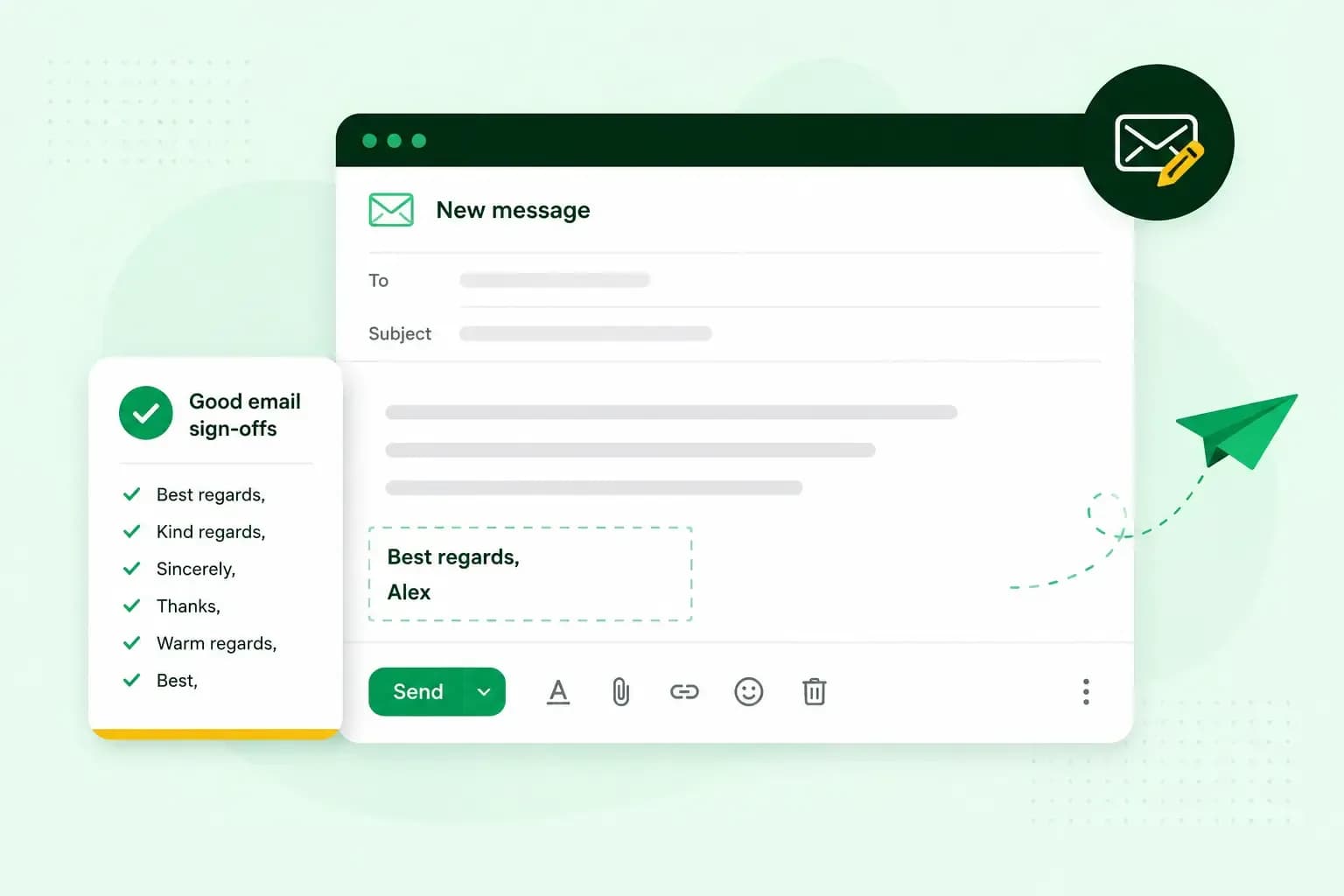 EmailNov 10, 2025
How to end an email in English
How you end an email impacts how it is perceived. We have collected the best ways to sign off emails in English.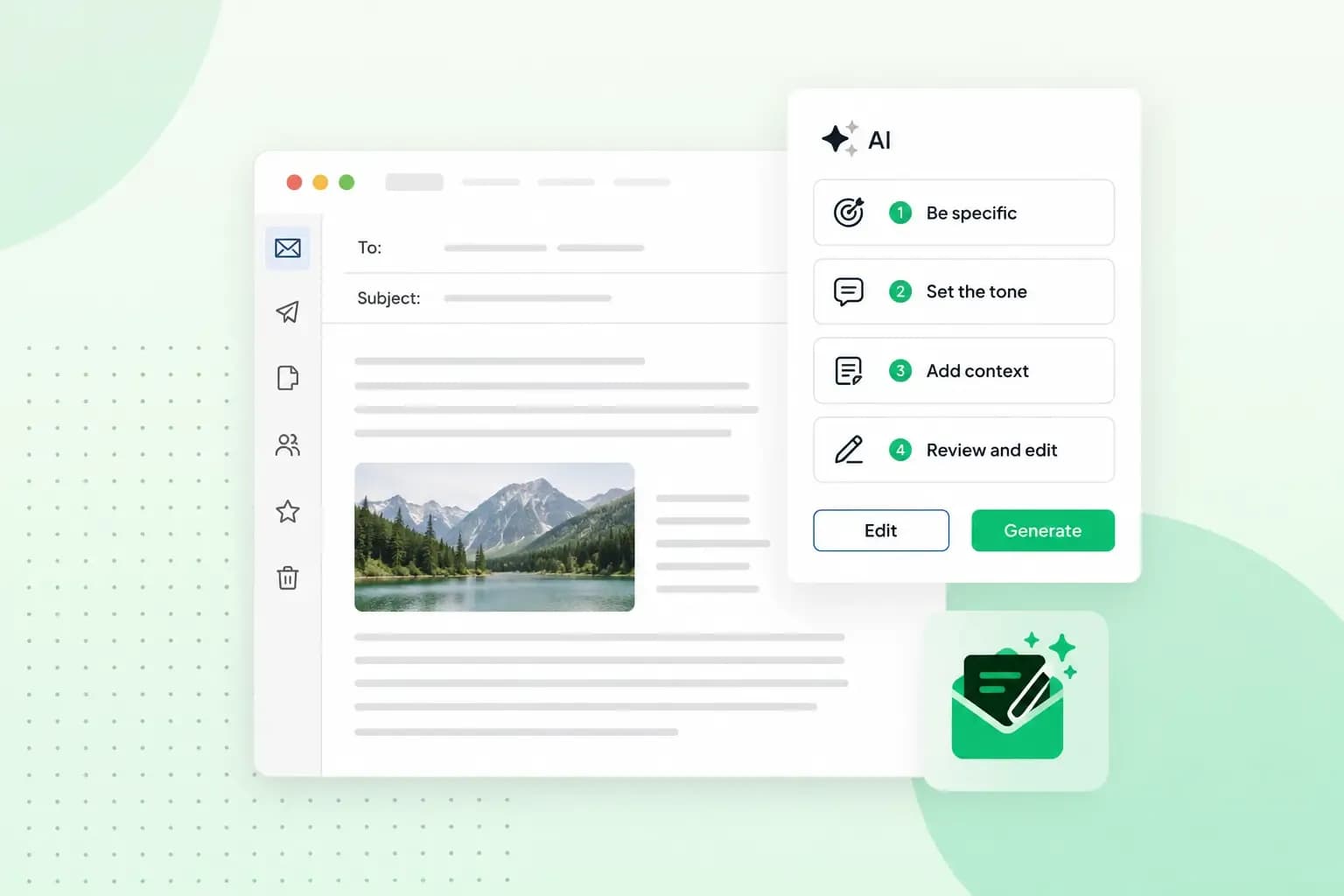 EmailOct 23, 2025
How to use an AI email writer
Save time without sacrificing quality: learn how to use AI for email writing and create personalised emails effectively. Tips for crafting clear and compelling prompts.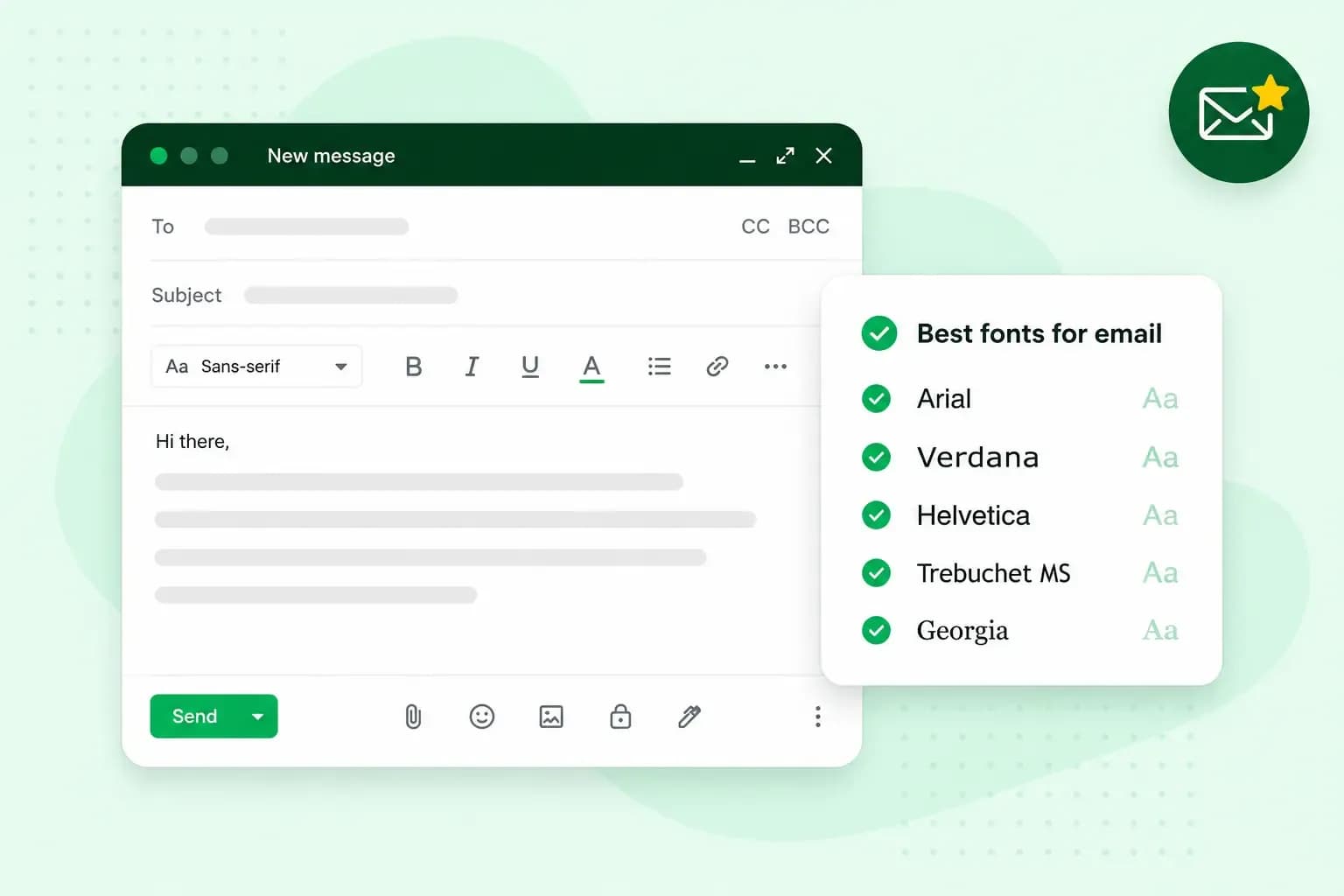 EmailOct 10, 2025
What is the best font for email?
Sending the perfect email is essential. Read our tips on what you should consider when choosing the best professional font to ensure success.