
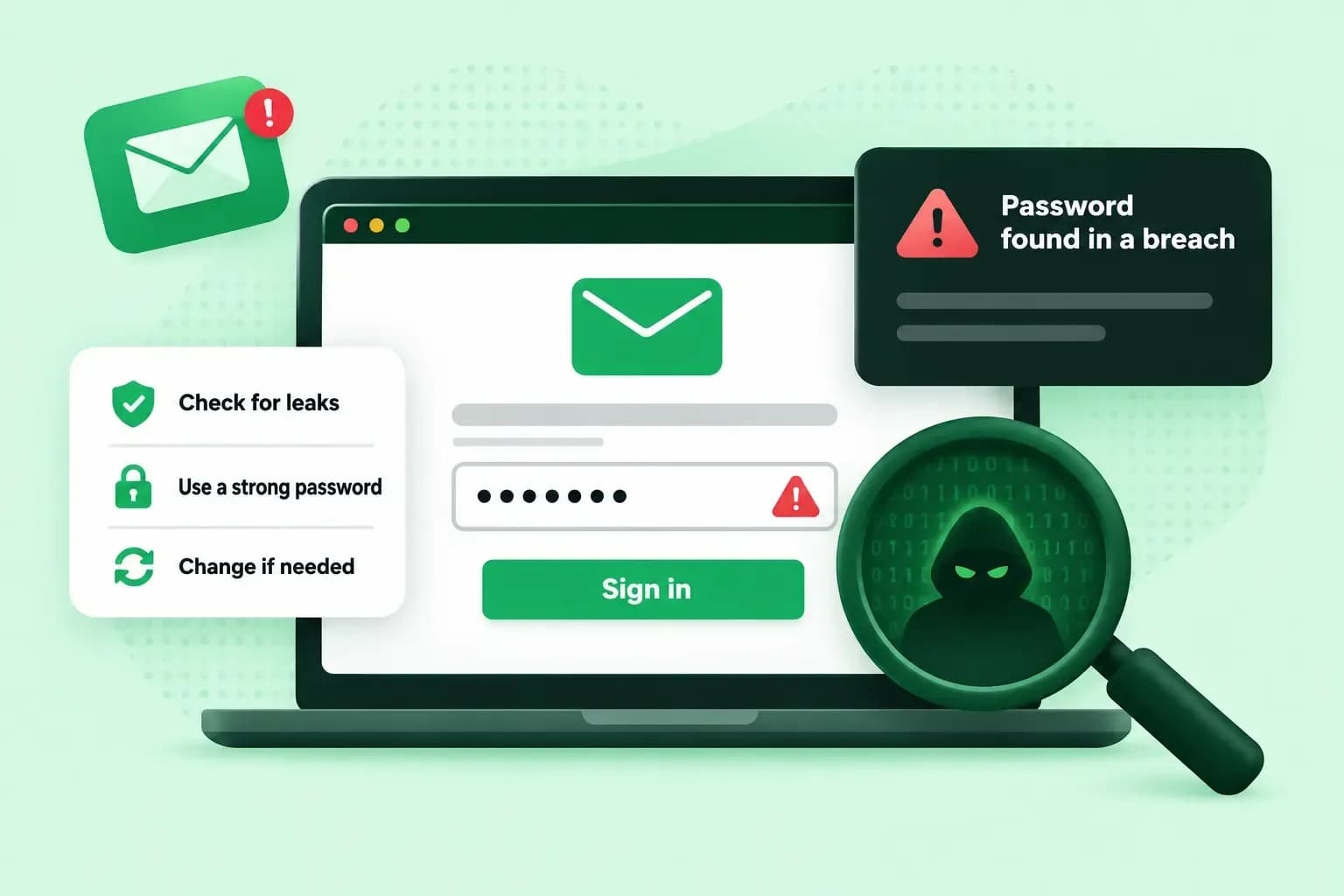
You find out about an email password leak from a warning, or from your account doing things you didn't do. The warning can come from us, from your browser's password check or from a site such as Have I Been Pwned. Either way, change the password straight away, then work through the steps below to lock out whoever has it.
Signs that someone else is using your email account
Someone with your password rarely announces it, but they usually leave traces. Look out for:
- your usual password no longer lets you log in
- changes to your security settings that you didn't make
- messages sent from your account that you don't recognise
- logins, or attempts to log in, from strange locations or at unusual times
- if your email is with us, you can still receive emails but can't send any, because we pause sending from an account that has been used for spam
In our Webmail you can also turn on login alerts. You then get an SMS alert whenever someone logs in to your email account from another country. If it wasn't you, change your password straight away.
How to check if your password has been leaked
A breach checker compares your email address or password with data from known leaks. The best known is Have I Been Pwned, a free service Troy Hunt has run since 2013.
Ways to check for a leaked password
| Have I Been Pwned | Google Password Checkup | Our warning | |
|---|---|---|---|
| What it checks | Whether your email address is in a known data breach, and whether a password has been seen in one | Whether the passwords saved in your Google Account are exposed, weak or used for more than one account | Whether your email password has turned up in a data leak on another website |
| How you use it | Type your email address, or a password, on the site | Open Google Password Manager in Chrome, or go to passwords.google.com | Nothing to set up if your email is with us: if we find your password, we tell you |
It's safe to check your details on Have I Been Pwned, which the UK's National Cyber Security Centre names as a tool you can use. The site doesn't log searches, and it doesn't keep the passwords from a breach alongside the email addresses, so checking your address never shows you a password. When you check a password, the password itself stays private. Type it on haveibeenpwned.com itself, never on a page you reached from a link in an email.
If your address shows up in a breach and you used your email password on that site, or haven't changed it since, change it now. If your address isn't listed, it simply isn't in a leak the site knows about, so the signs above still matter.
Our own check compares Webmail passwords with lists of known leaked passwords. If yours is on one, you see a message asking you to change it the next time you log in to Webmail. If you're ever unsure whether a warning is real, don't follow its link: go to Webmail or the control panel yourself and change the password there.
What can someone do with your email password?
Quite a lot, because your inbox is the key to your other accounts. With your email password, someone can read the private information in your mailbox, send spam emails in your name to trick other people, and reset the passwords of your other accounts, since every reset link lands in an inbox they now control.
If you use the same password elsewhere, the damage spreads further. Criminals try leaked email addresses and passwords on other sites automatically, a technique called credential stuffing, and it works because so many people reuse passwords.
What to do if your email password has been leaked
As soon as you know, work through these four steps in order to lock the other person out. They're also what to do when your email account is hacked. If whoever has your password has already changed it, the next section shows how to get back in first.
- Change the password of every email address on your domain, so whoever has the old one no longer has access.
- Scan every device you log in to your email from for viruses and malware.
- If you use an email program on your computer or phone, check that it sends and receives over an encrypted connection:
SSL/TLSorSTARTTLS. - If we've suspended your outgoing email, contact our support once you've changed the passwords. Our technicians review the account and restore sending.
With our email, the encrypted settings in an email program are imap.one.com on port 993 with SSL for incoming mail, and send.one.com on port 587 with STARTTLS for outgoing mail.
When the passwords are changed, check the filters and forwarders in your email settings and remove any you didn't set up, since a forwarder can keep copying your mail to someone else. Then change the password of every other account where you used the same one.
How to change your email password
You can change your email password in Webmail if you can still log in with the old one, or in the control panel, where you manage the password of every email address on your domain. Our guide to changing your email password shows both routes. It can take up to 5 minutes before you can log in with the new one.
If someone has changed your email password, or you've forgotten your email password, and you can't get into the control panel, you can still ask for a new one. Open the forgot password page from our guide to resetting a forgotten email password, type in your email address and send the request. The request goes to the administrator of the hosting plan, the person who manages it in the control panel. Ask them to reset the password and give you the new one, so you can log in to Webmail. Once you're back in, change it again to a password only you know.
How to keep your email password safe
A leak somewhere else only turns into a hacked inbox if the leaked password still opens it. Good email security starts with making sure it can't:
- A separate password for email. Give your email a password you use nowhere else, so a leak from a less important account can't open your inbox.
- A password manager. It creates strong passwords and remembers them for you, so a different password for every account takes no effort.
- Two-step verification. After your password, you confirm the login with a code or a check on your phone, which keeps criminals out even when they know the password. Turn it on wherever it's offered, and above all for your control panel login, where every email password on your domain can be changed.
Our email plans protect every inbox from spam and malware, check your Webmail password against known leaks and can send you an SMS alert when someone logs in from another country.
Choose an email planRecommended reading
 EmailNov 10, 2025
How To End An Email
How you end an email impacts how it is perceived. We have collected the best ways to sign off emails in English. EmailOct 23, 2025
4 tips for better results with AI email writing
Save time without sacrificing quality: learn how to use AI for email writing and create personalised emails effectively. Tips for crafting clear and compelling prompts. EmailOct 10, 2025
What is the best font for email?
Sending the perfect email is essential. Read our tips on what you should consider when choosing the best professional font to ensure success.