
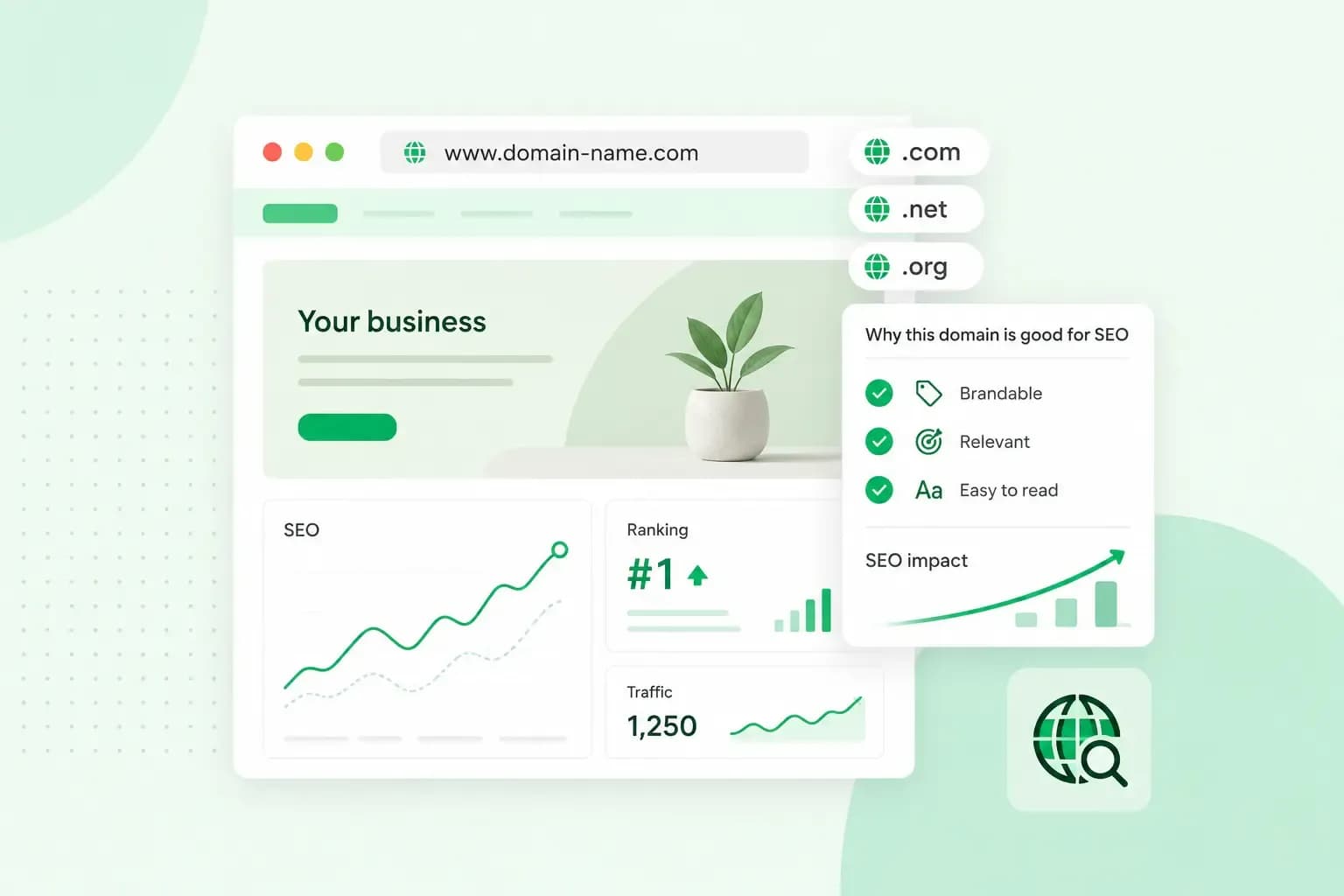
Your domain name has little direct effect on SEO, or how well your website ranks in Google. Keywords in the name hardly count, and the domain extension mainly matters when you want to reach customers in one country. The name matters far more to people, who use it to find you and to come back.
So choose a name for your customers first. Still, a few other choices around your domain matter for search engine optimisation. These are the extension, the history of a used domain, a secure connection and how you move to a new domain.
How much does your domain name affect SEO?
Not much on its own. Google's SEO Starter Guide says the keywords in a domain name alone have hardly any effect on rankings. They can appear in breadcrumbs, the short path Google can show above a search result, and that's about it. Google's advice for picking a name is to do what's best for your business, because people will use that name to find you.
That makes the domain you register mainly a brand decision. It's the name customers type, mention to friends and look for in a list of results.
Keywords in your domain
A keyword in the name won't lift your rankings much. Cramming several keywords into one name doesn't help either. Google's spam policies count repeating the same words over and over as keyword stuffing, and the same logic applies to a name built from keywords.
Go for a brand name, and use the keywords your customers search for on your pages, in titles, headings and text. A brand name still fits when you add new services. If you design gardens, fernthistlegardens.co.uk still works when you start building patios, while a name built around "garden design" would not.
What to look for in a name
A good name works for the people who see it, hear it and type it:
- Length: keep it short enough for people to remember and type without a typo.
- Sound and spelling: read it out to a friend and ask them to type it. If they get it right first time, people can find you after only hearing the name.
- Hyphens and numbers: leave them out, so people don't have to remember where the dash goes or whether a number is written as a word.
- Your business: when choosing a domain name, go for one your customers link to your business, so they can pick you out in the results.
Does your domain extension affect SEO?
Only when you target customers in one country, Google's SEO Starter Guide says, and even then it usually counts for little. The domain extension, also called the top-level domain, is the last part of an address, like .com. If your website isn't aimed at one country, Google Search doesn't care whether you use .com, .org or another extension.
A country code extension, such as .co.uk or .de, tells people and search engines that your website is meant for that country. Google's guide to multi-regional sites calls it a strong signal for that. For rankings, though, it's usually only a low impact signal. Generic extensions like .com have no country attached, and Google treats some country codes, such as .me and .tv, as generic too.
How Google treats each type of domain extension
| Type of extension | Examples | How Google treats it | When it fits |
|---|---|---|---|
| Country code | .co.uk, .uk, .de, .fr | As a sign that the website is for that country | Your customers are mainly in one country |
| Generic | .com, .org, .net | With no country attached | You sell in several countries |
| New generic | .guru, .store, .tech | Like any other generic extension, such as .com and .org; a keyword in the extension neither helps nor hurts | The extension suits your brand |
| Country or regional codes treated as generic | .me, .tv, .eu, .asia | As generic, like .com | You don't want your website tied to one country |
Is .com better for SEO than .co.uk?
Not on its own. A .co.uk domain points your website to the UK, while .com points to no country in particular.
Our advice: if your customers are mainly in the UK, register a .co.uk domain. Nominet describes .co.uk as a great choice for UK businesses and enterprises. If you sell abroad as well, register the .com too, so nobody else can take your name. Our guide to choosing a domain extension compares more extensions.
So fernthistlegardens.co.uk goes on your van and your website, and fernthistlegardens.com is worth registering as well if you ever take on garden work abroad. Before you register, check that the name is available with both extensions.
Buying a used domain: what its history can do
A domain someone used before can come with the history of its old website, and that history can work against you. Google's spam policies name expired domain abuse, for example: buying an expired domain and reusing it mainly to manipulate search rankings, with content that gives users little or no value.
Before you register a used domain, look its address up in the Wayback Machine, a web archive, to see what was on it before, if the archive saved copies. Once you've registered the domain and added it to Google Search Console, the Manual Actions report lets you know whether a reviewer at Google has found pages that break its spam policies. With a manual action, pages or the whole website can rank lower or drop out of the results.
If the report lists a manual action from before you registered the domain, fix the issues it names. Then send Google a reconsideration request from the Manual Actions report, and say in it that you recently took over the domain and that it no longer breaks the policies.
HTTPS and other technical basics
Google's page experience guidance asks whether your pages are served securely, which means using HTTPS. A secure connection is part of what Google sees as a good experience for your visitors. HTTPS needs an SSL certificate, and our hosting plans include one.
You can put a section of your site on a subdomain, like shop.fernthistlegardens.co.uk, or in a folder, like fernthistlegardens.co.uk/blog. Google's advice is to do what makes sense for your business. For pages you want to rank, such as blog posts, we recommend a folder in most cases. In our experience, a folder usually benefits from the SEO work you've done on your main website. A subdomain suits a part of your site that runs on its own system, such as an online shop on a separate shop system.
How to change your domain without losing rankings
You can move to a new domain without starting from scratch, as long as your old addresses send visitors and Google to the new ones. Google says permanent redirects, such as 301 redirects, don't make your pages lose PageRank, the value that links from other sites pass on. Its site move guide gives the steps:
- Register the new domain, then set up your website on it and test it before you move anything.
- Verify every version of the old and the new domain in Google Search Console, with and without www, even the ones you don't use, if you haven't already.
- Make sure your Search Console verification will keep working after the move.
- Make a list that pairs every old page address with its new address.
- Redirect each old address to its new one with a permanent redirect (301 or 308), not every old page to your new home page.
- Check that the canonical tags on the new pages, which tell Google the main address of each page, use the new addresses. If you added a noindex rule to keep the new site out of Google while you built it, update it.
- Test the redirects, for example with the URL Inspection tool in Search Console.
- Check that every version of the old domain you verified at step 2 is still verified in Google Search Console, then tell Google about the move to the new domain with the Change of Address tool, once for each version of the old domain.
- Keep the redirects in place for as long as you can, generally for at least a year.
- Submit the new sitemap in Search Console.
- Watch how traffic changes on the old and the new domain in Search Console: it should fall on the old one and rise on the new one.
Keep renewing your old domain for at least a year after the move as well. Google recommends it, so nobody else can buy the name and misuse it.
If you haven't got the new name yet, register your domain with us before you start on step 1. Pick a name your customers will remember and an extension that fits where they are.
Recommended reading
 DomainNov 6, 2026
What is an FQDN? Fully qualified domain names explained
An FQDN is the complete name of one host, such as www.yourpotterystudio.co.uk. See its parts, how it differs from a domain name and URL, and how to find yours.- DomainNov 6, 2026
What is a .ai domain and how to choose a .ai domain name
A .ai domain is the internet domain of Anguilla, now used worldwide for AI. See why it costs more, when it's worth it and how to choose a good .ai name.  DomainOct 2, 2026
What is a .si domain?