
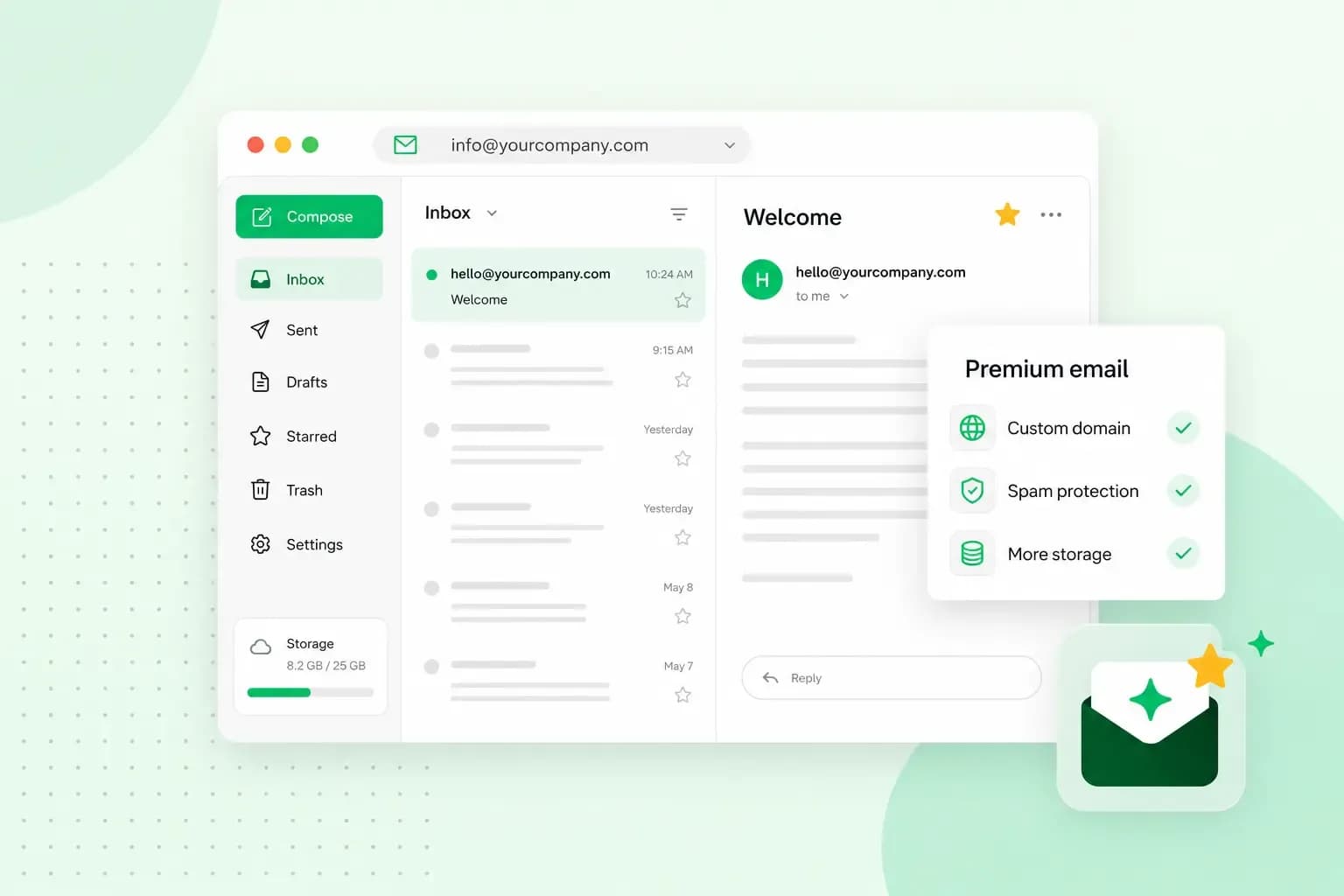
Premium email is an email service you pay for. In return, you get an inbox without ads. You also get extras that free accounts usually leave out, such as more storage, an address on your own domain and help from a support team.
What you get with premium email
What's included differs from provider to provider, but these are the extras you'll usually find:
- No ads: your inbox shows your email and nothing else, whether you read it in your browser or in an app.
- Your own domain: with an email address on your own domain, such as
hello@your-trading-name.co.uk, every message carries your business name instead of a free provider's. - More storage: larger mailboxes give you room to keep your email history.
- Better protection: extra security tools help protect your inbox from phishing and malware, on top of the filters that stop spam and viruses.
- Support: a paid subscription usually includes customer support, so you can get help when something doesn't work.
Free or premium email: which should you choose?
Choose premium email if you rely on email for work, especially to talk to customers. The extras and the help when something goes wrong are usually worth paying for. If you only check a personal inbox now and then, a free account is the better choice.
Our advice: if you run a business, choose paid email on your business's own domain, such as our professional email. An address on your own domain tells customers they're dealing with a real company. You also keep it if you ever move to another email provider.
With our email plans, you get ad-free email on your own domain, with spam protection and a calendar in one place.
Choose an email planWhat has changed with our Premium Mail
Premium Mail is no longer available for new purchases. If you already have it, these are the features it includes today.
You pay for Premium Mail per email account, for each account you've activated it on. It's billed yearly, together with your web hosting subscription.
Advanced search
Advanced search looks through the text of your emails, not just the subject line, the sender and the recipients. That helps when you remember what an email said but not who sent it. To search only the message text, put body: in front of your search words, for example body: final report.
Mobile Sync
Mobile Sync keeps your email, calendar and contacts the same on all your devices. An appointment you add on your phone, for example, also shows up in webmail. IMAP, the usual way to connect an email app, syncs only your email.
Exchange ActiveSync is the Microsoft protocol that Mobile Sync runs on, built for syncing to mobile devices. Because Microsoft has announced changes that may affect Exchange ActiveSync in the future, we recommend moving away from it now.
The first option is to switch to modern sync settings. You keep your email account and login, with no data loss. To switch, you update the settings for your email, calendar and contacts on each device, with CalDAV for your calendar and CardDAV for your contacts. CalDAV lets your phone or calendar app sync the calendar in your webmail, and CardDAV does the same for your contacts. On Android, calendar syncing with CalDAV needs a third-party app. Our help centre has guides for modern sync settings on Android, iPhone, Mac and Windows
The second option is to upgrade to Exchange Online, which gives you full email, calendar and contacts support, plus shared calendars for your team. You'll find it with our Microsoft 365 plans.
If you just want everything on your phone to keep working as it does now, modern sync settings are enough. If your team needs shared calendars, Exchange Online is the better fit.
Logging in to Premium Mail
There's no separate Premium Mail login. Premium Mail is part of your email account, so you log in to webmail with your full email address and password. You'll find Premium Mail in your webmail settings. On a phone set up with Mobile Sync, you use the same password as in webmail.
How to cancel Premium Mail
Before you cancel, make sure you will not need advanced search or Mobile Sync any more. You can't buy Premium Mail again, so getting it back later takes a request in webmail that the web space owner must approve. You can cancel Premium Mail in your webmail settings or in the control panel. In the control panel, you can manage every account on your domain in one place:
- Log in to the control panel and go to your email accounts.
- Find the email address you want to stop Premium Mail for.
- Deactivate Premium Mail for that address and confirm the cancellation.
- Repeat these steps for each address that has Premium Mail, because each account is cancelled on its own.
Our help centre shows how to cancel Premium Mail in both places
Our email plans today
If you want premium email for your business today, you choose between two plans:
| Email Essential | Email Unlimited | |
|---|---|---|
| Mailbox size | 3 GB per mailbox, 15 GB in total | Up to 200 GB, subject to fair use |
| Email accounts | 5 | Up to 500, added as your team grows |
Both plans are ad-free and come with webmail, a calendar that syncs across your computer, tablet and phone, and spam and virus protection. You also get alerts for unfamiliar logins and daily backups. They include a free domain for the first year, and you can use them in apps such as Outlook, Gmail and Apple Mail. What you pay depends on the plan, and our email plans page shows the current prices.
If your business still runs on a free inbox, pick the email plan that suits the size of your team. Then create an email account for each person, with your business name after the @.
Recommended reading
 Email10 Nov 2025
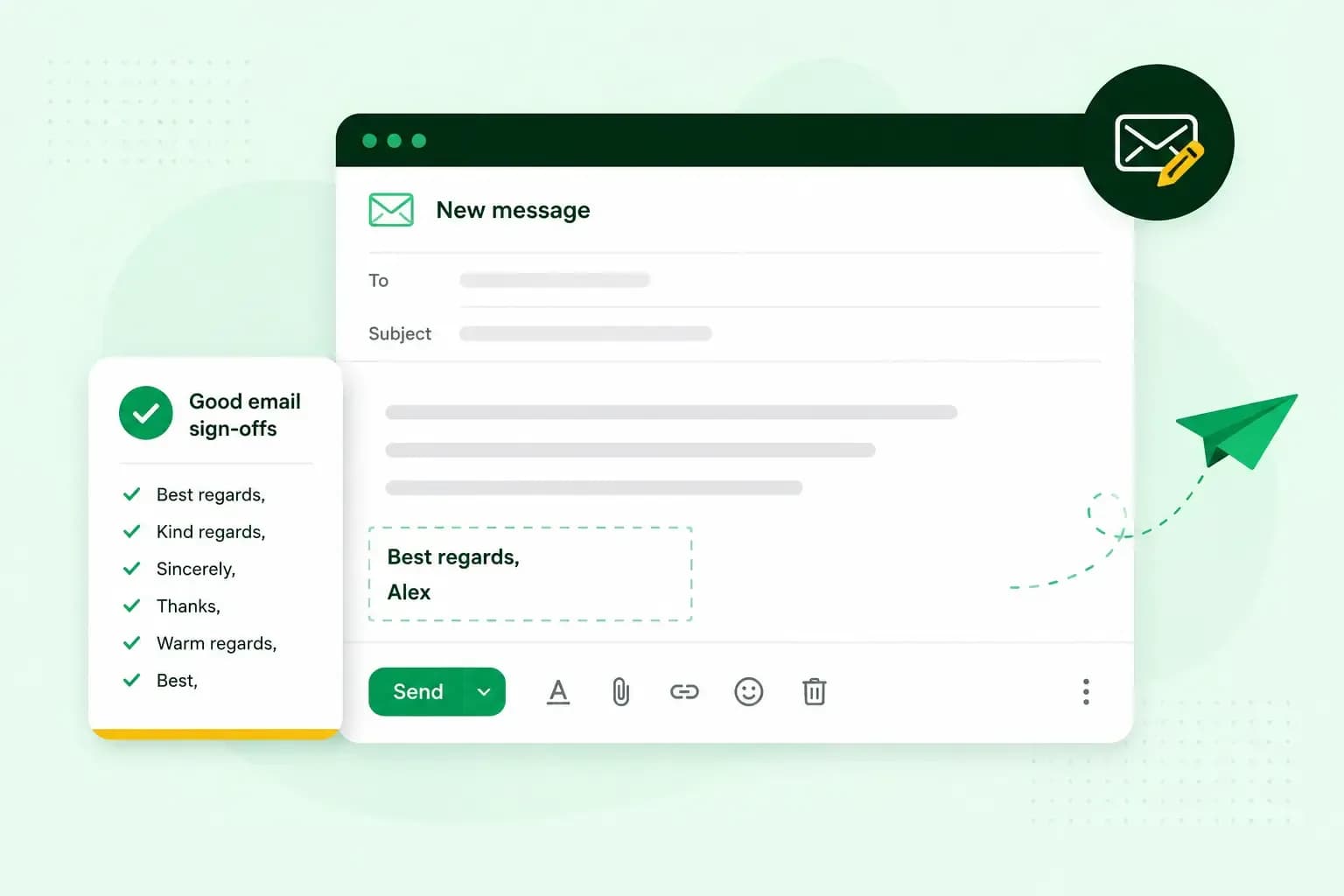
How to end an email in English
How you end an email impacts how it is perceived. We have collected the best ways to sign off emails in English.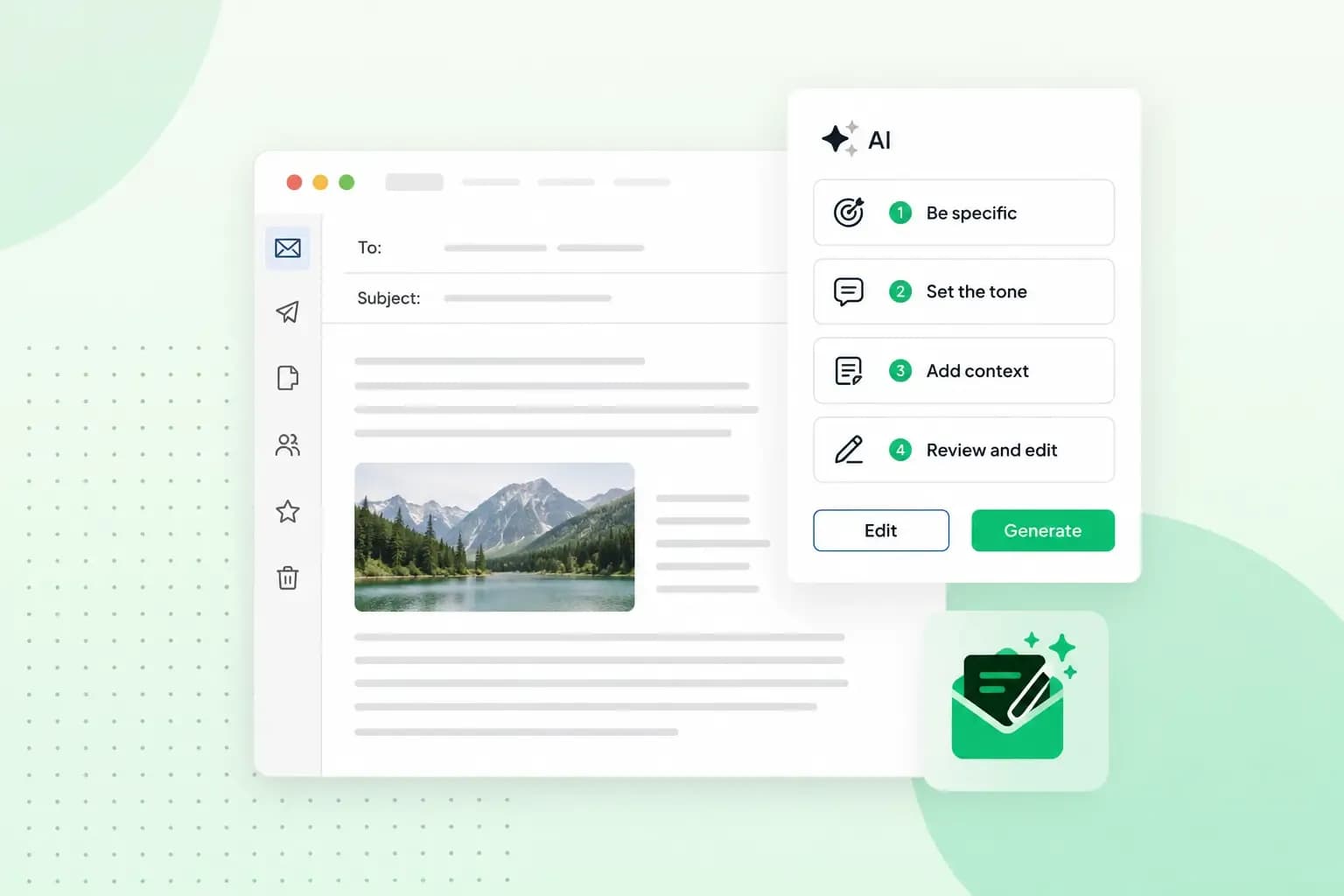 Email23 Oct 2025
How to use an AI email writer
Save time without sacrificing quality: learn how to use AI for email writing and create personalised emails effectively. Tips for crafting clear and compelling prompts.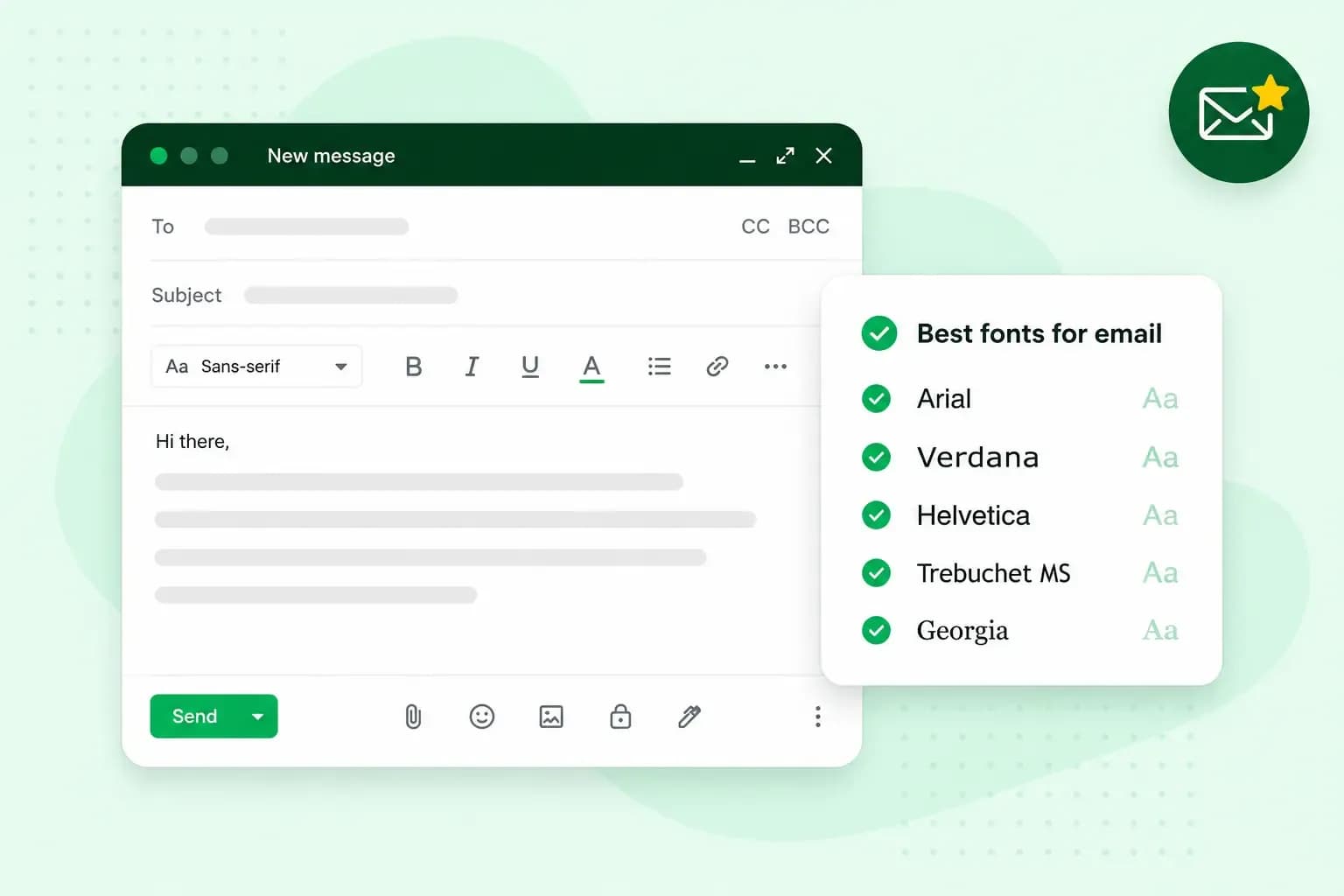 Email10 Oct 2025
What is the best font for email?
Sending the perfect email is essential. Read our tips on what you should consider when choosing the best professional font to ensure success.