

What does BCC mean in email? BCC stands for Blind Carbon Copy. When you put an address in the BCC field, that person gets a copy of your email, but nobody else on the email sees their address. Take an invitation to your spring planting workshop, sent to 40 clients from hello@yourgardenstudio.co.uk. With your clients in BCC, each of them gets the invitation without seeing who else is on the list.
What is BCC in email?
BCC is the one email field whose addresses stay hidden from everyone else on the email. It's one of three recipient fields: To, CC and BCC. The names go back to carbon paper, which typists used to make a copy of a letter as they wrote it. A CC, or carbon copy, is a copy that everyone on the email can see. A blind carbon copy goes out without anyone else seeing who got it.
A BCC recipient sees the email as normal, including the people in the To and CC fields. What they don't see is anyone else you added in BCC. Those addresses stay hidden from the people in To and CC too, though some email programs send them an empty Bcc line, a sign that someone was copied.
How BCC differs from To and CC
All three fields deliver the same email. They differ in who sees whose address, and in who gets a reply all.
| To | CC | BCC | |
|---|---|---|---|
| Who the field is for | The people the email is meant for | People you keep informed | People whose address stays private |
| Who else sees the address | Everyone on the email | Everyone on the email | Only you, the sender |
| Receives other people's reply all | Yes | Yes | No |
BCC doesn't stop anyone from replying all, and a BCC recipient can reply all too. A reply all goes to you and the people in To and CC, and never reaches the people in BCC.
Should you use BCC or CC?
Use BCC when the people you're emailing don't know each other, or shouldn't get each other's address. Use CC when they work together and it helps them to see who else is on the email. For the workshop invitation, that means your 40 clients go in BCC, while your business partner, who needs to see what went out, goes in CC. That leaves the To field. If nobody needs to be in it, put your own address there.
BCC is the right choice when you:
- email a group of customers, suppliers or event guests who haven't shared their addresses with each other
- send an update to a big group and don't want one reply all to land in everyone's inbox
- want to keep the addresses on your list out of other people's hands, since anyone can copy an address on a visible list and use it for spam, phishing emails or malware
When BCC isn't enough
BCC hides addresses, but it isn't a privacy tool on its own. The ICO, the UK's data protection regulator, says you might use BCC, with other measures, when the email holds no sensitive personal information and there's little risk. Some emails could reveal something sensitive about the people on them, such as that they're all patients of one clinic. For those, the ICO advises looking at safer options such as a bulk email service or mail merge, which sends each person their own copy. A workshop invitation to your clients usually isn't that kind of email.
A BCC recipient can also give themselves away. If one of your clients replies all, the reply goes to everyone in To and CC, who then know the invitation went to that client too.
If the workshop email turns into a monthly newsletter, that's email marketing, and a BCC list isn't the right tool for it either. If you send through us, our mail servers limit how many recipients you can email at a time. One of those limits is 250 recipients every five minutes to addresses outside your own domain. For regular sends, we recommend a specialised newsletter service, and it's worth moving your mailing list there once clients sign up to hear from you.
The mistake BCC can't catch is addresses that go in To or CC by accident, so check the fields before you send. If you use our webmail, Undo send holds each email for 5 seconds, so you can still take it back. It's on unless you switch it off in your webmail settings. If the email has already gone out with every address visible, we'd suggest a short apology that asks everyone not to reply all.
How to add BCC in Gmail and Outlook
Where the BCC field sits depends on your email client, the program or app you read and send email in. In Gmail, you add recipients in the Bcc field when you compose a message. Google notes that recipients who don't use Gmail may not see that they were added in Bcc. In new Outlook for Windows, you first turn the field on under Options > Show fields > Show Bcc. The field then appears in every new email until you turn it off.
What does “always BCC myself” mean in email?
“Always BCC myself” means adding your own address in BCC, so you get a copy of an email after you send it. You can do it on one email you want to follow up on later, or, where your email program offers it, as a setting for every email. Since you're in BCC, the other recipients won't know you got a copy too. Your Sent folder keeps a copy as well, but this one lands in your inbox, next to the replies from your clients. That makes it easy to follow up on the workshop invitation from one place.
Send group emails from your own domain
Your clients see who an email is from before they open it. An email address on your own domain, such as hello@yourgardenstudio.co.uk, shows them straight away that the invitation comes from your studio.
With your clients in BCC and your business partner in CC, the workshop invitation is ready to go. Set up professional business email with us and send it from your studio's own address.
Send and receive email as hello@yourgardenstudio.co.uk, ad-free, with a calendar and a spam filter.
Choose an email planRecommended reading
 Email10 Nov 2025
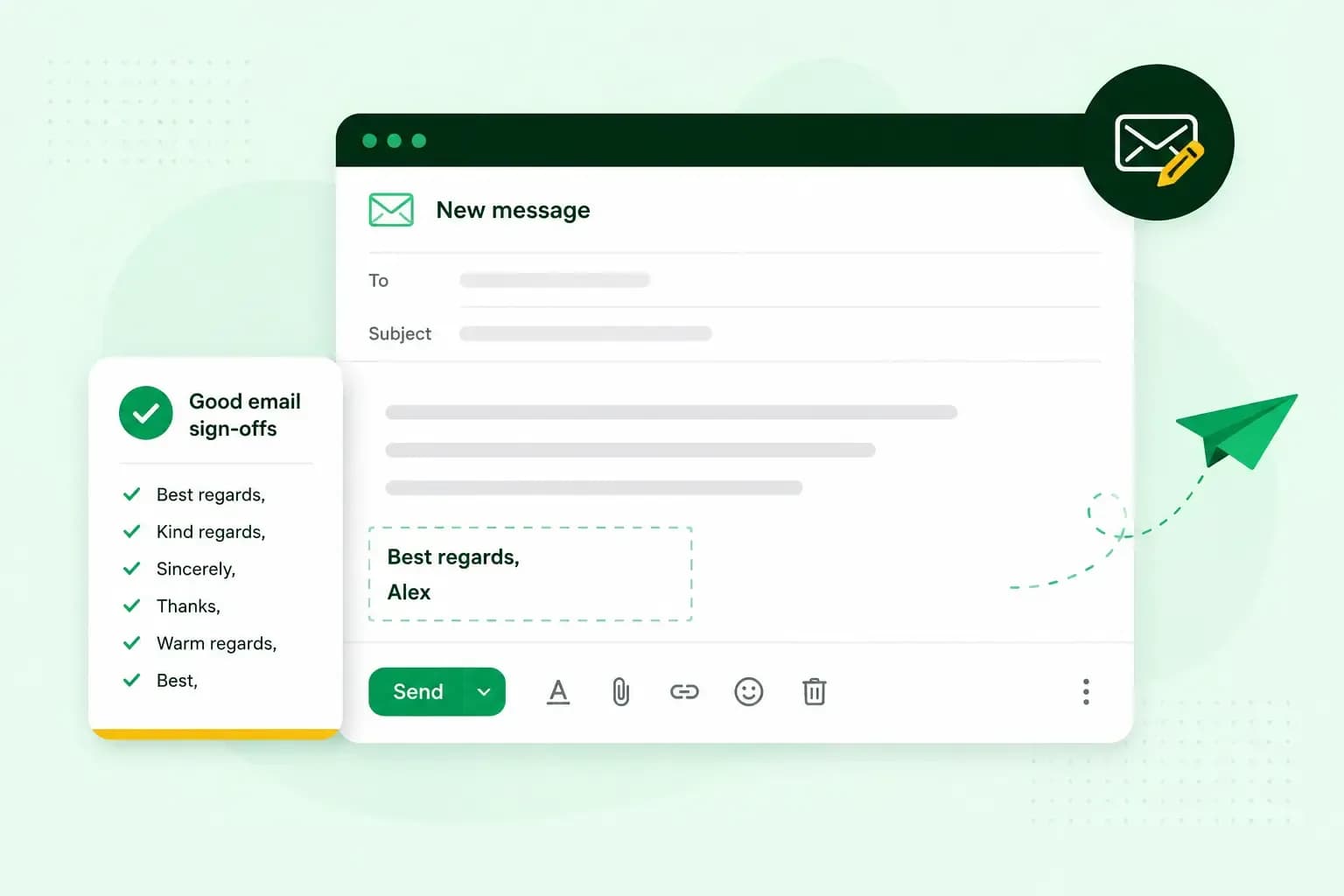
How To End An Email
How you end an email impacts how it is perceived. We have collected the best ways to sign off emails in English.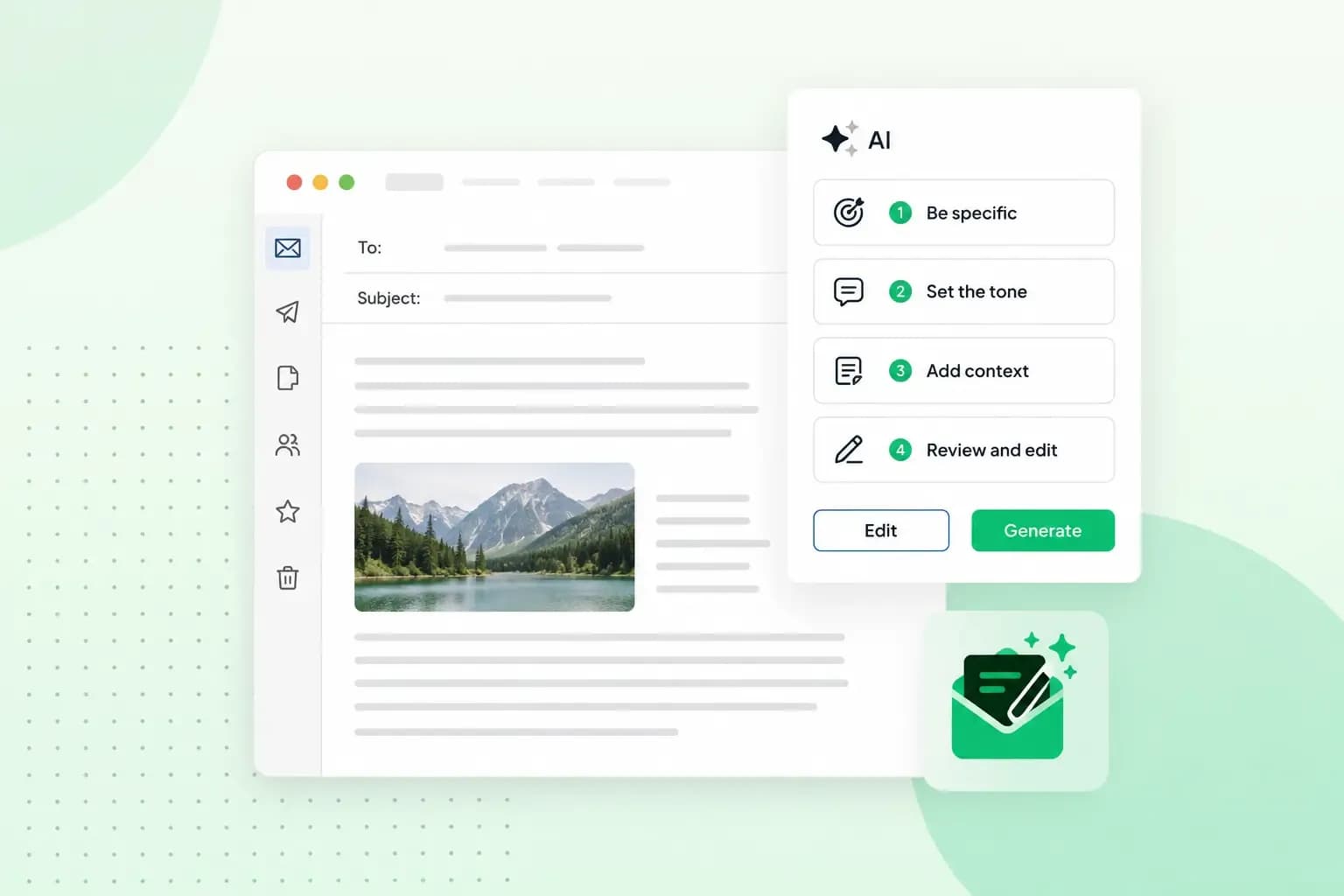 Email23 Oct 2025
4 tips for better results with AI email writing
Save time without sacrificing quality: learn how to use AI for email writing and create personalised emails effectively. Tips for crafting clear and compelling prompts.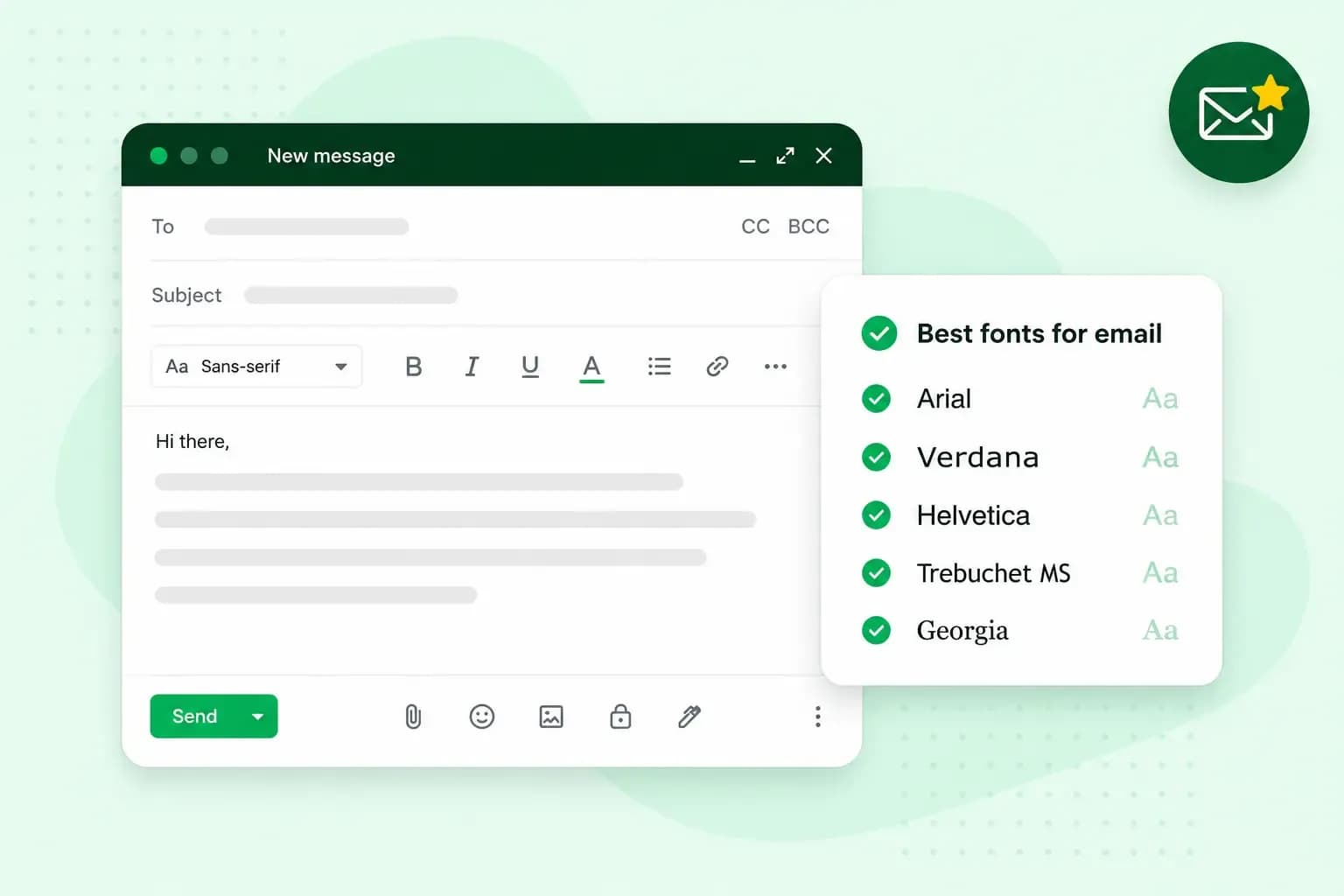 Email10 Oct 2025
What is the best font for email?
Sending the perfect email is essential. Read our tips on what you should consider when choosing the best professional font to ensure success.