

A phishing email is a scam email that pretends to come from someone you trust. It wants you to click a link, open an attachment, pay or hand over details such as a password. The sender might pose as your bank, a supplier or your web host. A typical one asks you to log in through a link that looks genuine but leads to a copy of the real website.
How a phishing email works
It's called phishing after fishing: the scammer casts out bait and waits for someone to bite. The bait is often a link to a website that may download a virus or other malware onto your computer. Other sites steal your bank details, passwords or other personal information. Some emails ask you to open an attachment, reply with your details or pay an invoice instead.
Email phishing has close relatives, because scammers can also contact you by text message, phone call or social media. A scam phone call is sometimes called vishing. Some phishing is aimed at one company, or at one person who works there. This is spear phishing, and the scammer uses what they know about you or your company to make the message more persuasive.
How to spot a phishing email
Before you act on an email, check it for these signs:
- The sender's address. Anyone can fake the display name, so check the email address behind it. If it only looks a bit like the organisation's official address, treat the email as fake.
- Where the link goes. On a computer, hover over a link to see the full address before you click. On a phone, press and hold the link instead.
- A sender who seems important. A message can claim to come from your bank, a solicitor or a government department, so that you do what it asks. Others pose as someone senior at your own company, such as the CEO.
- Pressure to act now. A tight deadline, or a threat of a fine or another penalty, is there to make you act before you think.
- An offer that's hard to resist. Money, a prize or a deal in short supply plays on your fear of missing out.
- A request for personal details. Your bank will never ask you for personal information by email, and nor will any other official source.
- No name, or the wrong one. An email that doesn't use your name may come from someone who doesn't really know who you are.
- Something you didn't expect. An attachment, an invoice or a QR code you weren't waiting for deserves a second look. Be especially wary of scanning a QR code in an email.
Spelling mistakes and a design that feels slightly off can still give a scam away, but don't rely on them. The NCSC says some scams are good enough to fool even experts. An email that looks perfect can still be fake.
Phishing email examples
Most scam emails follow a few familiar patterns, and each one has a sign that gives it away.
Phishing emails come in a few common kinds, and each has a sign to look for.
- An email claims someone has broken into your account and threatens you unless you pay or act. The story of how they got in is usually made up to scare you into replying, so don't reply and don't pay.
- A warning says your password has been compromised and sends you a link to log in and change it. The link gives it away: it leads to a fake site, and anyone who types their password there hands it to the scammer.
- A service you use says a payment failed and your account will be closed unless you act quickly. That pressure is the sign, so check with the company using the contact details you already have, never the ones in the email.
- A stranger offers you money, a prize or an inheritance, or asks you to donate to a charity, and wants your bank details for it. An unexpected offer from someone you don't know that asks for your bank details is a scam.
- An email made to look like it comes from your web host says your domain or website will be suspended or deleted unless you log in or pay at once. Fake emails like this go out in our name too, so check the sender before you act on one.
How to report a phishing email
In the UK, you report a phishing email by forwarding it to the National Cyber Security Centre (NCSC). When an email makes you suspicious, don't act on what it asks, and work through these steps first.
- Break off contact. Don't reply, click any links, call any numbers in the email or make a payment.
- Check whether it's genuine by contacting the organisation yourself, through an email address or phone number you already trust, like the one on a bill or on your bank card. For your bank, you can call 159, which puts you through to your own bank for nearly all UK current accounts.
- Forward the email to
report@phishing.gov.uk.
The NCSC analyses the emails you forward and has the power to take down scam email addresses and websites.
A suspicious text message has its own route: with most phone providers, you can forward it to 7726 for free. Your provider can then look into where the text came from and block the sender if it's malicious.
If you clicked a link or shared your details
Don't panic, but act quickly. What you do next depends on what happened.
- If you gave your bank details, contact your bank straight away, so they can protect your account.
- If you gave away a password, change it as soon as you can, and on every other account where you used the same one. Give each account a new, strong password.
- If you gave someone remote access to your computer, change your passwords and tell your bank that your details may have been stolen. Then update your antivirus software, run a full scan and think about having an IT professional check the computer too.
- If it happened on a work laptop or phone, tell your IT department at once.
- If you lost money or were hacked, report it to Report Fraud on 0300 123 2040 in England, Wales or Northern Ireland, or call Police Scotland on 101 in Scotland.
Spam or phishing: what's the difference?
Spam tries to sell you something, while phishing tries to steal from you. Spam emails are unwanted messages sent in bulk, often adverts you never signed up for. Phishing pretends to be someone you trust, so you hand over your details, your money or access to your accounts.
Spam you can simply delete or block. A phishing email in your inbox is worth reporting with the steps above. If you can't tell the difference between spam and phishing with a particular email, treat it as phishing. You don't need to forward the suspicious emails that already sit in your spam or junk folder.
Is that email really from us?
A genuine email from us comes from an address that ends in @one.com. It can also end in a version with the initials of your language in front, such as dk.one.com for emails in Danish. As a rule of thumb, an address with any other ending isn't from us, however close it looks. Scammers copy our logo and layout, so a fake email in our name can look convincing. Addresses can be forged too, so a matching address alone doesn't prove the email is real.
We never send you an unsolicited email that asks you to type in your username and password. If you're unsure about an email, don't open its links or attachments. Send the email source to our support team instead, and we'll help you check whether it's genuine. The email source holds the details you don't normally see, such as where the email came from, and our help centre shows where to find the email source. If you've already logged in on a page that turned out not to be ours, reset your password as soon as you can.
How to get fewer phishing emails
Keep your spam filter switched on, so spam and phishing emails are more likely to land in your spam folder instead of your inbox. On our email plans, it's on by default. When one still gets through, block the sender: everything from that address then goes straight to spam.
Scammers use what they find about you online, including on social media, to make their emails more believable. So think about what you share, and check the privacy settings of your social media accounts.
Use a different password for every account, so a password that leaks doesn't open your other logins. Some accounts let you add extra security with two-factor authentication (2FA), and it's worth turning it on for your most important accounts, such as email and banking. It asks for a second check when you log in, such as a code on your phone. That helps keep a scammer out, even when they know your password.
Business email on your own domain, with spam and virus protection for every mailbox.
Choose an email planNo filter catches every phishing email, so the signs above still matter, whichever email you use. If you're setting up email for your business, start by creating email addresses on your own domain for you and your team.
Recommended reading
 Email10 Nov 2025
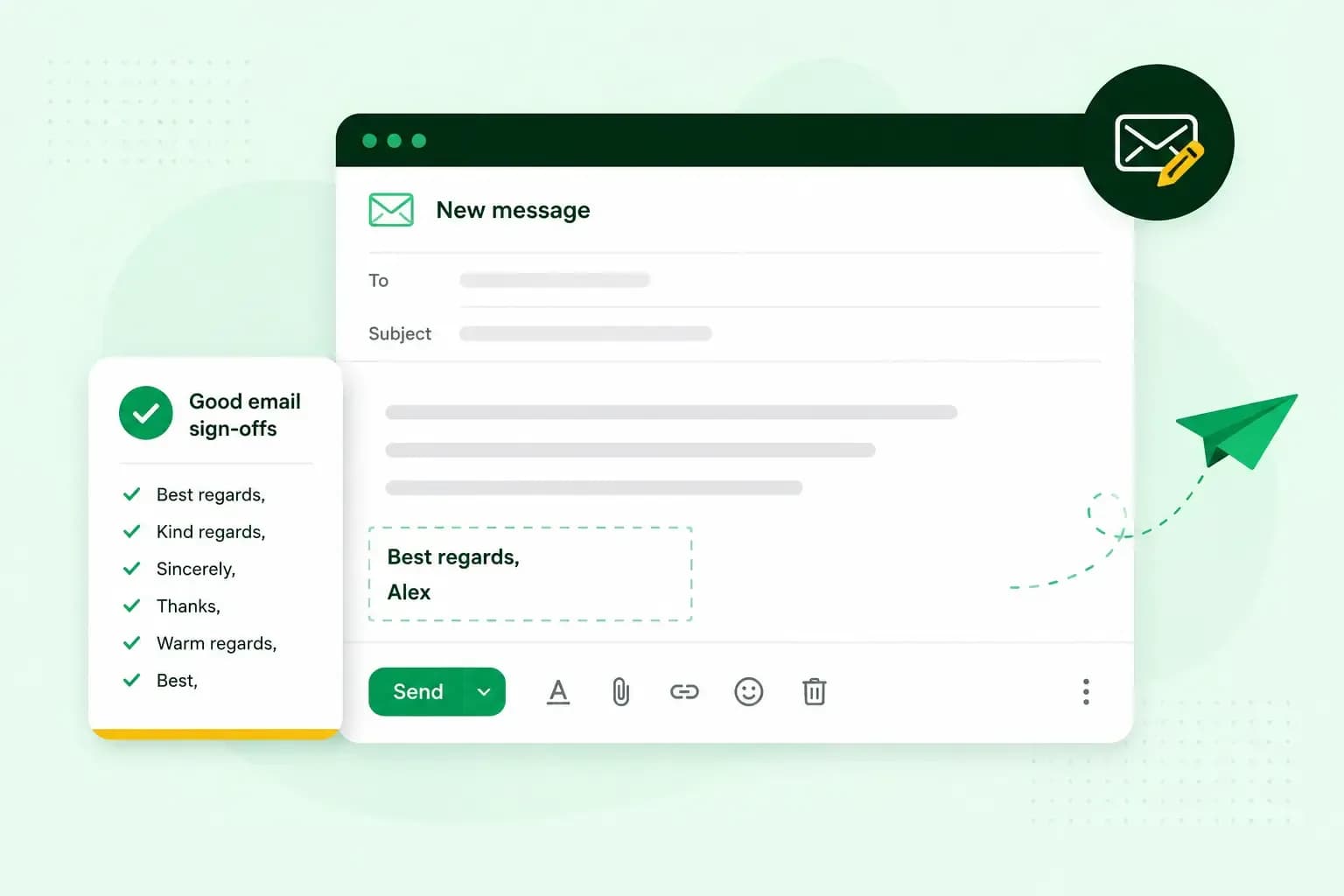
How to end an email in English
How you end an email impacts how it is perceived. We have collected the best ways to sign off emails in English.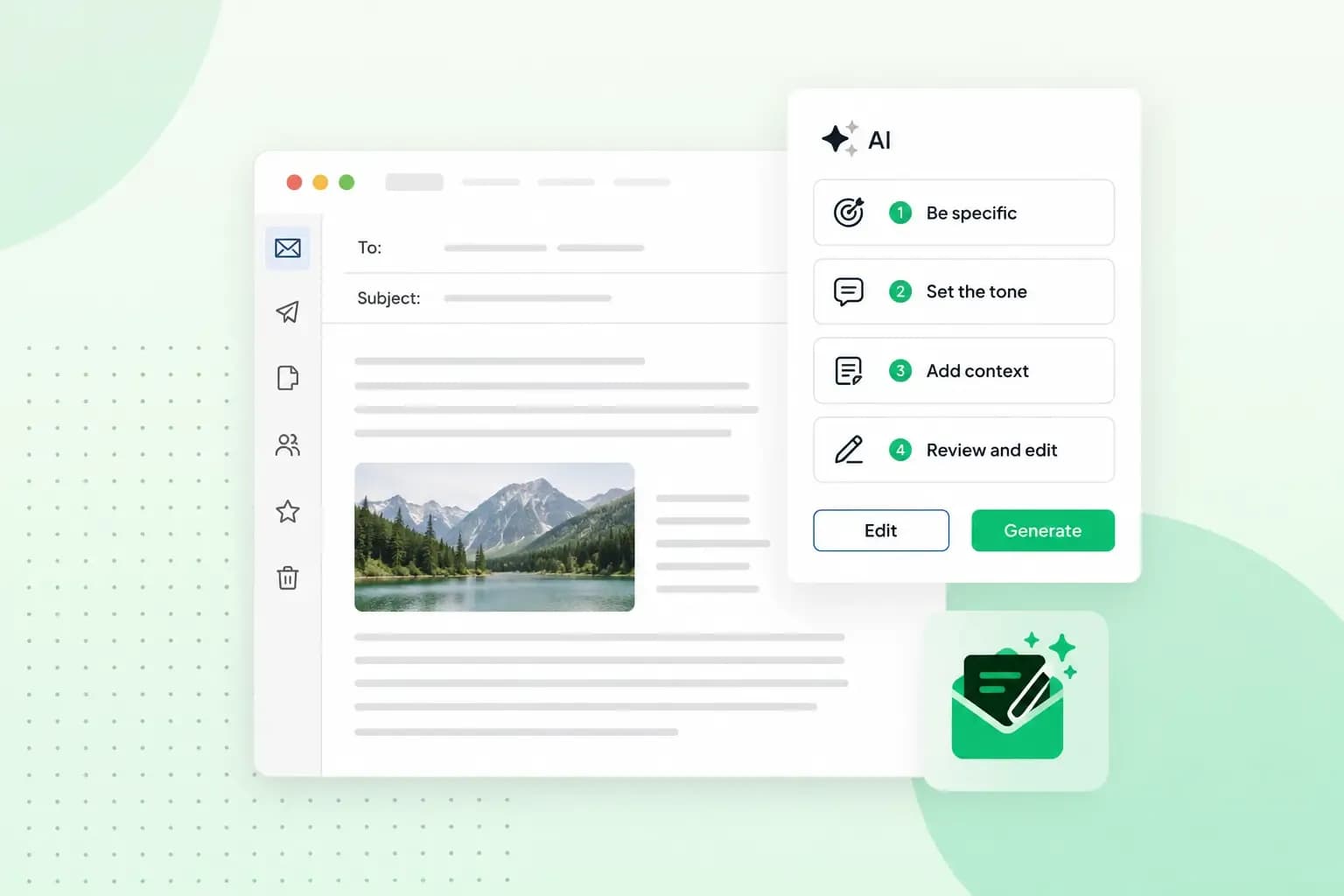 Email23 Oct 2025
How to use an AI email writer
Save time without sacrificing quality: learn how to use AI for email writing and create personalised emails effectively. Tips for crafting clear and compelling prompts.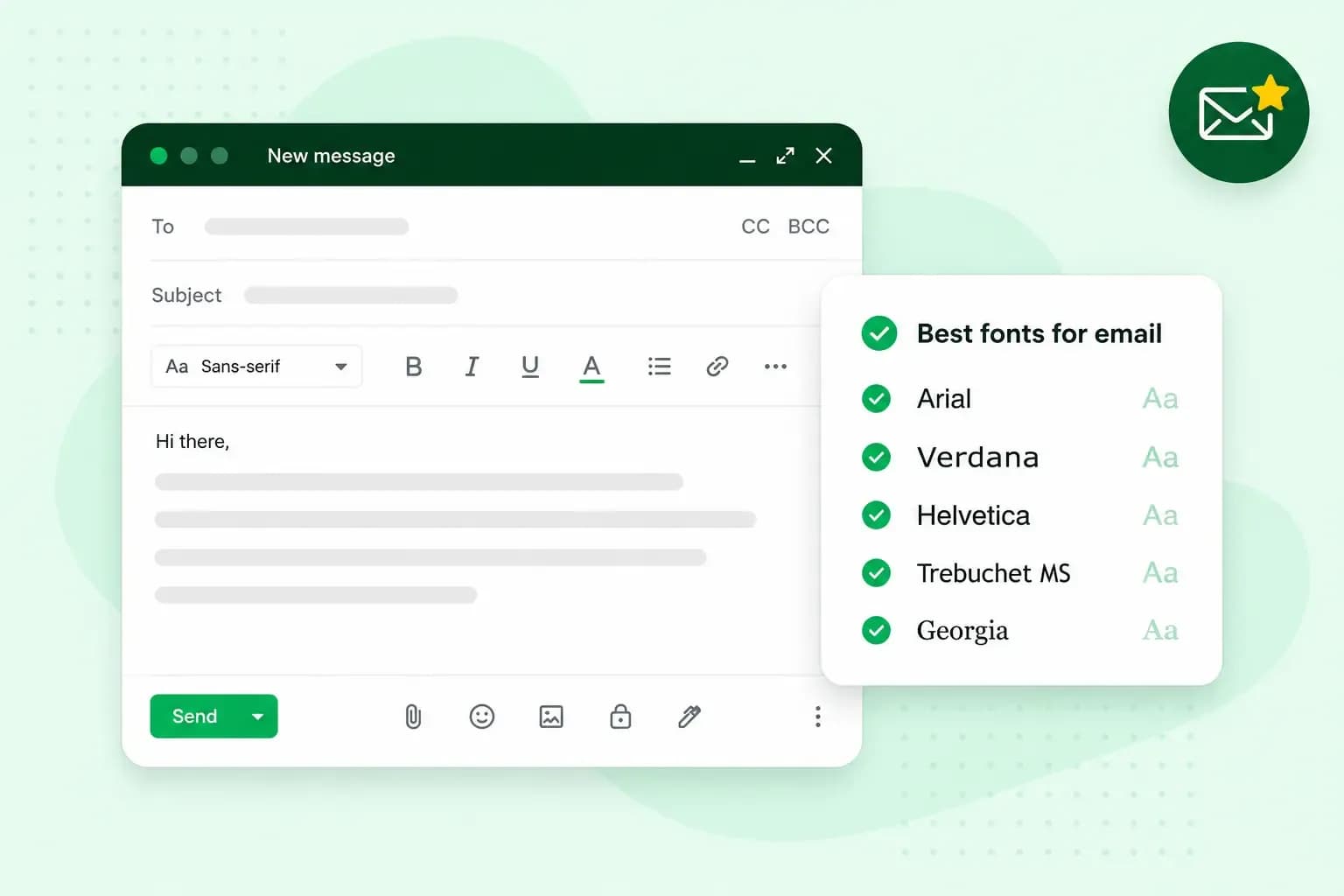 Email10 Oct 2025
What is the best font for email?
Sending the perfect email is essential. Read our tips on what you should consider when choosing the best professional font to ensure success.