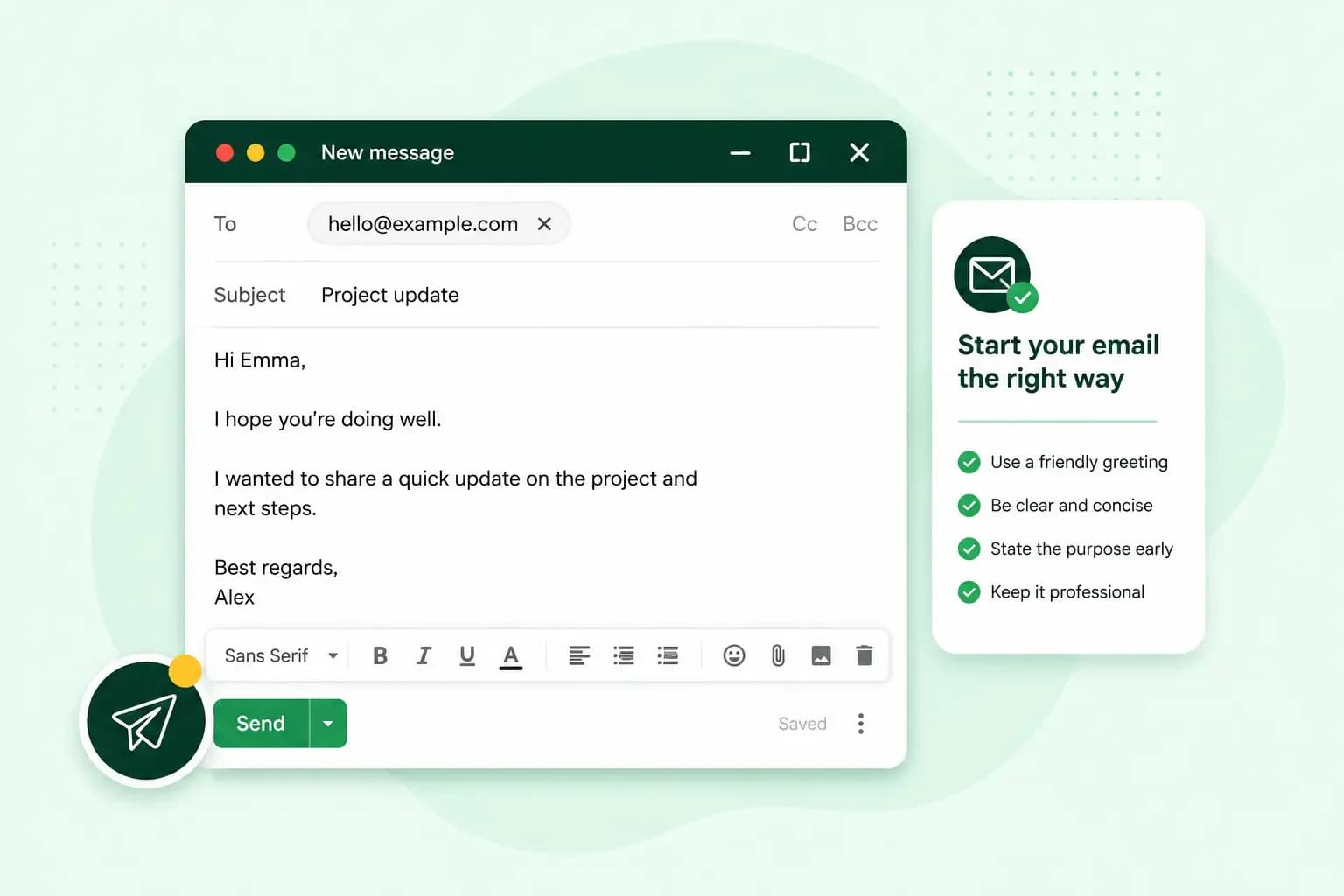
Begin with a greeting and the person's name, chosen to fit how well you know them, and use your first line to say why you're writing. That first line matters, because busy readers decide from it whether the email needs their attention now, so don't make them read a paragraph to find out. Your bakery's first email to a café owner you'd like to supply could open with "Dear Ms Shah," and then say in that first line why you're writing to her.
Which greeting should you use to start an email in English?
Match the greeting to how well you know the person: "Dear" with a title and surname for someone you haven't written to before, and "Hi" or "Hello" with a first name once you're on first-name terms.
Email greetings and when to use them
| Example | How formal | When to use it |
|---|---|---|
| Dear Ms Shah, | Formal | Someone you write to in a formal context, such as a first email to a business, where a first name alone is too familiar |
| Hi Priya, or Hello Priya, | Informal | Someone you write to in an informal context, such as a colleague you're on first-name terms with |
| Dear Hiring Manager, or Dear Bookings Team, | Formal | When you can't find the name of the person who will read it |
| Dear all, | Formal | Several people at once in a formal context, such as a group you haven't written to before |
If you're not sure, go one step more formal. Start with "Dear", and if the other person replies with "Hi" and their first name, follow their lead from then on.
How to start a formal or professional email
A formal email opens with "Dear", the person's title and their surname. In British English the title has no full stop (Mr, Mrs, Ms, Dr). The greeting ends with a comma and is followed by a blank line before the email itself: "Dear Ms Shah,". If you don't know which title a woman uses, "Ms" is the safe choice, and if you don't know which title to use at all, write the full name without one: "Dear Alex Morgan,".
How to start an email to a stranger or a company
When you write to someone you've never met, find their name first. You'll usually find it on the company's website or in the signature of an earlier reply. If there's no name to find, address the role or the team instead: "Dear Hiring Manager," or "Dear Customer Services Team,". And if you're writing to a general inbox such as info@, use "Dear" with the company's name and "Team", as in "Dear Harbour Foods Team,".
After the greeting, introduce yourself in a sentence and say why you're writing to them in particular. Your bakery found Ms Shah's name on her café's website, so your email from hello@yourbakery.co.uk could open like this, with the greeting on its own line:
Dear Ms Shah,
I run a small bakery a few streets from your café. I've seen that you serve homemade cakes at the weekend, and I'd like to offer you a regular delivery of our cakes.
The same applies to a business proposal. Say in your first lines that you're suggesting a B2B partnership, and offer a short call to talk it through rather than setting out the whole plan in the first email. B2B, short for business to business, tells the reader straight away that you want to work with their company, not sell them something as a private customer.
How to start an informal email
Once you're on first-name terms, start with "Hi" or "Hello" and the first name: "Hi Priya,". At that point a surname would sound stiff, and with people you know well, "Hey" works too. When you write to two or more people you know, greet them together: "Hi Priya and Sam,", and "Hi all," for a larger group.
You can add a short friendly line before the point, such as "Hope the new menu went down well", as long as you know the person well enough for it to sound genuine. Keep it to one line, then move on to why you're writing.
Greetings and first lines to avoid
A careless or generic opening is the first lapse in email etiquette a reader notices, and each of these has a better alternative.
- "To whom it may concern" and "Dear Sir or Madam" tell the reader you didn't look for their name. Use the name, or the role or the team.
- Skipping the greeting in a first email can read as abrupt, even in a short one. Start with "Dear" and the name.
- A misspelt name or the wrong title starts the email on a mistake. Check the spelling in their signature or on their website.
- "Hey" sounds too casual for a customer or someone you don't know. Use "Dear" instead, or "Hello" with their full name ("Hello Alex Morgan,") if "Dear" feels too stiff.
- A stock line such as "I hope this email finds you well" can sound stiff. If you want a friendly line, make it about something you actually know.
Opening lines that follow the greeting
The first sentence after the greeting says what the email is about, and its shape depends on why you're writing.
- A first email says what you're offering or asking: "I'm writing to ask whether your café would like a weekly delivery of cakes."
- A reply can open with thanks: "Thanks for your email about the delivery dates."
- A follow-up names the earlier email: "I'm following up on my email about a regular cake delivery."
- If someone you both know put you in touch, start with them: "Sam Patel suggested I get in touch with you about your café's suppliers."
End the email in the same tone you started it, with a sign-off such as "Kind regards" after a "Dear", and give it a subject line that says what it's about.
Before they read your greeting, the reader sees who the email is from. An address such as hello@yourbakery.co.uk shows that even a first email comes from a real business, and you can write from one once you set up your own email domain.
Email and calendar in one place, with addresses on your own domain name.
Choose an email planRecommended reading
 Email10 Nov 2025
How To End An Email
How you end an email impacts how it is perceived. We have collected the best ways to sign off emails in English. Email23 Oct 2025
4 tips for better results with AI email writing
Save time without sacrificing quality: learn how to use AI for email writing and create personalised emails effectively. Tips for crafting clear and compelling prompts. Email10 Oct 2025
What is the best font for email?
Sending the perfect email is essential. Read our tips on what you should consider when choosing the best professional font to ensure success.