
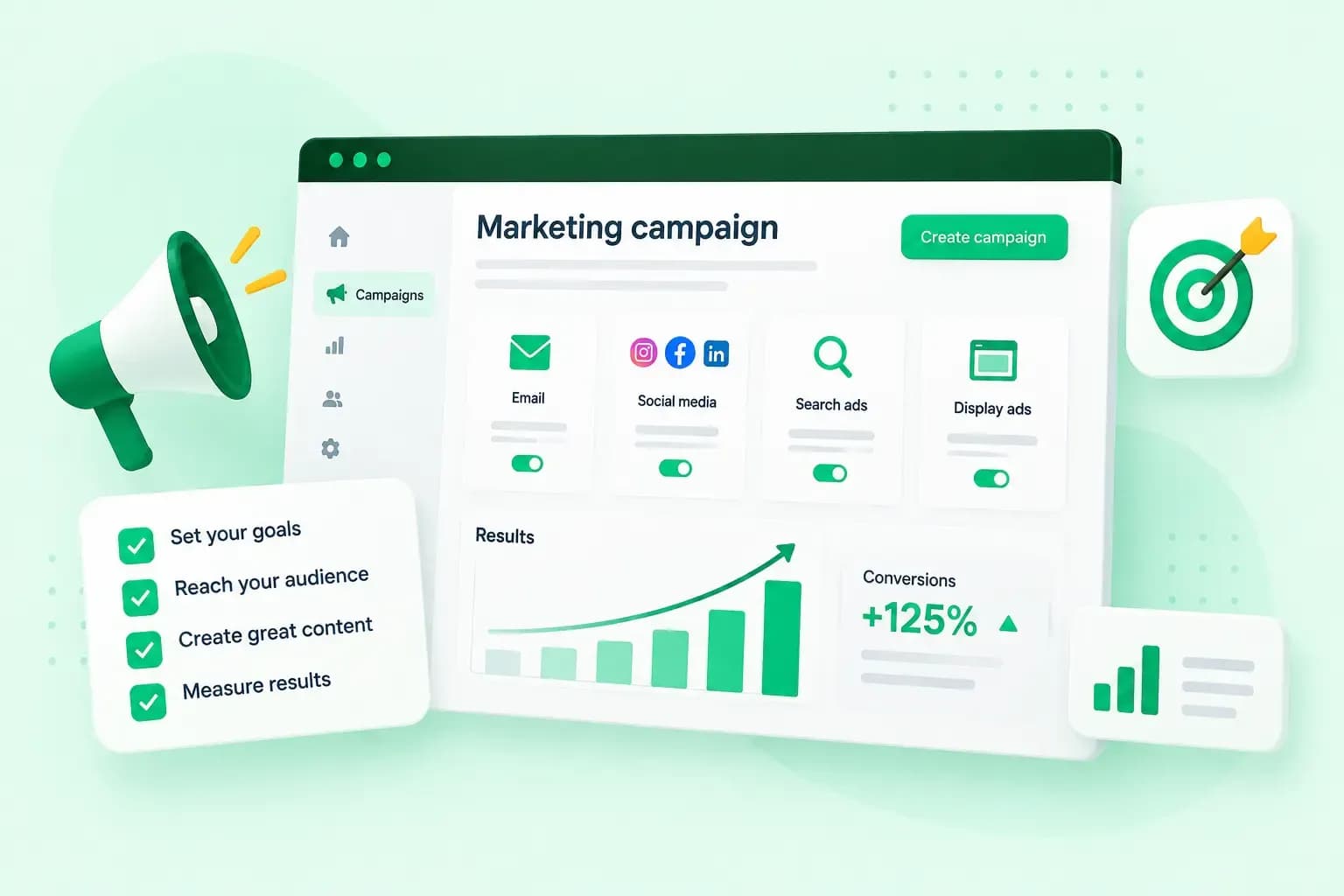
A marketing campaign gets results when it has one goal you can measure, one clear message and a few channels your audience already uses. You build it in eight steps, from setting that goal to checking what happened, and you write each decision down in a campaign plan. As an example, the steps below follow a spring sale at your garden centre, whose website is hollybankgardens.co.uk.
What is a marketing campaign?
A marketing campaign is a set of marketing activities that work towards one goal within a fixed period. The activities share one main message, which you spread across several channels, such as an email, social media posts and an advert. The goal might be more sales of one product group, more newsletter sign-ups or more people who know your business.
An advertising campaign is narrower: it relies on paid ads and can be one part of a larger marketing campaign. To create an advertising campaign, follow the same steps below and choose only paid channels in step 5.
How long a campaign runs depends on the goal and the offer. Your spring sale, for example, ends with the season.
Types of marketing campaign
Campaigns are usually named after the goal they serve:
- A sales campaign sells more of one product or product group, with an offer in the main message.
- A brand awareness campaign introduces your business to people who don't know it yet.
- A lead generation campaign collects contact details from people who might buy later, for instance in exchange for a guide.
- A product launch campaign tells your audience about a new product or service around its launch.
- An event campaign brings people to an event, such as a workshop, a fair or a talk.
- A recruitment campaign finds new staff, so its audience is job seekers instead of customers.
- An engagement campaign gets followers and customers to react, comment or share, for example with a competition.
- A brand trust campaign shows proof that you deliver, such as customer reviews and before-and-after photos.
- An authority campaign builds your name as an expert in your field, for example with a series of how-to guides.
- A retargeting campaign uses retargeting ads to reach people who have already interacted with your business, such as visitors who left your website without buying.
How to create a marketing campaign in 8 steps
Work through the steps in order and note each decision in your campaign plan as you go. The steps work for an online marketing campaign and for one that also uses print, like an advert in the local paper.
- Set one goal you can measure. Give it a number and an end date, so you can tell afterwards whether it worked. Your garden centre's goal could be 200 online orders of bedding plants by the end of the sale.
- Decide who the campaign is for. Describe your target audience and where those people spend their time, and add a marketing persona to the plan if you have one. For your garden centre, that's local gardeners and past customers on your mailing list.
- Set the budget and the dates. Work back from your goal: the whole campaign, ads and printing included, has to cost less than the profit on 200 orders of bedding plants. Fix the start and end dates with time to make the content first.
- Write one main message and, if you sell something, the offer. The message is what people should remember, which isn't the same as your goal. For example, your garden centre could write "20% off all bedding plants this spring".
- Choose a few channels that fit the goal and the audience. The next section compares the common ones. Put most of the budget into the channel you expect to work best, and keep a small part back to move in step 8.
- Create the emails, posts, ads and the landing page. Make each piece repeat the same message and link to one page for the offer. Your spring offer could have its own page at
hollybankgardens.co.uk/spring. - Schedule the content, tag and check every link, and launch. Put the send and publish dates in a calendar, and add campaign tags, called UTM parameters, to the link in each email, post and ad. Test the links and your tracking before the first message goes out.
- Watch the numbers during the campaign and compare the result with the goal when it ends. If one channel brings no orders while another does, move the budget to the one that works.
Someone who clicks your email or ad already wants the offer. Send them to a landing page that shows only that offer and one call to action, such as an order button. It has fewer links than your home page to pull them away. Fewer links mean more conversions, the visits that end in an order or a sign-up. Build the page with a website builder and keep its address short enough to print in a newspaper advert.
Which channels should your campaign use?
Use the channels your audience already uses and that suit your goal. Each one does a different job in a campaign:
| Channel | What it does in a campaign | Works well for |
|---|---|---|
| Social media marketing | Reaches your audience on the platforms where they spend time | Brand awareness and closer relationships with customers |
| Email marketing | Sends your offer to a list you own, at a relatively low cost | Offers to people who already know you |
| Local marketing | Targets people within reach of your shop or office | Businesses with a physical location |
| Influencer marketing | Creators your audience follows recommend your products | Reaching new audiences |
| Affiliate marketing | Partners promote your products and earn a commission on the sales they bring | More sales |
| SMS marketing | Sends a text message to the customer's phone, where it gets noticed straight away | Short offers to customers who signed up for texts |
| Google Ads | Shows your ads in Google's search results while people search. Display, video and Shopping campaigns also show your ads on websites and apps, on YouTube and in the Google Shopping tab. With cost-per-click bidding, you pay each time someone clicks. | Reaching people who search for what you sell |
Our advice: start with a few channels and give each enough time and budget to show results. Leave out the channels your time and budget can't cover, even if your audience uses them. For a small business, that usually means an email to past customers and one social media channel. Add a paid or local channel when the goal needs new customers. Your garden centre emails its mailing list, posts on social media and takes one advert in the local paper.
Keep your goal from step 1 tied to its number. Without it, you can't tell during the campaign where to move the budget, or afterwards whether to run it again.
What to put in your campaign plan
Keep your campaign plan in one document or spreadsheet that everyone involved can open. It doesn't need to be long, but it should hold:
- the goal from step 1, with its number and end date
- the audience, with any persona or customer insight you have
- the budget and how you split it across channels
- the start and end of the campaign, and when each email, post and ad goes out
- who writes the posts, who answers replies and which agency, if any, makes the ads
- the main message and the offer, word for word
- each channel, with the ad formats you'll use there
- the address of each landing page the campaign links to
How to measure your campaign's results
Measure against the goal you set in step 1. Watch the numbers that fit that goal:
- For a sales campaign, count the orders and revenue, and the share of landing page visitors who buy.
- For a brand awareness campaign, track visits to your website and engagement on social media, such as follows, comments and shares.
- For a lead generation campaign, count the sign-ups or enquiries. Divide what the campaign cost by that number to see what each one cost you.
Each channel shows its own figures, such as email opens and ad clicks. On your website, a tool such as Google Analytics shows where visitors come from, so you can see which channel sent them. The UTM parameters you added in step 7 tell your emails, posts and ads apart. They are short campaign tags at the end of the address, and Google Analytics then shows which campaign brought each visitor. Google's URL builder adds the tags for you. A newspaper advert has no link to tag, so print the short address of your offer page in it. Untagged visits to that page while the advert runs give you a rough idea of how many readers typed it in.
Keep the results of every campaign in one place, with what you tried. Your first campaigns will partly be trial and error, and those notes help you plan the next one better.
Plan your next campaign around one page
Every email, post and advert in your plan leads to the same place: the page with your offer. Set up that page, such as hollybankgardens.co.uk/spring, with our Aida AI Website Builder. Have it live before your first email goes out.
Recommended reading
 Marketing19 Oct 2026
15 ideas for Black Friday marketing
Make the most of Black Friday with 15 marketing ideas to attract customers and boost sales. Discover ways to promote your offers, reach more shoppers and make your campaign stand out. Marketing30 Dec 2025
AI SEO: how to use AI for search engine optimisation
A basic guide to AI in SEO – let's look at how artificial intelligence can help you speed up your SEO tasks. Marketing30 Dec 2025
AI search optimisation: how to get your website into AI answers
A basic guide to AI in SEO – let's look at how artificial intelligence can help you speed up your SEO tasks.