
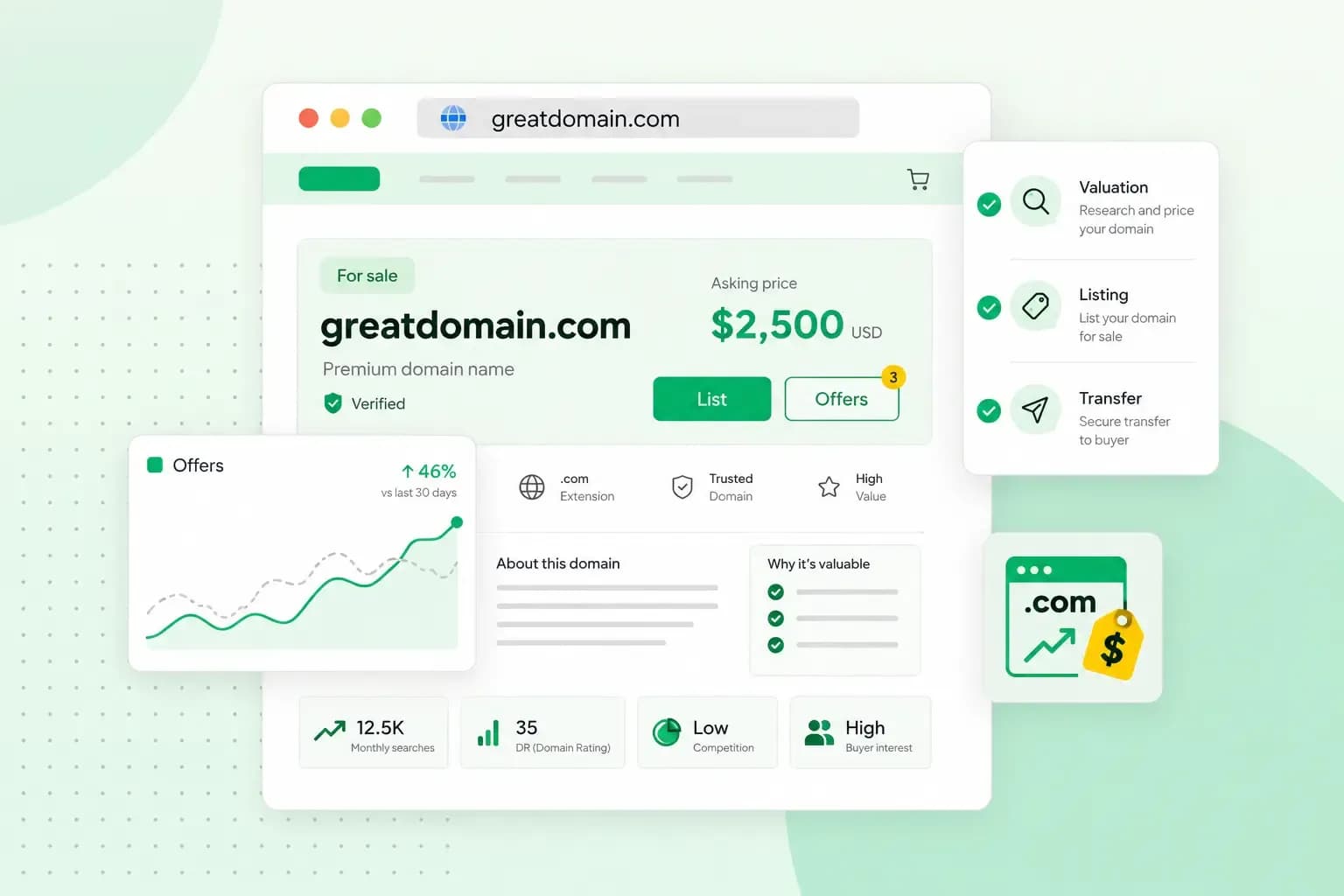
You sell a domain name by setting a realistic price and listing it on a marketplace or offering it to buyers directly. The buyer pays through an escrow service. Once the money is safe, you hand the domain over, either by changing its owner or by transferring it to the buyer's registrar.
A domain never becomes yours for good. You register it and keep it for as long as you renew it. Selling your domain name means handing that registration to the buyer, who then renews it in their own name.
How much are domain names worth?
A domain name is worth what a buyer will pay for it. An appraisal tool such as Estibot gives you a first estimate. Then check what similar names have sold for, such as names with the same keyword or extension, rather than relying on that one figure. These qualities tend to raise the price:
- Length. Short, memorable names are usually the more valuable ones on marketplaces such as Flippa.
- Keywords and brand potential. A name with a popular keyword, or one a business could build a brand on, is usually worth more.
- The extension. This is the ending after the dot, the top-level domain. On the same marketplaces, extensions that people know well, such as .com, usually add to a name's value.
- Traffic. A domain that already brings steady visitors is often more attractive to buyers.
- Demand. The more businesses that could use the name, the more you can ask for it.
How to set your asking price
You can list a domain at a fixed price or invite offers. Use a fixed price if you know roughly what the name is worth. If you're unsure, invite offers and let the first bids guide you.
Either way, set the price from the estimate and the past sales you found, not from what the domain is worth to you. Decide on the lowest price you'll accept before the first offer comes in.
Where should you sell your domain name?
For most sellers, a domain marketplace is the best place to start, because buyers already look for names there. You can also sell directly or through a broker. The routes differ mainly in who finds the buyer:
- On a marketplace such as Sedo or Flippa, you list a domain for sale yourself. Compare their fees and rules before you list.
- Selling directly to a buyer is worth trying when a business would clearly use the name, such as one whose brand matches it.
- A domain broker takes care of the negotiation and the formalities for a fee. A broker is mainly worth paying for a valuable name.
What to put in your listing
A good listing answers a buyer's questions before they ask them. Give the price, or say that you welcome offers, and suggest what the name would suit. Figures then make the listing more convincing. If the domain has a website, Google Analytics gives you the visitor figures. Backlink tools such as Ahrefs and Majestic show which other sites link to the domain. Domain traders look at those links when they value a name. Last, add an email address you check, so a buyer can reach you easily.
Finding buyers and handling offers
While your domain is listed, look for businesses whose name, products or plans match it. Send them a short, polite message with the price and a link to your listing. You can also share the listing on social media and in domain forums.
When an offer comes in, reply promptly. If it's below your price, make a counter-offer rather than turning it down. Explain what makes the name worth more, such as its traffic or a brand it matches. Don't go below the lowest price you decided on.
How to sell a domain safely and get paid
Never hand a domain over before the money is safe. An escrow service such as Escrow.com protects you both by holding the buyer's payment until the domain has changed hands. Once you've agreed the price, you open an escrow transaction, and the buyer pays the escrow service rather than you. Escrow services charge a fee, so agree with the buyer who pays it. Start the handover below only once the escrow service tells you the buyer has paid. Escrow.com then checks the domain's registration records and releases the money to you when they show the buyer's name.
How to hand the domain over to the buyer
How you hand the domain over depends on where the buyer wants to keep it. If your domain is with us and the buyer is happy to keep it here, you change the owner. If they use another registrar, you transfer the domain from us to theirs.
If you're selling because your business has a new name, register your new domain first. Move your website and email to it before the old one changes hands. If your customers are mainly in the UK, a .co.uk domain is usually the right choice for the new name, as it shows them you're a UK business.
If the buyer's domain stays with us: change the owner
With an owner change, the domain stays with us and the buyer takes over its registration.
When you change the domain owner, change the owner of the web space subscription too, even on a domain-only plan. Otherwise the buyer can't log in to the control panel to manage it. The buyer also takes over the web space's content, including email, so save or move anything you want to keep first.
A generic domain is one with an international extension such as .com. For these, an owner change locks the domain against transfers for 60 days by default. You can opt out during the owner change, which matters if the buyer wants to move it to another registrar soon.
- Start the owner change for the domain in your control panel and choose to change the owner of both the domain and the web space subscription.
- Enter the buyer's details as the new owner.
- Confirm the change with the security code we email you. For a generic domain, decide here whether to opt out of the 60-day lock.
- If the web space has backups, choose whether they're deleted or kept for the buyer.
- The buyer opens the email we send them, checks their details and accepts the terms.
- Wait for approval, which can take a couple of days. You both get a confirmation email, and the buyer gets the invoice for the ownership transfer fee and their login details.
If the buyer uses another registrar: transfer the domain
Once the transfer is done, the buyer manages the domain at their registrar. Then they ask their registrar to change the registered owner to their name, which you may be asked to confirm by email, and the escrow service checks this before it pays you. If you're selling a UK domain, such as a .co.uk, go straight to step 4.
- If it's a domain that uses an Auth-ID, request the Auth-ID (also called an EPP code) in your control panel. We send it to the email address registered on the domain, not your contact email.
- Give the Auth-ID to the buyer, who gives it to their registrar to start the transfer.
- Wait for the transfer to finish. It can take up to ten days after the Auth-ID is approved, though it's usually faster.
- UK domains, .co.uk included, don't use an Auth-ID for transfers. Instead, ask the buyer for their registrar's IPS tag and send it to our support from your registered contact email address. Once we've changed the IPS tag, the buyer's registrar is notified automatically.
- Cancel your subscription for the domain separately if you no longer need it: the transfer doesn't cancel it.
If the Auth-ID doesn't reach you, make sure you're looking in the inbox of the email address registered on the domain, and check your spam folder. You can see the current owner details, including that address, in your control panel.
Once the domain is in the buyer's name and the money is in your account, the sale is done. If you're moving to a new name, you can register a new domain with us now.
Search over 400 extensions to find a domain for your next project or business.
Buy your domainRecommended reading
 DomainOct 2, 2026
What is a .si domain?
 DomainSep 9, 2026
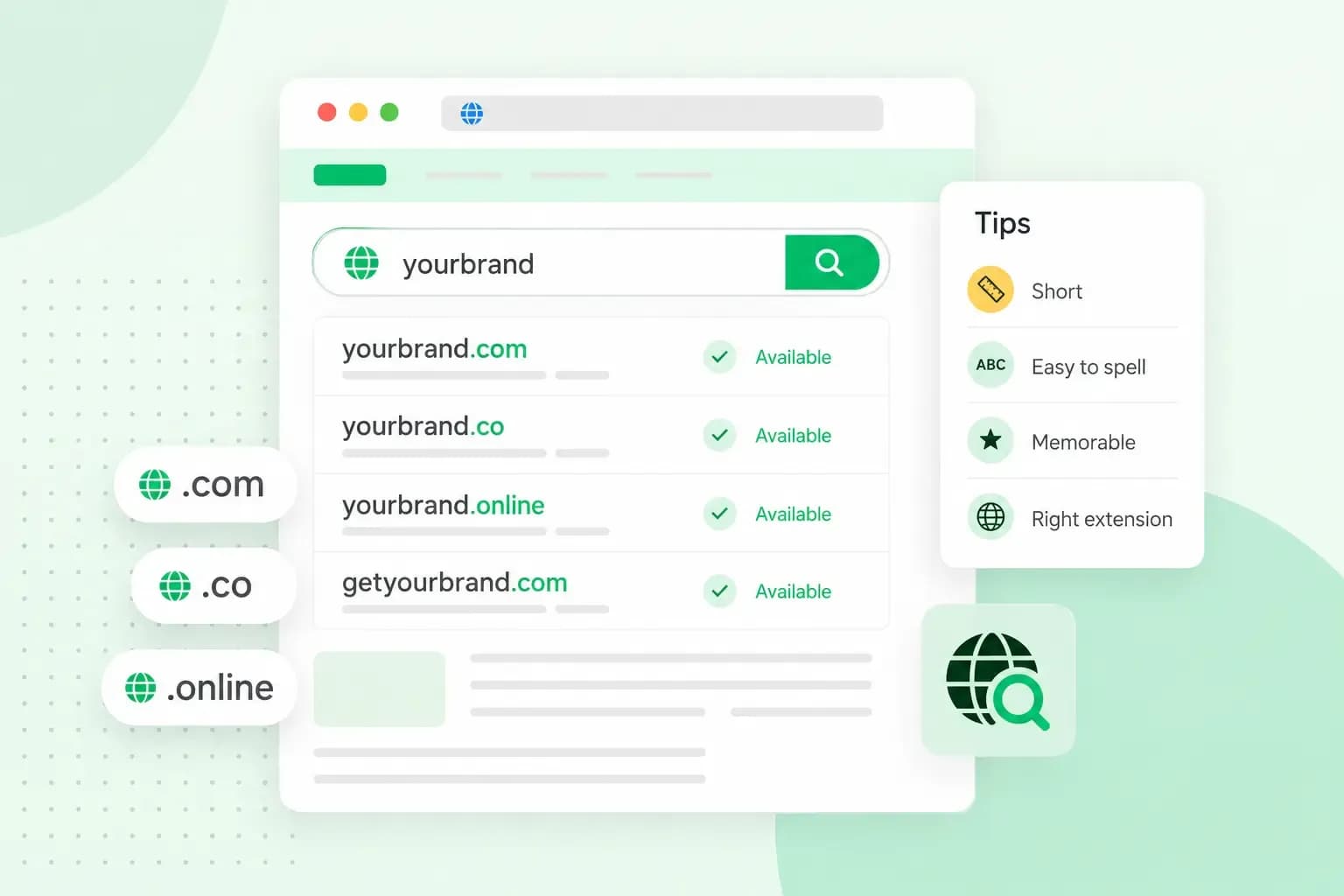
How to choose a domain name
With the abundance of websites on the internet, choosing a domain name can be overwhelming. Continue reading for some tips & tricks on how to pick yours.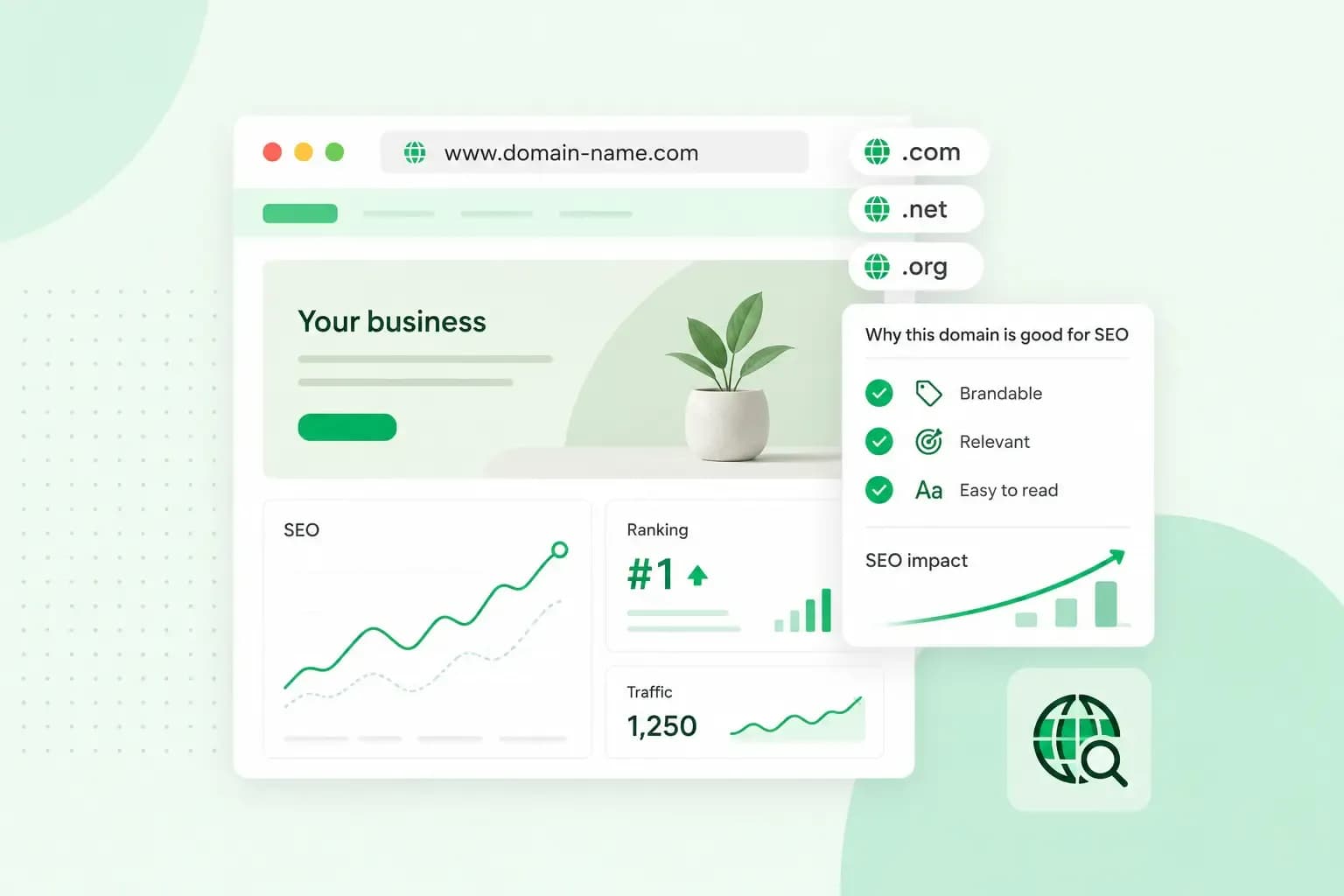 DomainAug 5, 2026
Domain names and SEO: what you should know
Start your website off on the right foot by choosing a domain name that will boost your website’s visibility on search engines.